
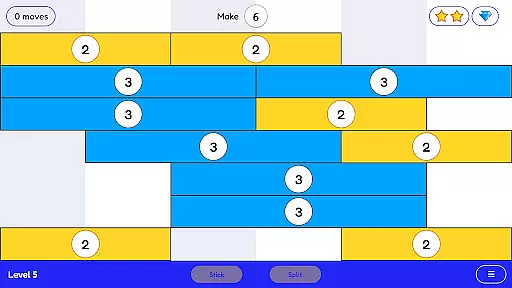
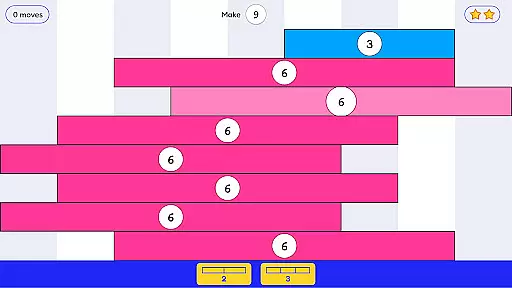
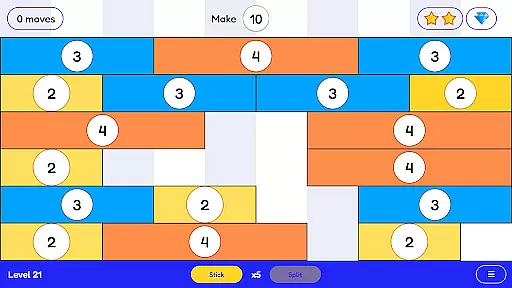
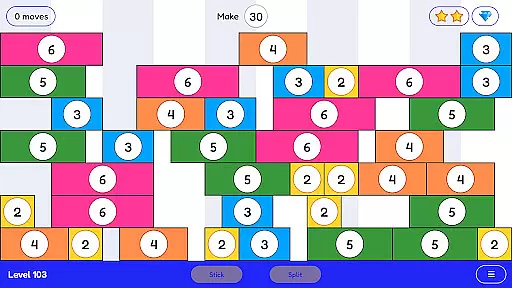
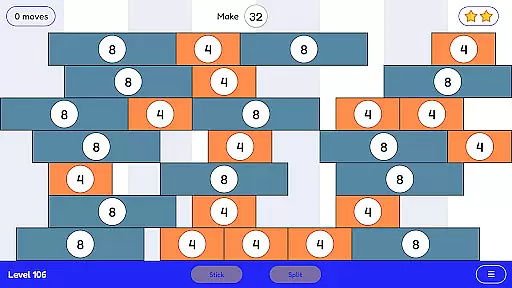
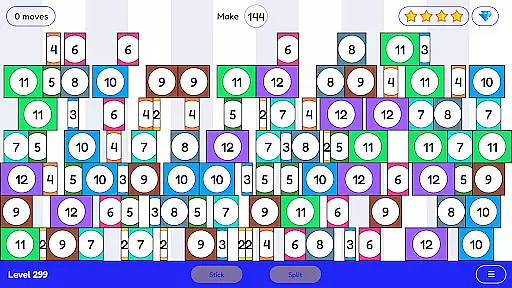
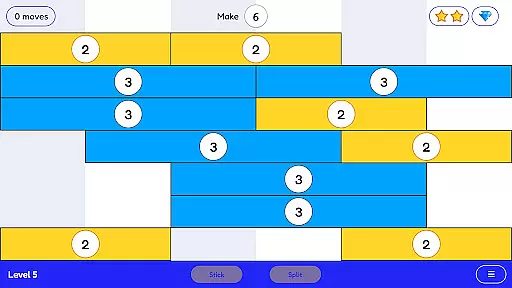
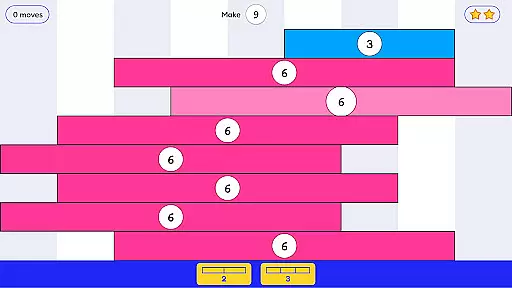
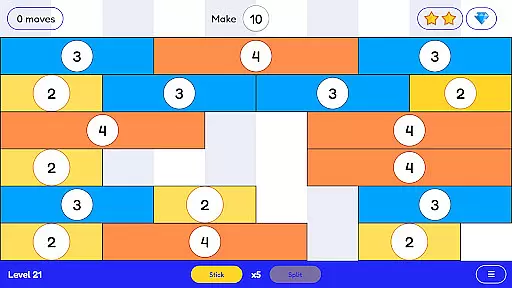
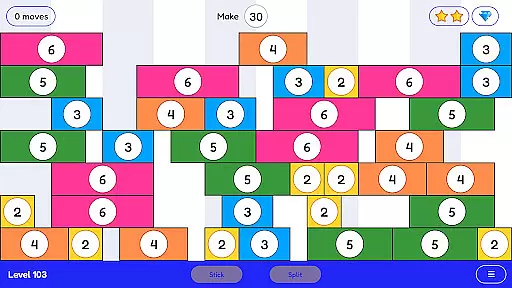
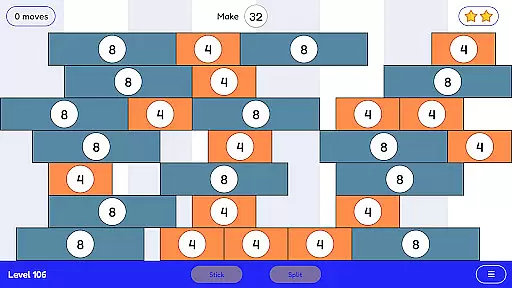
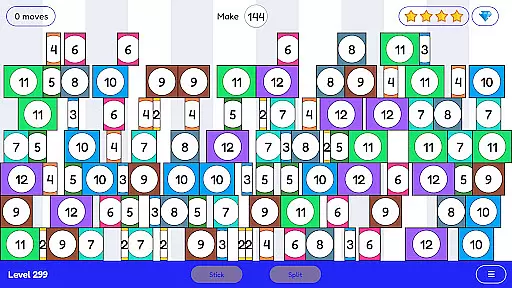
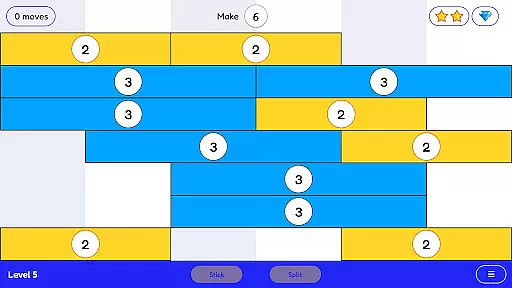
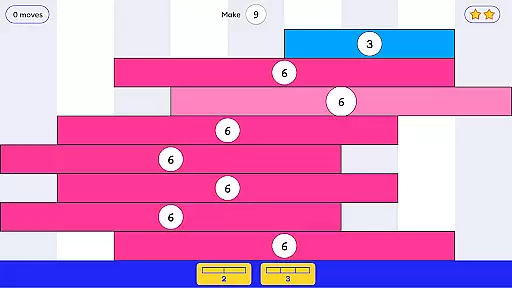
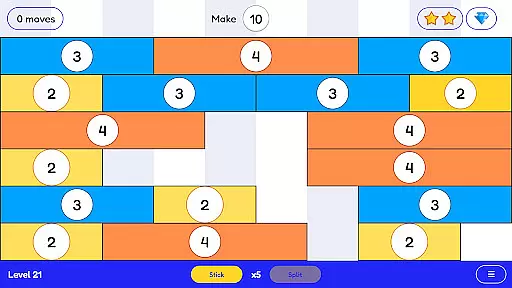
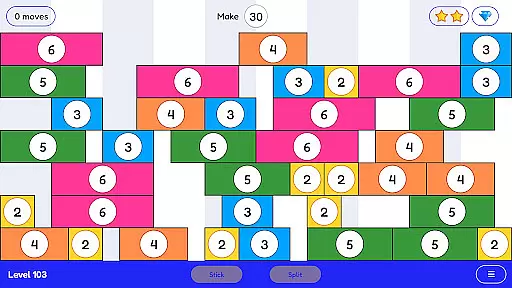
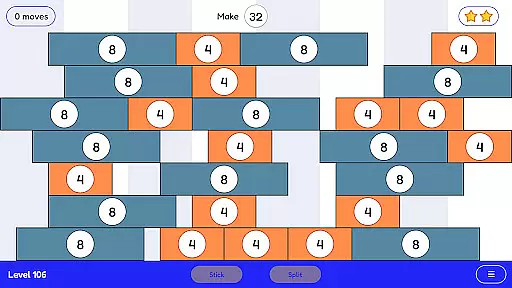
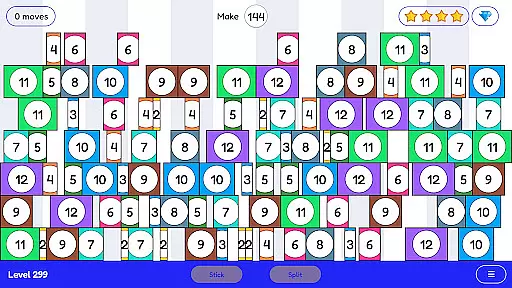
Stick and Split is an innovative educational game designed to make learning math engaging and intuitive. The app focuses on teaching multiplication and division through a highly visual and interactive approach. By sticking numbers together to form larger values or splitting them into smaller components, users develop a deeper understanding of these essential math operations. With over 300 progressively challenging levels, the app provides extensive practice while maintaining learner interest. Suitable for students of all ages, Stick and Split transforms traditional math drills into an enjoyable gaming experience that builds both skills and confidence.
The app's unique methodology helps users grasp mathematical relationships through hands-on manipulation of numbers. Each level presents different numerical challenges that require strategic thinking and problem-solving. The game's carefully designed progression system ensures that learners build their knowledge gradually, from basic concepts to more complex calculations. This makes Stick and Split an excellent tool for both classroom use and independent study.
Stick and Split offers several distinctive features that set it apart from other educational math apps. The most notable is its innovative number manipulation system, which allows users to physically interact with numerical values by sticking them together or splitting them apart. This tactile approach to learning mathematical operations creates a deeper understanding than traditional memorization methods. The app includes over 300 carefully crafted levels, each designed to present unique mathematical challenges while maintaining user engagement.
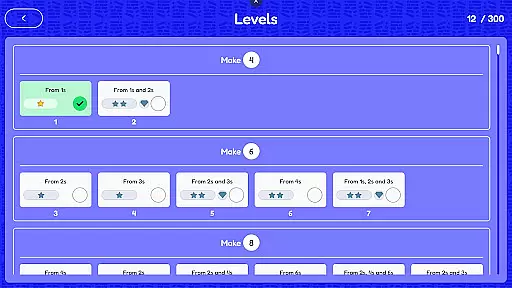
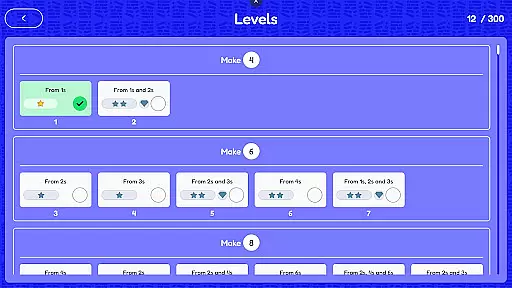
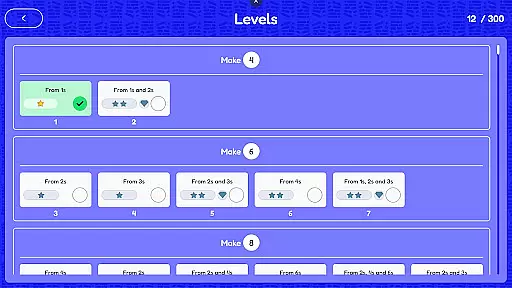
The game's progression system is another key feature, offering a structured learning path that adapts to different skill levels. Users can track their progress through various stages of mathematical mastery, from basic multiplication and division facts to more complex calculations. Additionally, the app incorporates immediate feedback mechanisms and helpful hints, ensuring that learners can overcome obstacles without becoming frustrated. The clean, minimalist interface keeps the focus on mathematical concepts while providing an intuitive user experience across various devices.
In the realm of educational gaming, content authority and curriculum alignment are paramount. Stick and Split excels in this area by offering a mathematically rich environment that aligns seamlessly with educational standards. The game's 300+ levels are meticulously designed to reinforce multiplication and division concepts, ensuring that players engage with curriculum-relevant material.
Every level within Stick and Split is crafted not only to entertain but also to adhere closely to mathematical learning objectives. This alignment ensures that as players progress, they're not just passing time but are actively improving their arithmetic skills in a way that complements traditional learning methods.
The true value of such curriculum-aligned content lies in its ability to instill confidence in learners. By integrating visual learning aids into gameplay, Stick and Split makes abstract mathematical operations tangible. Players can visually comprehend how numbers interact, which significantly enhances understanding and retention of multiplication and division facts.
Gamification has revolutionized the way we approach learning, and Stick and Split stands at the forefront of this innovation. By transforming the process of learning multiplication and division into an engaging game, it effectively bridges entertainment with education. Players stick or split numbers, mastering mathematical operations through interactive play rather than rote memorization.
This ingenious blend of gaming elements with educational content keeps learners engaged for longer periods. As players advance through increasingly challenging levels, they receive immediate feedback on their actions, reinforcing correct strategies and correcting misunderstandings in real-time. This dynamic interaction creates a powerful learning loop that traditional methods often lack.
Moreover, the gamified approach addresses diverse learning styles. Visual learners benefit from seeing number relationships unfold before their eyes while kinesthetic learners enjoy manipulating numbers directly. The result is a comprehensive learning experience that adapts to individual preferences while maintaining rigorous educational standards.
Highly engaging gameplay
Visual learning approach
Extensive level variety
Progressive difficulty curve
Suitable for all ages
Limited to basic operations
No multiplayer mode
Some levels repetitive
Premium price point
Occasional bugs

A game to memorize
 4.3
4.3
A must-have sequel to our Learn Letter Sounds with Carnival Kids app
4.30
Dress up, Makeover, and Party! Design a Wonder World!
3.90
Animal games! Adopt virtual pet dog, cat & rabbit to create your pet world!
4.10
Kids coloring games for boys! Fun drawing, painting & learning book for kids.
4.60
OG Munchers - Play classic Number Munchers game on Android
4.40
Where Little Healers can Make a Big Difference!
4.00
The kids phonics and reading app that's helped millions of kids learn to read
4.00
Amazing learning and educational games for children of all ages.
4.70
Design dreamhouses and dress up creatively in the ultimate role-playing game!
4.70
Pro Doctor Dentist for PetsGame
4.60
Glow Doodle! Baby Coloring & Drawing games for toddlers: Color and Learn! NoAds!
4.40
A fan of cute games? Try animal games & take care of fluffy virtual pets!
4.20
Games, music, crafts and coloring with cats
4.10
Create, design & explore Mia’s avatar game world! Dress up a dreamhouse you love
3.80
Companion app for Cozmo, the educational toy robot who’s got a mind of his own.
3.30
Help your child improve their number literacy with Numberblocks: Card Fun!
2.60
Draw shapes, mix colors, and dodge traps to defeat foes in the vibrant Art Zone!
4.1
A logic puzzle game for 1 - 3 players
4.5


User Reviews