
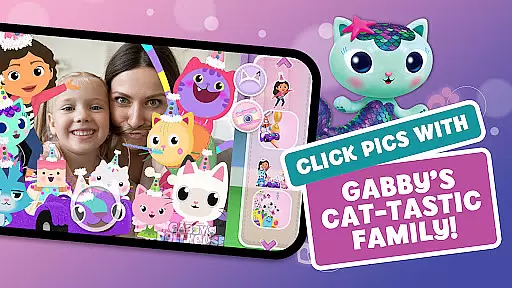
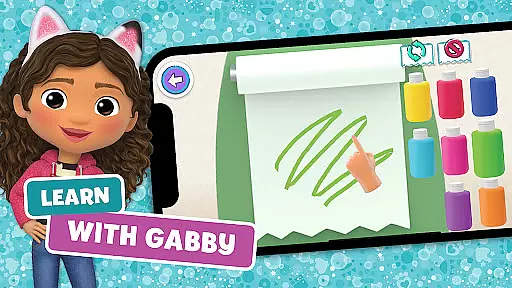
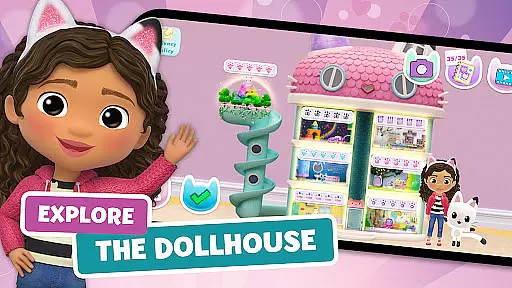
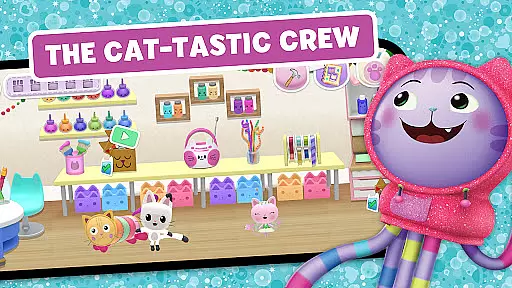
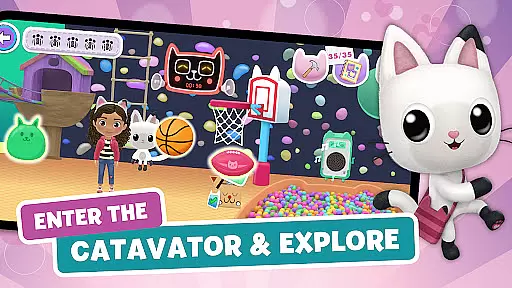
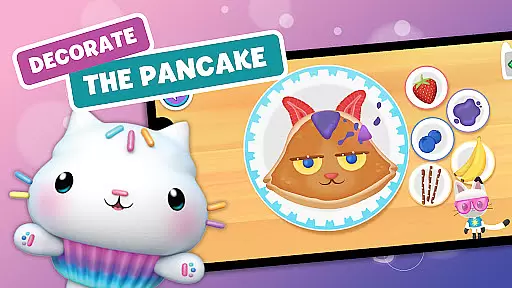
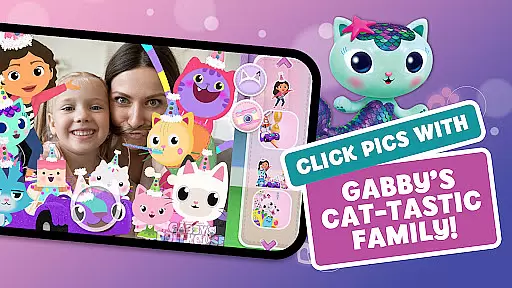
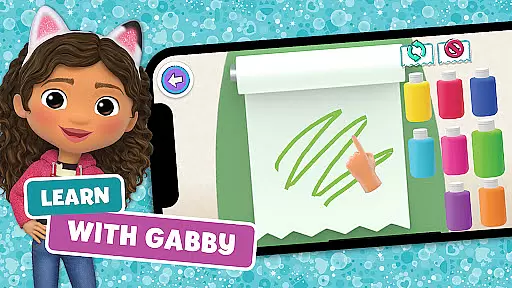
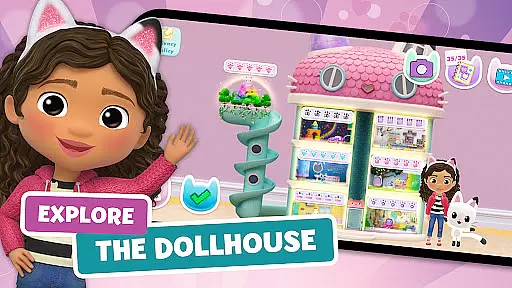
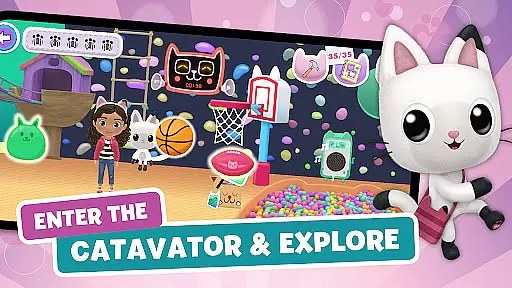
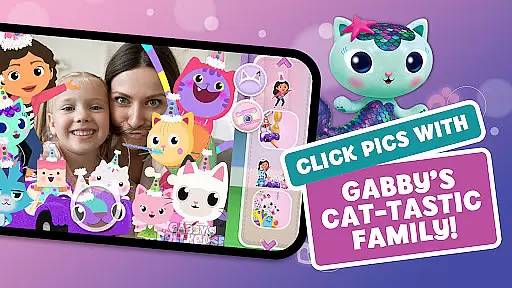
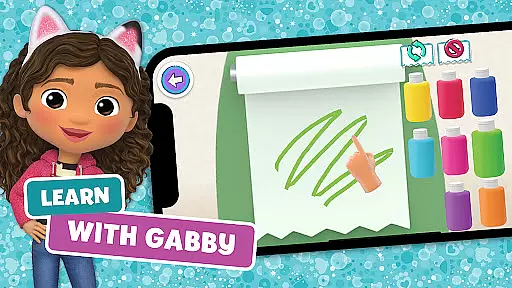
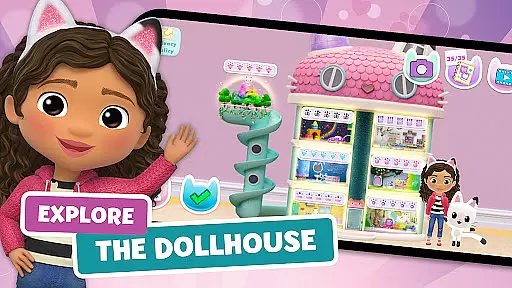
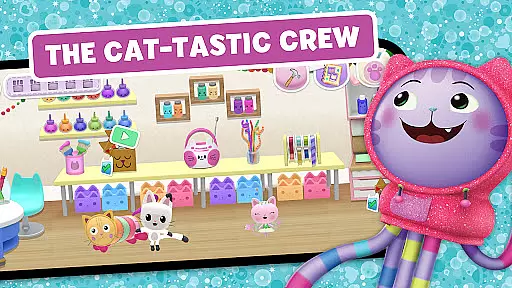
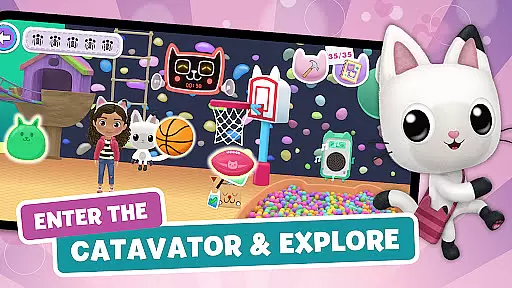
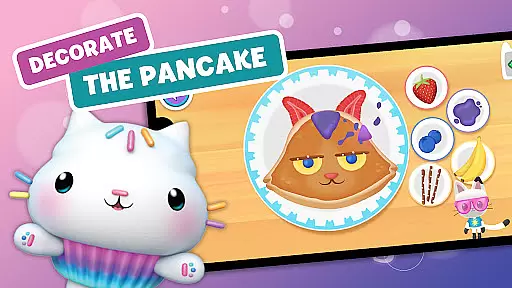
Gabby's Dollhouse: Games & Cats is an engaging educational app that brings the whimsical world of DreamWorks Gabby’s Dollhouse to life. This interactive experience allows children to explore a magical dollhouse filled with surprises and learning opportunities. With seven uniquely themed rooms, each offering distinct activities, the app encourages creativity, problem-solving, and discovery.
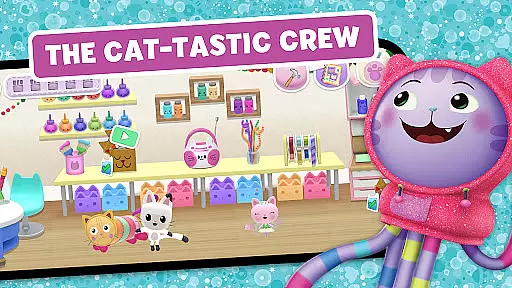
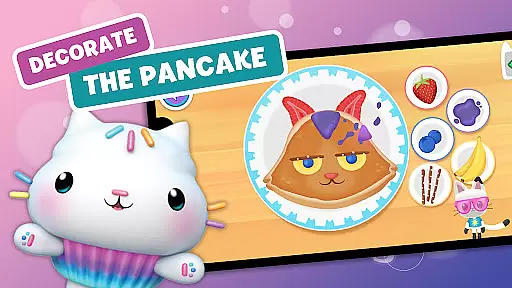
The app features various cat characters like Pandy, Cakey, and DJ Catnip who guide users through fun experiments, crafting projects, and musical adventures. From baking cakes in the kitchen to creating music in the funky music room, every activity is designed to stimulate young minds while they play alongside Gabby. The colorful environments and charming characters make learning enjoyable and accessible for kids.
Designed for devices running Android 6 and above, Gabby's Dollhouse offers a safe space where children can develop new skills and hobbies. Whether it's painting pictures, planting gardens, or conducting science experiments, this app provides countless ways for kids to express themselves creatively and learn through play.
Gabby's Dollhouse stands out with its diverse range of interactive features spread across seven vibrant rooms. Each room has been meticulously crafted to provide unique experiences such as cooking in the sweet kitchen, crafting in the cozy craft room, or exploring science in the bubbly bathroom. These activities are not only entertaining but also educational, teaching children about colors, shapes, sounds, and more.
The app includes a delightful cast of kitty characters, each with their own personality and special activities. For instance, Baby Box helps kids create bead necklaces and origami, while MerCat introduces them to spa science by making potions. This variety ensures that there's always something new to discover, keeping children engaged and excited to return.
One of the standout features is the emphasis on creativity and experimentation. Kids can freely try out different combinations in recipes, art projects, and musical compositions without fear of failure. This freedom fosters a love for learning and innovation, empowering children to think outside the box and develop essential life skills in a playful environment.
In the realm of educational apps, content authority and curriculum alignment are paramount. Gabby's Dollhouse: Games & Cats offers a rich tapestry of activities that align with early learning objectives. The app provides a variety of interactive rooms where children can engage in activities such as crafting bead necklaces, creating art, and experimenting with music. These activities are designed to stimulate creativity and curiosity while subtly incorporating elements of STEAM education.
Each room within Gabby's Dollhouse is crafted to provide an immersive learning experience. For instance, the kitchen encourages baking and cooking, which can enhance mathematical understanding through measurements and quantities. Meanwhile, the craft room promotes fine motor skills and artistic expression. By integrating these educational components into playful scenarios, the app ensures that learning objectives are met without compromising on fun.
The true value of Gabby's Dollhouse lies in its ability to captivate young minds while fostering essential skills. Children can sing along with flowers in the fairy garden or play musical instruments in the music room, all of which contribute to auditory development and rhythm recognition. This harmonious blend of entertainment and education ensures that each activity not only delights but also educates, adhering closely to recognized educational standards.
Gamification has revolutionized the way children learn by transforming educational content into engaging experiences. Gabby's Dollhouse: Games & Cats excels in this area by offering a vibrant world where gamified learning thrives. Through seven uniquely themed rooms, each filled with interactive games and activities, children are invited to explore, experiment, and enjoy learning in ways that traditional methods often lack.
The app integrates gamification seamlessly into its framework, encouraging users to complete tasks and challenges that reward them with new discoveries and surprises. Whether it's racing around the playroom, building castles, or playing sports, every action is designed to be both entertaining and educational. This approach not only sustains interest but also motivates continued exploration and skill development.
Ultimately, Gabby's Dollhouse stands out for its innovative fusion of play and pedagogy. By allowing kids to make bubbly potions in the bathroom or bake cakes in the kitchen, the app creates a dynamic environment where learning feels like play. Such integration ensures that children remain engaged and enthusiastic about their educational journey, making Gabby's Dollhouse a shining example of effective gamification in early childhood education.
Interactive Learning
Creative Freedom
Engaging Characters
Variety of Activities
Safe Educational Space
Limited Device Support
Potential Update Issues
In-App Purchases
Age-Specific Content
Internet Required

This will quickly become your kids' favorite animals game!
 4.40
4.40
Explore & build the cute kitty city, create fun stories & discover surprises!
4.5
Imagine, build and ride your own Rollercoaster!
3.90
Create stories and build your own virtual world for your avatar!
3.00
Cure the patients to create your hospital story!
3.90
Have fun learning Alef Beit
4.5
Where Little Healers can Make a Big Difference!
4.00
A fan of cute games? Try animal games & take care of fluffy virtual pets!
4.20
Create, Style, Repeat!
3.70
Play virtual baby daycare simulator & be a babysitter, take care of cute babies!
4.60
Explore Fantasy Land, get to know the world and create stories!
4.30
A world for little builders to create, imagine, and learn through play.
4.20
Find Carmen - Play the classic detective game, stop VILE and find Carmen
4.10
Dress up, Makeover, and Party! Design a Wonder World!
3.90
Educational game for children about emergency and other service vehicles
3.80
Companion app for Cozmo, the educational toy robot who’s got a mind of his own.
3.30
A game to memorize
4.1
Draw shapes, mix colors, and dodge traps to defeat foes in the vibrant Art Zone!
4.2
Join Rus and his friends to save Pear Island!
4.5


User Reviews