
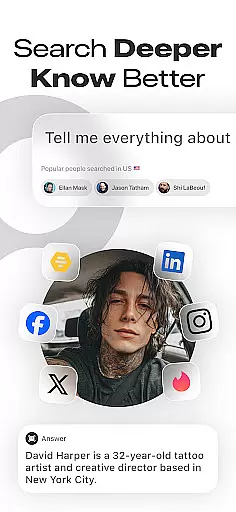
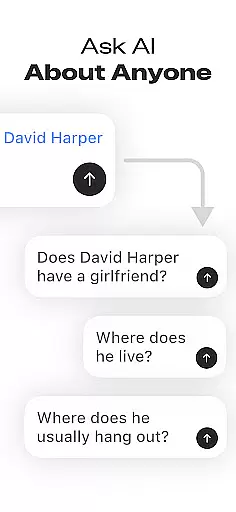

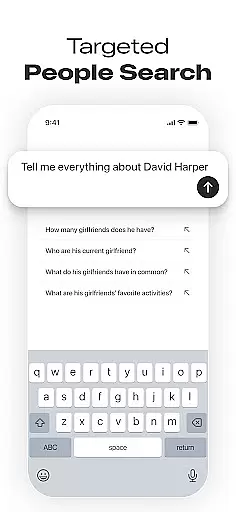

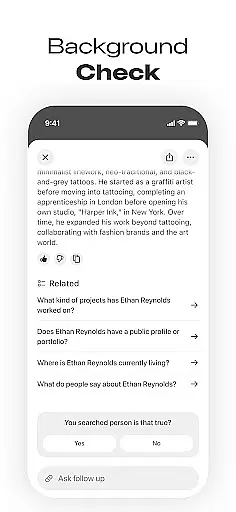

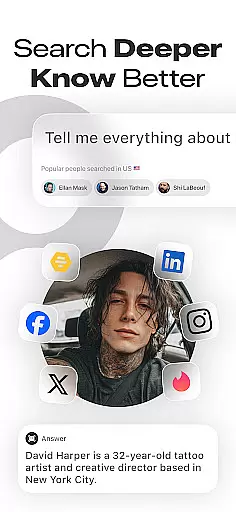
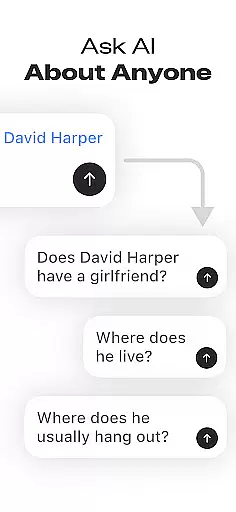

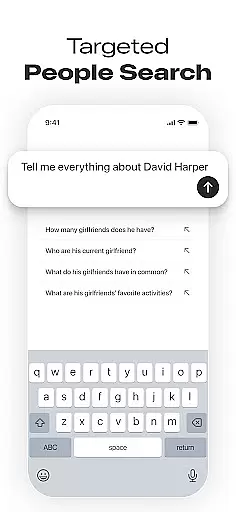

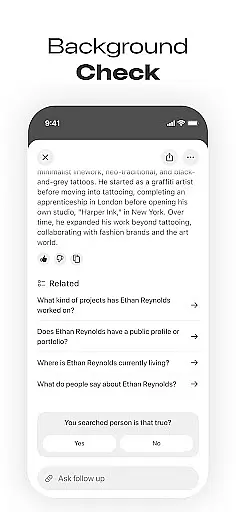

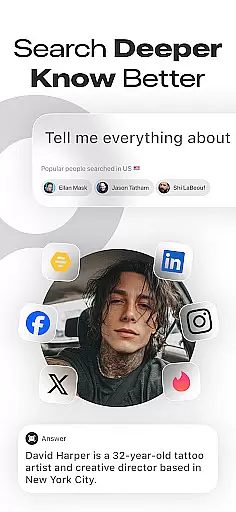
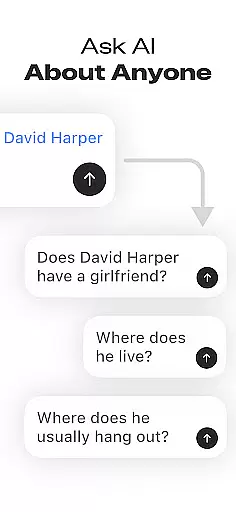

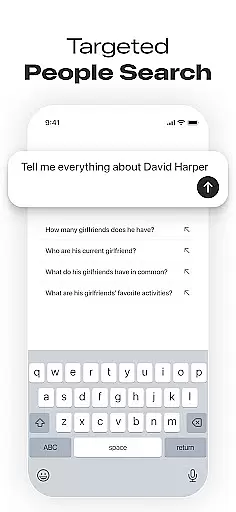

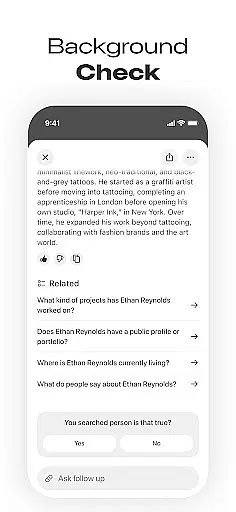

Deepsearch AI Search Assistant is a powerful lifestyle application designed to help users find publicly available information about individuals across multiple platforms. With just a name, phone number, email, or username, the app scans various sources to locate social media accounts and provide comprehensive background details.
The app's core functionality lies in its advanced AI-powered search capabilities that consolidate social profiles and relevant data into a single interface. This makes it easier than ever to reconnect with old friends, verify someone's online presence, or conduct research without endless manual searching.
Ideal for networking enthusiasts, recruiters, journalists, and curious individuals, Deepsearch AI Search Assistant streamlines the process of finding people online while maintaining privacy and transparency by only accessing publicly available information.
Deepsearch AI Search Assistant stands out with its robust feature set tailored for efficient people search and social media lookup. The app's Advanced Social Media Finder allows users to locate social accounts across platforms using minimal input such as a name or username.
One of the key highlights is the Cross-Platform Search functionality, which saves time by aggregating results from multiple sources into one place. Users can access professional details, online mentions, images, videos, and other publicly available records without needing to browse different websites individually.
Additional features include Search History tracking, Popular Searches display, and ethical use assurances through transparent privacy policies. These functionalities ensure users can conduct quick searches while staying informed about trending topics and most-searched individuals.
Deepsearch AI Search Assistant offers comprehensive coverage of lifestyle categories by providing users with the ability to search and discover publicly available information about individuals across multiple platforms. This app goes beyond simple social media lookup, integrating data from various sources to offer a holistic view of someone's online presence.
The app's cross-platform search functionality allows users to access professional details, online mentions, images, videos, and other relevant information through a single interface. Whether you're looking for social profiles, trying to reconnect with old acquaintances, or conducting background research, this app consolidates all necessary tools in one place.
Users benefit from having an all-in-one solution that saves time and effort. Instead of visiting numerous websites individually, they can quickly find people online using just a name, phone number, email, or username. The app is designed to cater to networking enthusiasts, recruiters, journalists, researchers, and curious individuals alike.
This extensive lifestyle category coverage ensures that whether you're attending business events, making hiring decisions, gathering data for reports, or simply reconnecting with friends, Deepsearch AI Search Assistant provides the insights needed to stay informed and connected.
Deepsearch AI Search Assistant places a strong emphasis on content authenticity and expert credibility, ensuring that users receive accurate and reliable information. The app only provides publicly accessible data, maintaining transparency and ethical standards in its operations. This commitment to authenticity helps build trust with users who rely on the app for genuine insights into someone's online presence.
The app employs advanced algorithms to scan multiple platforms and verify the accuracy of the information it presents. By consolidating data from various sources, it ensures that users get a complete and truthful picture of an individualu2019s social media profiles and background. This meticulous approach guarantees that every piece of information has been cross-referenced for consistency and reliability.
Moreover, Deepsearch AI Search Assistant supports professionals such as recruiters and journalists by delivering credible data that aids in decision-making processes. Recruiters can make informed hiring choices based on verified professional backgrounds, while journalists can gather authentic data for their articles and reports.
Ultimately, the focus on content authenticity and expert credibility ensures that users not only find the information they need but also trust the validity of that information. This makes Deepsearch AI Search Assistant an invaluable tool for anyone seeking dependable insights in todayu2019s digital age.
User-friendly interface
Comprehensive search options
Fast and accurate results
Ethical data usage
Multi-platform compatibility
Limited to public data
Premium features may cost extra
Occasional incomplete profiles
Requires internet connection
Privacy concerns for some users

Fly your Solo like a boss.
 4.10
4.10
Chat, meet genuine singles in your area. Real connections start with being real.
4.30
Designed to delight, impress and energize your festive spirit every single day
4.2
Daily lessons from A Course in Miracles with scheduled reminders
4.80
Cute animated Thanksgiving watchface for your WearOS smartwatch
4.5
Big bold hybrid watch face with 30 colors, 5 fonts & 5 complications.
4.4
Digital smart watch face made for Wear OS.
4.70
Share opinions, get paid cash
4.30
No more juggling multiple apps, now you can control everything in one place!
4.60
Good magnifier app to see tiny things bigger and more clearly!
4.80
Pay your rent, submit work orders and much more with the RentCafe Resident App.
4.70
Make money, get paid cash rewards & gift cards for every survey. Earn today!
4.60
Colorful minimal digital watch face for Wear OS
4.60
Smart controls for your Ember Smart Mugs
4.10
What is my face shape? Find out your face shape from picture, see fitting frames
3.90
Communicate with your vehicles and Powerwalls anytime, anywhere
3.60
Discover how to help puppies stay calm around noise with this helpful app.
4.2
Immerse yourself in the serenity of lavender fields and white butterflies
4.3
Futuristic watchface inspired by Back to the Future: sleek, retro, timeless
4.2


User Reviews