
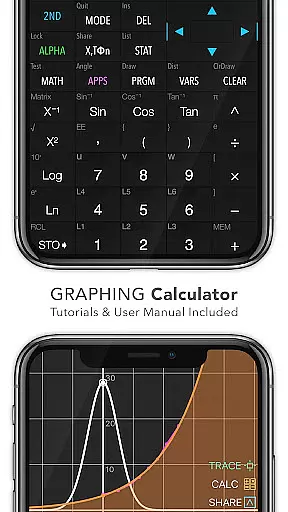
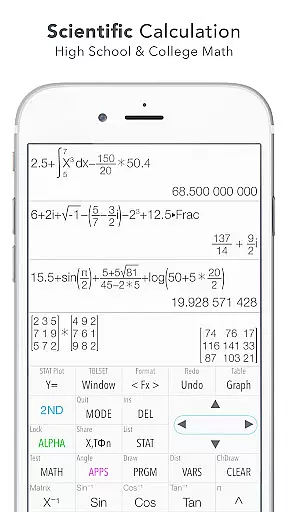
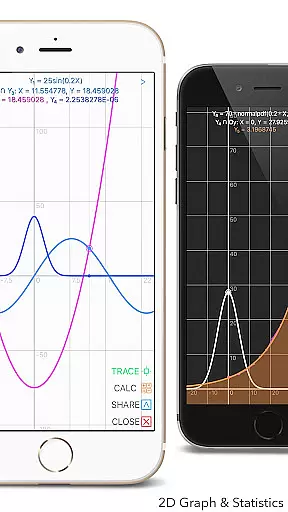
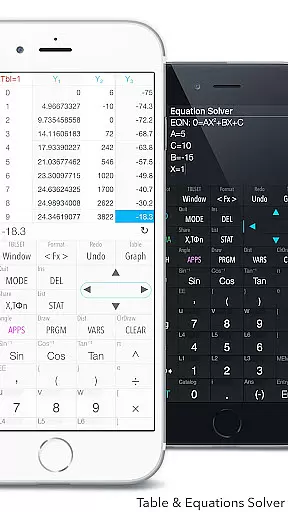
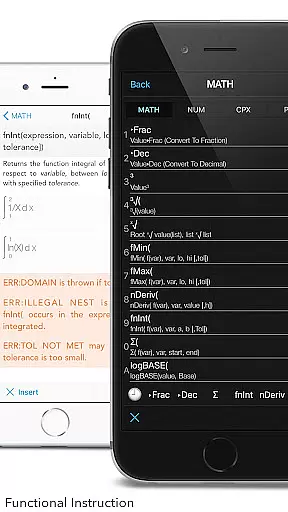
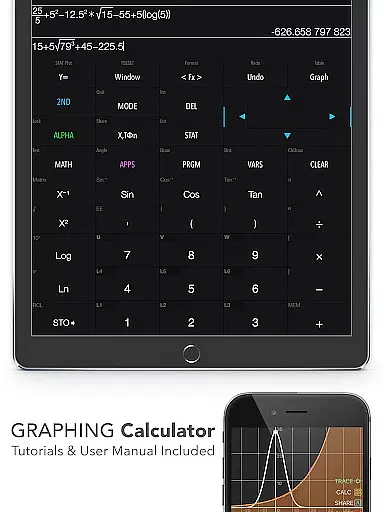
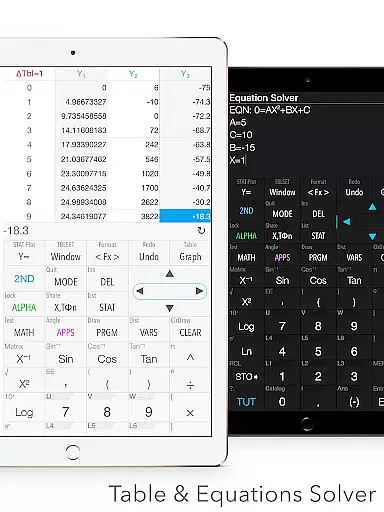
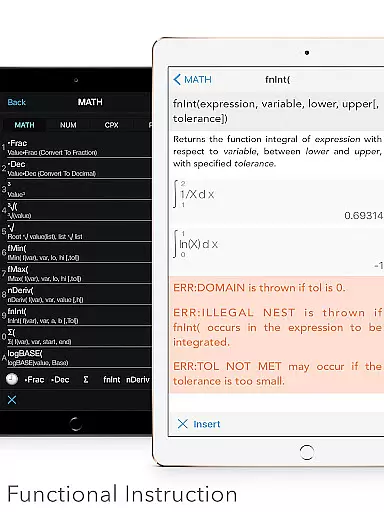
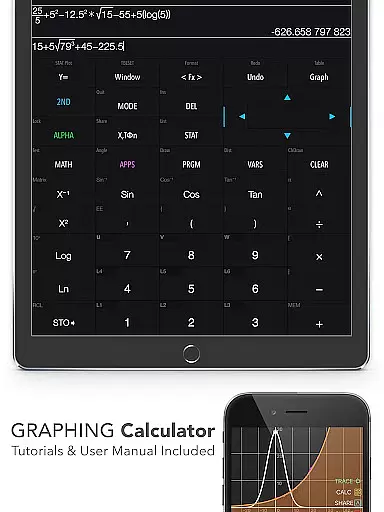
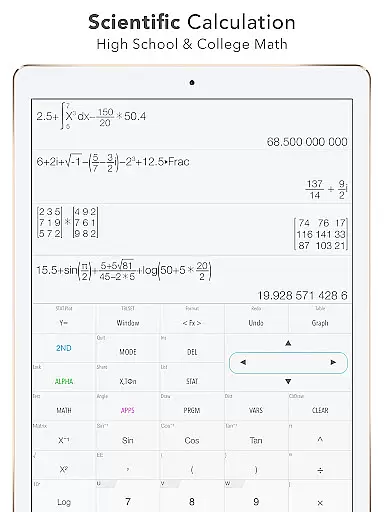
Graphing Calculator Plus is a powerful educational tool designed for students, engineers, and math enthusiasts. This app serves as an advanced mathematical calculator with a robust MATH CORE and intuitive display support, making it the perfect alternative to traditional hardware calculators like the TI-84 or TI-83.
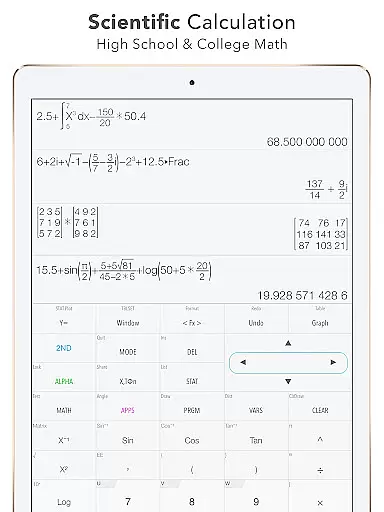
The app offers a wide range of features including 2D graphing, statistical analysis, matrix operations, and programming capabilities. It supports everything from basic calculations to complex equations, integrals, derivatives, and even financial computations. With dual themes, over 40 common constants, and more than 1000 unit conversions, this app caters to both beginners and advanced users in various fields of study.
Whether you're solving polynomial equations, performing regression analysis, or working on geometric problems, Graphing Calculator Plus provides all the tools necessary to succeed. Its built-in documents and tutorials ensure that users can easily navigate through its functionalities while maximizing their learning potential.
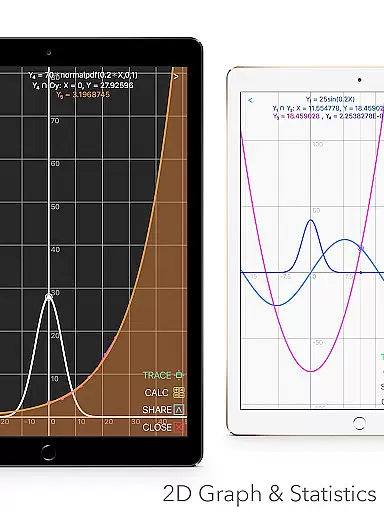
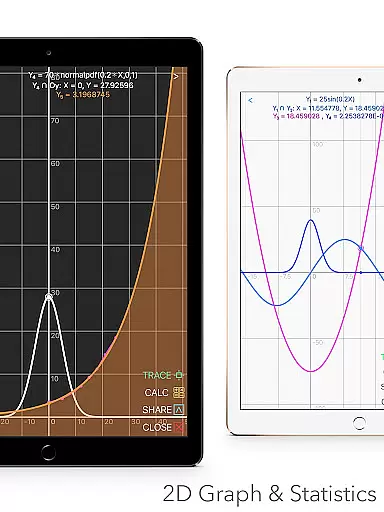
Graphing Calculator Plus stands out due to its comprehensive set of features tailored for educational purposes. One notable feature is its ability to handle 2D graphs with simultaneous plotting, smooth zoom, and transformations. It supports parametric, polar, and sequence graphs, allowing users to trace intersections, minima, maxima, and other special points effortlessly.
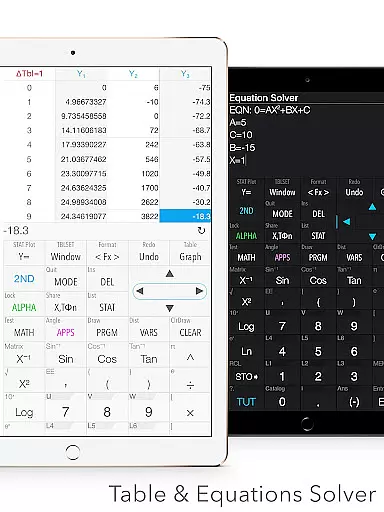
In addition to graphing, the app includes extensive statistical and regression tools. Users can create and edit lists, perform one-variable and two-variable statistics, and apply various types of regressions such as linear, quadratic, logarithmic, and exponential. The app also includes hypothesis testing options like PropZ, SampZ, Chi, and interval tests.
Matrix operations are another highlight, enabling users to create, edit, and manipulate matrices with both basic and advanced functions. Furthermore, the app supports number base-N mode with 15 different bases and binary operations, enhancing its utility for computer science and engineering students. Additional features include a finance calculator, geometry and chemistry apps, and programmable control commands with example source codes included.
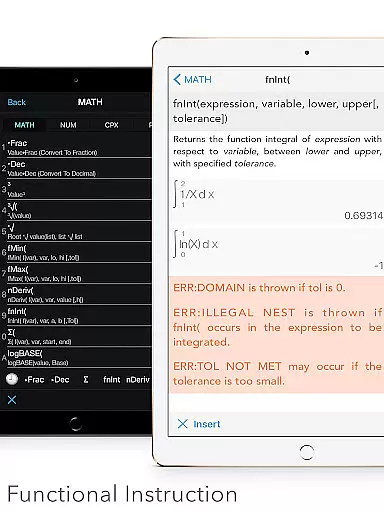
When it comes to educational tools like Graphing Calculator Plus, content accuracy is paramount. This app ensures precise calculations across various mathematical domains, from basic arithmetic to advanced calculus functions. The inclusion of a comprehensive set of constants and the ability to perform complex number calculations contribute to its reliability as an educational resource.
The app's functionality extends to statistical analysis and regression models, providing students and educators with authoritative tools for data interpretation. With built-in documents covering a wide array of mathematical concepts, users can trust that they are learning and applying correct methodologies. Furthermore, the detailed user manual and tutorial support reinforce the app's commitment to delivering accurate and trustworthy content.
Graphing capabilities are another testament to the app's dedication to precision. Whether plotting simple linear equations or intricate parametric curves, the graphing feature maintains exactness in rendering mathematical representations. This level of detail supports both visual understanding and analytical problem-solving skills, which are crucial for learners at all levels.
Graphing Calculator Plus offers personalized learning paths by equipping users with customizable functions and a variety of calculation modes tailored to individual needs. Students can define their own functions (F1, F2, F3) and use Y-variables to create unique equations that suit their specific study requirements. This flexibility allows for an adaptive learning experience that can evolve alongside the useru2019s growing proficiency.
The application also features multiple calculator modes including Base-N calculations, which cater to different areas of study such as computer science or digital electronics. By supporting up to 15 different bases and 64-bit integer operations, it provides a versatile platform for learners to explore diverse numerical systems at their own pace.
Moreover, the matrix and programming features introduce opportunities for self-guided exploration into more sophisticated mathematical concepts. Users can engage with control commands and I/O operations within the programming environment, fostering a deeper understanding through hands-on practice. These attributes make Graphing Calculator Plus not just a tool for computation but also a gateway to personalized education in mathematics.
User-friendly interface
Comprehensive math functions
Advanced graphing capabilities
Extensive statistical tools
Dual themes for customization
No physical keypad
Limited offline support
Occasional bugs reported
Requires learning curve
Premium pricing model

Watch and Play Elmo's World!
 4.00
4.00
An animated storybook app to help ease your child through toilet training.
3.70
Bebefinn and Baby Shark educational, animated videos & games for kids
3.40
Deal Craps (Practice Craps Payouts)
3.80
Pickleball guide complete with illustrated Pickleball drills and helpful info
4.3
Master the NRP with 700+ questions, rationales, and updated NREMT scenarios.
3.00
An interactive enhancement of the Sesame Street classic.
4.50
Your best partner for learning Japanese words. Based on a best-selling textbook.
2.90
THE ESTABLISHED "GO TO" ARMY BOARD PREPARATION APP!
4.30
Experience the sky, planet earth and the solar system like never before
4.90
Short Lessons for Better Finances, Health, Skills, Jobs & Relationships.
4.80
Learning the ancient Viking language made simple
4.70
Stack the States makes learning about the 50 states fun!
4.70
Learn & Speak New Languages
4.70
Professional Award-Winning Astronomy Star Map App With Telescope Control
4.40
Learn math, step-by-step
4.30
School Communication
4.30
An aviator’s preparation, study and test tool for FAA Knowledge Exams.
3.90
Learn and joke with the Silly Turkey!
4.1
Honest Duolingo review—energy system problems, hidden costs, what works for language learning, and whether the free version is still viable.



User Reviews