
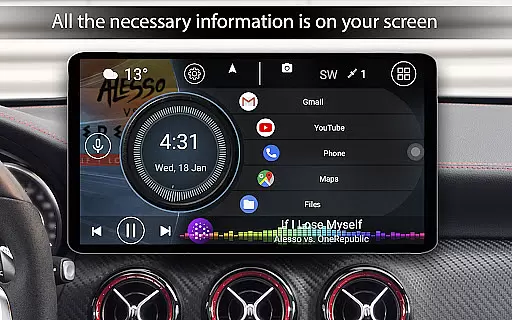
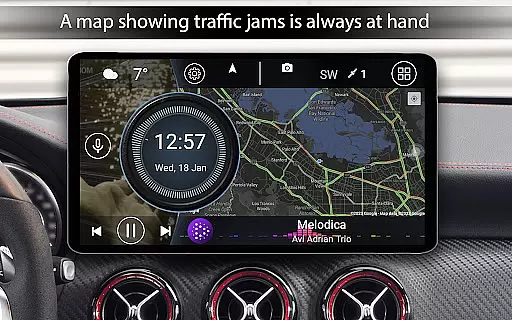
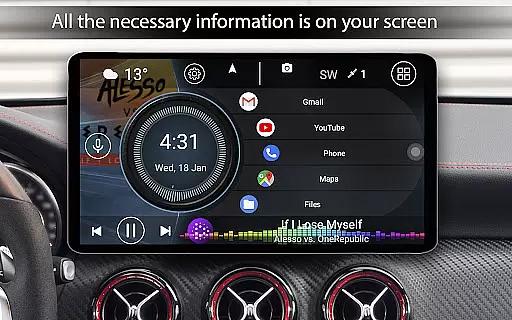

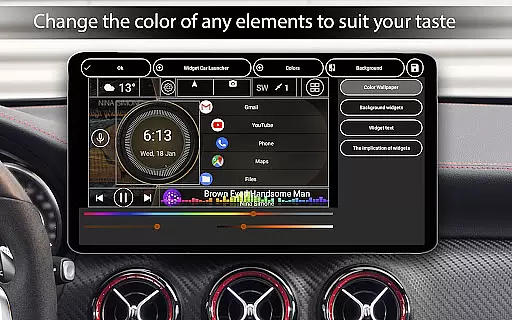
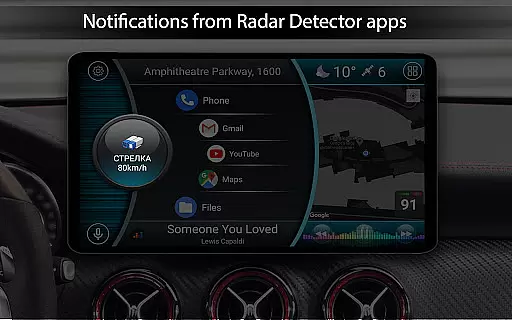
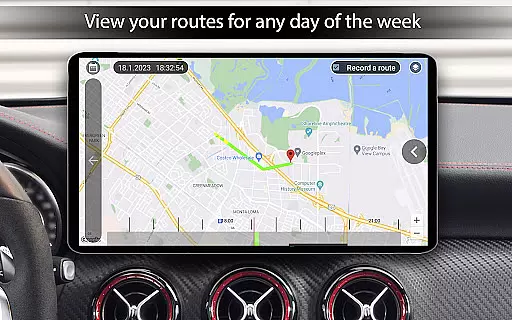
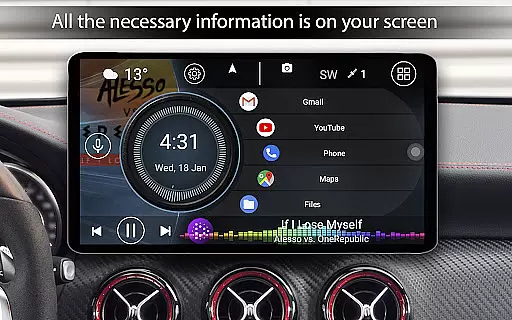
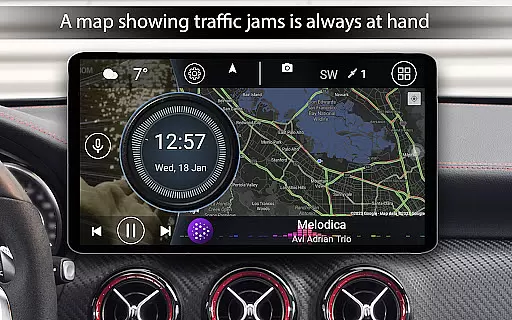
Car Launcher Pro is a specialized application designed for automotive use, enabling users to seamlessly interact with their Android-based car systems. This app transforms the vehicle's interface into an intuitive platform that combines essential driving information with easy access to frequently used applications.
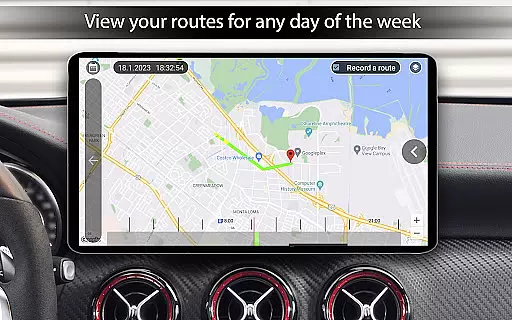
The launcher provides crucial driving data such as real-time speed and distance tracking through GPS, while offering customization options for themes, widgets, and display settings. Its user-friendly interface allows drivers to safely manage their apps and vehicle information without distraction. Whether it's for a daily commute or a long road trip, Car Launcher Pro enhances the in-car experience by providing both functionality and personalization.
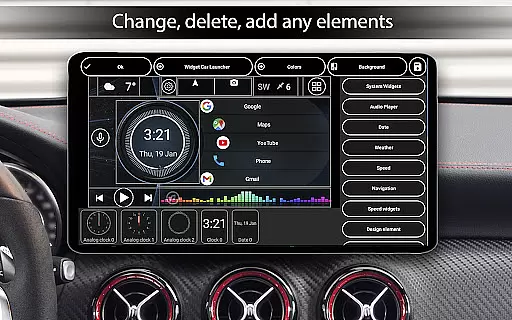
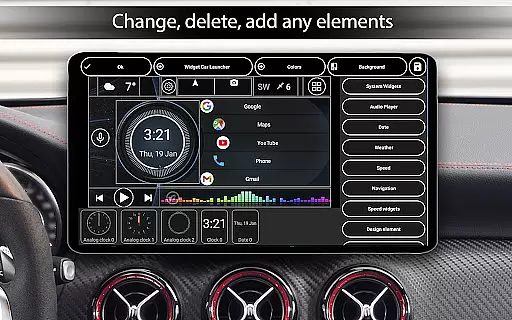
Car Launcher Pro stands out with its comprehensive feature set tailored for drivers. The app displays accurate speed readings using GPS data and offers detailed trip statistics including average speed, total mileage, and acceleration times. Users can customize their dashboard with various widgets showing analog clocks, speedometers, and other driving metrics.
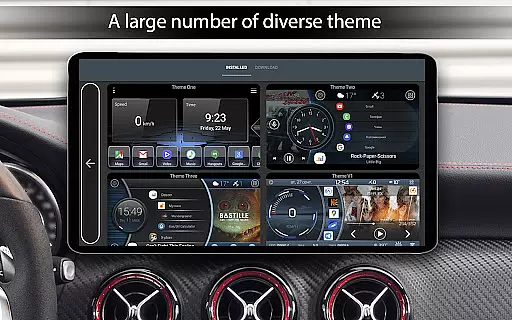
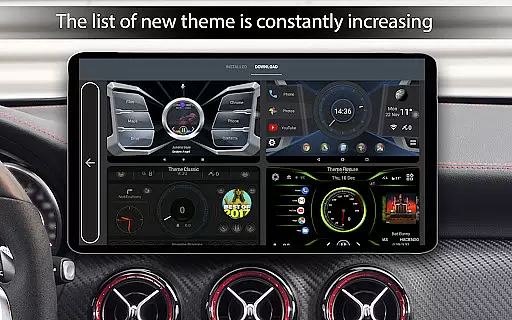
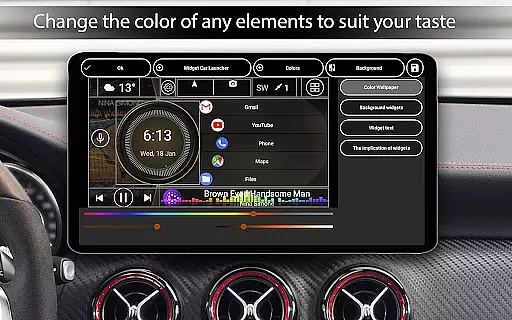
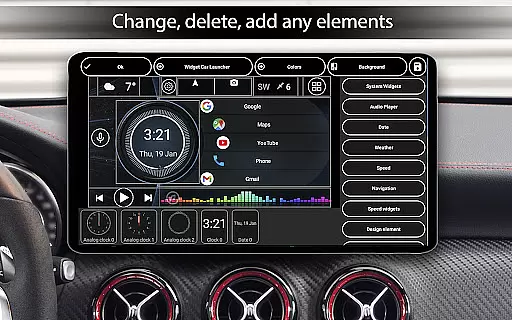
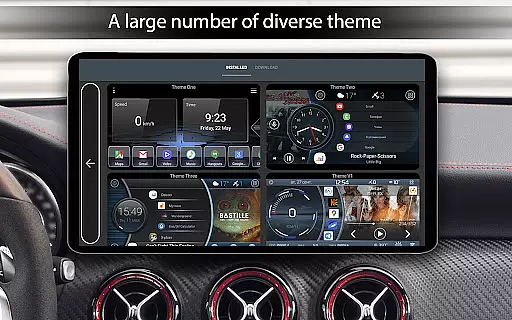
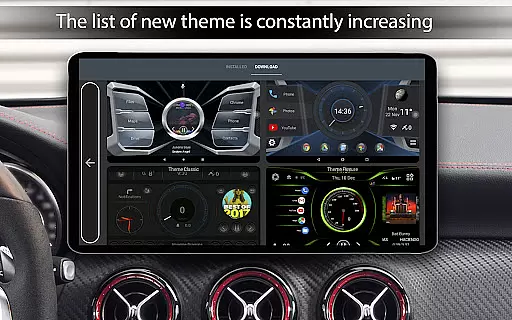
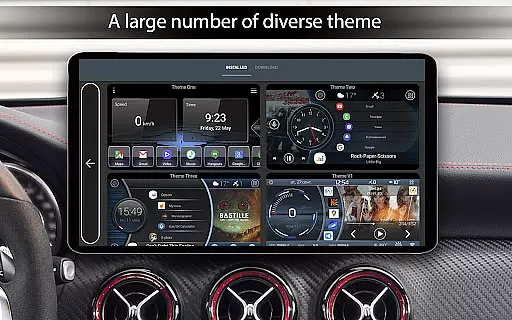
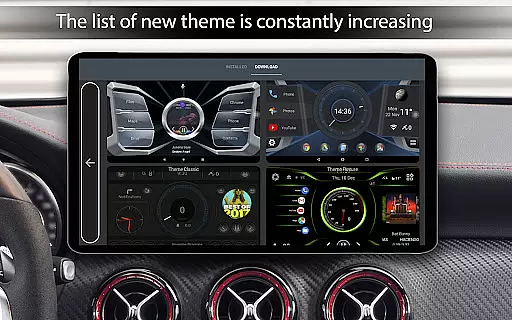
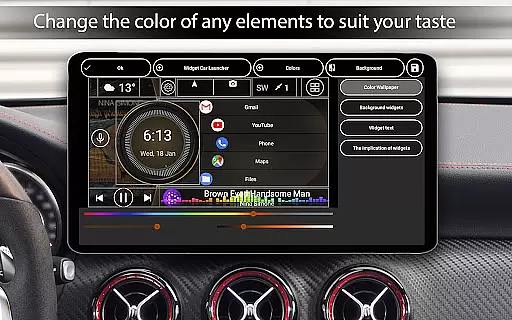
A key highlight is the customizable home screen, where users can create folders for quick access to favorite apps and switch between different layouts. The app supports third-party themes and icon packs, allowing for personalized aesthetics. Additionally, it includes practical features like weather updates, location information, and automatic brightness control based on time of day. These features collectively ensure that drivers have all necessary information at their fingertips while maintaining focus on the road.
Car Launcher Pro provides comprehensive vehicle data through its advanced interface, ensuring drivers have access to crucial metrics at a glance. The application leverages GPS data to display real-time speed, distance traveled, and average speed, offering users an accurate picture of their driving performance.
The onboard computer functionality goes beyond basic metrics by providing detailed statistics such as maximum speed, acceleration times from 0 to various benchmarks (60km/h, 100km/h, 150km/h), and even quarter-mile time tracking. These features allow users to monitor their vehicle's performance over different periods - trip, daily, weekly, monthly, or overall usage.
Users can customize the displayed information according to their preferences, choosing between metric or imperial units for speed measurement. The application also maintains a historical record of driving data, which can be reset anytime, giving users control over their tracking periods and maintaining up-to-date vehicle information.
This level of detail in vehicle information empowers users with knowledge about their driving habits and vehicle capabilities, promoting safer and more informed driving decisions while providing valuable data for vehicle maintenance and efficiency tracking.
While Car Launcher Pro offers its extensive features, it emphasizes clarity in its pricing model, although specific pricing details are not provided within the app description itself. The application is designed to be transparent about the cost implications of using premium features, ensuring that users understand the value they receive.
For users seeking additional customization and functionality, the PRO version unlocks advanced options such as creating multiple folders for selected applications on the main screen, enhancing usability and personal workflow. This tiered approach allows users to choose a version that best fits their needs without hidden fees or unexpected charges.
The free version of Car Launcher Pro provides substantial utility, including essential vehicle data and customization options, making it accessible to all users regardless of budget constraints. Users can enjoy core functionalities like speed display, quick app launches, and basic theme customization without financial commitment.
By structuring its offerings with clear distinctions between free and PRO versions, Car Launcher Pro ensures that drivers can make informed decisions about which features are most valuable to them, aligning expenditure with personal preferences and requirements for vehicle interaction and management.
User-friendly interface
Customizable dashboard
Real-time GPS data
Third-party theme support
Comprehensive trip statistics
Limited free version
Background GPS drains battery
Complex setup required
Premium features locked
Occasional performance issues

Wonder how much horsepower and torque your car/truck makes? Look no further.
 3.40
3.40
DMV Test Pro offers all the updated FREE DMV tests online.
4.60
Get your personalized financing options and shop for used cars today!
4.20
Lexus app currently supports 2010 or newer vehicles (2018 or newer for Hawaii).
4.80
Automotive Electrical Wiring Diagrams
4.40
MySubaru: Download. Connect. Love.
4.70
Your go-to app for car, truck & SUV parts, DIY tools, and expert repair help.
4.70
Marathon ARCO Rewards members earn rewards & apply the rewards for fuel savings!
4.80
Shop, finance, or sell today.
4.80
DMV practice test 2025: Driver License permit test & written test for all states
4.70
Listings of Tesla's with FSD - Included package
4.60
Secure mobile payments & fuel savings at Phillips 66®, Conoco® and 76® stations
4.40
Ultimate OBD2 Car Scanner: Diagnostics, Service and Modification Tool
4.30
Realtime Charts is a plugin for the Torque Pro App (OBD 2 & Car)
4.20
myAudi offers users services and Audi connect services for Audi drivers
4.10
Simplify your drive
3.90
The Smarter Way Forward
3.30
Club Car Wash Mobile App—the fast lane to managing your wash membership.
3.30
Theme for Car Launcher
4.4


User Reviews