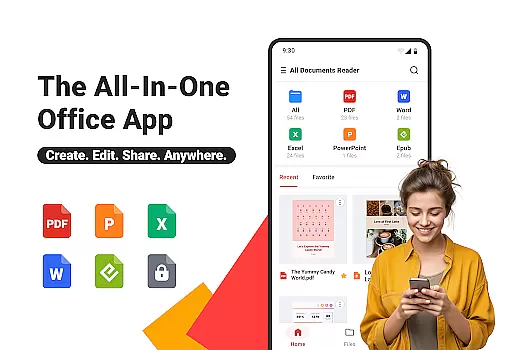
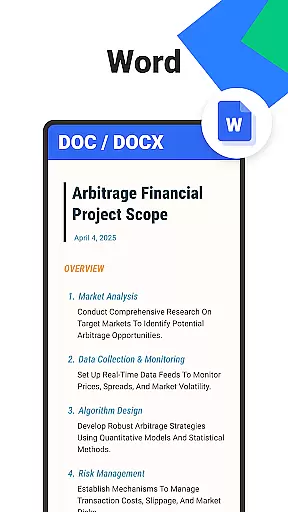
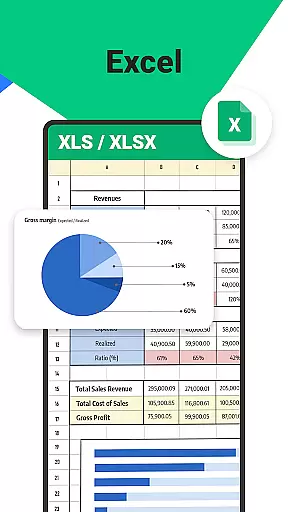
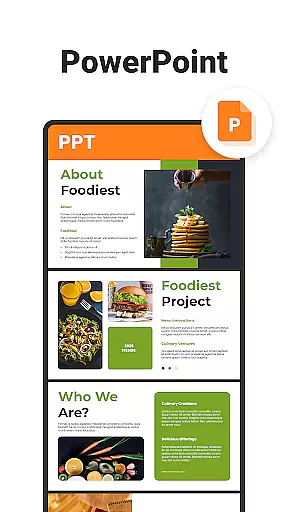
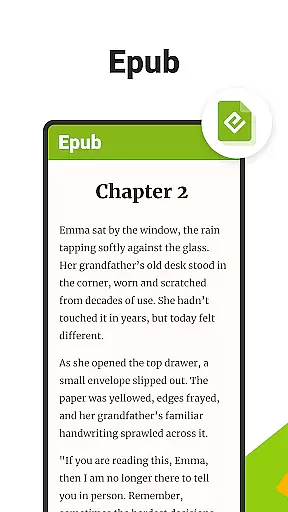
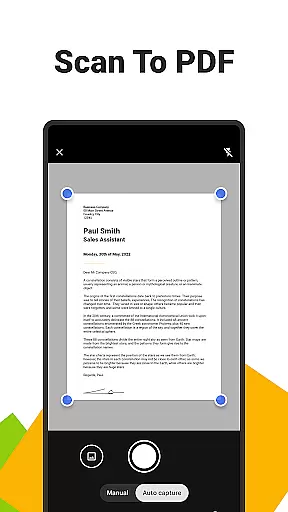
All Documents Reader is a versatile document management tool designed to streamline how you view, edit, and organize digital files. Supporting multiple formats including PDF, Word, Excel, PowerPoint, and EPUB, this app serves as an all-in-one solution for both professional and personal use.
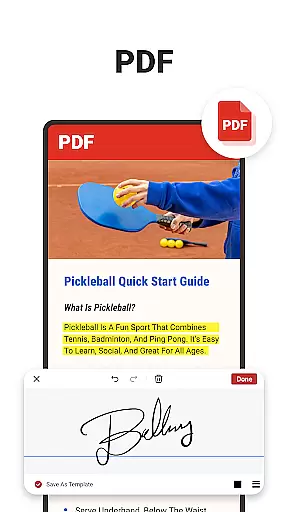
With its comprehensive PDF tools, users can read, annotate, merge, split, fill forms, and even scan documents into high-quality PDFs. The app also offers AI-powered summarization for extracting key points from complex documents, making it ideal for students, professionals, and everyday users who need efficient ways to manage their files.
The intuitive interface allows for easy navigation and automatic categorization of files by format, ensuring quick access to the documents you need. Whether you're working on detailed reports or reading eBooks, All Documents Reader provides a seamless experience tailored to various needs.
All Documents Reader stands out with its robust feature set that caters to diverse document management needs. One of its core strengths is the multi-format support, enabling users to open PDFs, Word, Excel, PPT, and ePub files effortlessly. This makes it a reliable PDF viewer and editor while consolidating all essential tools in one place.
The app includes advanced PDF functionalities such as annotation, form filling, merging, splitting, and encryption. Its built-in scanner allows users to convert images into PDFs instantly, while AI-driven summarization extracts critical information from lengthy documents. These features ensure maximum productivity without compromising usability.
Additionally, the app optimizes file organization through smart search capabilities and automatic categorization. Users benefit from customizable viewing modes and offline functionality, ensuring privacy and convenience. Whether for work, study, or leisure, All Documents Reader delivers a powerful yet user-friendly solution for managing digital content efficiently.
Ora All Documents Reader excels in delivering precise and effective core functionalities that cater to diverse document management needs. The app supports an extensive range of file formats including PDF, Word, Excel, PowerPoint, and EPUB, ensuring accurate rendering and compatibility across different types of digital content.
One standout feature is its ability to handle PDFs with advanced tools such as highlighting, annotating, merging, splitting, form-filling, and signing documents effortlessly. These functions are not only comprehensive but also designed for efficiency, allowing users to complete tasks quickly without compromising on quality or detail.
In addition to its robust PDF capabilities, the app offers AI-powered summarization which extracts key points from complex documents intelligently. This functionality enhances productivity by providing concise summaries that save time while maintaining the integrity of the original content.
Users benefit significantly from these accurate and effective features because they streamline workflows and enhance document interaction experiences whether for professional or personal use. With Ora All Documents Reader, you can trust that your files will be managed reliably and efficiently.
The interface design of Ora All Documents Reader prioritizes simplicity and intuitiveness, making it accessible even to those who may not be tech-savvy. Upon opening the app, users are greeted with a clean layout where all essential functions are easily accessible through clearly labeled menus and buttons.
Navigating through various file formats is seamless thanks to intuitive controls that allow quick switching between viewing modes like horizontal and vertical orientations. Additionally, smart search functionality helps locate specific documents swiftly, enhancing overall usability without overwhelming the user with unnecessary complexity.
Automatic categorization further simplifies document organization by sorting files based on their format type. This thoughtful approach ensures that users spend less time searching for documents and more time engaging with them productively.
Overall, Ora All Documents Reader's straightforward yet powerful interface empowers users to manage their digital files confidently. By focusing on ease-of-use alongside functional depth, this tool becomes an indispensable asset for anyone looking to optimize their document handling processes effectively.
User-friendly interface
Multi-format support
Advanced PDF tools
AI-powered summarization
Offline functionality
Limited cloud integration
No collaboration features
Occasional performance lags
Premium features locked
Heavy on storage

pdf merge, word to pdf, jpg to pdf, edit pdf, convert to pdf and much more!
 4.20
4.20
Transfer Files, APK from Phone to Watch & Install.
4.5
Learn the vast amount of system information about device and monitor it's state
4.70
An open-source APK explorer for Android!
4.10
With videos, electrical calculators, and built-in ebook, Ugly’s has your answer.
4.50
Planner and Tracker for Stardew Valley
4.60
Screen Mirroring with sound for Samsung TV, LG TV, Sony TV, Smart TV and Browser
4.20
Download any file easily and quickly with Downloader
4.1
Enhance your Beats
3.70
Easily install aab(Android App Bundle) files on your Android device with our app
4.80
WiFi Signal Strength Meter help you detect WiFi Signal Strength in real time.
4.80
App to pay for FUTO Keyboard
4.60
The Ultimate Bluetooth Keyboard & Mouse. Securely control your PC, Mac, and more
4.50
Remote for Roku, Fire TV, Samsung TV, LG TV, Android TV, Chromecast and VIZIO TV
4.20
A powerful, easy-to-use flight computer on your phone or tablet!
3.80
Smart and comfortable browsing experience.
3.80
Fun lie-detection pranks for friends and parties.
3.80
Safely recover deleted photos, videos, and files with a single easy tap.
3.70
PDF Reader - Document Viewer: Read, Manage & Organize Your Documents
3.10


User Reviews