
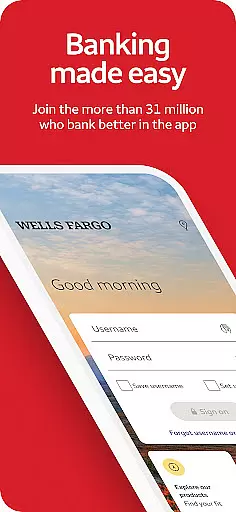
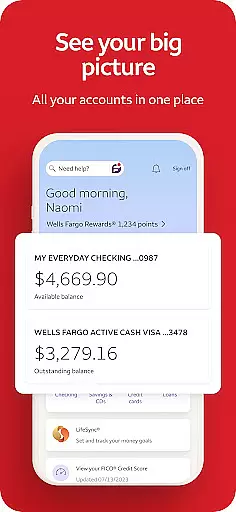
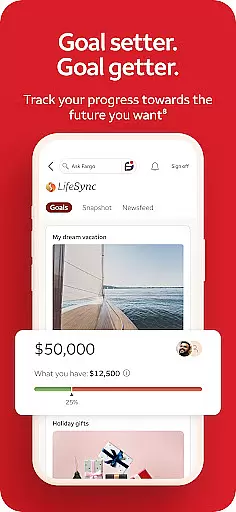
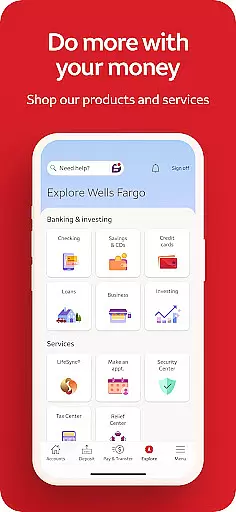
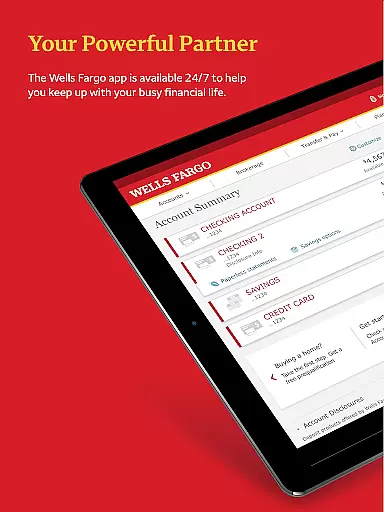
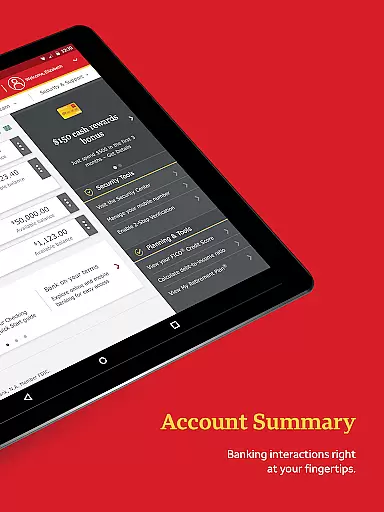
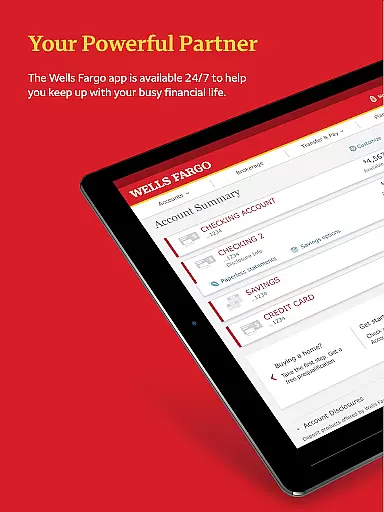
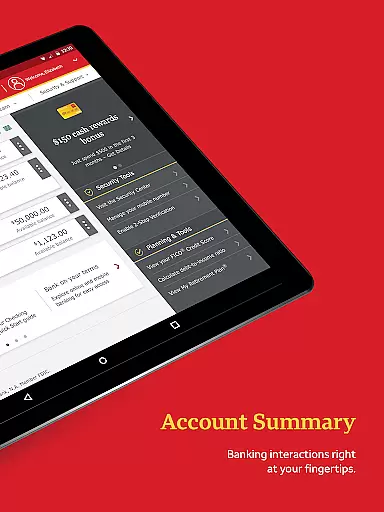
Wells Fargo Mobile is a comprehensive financial management application designed to provide users with convenient access to their banking, credit, and investment accounts. The app supports biometric authentication, allowing secure and quick login through fingerprint or facial recognition on compatible devices. Users can manage their finances effectively by reviewing account balances, transaction history, and even controlling card settings such as activation or deactivation. Additionally, the app facilitates seamless fund transfers between accounts and to other financial institutions, enhancing user convenience.
Beyond basic account management, Wells Fargo Mobile offers advanced features like check deposit through the device's camera, real-time investment tracking, and integration with digital wallets. The app also emphasizes security by providing tools to report fraud, set up alerts for suspicious activities, and access FICO Credit Scores. With functionalities extending to bill payments and money transfers via Zelle, this app ensures users have a robust platform to handle all their financial needs securely and efficiently, making it an essential tool for modern banking.
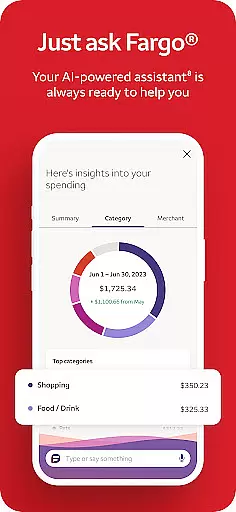
Wells Fargo Mobile stands out with its extensive range of features tailored to meet diverse financial management needs. One of the key highlights is the support for biometric sign-on, which not only enhances security but also simplifies the login process for users with compatible devices. This feature underscores the app's commitment to leveraging cutting-edge technology for user convenience and data protection. Additionally, the app provides detailed insights into account activities, credit card transactions, and investment portfolios, empowering users to make informed financial decisions.
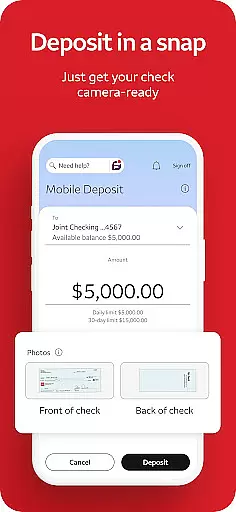
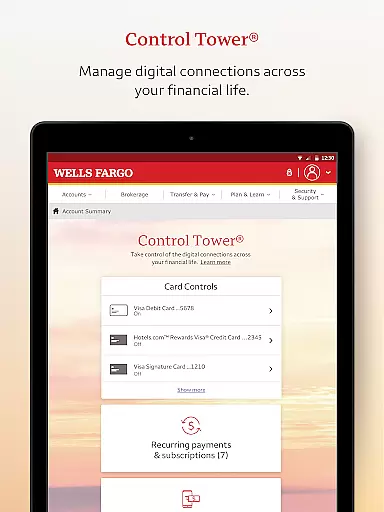
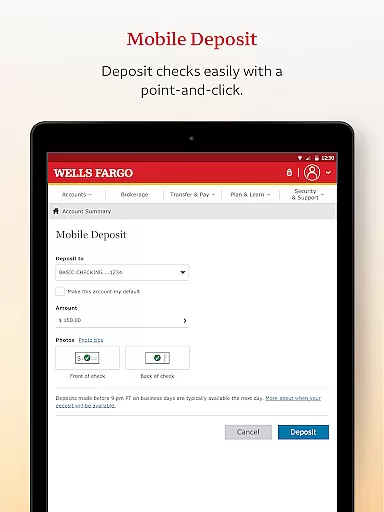
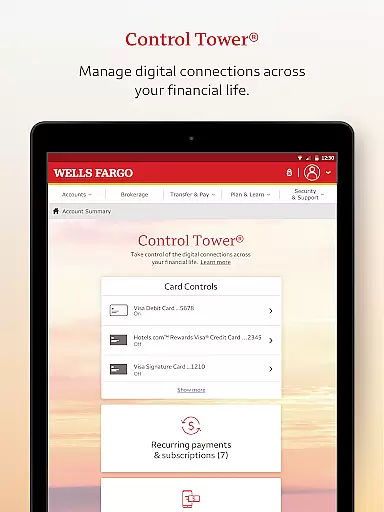
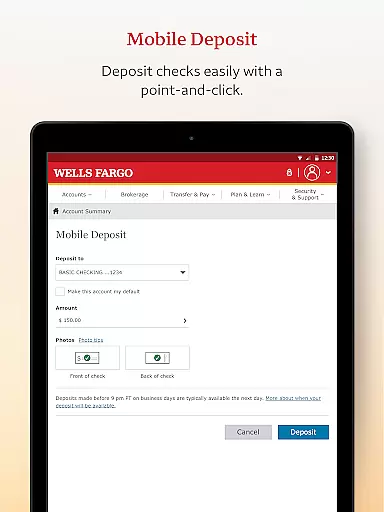
The app's functionality extends to practical tools like card management settings, enabling users to activate or deactivate cards, add them to digital wallets, and view recurring payments effortlessly. Another notable feature is the ability to deposit checks using the smartphone camera, offering unparalleled convenience for users who need to handle deposits on the go. Furthermore, the integration with Zelle for peer-to-peer payments and the comprehensive security center that includes fraud reporting and alert management, ensure that users have a secure and versatile platform for all their banking activities.
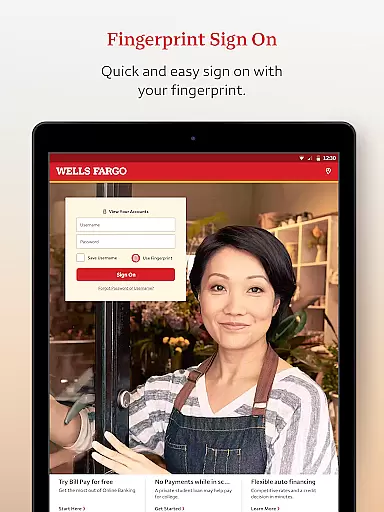
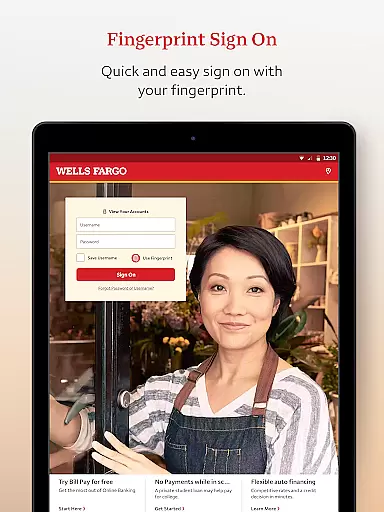
In the realm of mobile banking, security is paramount. Wells Fargo Mobile ensures Account and Fund Security through advanced features like Fingerprint Sign On and Biometric Sign On, available on eligible devices. This technology provides a seamless yet secure method for users to access their cash, credit, and investment accounts with just a touch.
The app goes beyond mere access security by offering comprehensive fraud protection tools. Through the Security Center, users can report any fraudulent activities and manage alerts for suspicious card transactions. These proactive measures ensure that users are always informed about their account's safety status.
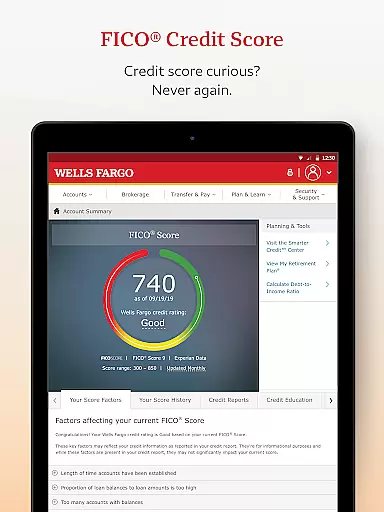
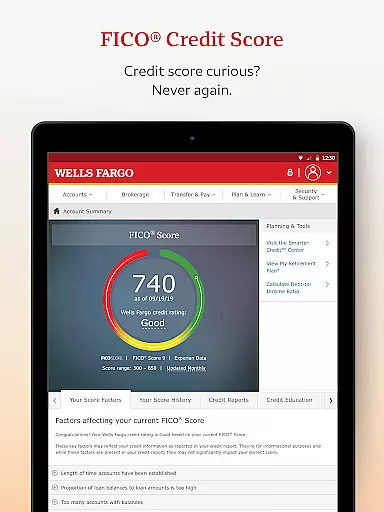
Furthermore, Wells Fargo Mobile offers access to your FICO Credit Score, empowering users with critical information that affects their financial health. By integrating these security features, the application not only protects user funds but also educates them on maintaining optimal financial health.
With these robust security protocols in place, customers can confidently manage their finances on-the-go without compromising personal data or risking unauthorized access. The peace of mind provided by such stringent security measures makes Wells Fargo Mobile an exemplary choice for safeguarding oneu2019s financial assets.
A seamless transaction experience is crucial for any banking application, and Wells Fargo Mobile excels in this area. Users can effortlessly transfer funds between their Wells Fargo accounts and other financial institutions, ensuring liquidity management is both convenient and efficient.
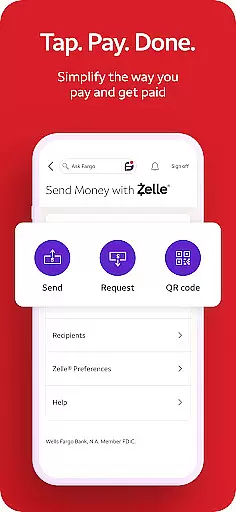
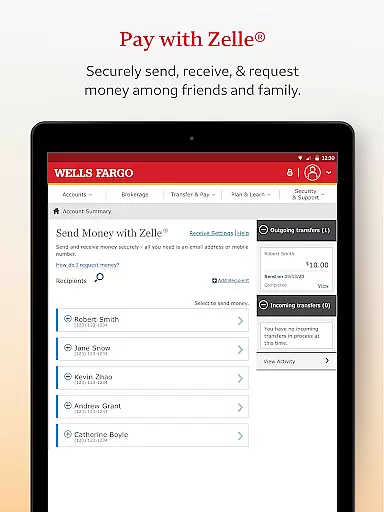
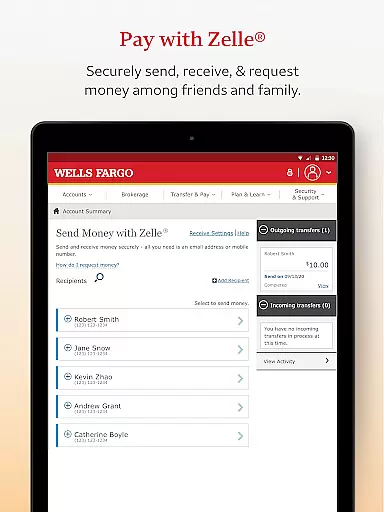
Beyond basic transfers, the app supports modern payment methods including Zelleu00ae, which allows users to send and receive money using just a U.S. mobile phone number or email address. This service simplifies person-to-person payments significantly, making it easier than ever to split bills or reimburse friends instantly.
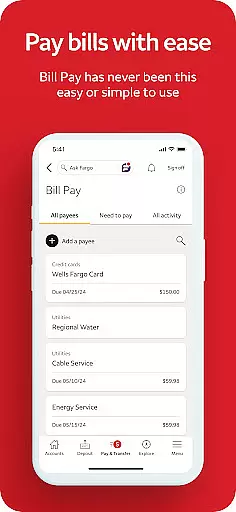
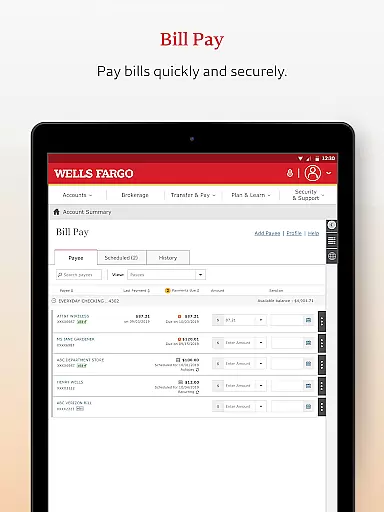
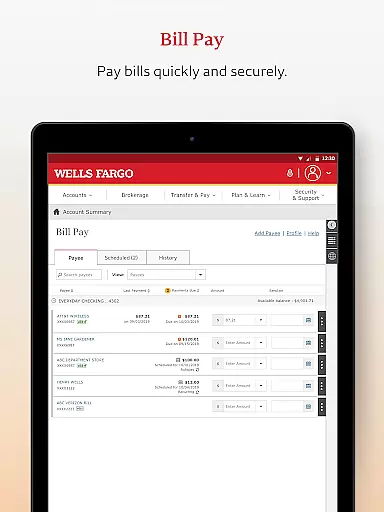
Additionally, Wells Fargo Mobile facilitates bill payments directly from the app interface. Whether it's paying utility bills or settling credit card dues, all transactions are streamlined into a user-friendly process that saves time and reduces complexity.
This focus on enhancing the transaction experience ensures that every interaction within the Wells Fargo Mobile app is intuitive, fast, and reliableu2014characteristics essential for maintaining customer satisfaction in todayu2019s digital age.
User-friendly interface
Secure biometric login
Comprehensive account management
Real-time investment tracking
Convenient check deposit
Limited to compatible devices
Some features require enrollment
Deposit limits apply
Additional fees for agent-assisted trades
Not all smartphones supported

Currency Converter supports all currencies of the world.
 5.00
5.00
Bill Manager is a simple app to help you keep track of your upcoming bills.
4.0
Payday cash advance & Instant cash advance: Borrow money instantly, Get cash now
4.60
Your Big Financial Friend
4.70
BTC, Crypto, Stocks & Options.
4.20
Invest, bank & save in one app. Trade stocks, earn high APY & budget smarter.
4.00
Save, spend & get paid faster²
4.50
StockTiles lets you view prices & charts of your favorite stock assets
2.30
Cash Advance, Credit Cards, Credit Lines, Score Monitoring, Saving, Budgeting
4.70
Manage your Discover account conveniently from anywhere.
4.80
The Citi Mobile® App lets you manage your accounts virtually anytime, anywhere
4.80
Keep track of your subscriptions with no limitations
4.80
Get 250$ Cash Advance to solve emergencies instantly in loan app called LendMe
4.70
Over 180 currencies conversion rates with live exchange rates and offline mode.
4.60
Manage and cancel subscriptions, lower bills, track expenses, create budgets.
4.60
Access State Farm accounts, policies, ID cards and more
4.60
Get up to 500, get paid early, earn interest and find work with no hidden fees.
4.40
Bank better with our new app
3.80
SuperQi, Your all-in-one Super App.
1.30


User Reviews