
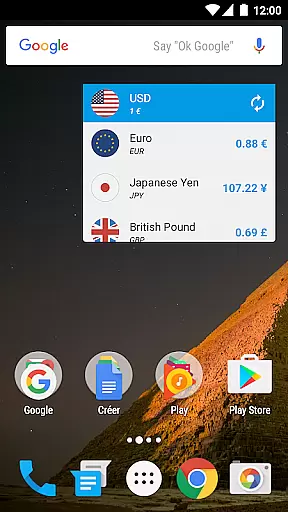
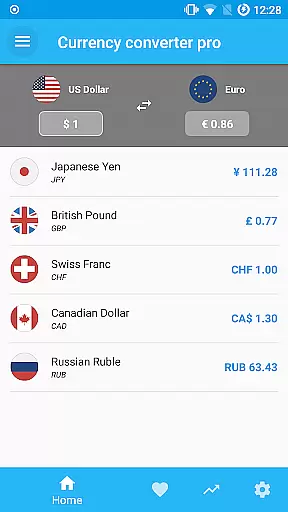
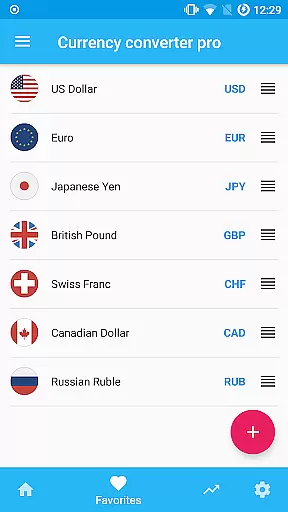
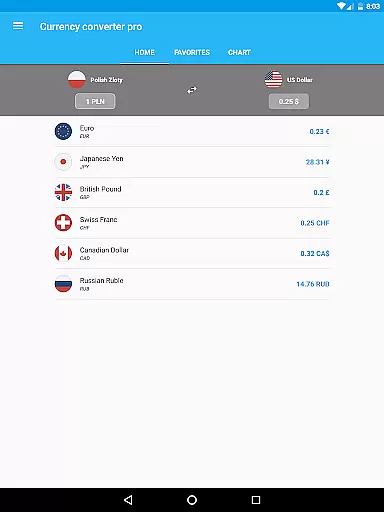
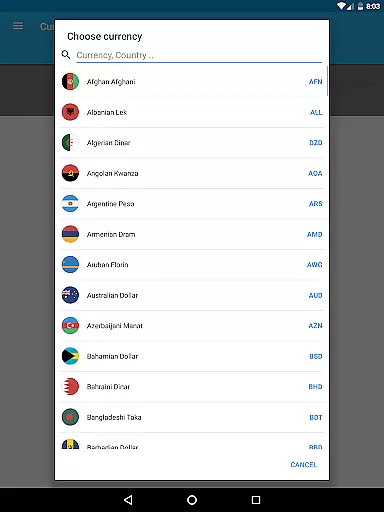
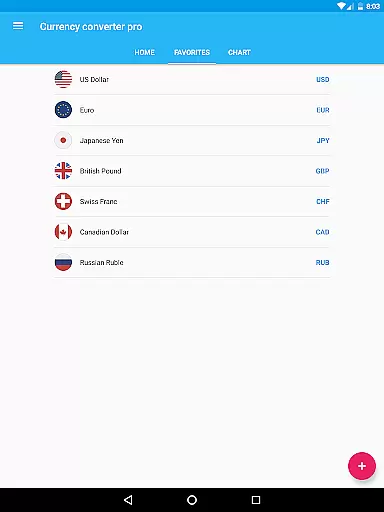
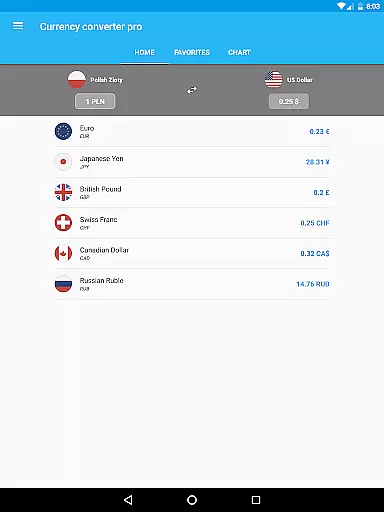
Currency Converter Pro is a powerful financial tool designed for seamless currency conversion across over 180 global currencies, including popular cryptocurrencies like Bitcoin and Ethereum. The app provides users with consistently updated exchange rates while offering an intuitive offline mode for uninterrupted access.
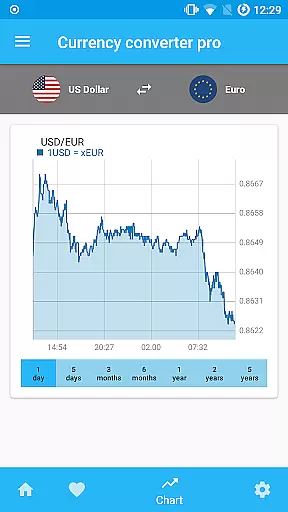
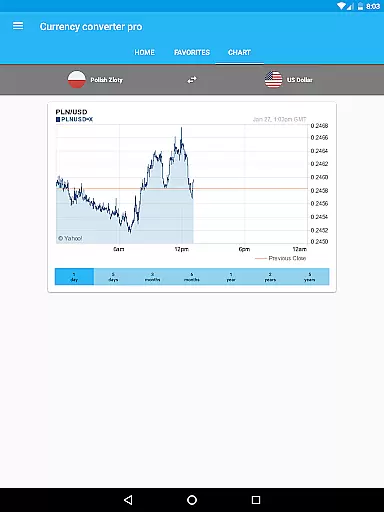
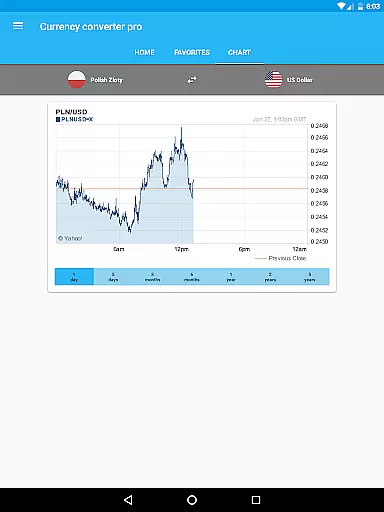
With its customizable widget, quick updates, and interactive historical charts spanning up to five years, this app caters to travelers, investors, and businesses alike. Its user-friendly interface ensures that even beginners can easily convert currencies, making it an essential companion for international transactions or financial planning.
Currency Converter Pro stands out with its comprehensive set of features tailored for both casual users and finance professionals. One key highlight is the offline functionality, which allows users to access previously updated rates without an internet connection, ensuring reliability in any situation.
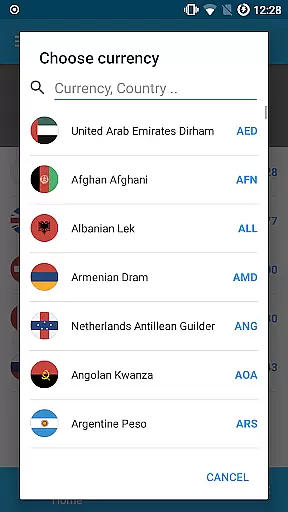
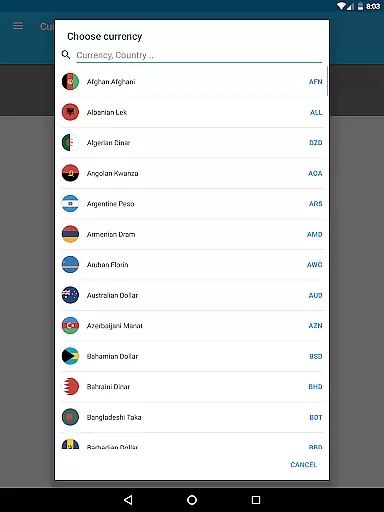
The app also includes advanced tools such as interactive historical charts, live rate tracking, and a search function to quickly locate specific currencies by country name. Additionally, the beautifully designed material interface enhances usability, while the absence of ads creates a distraction-free experience. These robust features collectively deliver accurate, fast, and convenient currency conversions.
When it comes to financial applications, security is paramount. Currency Converter Pro ensures the safety of user data through regular updates and secure offline functionality. The app stores exchange rate data locally on the device, which means sensitive information never leaves the user's control.
The absence of advertisements not only enhances user experience but also reduces potential security risks associated with third-party ads. Additionally, customizable widgets allow users to monitor their favorite currencies without exposing personal data to external threats.
Users benefit from peace of mind knowing that their financial planning and currency conversions remain private and protected. This level of security is crucial for anyone dealing with multiple currencies and needing reliable, tamper-free data at all times.
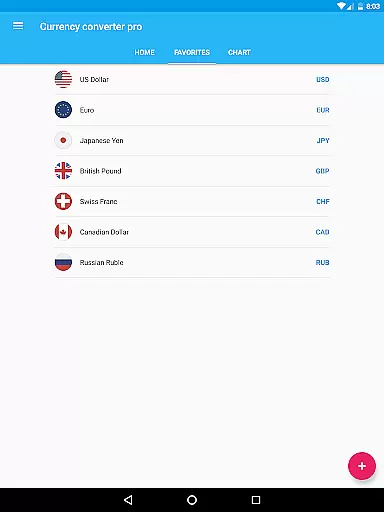
Currency Converter Pro offers an exceptional transaction experience by providing fast and accurate currency conversions for over 180 currencies. With updated exchange rates and quick access through customizable widgets, users can effortlessly convert amounts on-the-go.
The application's offline mode ensures uninterrupted service, allowing users to perform conversions even without an internet connection. This feature is particularly valuable for travelers or those in areas with limited connectivity, ensuring they always have access to the latest exchange rates.
By combining beautiful material design with practical features like historical charts and cryptocurrency support, the app delivers a seamless and intuitive user experience. These elements collectively enhance the overall transaction process, making currency management both efficient and enjoyable.
Offline functionality
Updated exchange rates
User-friendly design
No ads included
Wide currency coverage
Paid version only
Limited advanced tools
No multi-device sync
Occasional update delays
Basic chart options

The DailyPay app lets you access earned wages before your next payday.
 4.70
4.70
Get 250$ Cash Advance to solve emergencies instantly in loan app called LendMe
4.70
Get, Earn, and Save Money
4.30
Simple & secure international money transfers - for personal & business needs.
4.80
Earn cash back. Build credit.
4.60
View BSC Transactions for multiple accounts
3.90
Read and extract public data on NFC Contactless banking card (VISA, MasterCard
4.30
Join 12M+ users. Instant cash advances, personal loans, build credit, save money
4.80
Make your paycheck work harder for you with Perpay.
4.10
Currency Converter supports all currencies of the world.
5.00
Companies owe you money.
4.80
Check EBT, SNAP, WIC balances, manage food stamps, and save money with benefits
4.80
Money transfer made easy. Send money to friends and family with great rates.
4.70
Your Big Financial Friend
4.70
Currency Converter (200+ currencies) with live exchange rates and offline mode.
4.70
Need help before payday? Get cash advances with no interest or credit checks.
4.60
Early payday & cash advances with no-fee mobile banking!
4.60
The all-in-one app to save, earn, travel, and put more money in your pocket
4.50
Bitcoin gpu app helps you remote mine using your cell phone easily .
3.60


User Reviews