
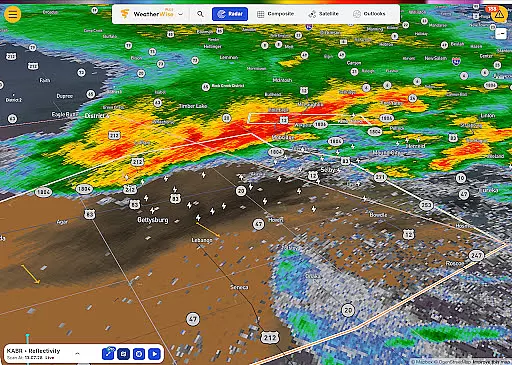
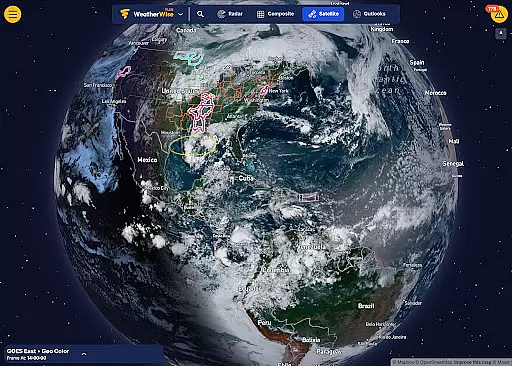
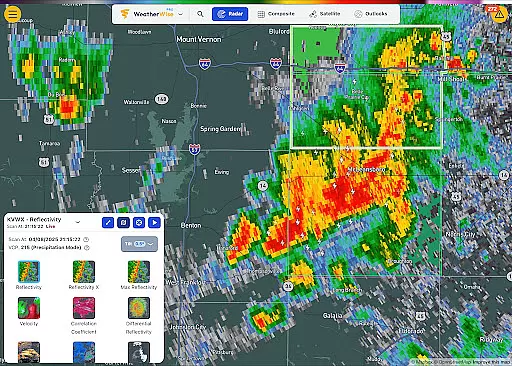
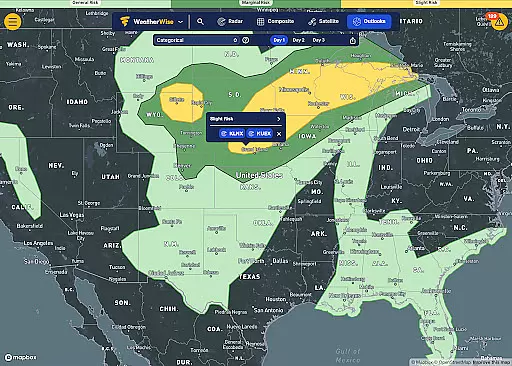
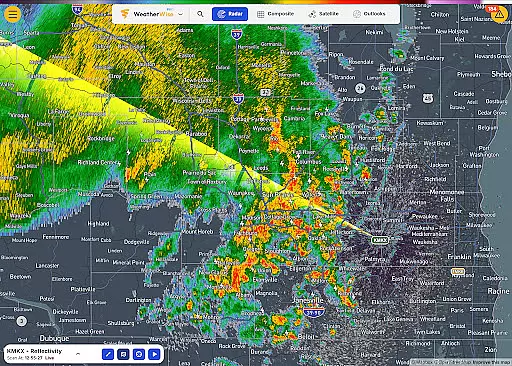
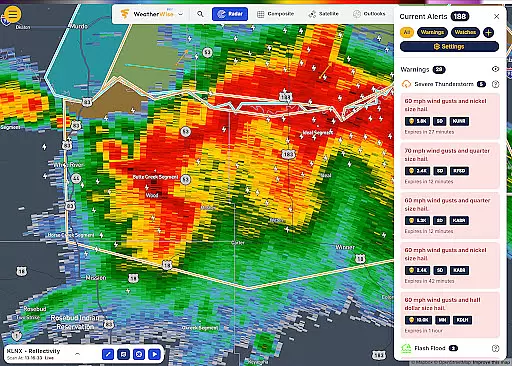
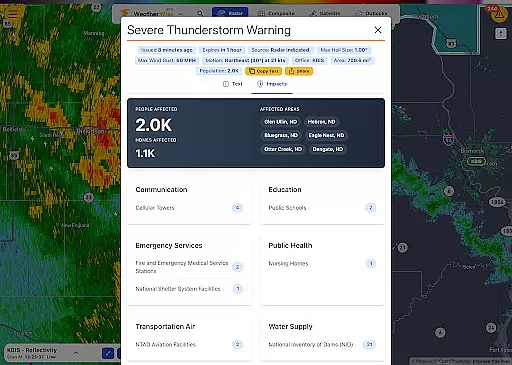
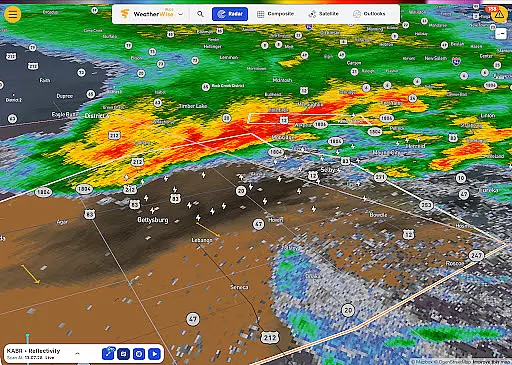
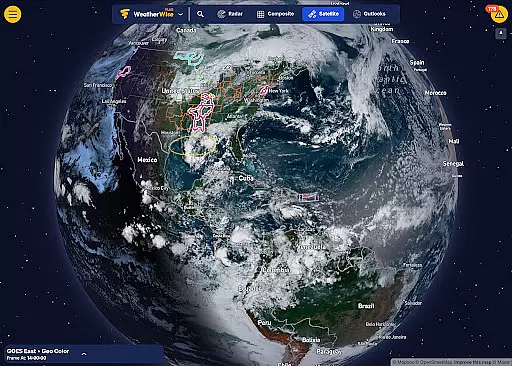
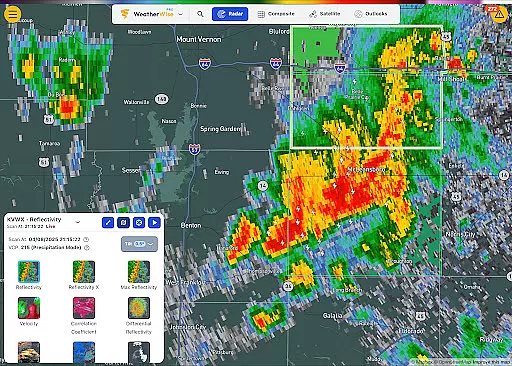
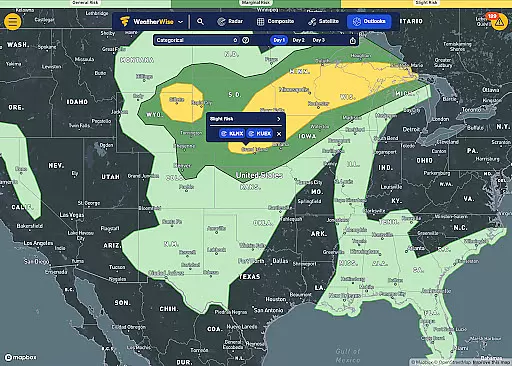
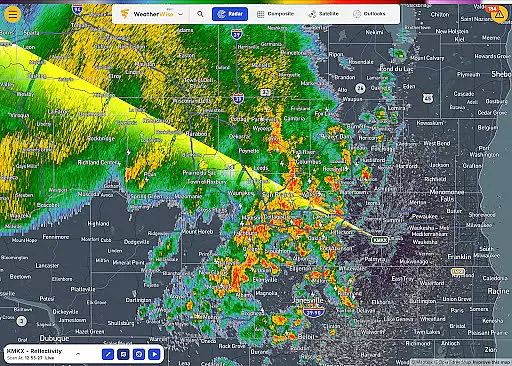
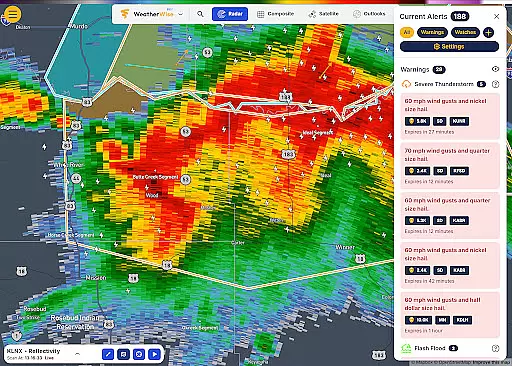
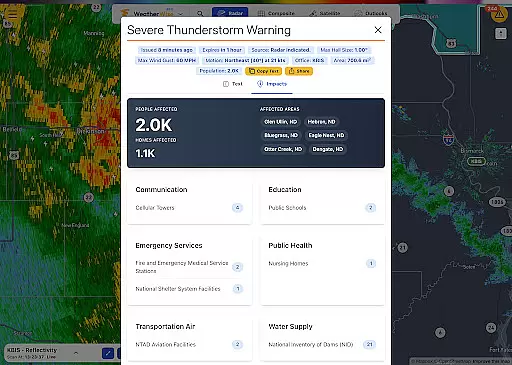
WeatherWise.app is a cutting-edge weather application designed to keep users informed and prepared for severe weather conditions. The app provides high-resolution radar data and advanced forecasting tools, ensuring reliable insights to safeguard what matters most. With its professional-grade features, WeatherWise is suitable for both casual users and weather enthusiasts who require detailed analysis.
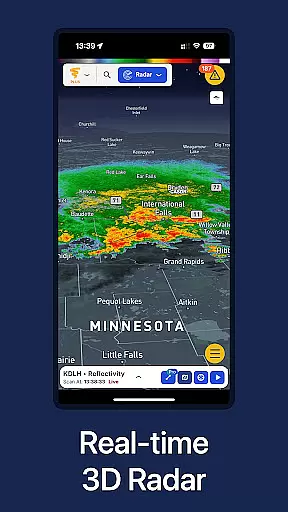
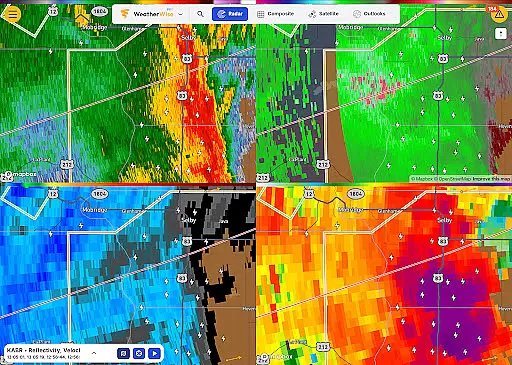
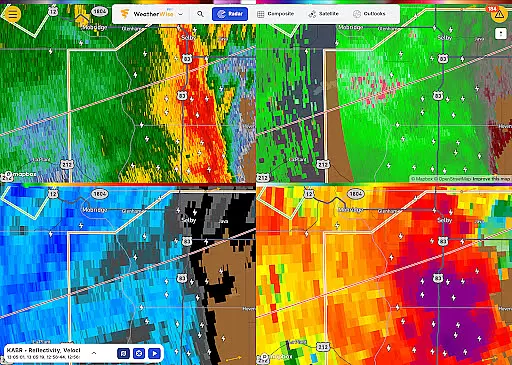
The app offers unique functionalities such as Triple/Quad View Radar Visuals, Realtime Radar Cross Section, and 3D Radar visualization. These features allow users to analyze weather patterns with precision. Whether monitoring live storm chaser streams or tracking lightning in real-time, WeatherWise ensures users stay one step ahead of changing weather conditions.
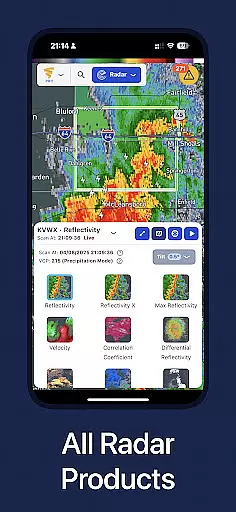
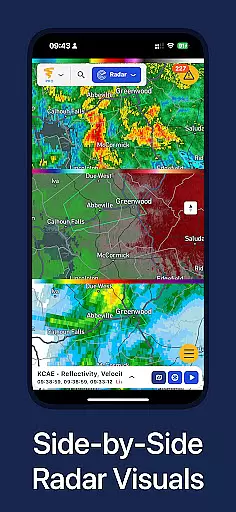
WeatherWise stands out with its robust feature set tailored for comprehensive weather analysis. One of its key highlights is the ability to display multiple radar visuals simultaneously, offering up to four synchronized views on larger screens like iPads. This functionality is particularly beneficial for professionals analyzing complex weather systems.
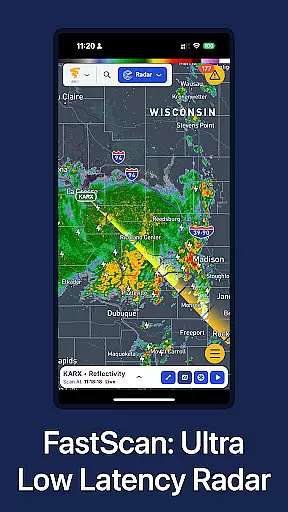
In addition to advanced radar capabilities, WeatherWise includes innovative tools such as FastScan for ultra-low-latency radar updates and Max Reflectivity for viewing aggregated storm intensity. Users can also explore global weather patterns through the 3D Map (Globe Projection) feature, which provides an interactive worldwide view. These tools collectively empower users to make informed decisions based on accurate, real-time data.
Forecast accuracy and data credibility are essential for any weather application, and WeatherWise.app excels in these areas. The app provides high-resolution radar data directly from the source, ensuring reliable and precise weather insights. This level of accuracy is crucial for users who need to make informed decisions based on real-time weather conditions.
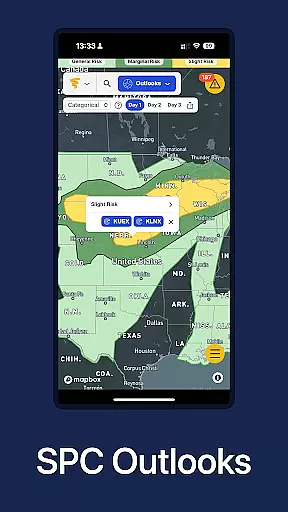
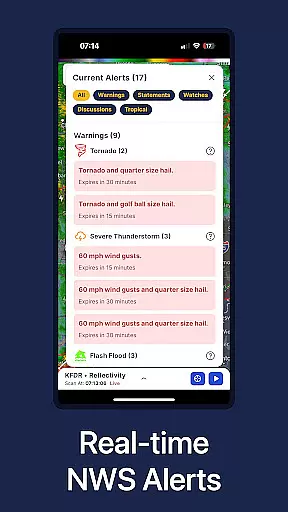
WeatherWise offers professional tools through its Pro subscription, such as FastScan for ultra-low-latency US radar updates and Realtime Radar Cross Section. These features ensure that users receive the most up-to-date and credible weather data available. Additionally, the app includes official National Weather Service notifications and NOAA outlooks, further enhancing its data reliability.
For those who require advanced weather analysis, WeatherWise Plus includes 3D Radar and Enhanced Lightning Data. These tools allow users to visualize weather systems in a lifelike three-dimensional format and track lightning with precision. Such capabilities provide an extra layer of confidence when planning activities or preparing for severe weather events.
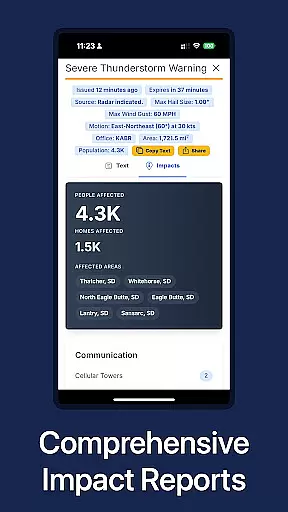
The combination of original radar data, professional forecasting tools, and real-time alerts makes WeatherWise.app a trusted companion for anyone looking to stay ahead of the weather. Whether you're a storm chaser, a weather enthusiast, or simply someone who wants to be prepared, this app delivers the accurate and credible information you need.
Understanding both the temporal and spatial forecast range is vital for effective weather planning, and WeatherWise.app offers comprehensive coverage in these aspects. The app's radar coverage spans multiple countries, including the USA, Canada, Germany, France, and South Korea, among others. This extensive geographical reach ensures that users worldwide can access detailed weather forecasts tailored to their specific locations.
WeatherWise provides up to 200 historical radar scans and 100 historical satellite/composite frames, allowing users to analyze past weather patterns over a significant time range. This feature is particularly useful for identifying trends and making predictions based on historical data. Moreover, the app supports custom locations, enabling users to add up to 500 locations anywhere on the map, which enhances its spatial forecasting capabilities.
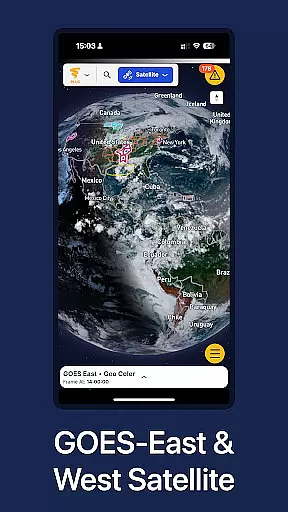
With innovative features like 3D Map (Globe Projection), users can explore weather systems across the planet in a fully interactive, global view. This tool not only broadens the spatial context but also helps in understanding how different weather systems interact on a larger scale. Additionally, the Side-by-Side Radar Visuals display two radar products simultaneously, offering a more nuanced view of weather dynamics.
By combining wide-ranging spatial coverage with deep temporal analysis, WeatherWise.app empowers users to make well-informed decisions about upcoming weather events. Whether you're monitoring local conditions or tracking global weather patterns, this app provides the tools necessary to stay informed and prepared.
High-quality radar data
Advanced forecasting tools
Real-time storm tracking
Professional weather analysis
Ad-free experience
Premium features require subscription
Complex for beginners
Limited free radar locations
Resource-intensive
Occasional data latency

Hourly and daily weather forecast, current condition, temperature, UV and more!
 4.70
4.70
Accurate Thermometer: indoor & outdoor temperature, humidity, pressure, and wind
4.50
NOAA radar, weather forecasts, hurricane tracking & customizable alerts.
4.50
Live weather forecast for your everyday life
4.60
Your local weather app with storm radar, rain tracker, weather maps & AQI.
4.4
Road weather, live radar, wind, snow, and conditions along your driving route.
4.70
Stay ahead of the weather with Daily Weather
4.10
Powerful US and worldwide earthquake feed with earthquake alerts and maps.
4.70
The weather channel, tiempo weather forecast, weather radar & weather map
4.70
The moon phases app for tracking the lunar calendar, blue moon and full moon.
4.80
Hurricane Tracker, Rain Map
4.80
Live Alabama weather from James Spann—forecasts, radar, alerts, Spanncams.
4.70
Check room temperature with this indoor thermometer. thermostat & hydrometer
4.70
Get accurate rainfall and snowfall totals for pinpoint locations on a map.
4.60
Weather radar map, storm tracker, local forecast, live rain alerts & daily news.
4.60
Track rainfall totals with ease using our rain gauge app. Accurate rain tracker.
4.50
14-day & 24-hour Forecast | Real-time Alert | Accurate & Fast
4.40
An unofficial app version of the National Weather Service (Weather.gov)
3.90
Dynamic weather watch face with glass effect, bold time & 7 complications.
4.3


User Reviews