
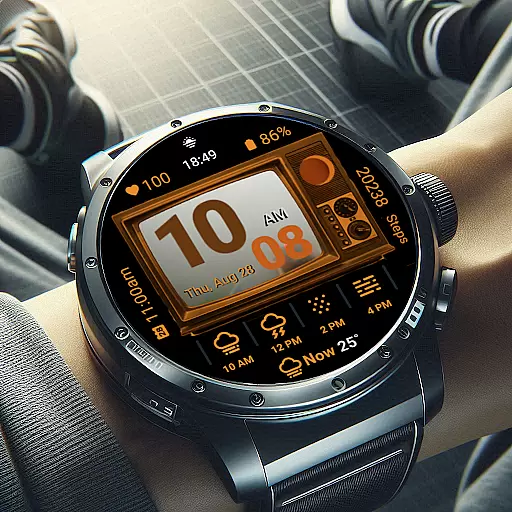
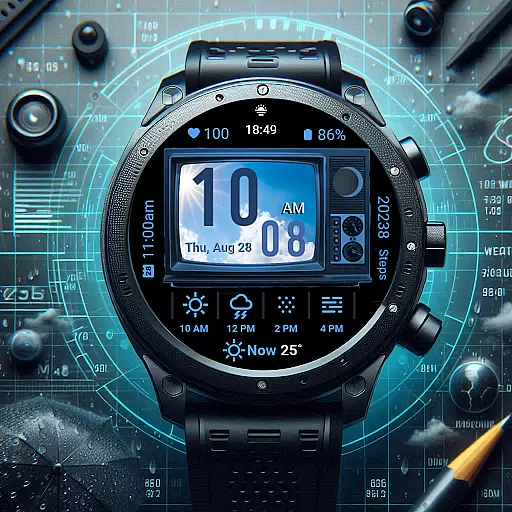
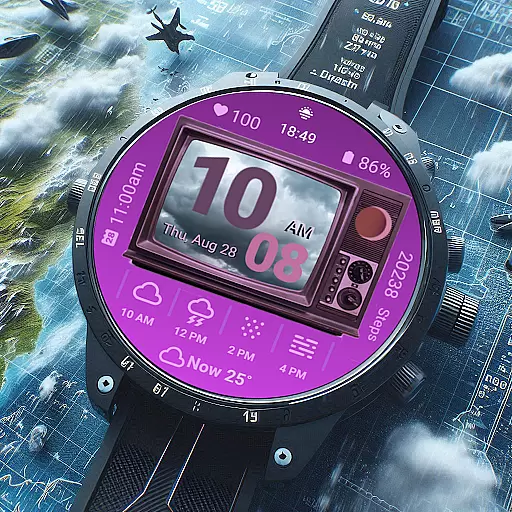
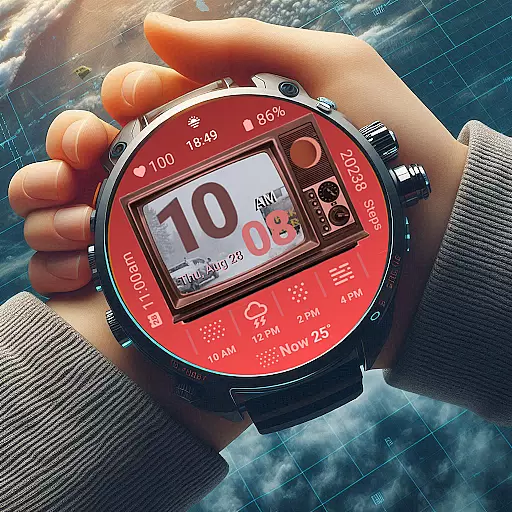
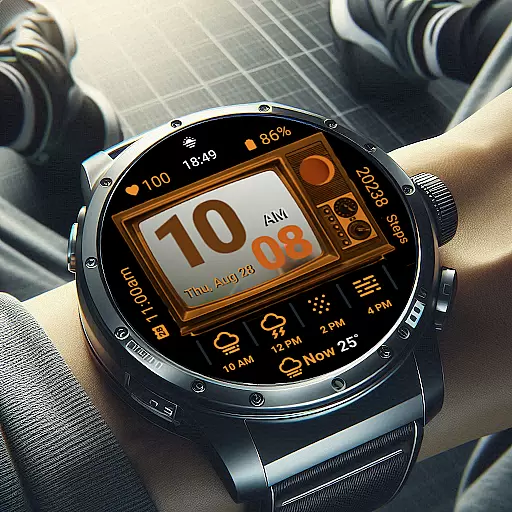
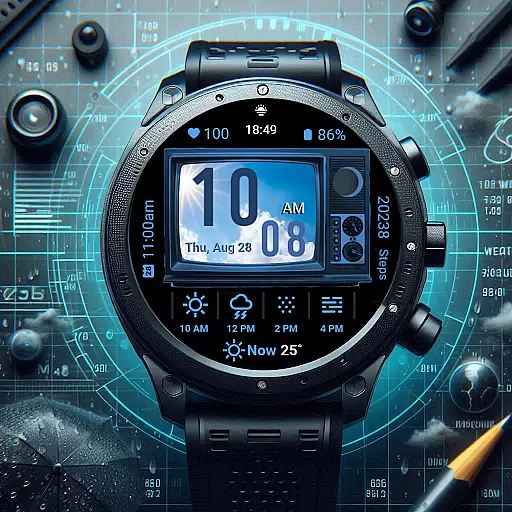
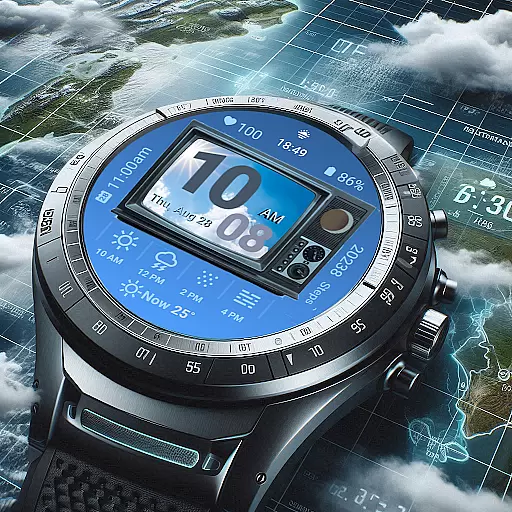
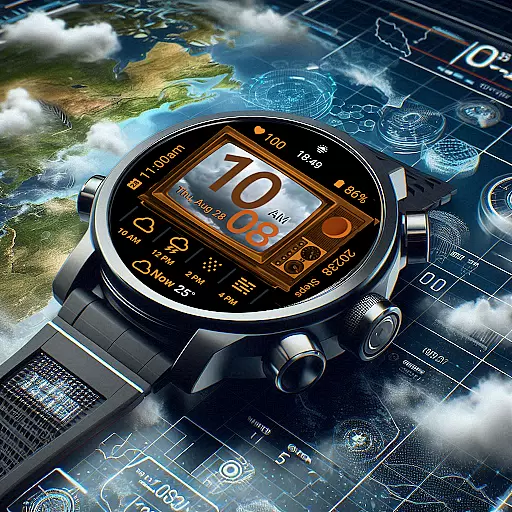
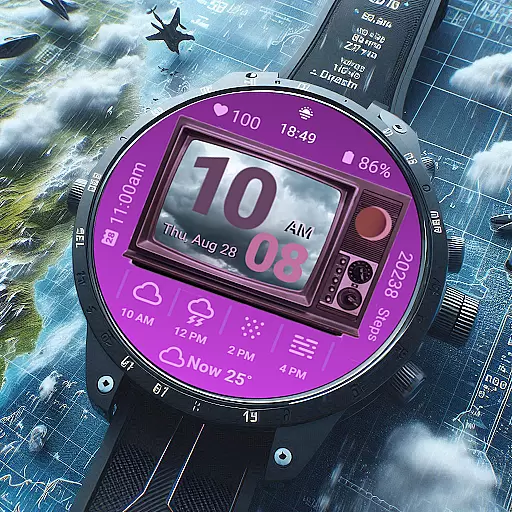
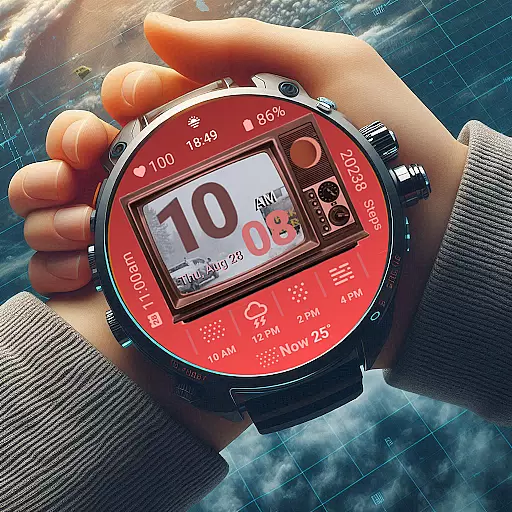
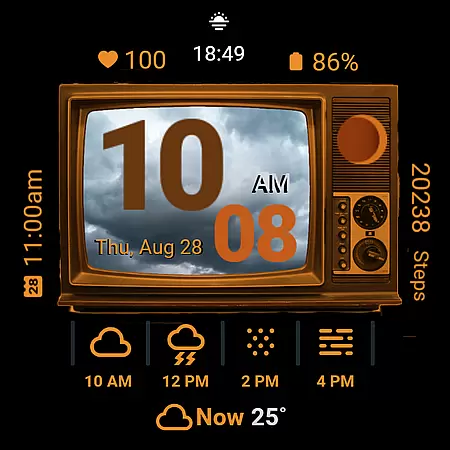
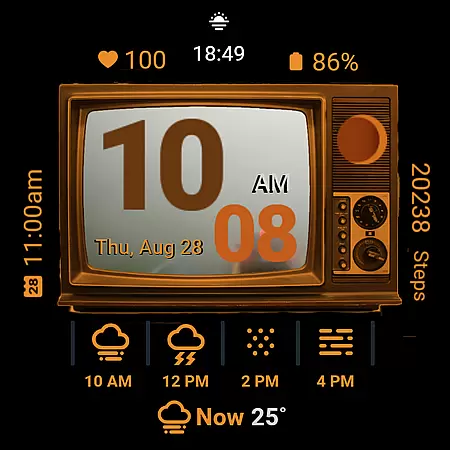
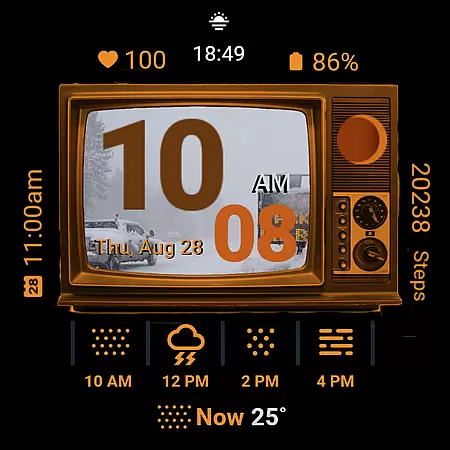
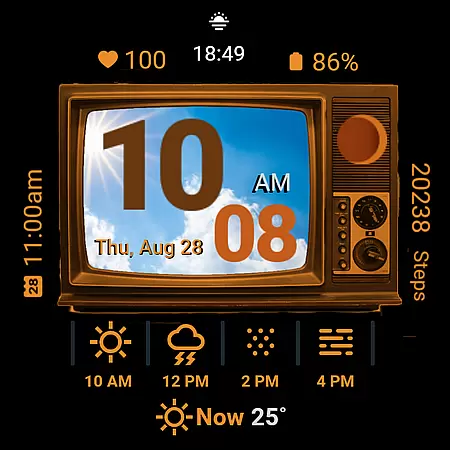
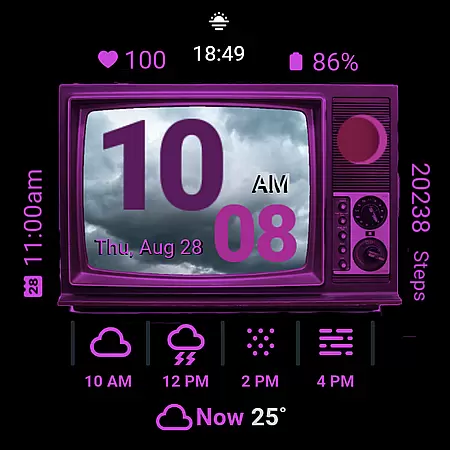
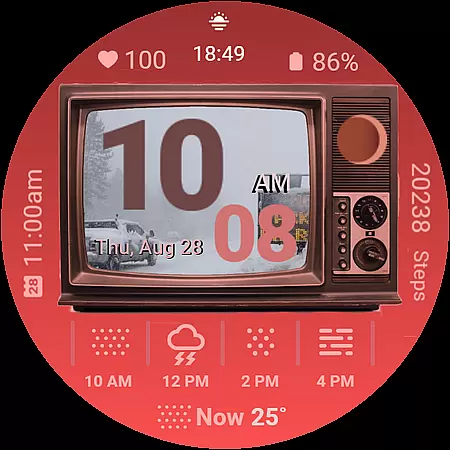
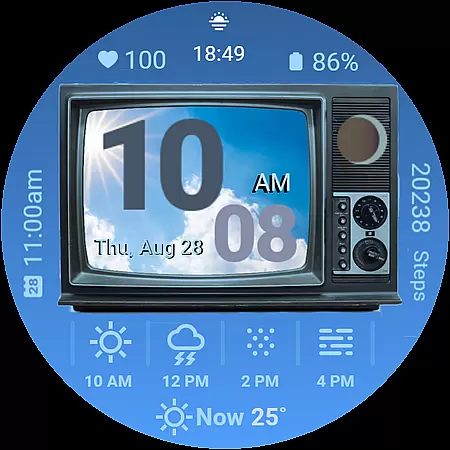
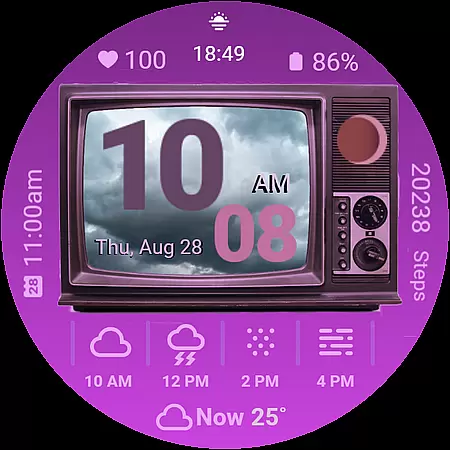
Retro Weather TV Watch Face brings a nostalgic twist to modern smartwatches with its vintage TV-inspired design. This Wear OS watch face combines classic aesthetics with essential features like real-time weather updates, heart rate monitoring, and event reminders.
Users can enjoy both 12/24-hour time formats, moon phase tracking, and customizable color options while benefiting from practical tools such as step counters and battery status indicators. Its unique ambient mode ensures an always-on experience that's both stylish and functional.
Perfect for those who appreciate retro design but don't want to compromise on technology, this watch face suits various occasions from casual outings to professional settings where staying informed is crucial.
The Retro Weather TV Watch Face stands out with its distinctive vintage television display, complete with a simulated weather photo feature that mirrors current conditions. The digital clock supports both 12 and 24-hour formats, catering to personal preferences while offering clear visibility.
Advanced functionalities include next-event notifications, health tracking through step counts and heart rate displays, and even moon phase tracking for enthusiasts. Shortcuts to settings and calendar functions are cleverly integrated into the design via interactive buttons on the screen.
With support for ambient mode and customizable colors, users can tailor their experience without sacrificing the timeless appeal of a bygone era brought into the present day.
Forecast accuracy is crucial for any weather application, and Retro Weather TV Watch Face excels in this area. The watch face provides real-time updates on weather conditions, ensuring users have the most current and reliable information at their fingertips.
The integration of precise weather data sources guarantees that users receive accurate forecasts. By displaying the current temperature and weather photo representation directly on the vintage TV screen, it combines functionality with aesthetic appeal.
With features like moon phase tracking and an ambient mode that supports always-on display, Retro Weather TV ensures that whether you're checking the forecast or monitoring your daily schedule, the information is both dependable and easily accessible.
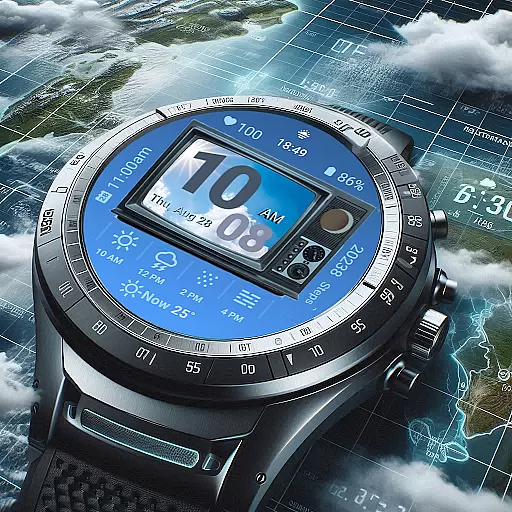
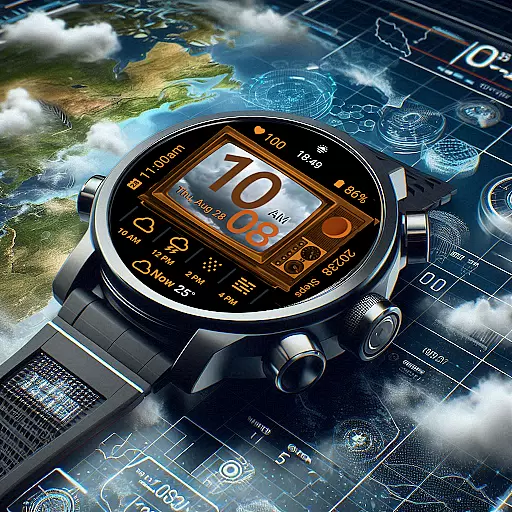
Understanding weather patterns over time and space is essential for planning and staying informed. Retro Weather TV Watch Face offers a comprehensive view by presenting detailed temporal and spatial forecasts right on your wrist.
Users can access not only the current weather but also receive notifications about upcoming events and environmental changes. This allows for better preparation and decision-making based on extended forecasts.
Including additional metrics such as heart rate monitoring, step counting, and battery status alongside traditional weather elements enhances the utility of the watch face, making it a versatile tool for managing various aspects of daily life while maintaining its classic retro look.
Unique retro design
Real-time weather updates
Customizable color options
Heart rate monitoring
Event reminders
Limited to Wear OS
May drain battery
Not all features free
Design not for everyone
Complex customization

Moon phase calendar with live wallpaper, lunar widget, & 3D simulation.
 3.60
3.60
A powerful tool for ultimate weather awareness
3.50
Live weather forecast for your everyday life
4.60
No ads, No data collected. Beautiful and powerfully customizable weather app
4.90
72-hour weather & daily forecasts with extreme weather alerts
4.60
Weather watch face for Wear OS 5
4.40
Magnetic Compass meets smart tech: Get directions and weather alerts seamlessly
3.30
Your ultimate app for real-time weather information!
4.70
Live NOAA weather app to track storm, rain, wind, lightning & real local updates
4.20
Weather radar, satellite, wind, waves, ocean and hurricane forecasts.
4.70
Industry leading whitetail movement predictor & hunting app.
4.60
Track rainfall totals with ease using our rain gauge app. Accurate rain tracker.
4.50
Weather forecast & live radar map
4.20
Download now and give your smartwatch a fresh, premium look!
4.20
Global weather forecast, powered by layered radar & hourly weather updates
4.10
An unofficial app version of the National Weather Service (Weather.gov)
3.90
Know the weather earlier.
3.90
Arrive safely! Travel weather forecasts for your entire trip at time of arrival.
3.60
Detailed weather info and moon phase, subtle animation, customizable
4.4


User Reviews