

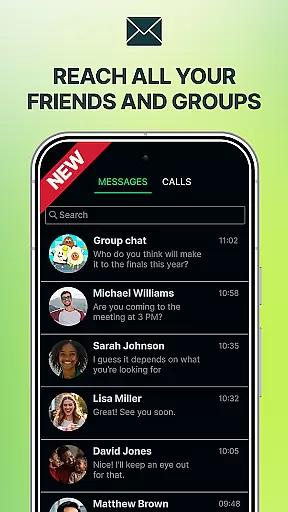


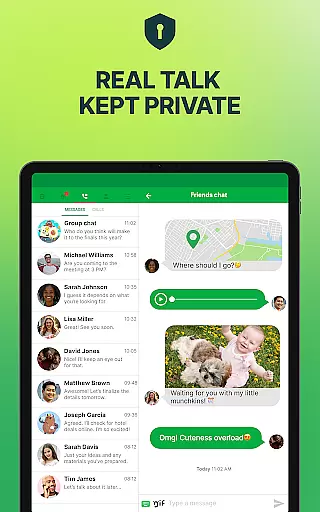
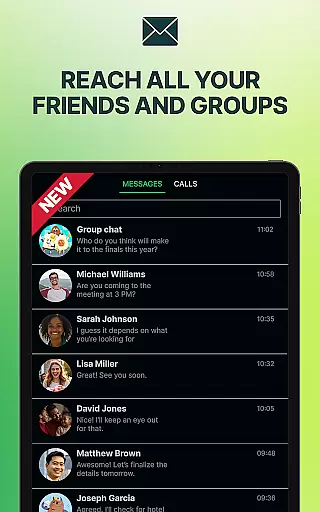


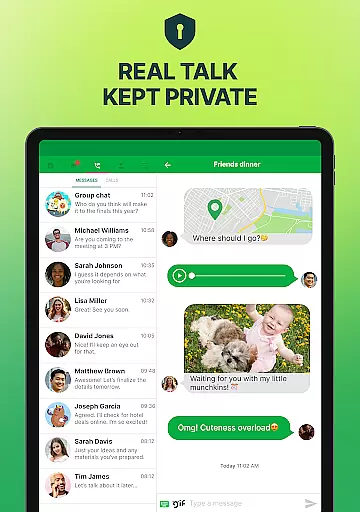
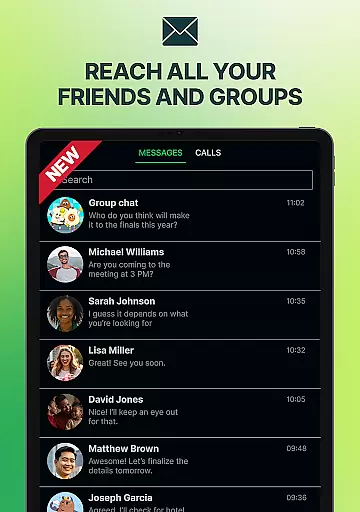

textPlus is a versatile communication app that provides users with a second U.S. phone number for free texting and affordable calling. It allows unlimited texting to any U.S. mobile number, supports MMS and group messaging, and offers WiFi calling without the need for a SIM card or traditional mobile plan. The app is ideal for individuals seeking an additional line for work, travel, or privacy purposes.
With textPlus, users can place calls and send texts using either WiFi or mobile data, making it perfect for travelers who want to avoid roaming charges. Additionally, the app offers low-cost international calling options and syncs across multiple devices, ensuring seamless access to call and message history. Whether you're managing personal or professional communications, textPlus delivers flexibility and control over your connectivity needs.
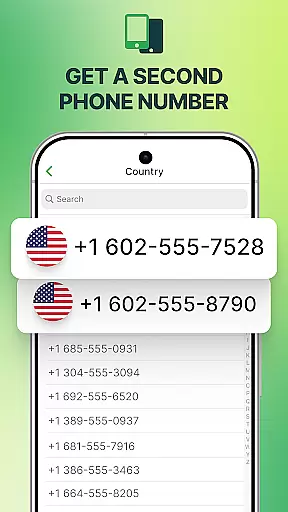
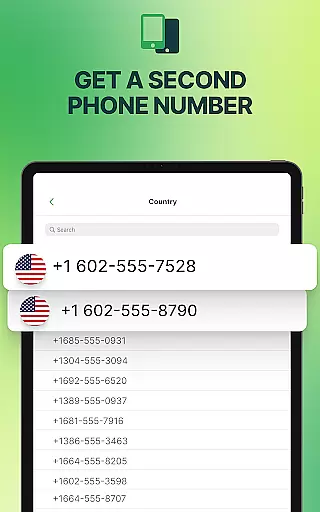
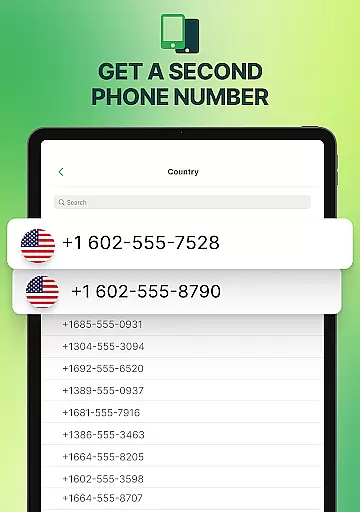
One of the standout features of textPlus is its ability to provide a real U.S. second phone number, which can be selected by area code. This feature enables users to make calls, send texts, and even use MMS and group messaging without restrictions. The app's support for WiFi calling ensures that users can receive calls directly over WiFi without needing an extra SIM or paid plan.
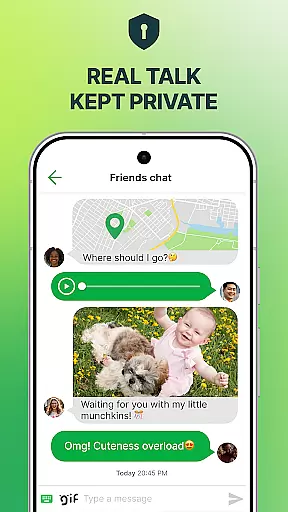
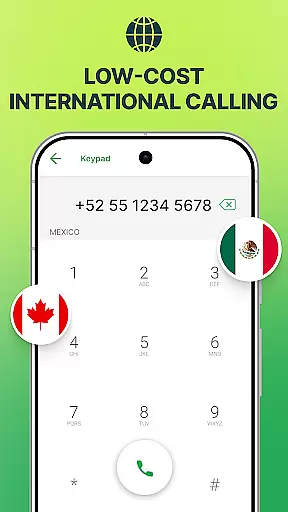
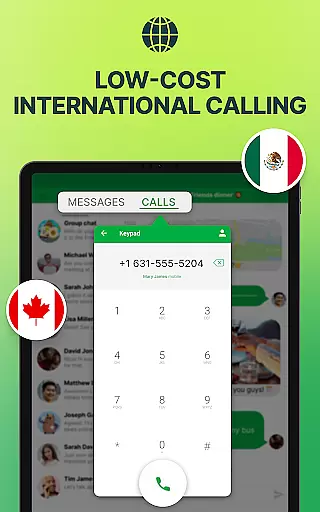
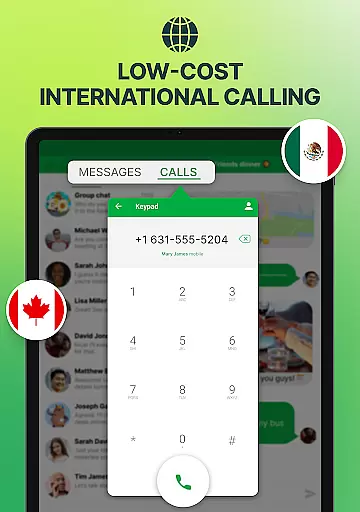
textPlus also excels in offering affordable international calling options, allowing users to communicate globally without breaking the bank. Its multi-device sync functionality means that users can access their communication history from any linked device, enhancing convenience and accessibility. Furthermore, the app guarantees user privacy by not selling data and ensuring all conversations remain secure.
User profile customization and authenticity verification are essential features in social applications like textPlus. These functionalities allow users to create personalized profiles while ensuring the legitimacy of their identities.
textPlus offers a seamless experience by enabling users to choose a U.S. area code and get a free, verified phone number. This process not only personalizes the user's identity within the app but also verifies its authenticity, providing a layer of trust among users.
The benefit for users is significant; they can maintain privacy and security while enjoying unlimited texting and affordable calling. The ability to customize oneu2019s profile with a real phone number enhances credibility and fosters genuine connections.
This feature ultimately empowers users to communicate confidently, knowing that they are interacting with verified identities, thus enhancing overall platform reliability.
Connection discovery in social apps refers to the mechanisms that help users find and connect with others. For textPlus, this function is crucial as it enables users to expand their network effortlessly.
textPlus facilitates connection discovery through various means such as free inbound calling and multi-device sync. Users can receive calls directly over WiFi and access their call and message history across different devices, making it easier to stay connected.
By leveraging these features, users enjoy enhanced flexibility and accessibility. Whether traveling or managing multiple devices, textPlus ensures that users never miss an opportunity to connect with important contacts.
Ultimately, robust connection discovery tools contribute to a more dynamic and engaging user experience, encouraging consistent interaction and communication within the app.
Free second phone number
Unlimited U.S. texting
WiFi calling supported
Low-cost international rates
Multi-device synchronization
Limited international features
Occasional connectivity issues
Ads in free version
Call quality varies
Requires internet connection

Dive into diverse fandoms. Connect, create, reblog.
 3.90
3.90
Social calendar for friends to make plans, group chat, share events & schedules
4.60
Live pics from your friends - Only the photos you want to see
4.60
FREE calling and texting (SMS texts + MMS) in US & Canada with FREE phone number
4.30
Sell unwanted items and buy preloved stuff in your local community.
4.10
Dating & make friend to chat, meet, flirt, and make real connections!
4.60
Chat and make new friends around the world!
3.90
Random chat & meet online. Find your soulmate or someone special and have fun!
3.90
Join your friends and discover videos you love, only on TikTok
4.10
Widget Together, Share Whatever! Keep Pets & Share Sleep, Poop, Moods on Screens
4.70
Raise cute Pengus with friends
4.70
The hottest live chat app so far. Video chat and meet great people...
4.60
Date single & make friend
4.60
Connection Beyond Content
4.50
Free texting (SMS) to US, Canada & more. Free new number. Call free & Text free.
4.30
Honest dating app where real people find genuine love and real matches.
4.20
Meet local people, make friends & network: Join a community, group, host events
4.00
Go Live, Chat & Meet New People! Friends. And more than friends.
3.80
Follow the Truth! Join America's leading free-speech social platform.
3.10


User Reviews