
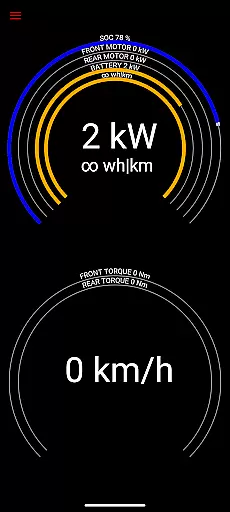
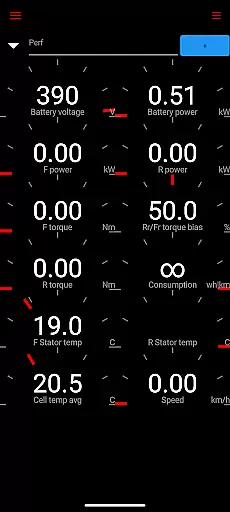
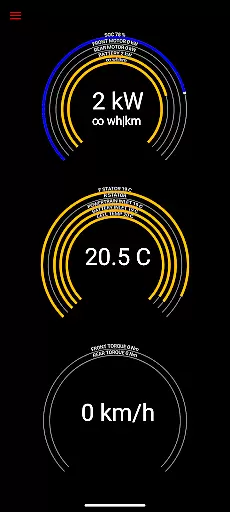
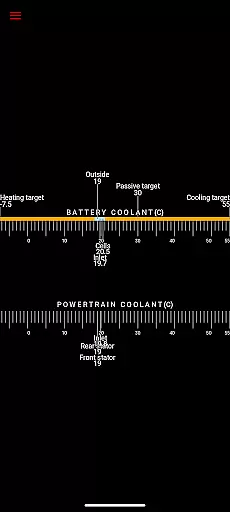
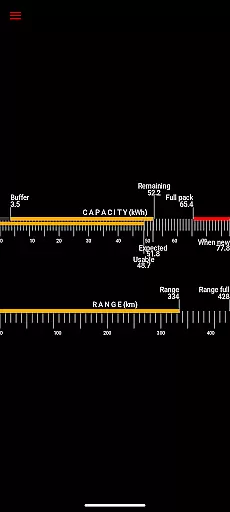
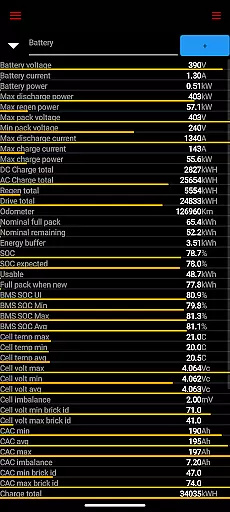
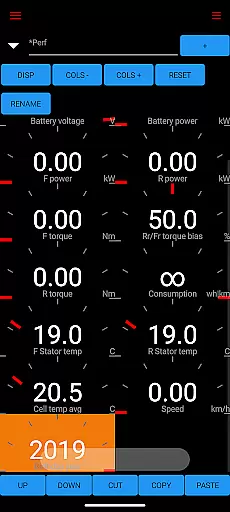
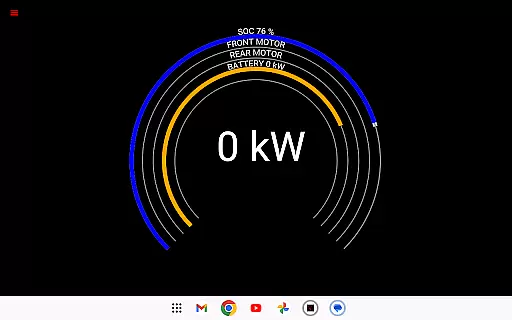
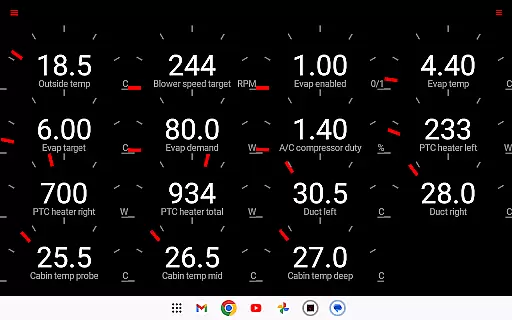
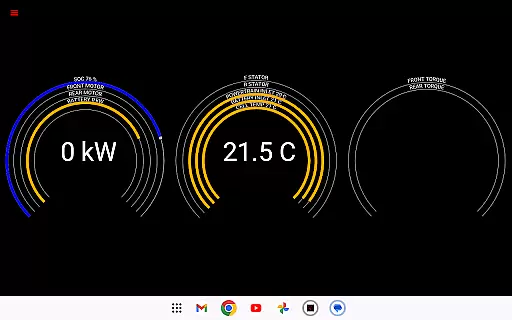
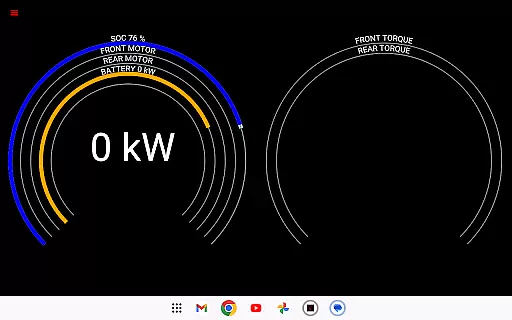
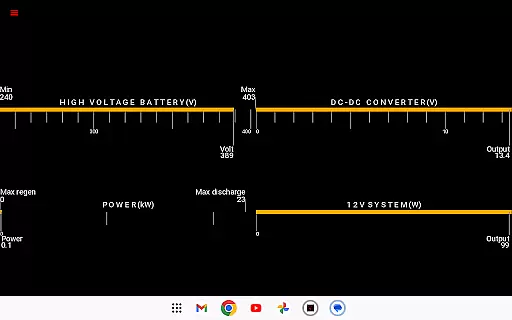
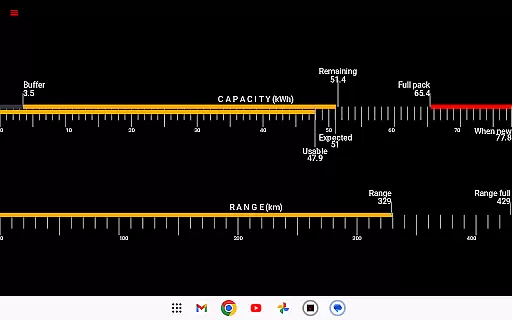
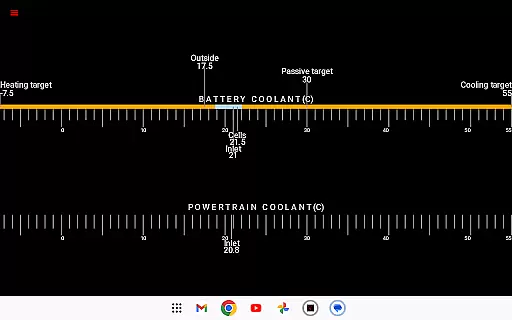
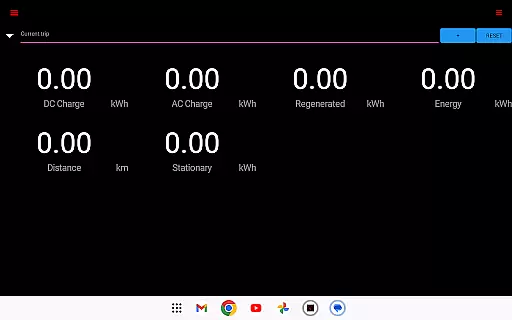
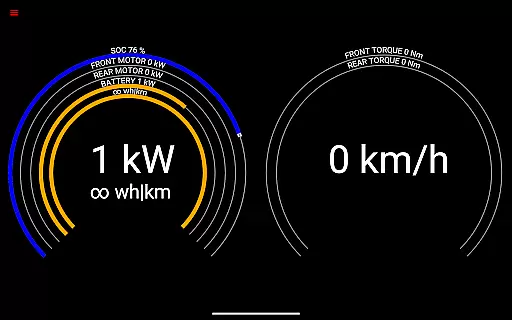
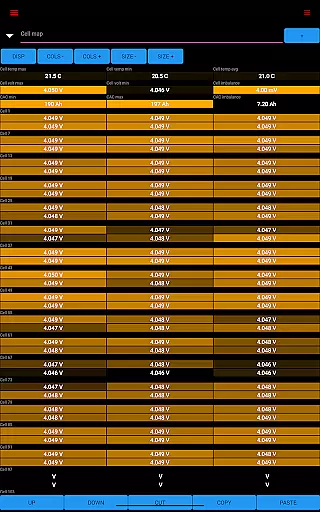
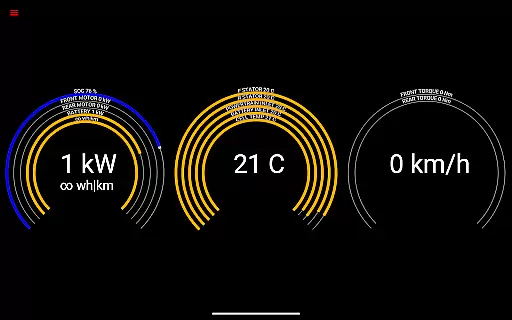
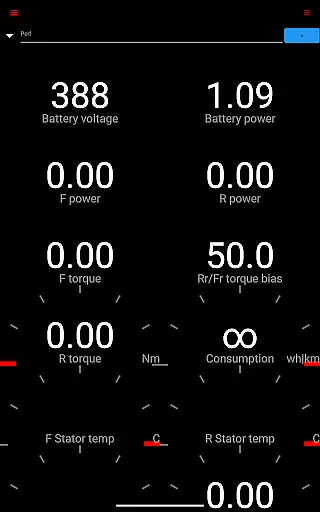
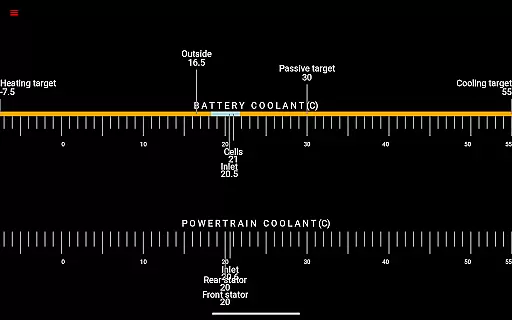
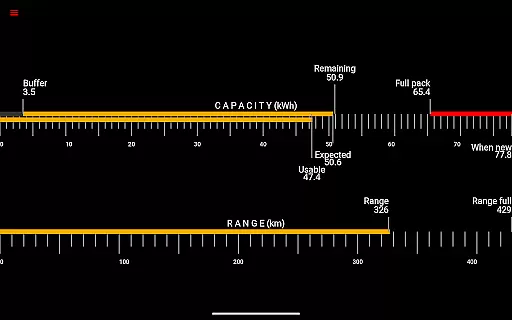
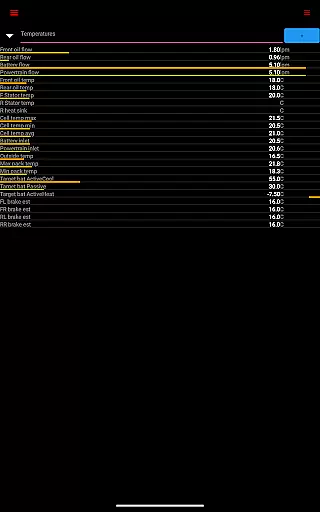
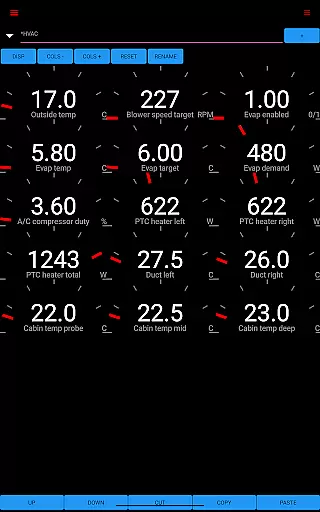
Scan My Tesla is a specialized diagnostic tool designed exclusively for Tesla Model S, 3, X, and Y vehicles. This application provides real-time readings from the car's diagnostics port, offering users detailed insights into their vehicle's performance. With the help of an adapter cable and a compatible OBD2 adapter, it delivers crucial data such as battery power, voltage, current, and temperatures.
The app stands out by presenting numerous live statistics that are essential for monitoring your Tesla's health. These include drive unit metrics like electric power, torque, horsepower, RPM, and temperatures. Additionally, it offers trip recording features, battery lifetime stats, capacity estimates, and much more. Whether you're a Tesla enthusiast or a professional technician, Scan My Tesla equips you with the necessary tools to understand your vehicle better.
One practical use case is during long road trips where drivers can monitor battery consumption and thermal management in real time. This ensures optimal performance and helps prevent potential issues before they arise. The app transforms complex CANBUS data into an accessible format, making it invaluable for both casual users and automotive professionals alike.
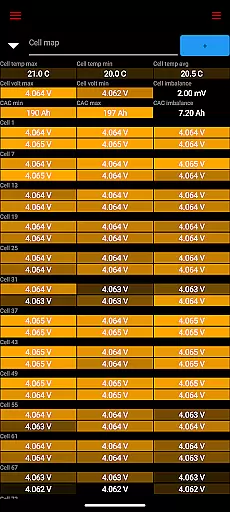
Scan My Tesla boasts an array of advanced features tailored specifically for Tesla owners. One standout feature is its ability to decode numerous CANBUS packets, providing comprehensive insights into various vehicle systems. For instance, users can access detailed information about battery cells, thanks to contributions from experts like Jack Rickard and Jason Hughes.
Another significant aspect is the HVAC controls integration developed by Marc Olivier Chouinard, allowing users to manage climate settings directly through the app. Additionally, the trip recording system—also conceptualized by Chouinard—enables users to log trips and analyze energy regeneration and consumption patterns over time. These capabilities make it easier than ever to maintain peak efficiency while driving your Tesla.
Furthermore, the community-driven efforts have led to extensive decoding work on Model 3 vehicles, spearheaded by JWardell on Tesla Owners Online forums. By combining these innovative features with user-friendly interfaces, Scan My Tesla sets itself apart as an indispensable tool for anyone looking to delve deeper into their Tesla’s operational metrics.
Scan My Tesla provides comprehensive real-time diagnostics for Tesla Model S, 3, X, and Y vehicles. This feature is crucial for owners who want to monitor their car's performance and health.
The app reads data from the vehicle's diagnostics port, offering detailed statistics on battery power, voltage, current, and temperatures. It also tracks drive unit metrics like electric power, torque, RPM, and temperatures, giving users a complete picture of their vehicle's operational status.
Users benefit from access to battery lifetime stats, capacity estimates, and mileage tracking. The app also monitors the 12V system's current, voltage, and temperature, ensuring all critical systems are functioning optimally.
This level of detail allows Tesla owners to make informed decisions about maintenance and driving habits, potentially extending the life of their vehicle and improving its performance.
While Scan My Tesla itself is a powerful diagnostic tool, it requires specific hardware to function properly. The app clearly outlines these requirements, promoting transparency in what users need to get started.
Users must purchase an adapter cable and a compatible OBD2 adapter to connect their Tesla to the app. This upfront information helps users understand the associated costs beyond the app itself.
The app's website at scanmytesla.com provides detailed information about the necessary adapters and where to purchase them. This ensures users can make informed purchasing decisions without hidden surprises.
By being clear about additional hardware needs, Scan My Tesla establishes trust with potential users and helps them budget appropriately for the full diagnostic solution.
User-friendly interface
Real-time diagnostics
Comprehensive data logging
Active community support
Regular updates
Requires additional hardware
Limited Model 3 support
Potential compatibility issues
No official affiliation
Data accuracy concerns

Realtime Charts is a plugin for the Torque Pro App (OBD 2 & Car)
 4.20
4.20
Theme for Car Launcher
4.4
A full featured, real-time transit locator system
4.30
Discover new and used cars in Syria easily! Browse ads and connect with sellers.
3.70
Club Car Wash Mobile App—the fast lane to managing your wash membership.
3.30
The ExtraMile App allows you to pay for fuel from the comfort of your car!
4.70
MySubaru: Download. Connect. Love.
4.70
Trip computer+car diagnostic tool with widest variety of features and dashboard!
4.70
Earn and save with Fuel Rewards®
3.20
Play what you want through Android Auto
4.90
Find Your Local Store or Shop Online for the Car, Truck, or SUV Parts You Need
4.70
Find, search, and browse 40,000+ used cars, SUVs, and trucks.
4.50
BlueDriver® is a Premium Diagnostic OBD2 Scan Tool. www.BlueDriver.com
3.90
Wonder how much horsepower and torque your car/truck makes? Look no further.
3.40
Easily notify car owners in urgent situations, safe, fast, multilingual.
4.2
Theme for Car Launcher
4.0
Attention! This is the theme for the Car Launcher app
4.4
Theme for Car Launcher
4.5
Ferrari inspired analog & digital watch face with quick access and premium style
4.4


User Reviews