
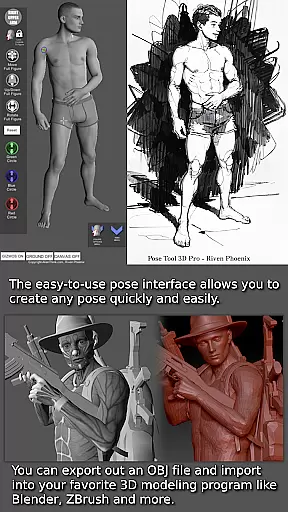
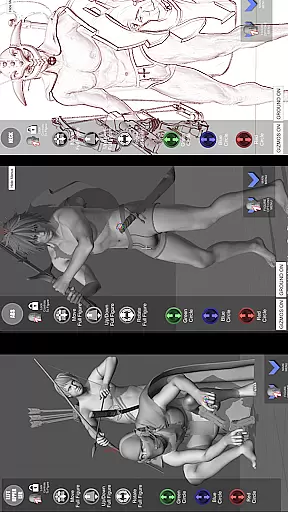
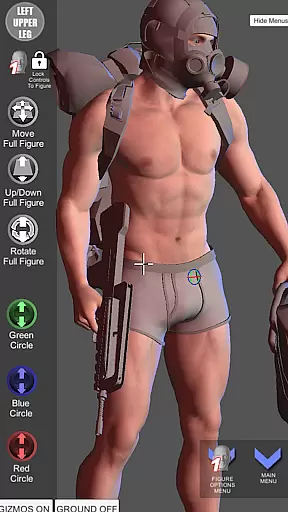

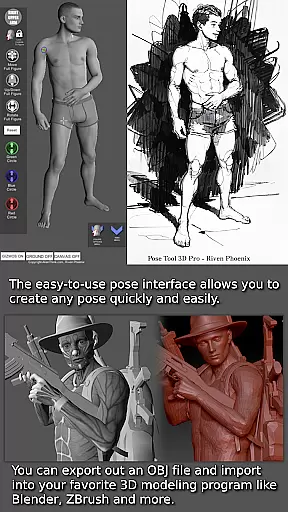
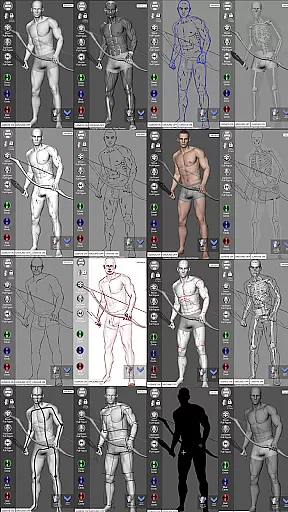
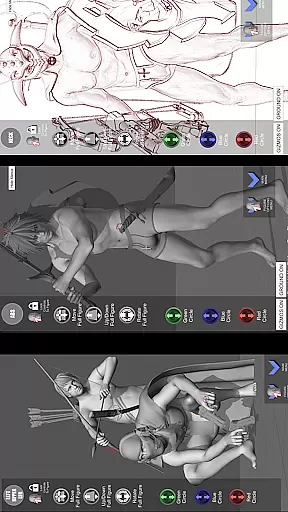


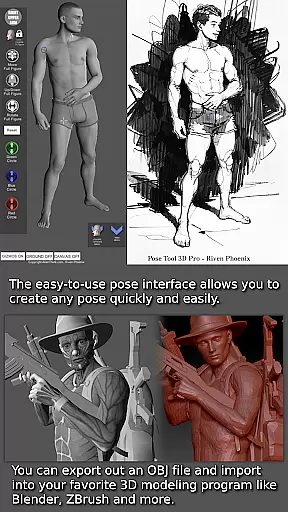
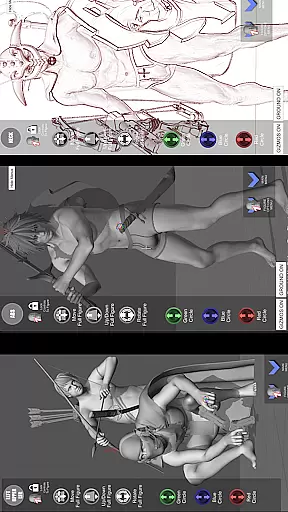

Pose Tool 3D is an essential app for artists, illustrators, and animators who need a reliable figure posing tool. This app offers a versatile reference model that can be posed in countless ways, making it perfect for various creative projects including manga, character design, storyboarding, and comic books. The intuitive interface allows users to create both realistic and extreme poses with ease, while the unique feature of unconstrained geometry enables dynamic compositions.
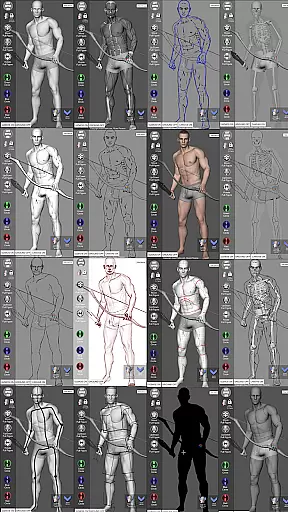
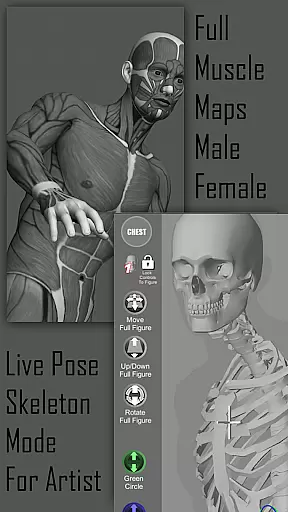
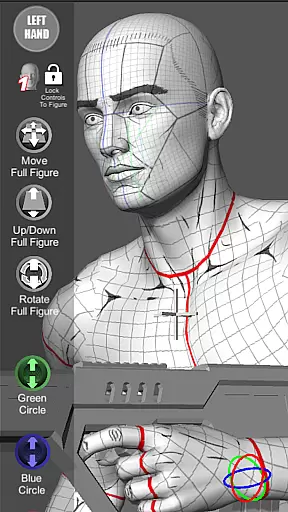
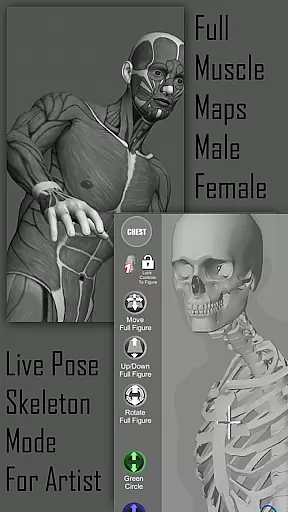
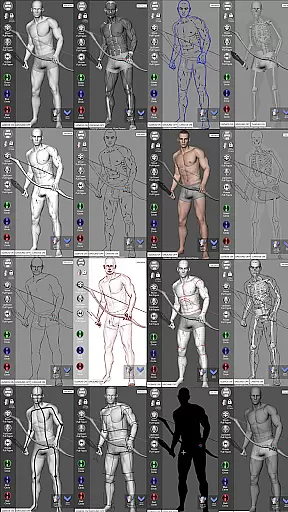
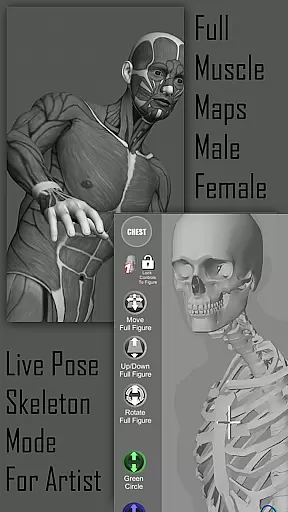
One of the standout aspects of Pose Tool 3D is its ability to visualize the human figure in different drawing modes, from 2D to 3D perspectives. Artists can switch between these modes to suit their preferred style. Additionally, the inclusion of muscle maps provides deeper insights into anatomy, helping users understand how muscles move and flex during different poses. This makes the app not only a posing tool but also an educational resource for improving artistic skills.
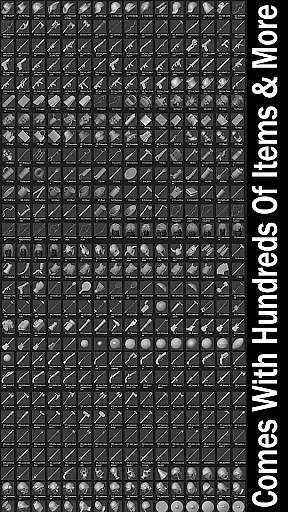
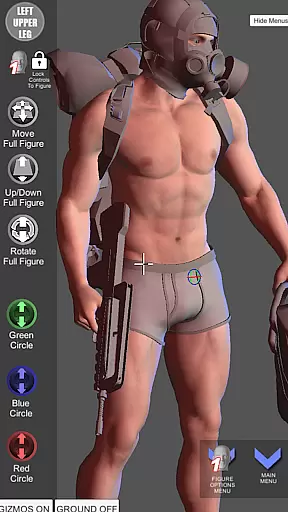
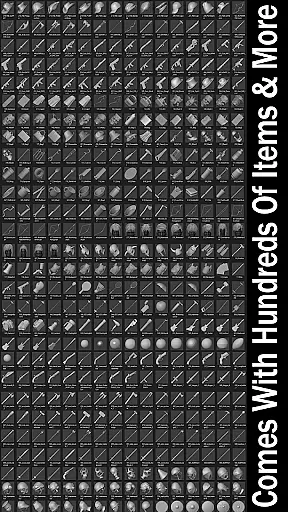
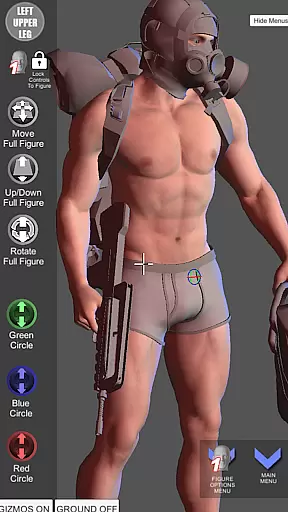
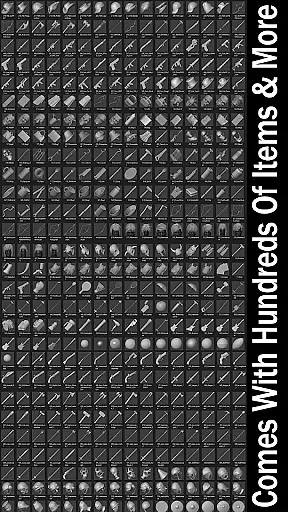
The Pose Tool 3D app boasts a wide array of features designed to enhance creativity and productivity. With hundreds of items available in the inventory system, users can attach everyday objects and weapons to figures, adding depth and realism to their compositions. The app supports both male and female figures across various body types, ensuring versatility for any project.
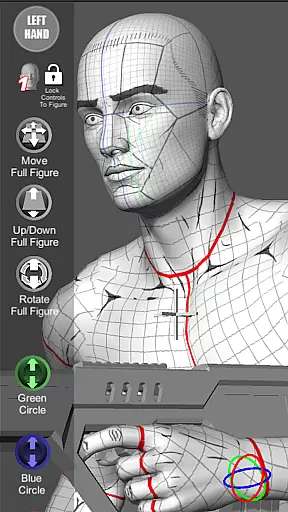
Artists can utilize advanced touch controls such as one-finger orbiting, two-finger zooming, and panning to set up dramatic shots quickly. The menu includes easy pose buttons, perspective grids, and a 3-point lighting system, allowing precise control over the scene. Moreover, specialized modes like Mannequin Mode, Skeleton Mode, and Comic Sketch Mode cater to different artistic styles, providing tools that adapt to individual preferences and project requirements.
For artists and creators, having access to a diverse and extensive comic library is essential for inspiration and reference. Pose Tool 3D offers an impressive range of options with its six male and six female figure models, each customizable in various body types such as average, heavy, old, skinny, and muscular. This diversity allows users to explore different artistic styles and character designs.
The app goes beyond just human figures by providing hundreds of inventory items including everyday objects and weapons that can be attached to the figures. These additions enrich the creative possibilities, making it suitable for illustrations, storyboarding, and comic book creation. With features like muscle maps, mannequin mode, and pencil sketch modes, artists can visualize their ideas in multiple formats.
Users benefit from the ability to switch between 2D and 3D drawing modes, offering flexibility in how they interact with the models. The inclusion of perspective grids and camera FOV settings further enhances the user's capacity to create dynamic compositions. Whether working on simple portraits or complex scenes, Pose Tool 3D ensures that artists have all the tools needed to bring their visions to life.
Authenticity and proper licensing are crucial factors when selecting a digital art tool, ensuring that the content used is both original and legally sound. Pose Tool 3D stands out by providing verified and authentic content, including its highly detailed 3D models and muscle maps. These features have been recognized by industry experts, as evidenced by the app being named one of the Top 10 must-have apps by ImagineFX magazine.
The app includes a comprehensive set of organic moving parts for both male and female figures, allowing for realistic posing without constraints. This capability is complemented by advanced touch controls and menu features that facilitate intricate adjustments. Users can manipulate the head, neck, shoulders, arms, chest, abs, hips, legs, hands, fingers, and feet, achieving poses that range from natural to extreme.
Furthermore, Pose Tool 3D supports professional workflows through functionalities like saving and loading poses, random pose generation, and a three-point lighting system. Artists can trust that these features are designed to enhance productivity while maintaining high standards of quality and authenticity. By choosing Pose Tool 3D, creators can focus on their art with confidence, knowing they are using a reliable and reputable resource.
User-friendly interface
Versatile posing options
Comprehensive muscle maps
Wide range of drawing modes
Extensive inventory system
Limited free features
Occasional bugs
Steep learning curve
High system requirements
Subscription fees

Become a real PKM Card Maker, create or custom any Poke TCG cards and share them
 4.10
4.10
Instantly create comic-style art with AI.
3.90
Create your personalized cartoon comic strips & comic books.
3.20
Joke book collection with the funniest dad jokes and riddles for you to enjoy!
4.60
Read officially manga titles from Japan including Attack on Titan
3.80
Read your favorite mangas for free
4.50
Artists wanting to use decent hand reference on the go, this app is for you!
4.70
Read comics & manga
4.70
Official from Japan
4.80
Free Comic Book Collection Management & Price Guide
4.60
Comic Book Identifier Value - Scan comics & prices. Your comic book price guide!
4.50
Webtoons, comics, web novels, and e-books are all here! RIDI, my own space to enjoy stories
4.30
Read webcomics & webnovels
4.20
AsuraScans read manga, manhua, manhwa, and webtoon
3.90
Anime TV App: Watch all anime online,anime tv subtitles online with big anime tv
3.80
Comic Scanner - Book Value - Identify and sell your comic collection with AI.
3.80
from HipComic: Value Your Comic Book Collection with Just the Snap of a Photo.
3.80
Get the latest manga chapters daily, released simultaneously with Japan.
3.10
Read manga, comics, and manhwa
4.1


User Reviews