
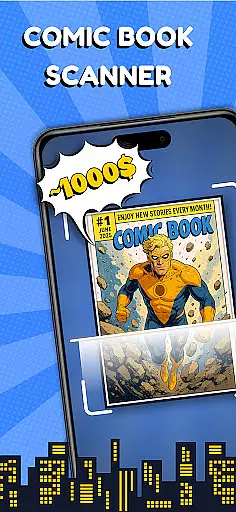
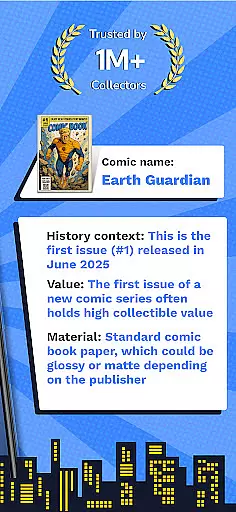
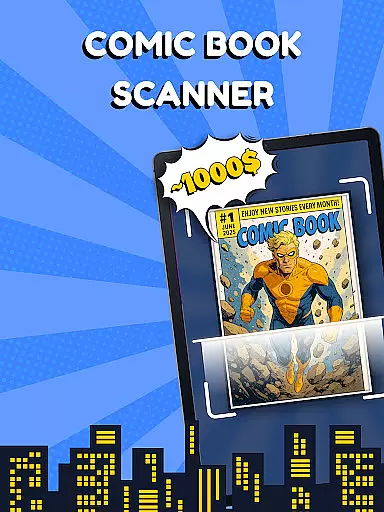
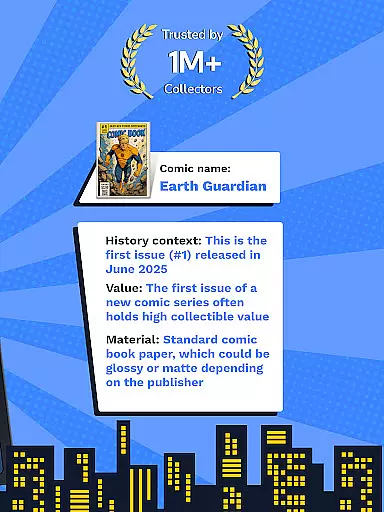
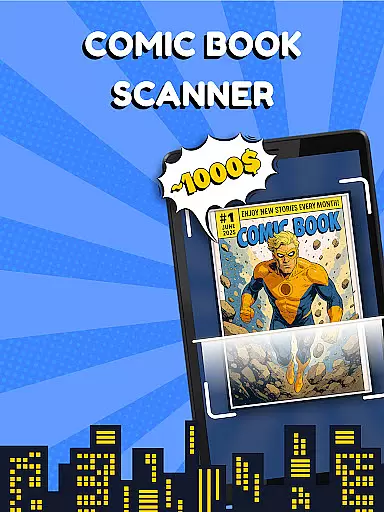
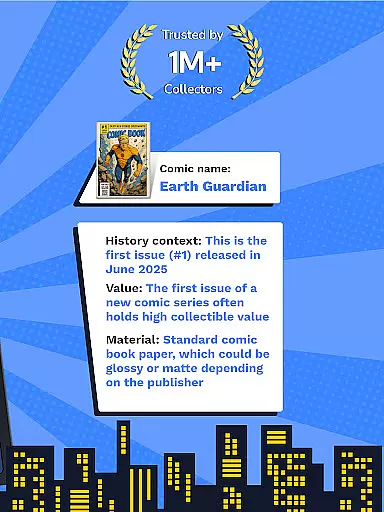
Comic Book Value Scanner is the ultimate tool for comic book enthusiasts, collectors, and investors. This app combines advanced scanning technology with a comprehensive price guide to help users identify, value, and manage their comic book collections. By simply pointing your phone's camera at any comic book cover, the app instantly identifies key details such as title, author, publisher, and release date. It also provides real-time pricing estimates based on market demand, rarity, and condition, making it an indispensable resource for buying, selling, or collecting. Whether you're managing a physical collection or building a digital library, this app ensures your comics are organized, valued, and ready for any market shift.
The app's standout feature is its ability to transform your phone into a smart comic book scanner, powered by AI technology for enhanced accuracy. Users can effortlessly organize their collections using intuitive tagging systems, track values over time, and sync data across multiple devices. With regular updates to reflect market changes, Comic Book Value Scanner remains a trusted companion for both casual fans and serious collectors alike.
Comic Book Value Scanner offers a robust set of features designed to meet the needs of every comic book enthusiast. The app's advanced scanning technology allows users to quickly identify rare or vintage comic books in seconds. Powered by a massive database and enhanced with AI recognition, the scanner delivers accurate results for all types of comic books, including detailed information like author, publisher, and release date. This makes it easy for collectors to catalog their collections and for investors to spot high-value issues with strong ROI potential.
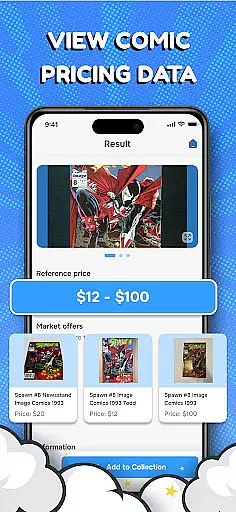
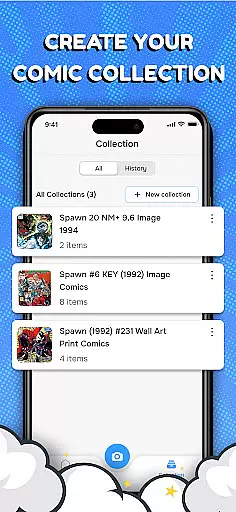
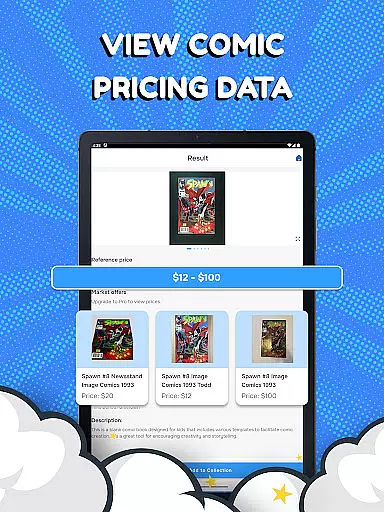
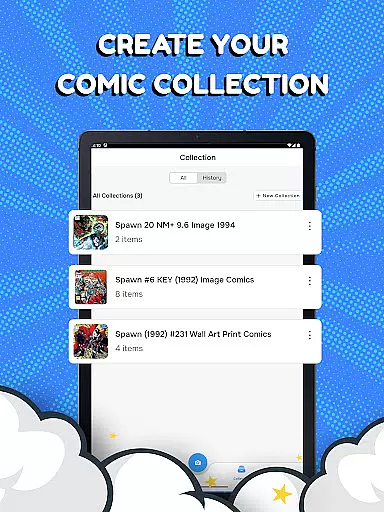
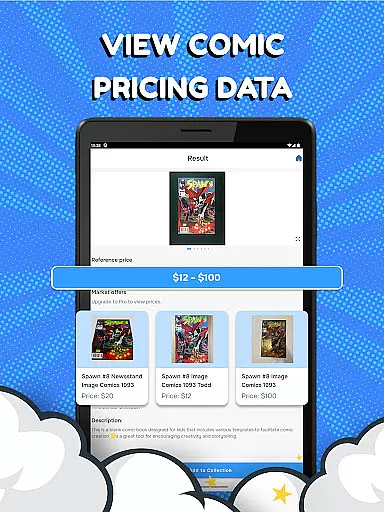
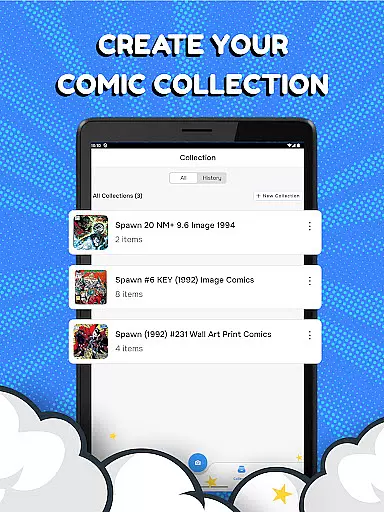
Beyond identification, the app includes a real-time comic book price guide that provides instant evaluations based on current market trends. Users can rely on this feature when buying, selling, or trading comics, ensuring they always have the most up-to-date pricing information at their fingertips. Additionally, the app offers seamless collection management tools, allowing users to create personalized archives, tag items by genre or year, and automatically update values as the market shifts. These features make Comic Book Value Scanner not just a scanner but a complete solution for managing your comic book library with ease and precision.
For any comic book enthusiast, having access to a vast and diverse library is essential. Comic Book Value Scanner offers an extensive collection that spans various genres, authors, and eras. This app's database includes everything from mainstream superhero comics to rare vintage finds, ensuring that every user can explore titles that match their unique interests.
The app employs advanced scanning technology powered by AI Comic Factory, which allows for quick identification of any comic book cover you point your camera at. This feature not only identifies the comic but also provides detailed information such as the title, author, publisher, and release date. Whether you're a casual fan or a dedicated collector, this tool helps you discover new additions to your library with ease.
Moreover, the app supports the management of both physical and digital collections. Users can organize their findings by tagging them according to personal preferences like genre or publication year. With regular updates reflecting market changes, collectors can trust that their catalog remains current and comprehensive.
Authenticity and proper licensing are crucial when dealing with collectibles like comic books. Comic Book Value Scanner places a strong emphasis on these aspects by providing accurate data verified through its vast book database. Each entry in the app is meticulously checked to ensure it comes from legitimate sources, giving users peace of mind when managing their collections.
In addition to verifying content authenticity, the app also aids in evaluating the worth of each comic. By utilizing real-time pricing information based on market demand, rarity, and condition, users can confidently assess the value of their holdings. The built-in comic book price guide ensures that whether buying, selling, or collecting, enthusiasts have reliable estimates at their fingertips.
Furthermore, the app's commitment extends beyond mere identification; it fosters a trustworthy environment where collectors know they are dealing with properly licensed materials. This dedication to accuracy and legitimacy makes Comic Book Value Scanner an indispensable tool for anyone serious about building a credible and valuable comic book collection.
User-friendly interface
Accurate scanning technology
Real-time pricing updates
Comprehensive comic database
Syncs across devices
Requires stable internet
Premium features locked
Limited free scans
Occasional AI errors
No offline mode

Scan comics instantly! Find comic value, price, and key collector details fast.
 4.50
4.50
Draw the comics with glow brushes! Easy and relax!
4.40
Your key to unlocking manga and webtoons on the go
3.50
Create your personalized cartoon comic strips & comic books.
3.20
Official digital-manga store. Quality translations that support artists.
3.10
Read your favorite mangas for free
4.50
Artists wanting to use decent hand reference on the go, this app is for you!
4.70
Read official webcomics, webtoons, Korean manga & webnovels
3.70
Instant access to over 30,000 Marvel comics with new issues added every week.
4.70
100k comics, manga & webcomics, including Batman, Invincible, Hellboy & more
4.60
Dive into creative online comics, short video, graphic novels and web novels!
4.60
Comics and stories from Japan
4.60
매일 매일 새로운 네이버 웹툰
4.50
The largest manga, comics, and manhwa community with millions of fans!
4.50
Browse and read all your comics and mangas from YACReaderLibrary
4.20
Read officially manga titles from Japan including Attack on Titan
3.80
+Not your everyday comic. Everyday.
3.50
Hot-blooded / Romance / Science Fiction All themes, Smart Recommendation + HD Reading
3.10
Read manga, comics, and manhwa
4.4


User Reviews