
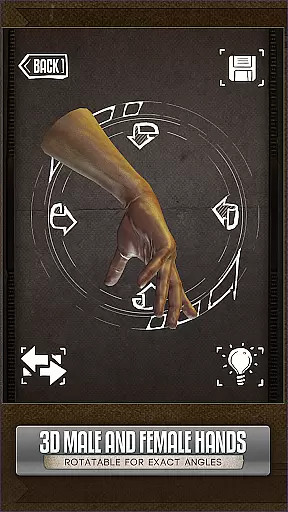
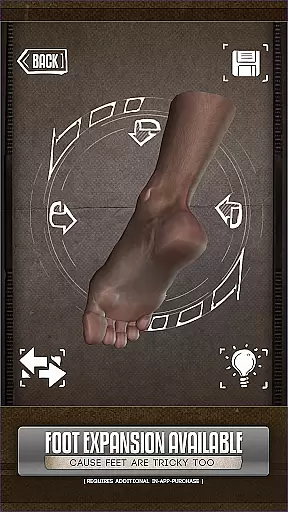
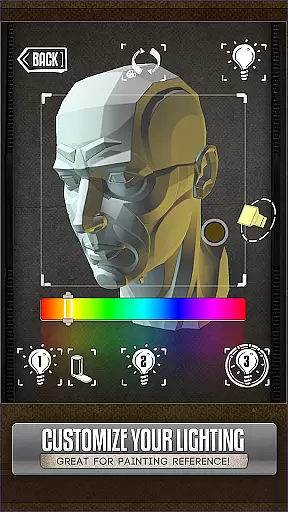
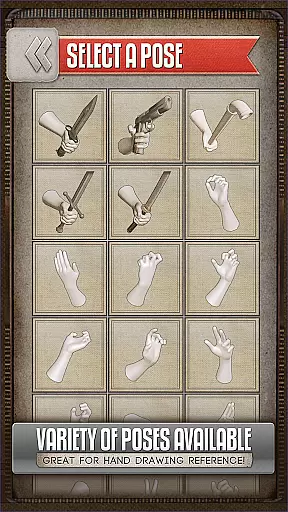
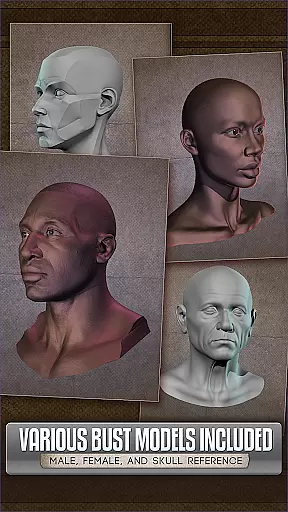
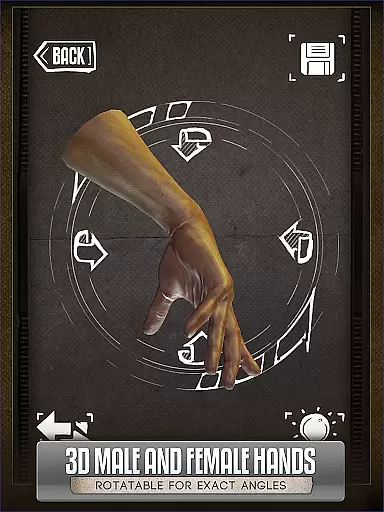
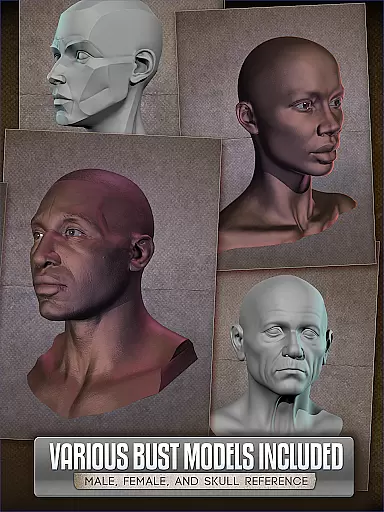
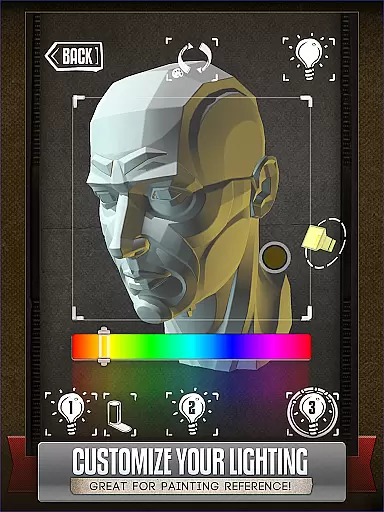
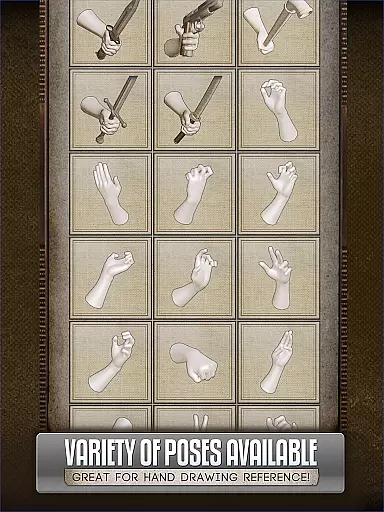
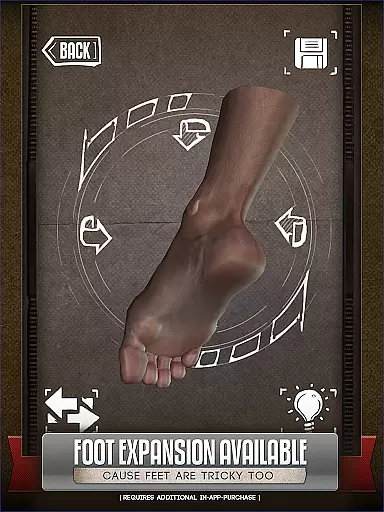
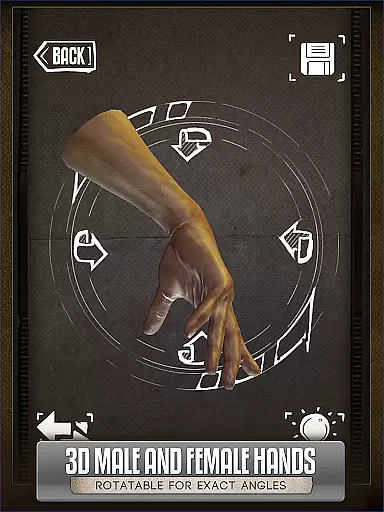
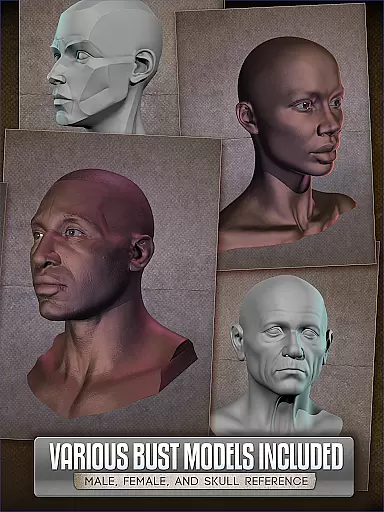
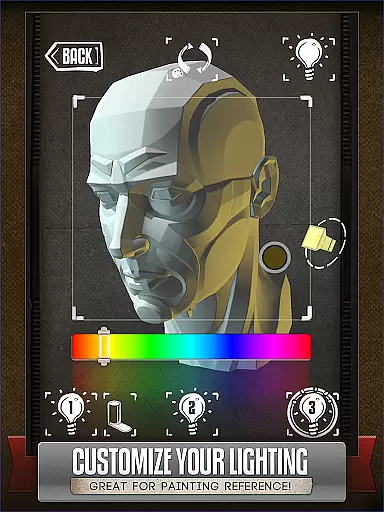
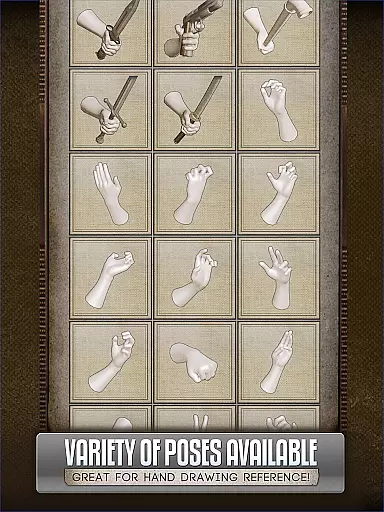
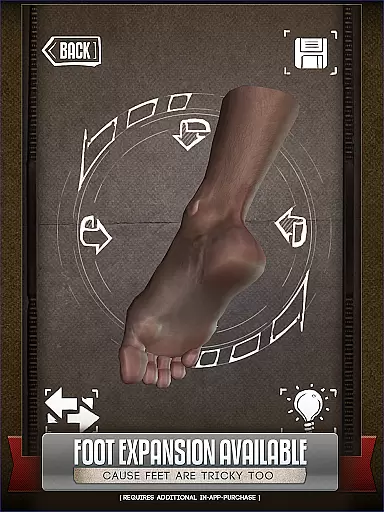
Handy Art Reference Tool is an innovative reference app designed specifically for artists. The application provides rotatable 3D models of hands, feet, skulls, and animal skulls to assist with anatomical accuracy in artwork. With over 10 head busts featuring adjustable 3-point lighting, it offers realistic shadow and angle references.
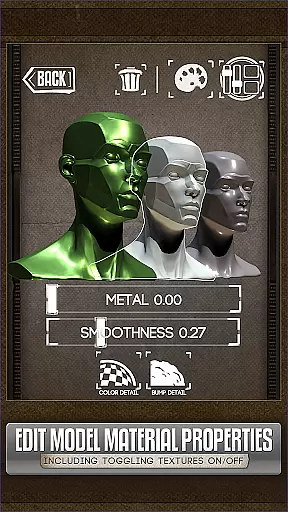
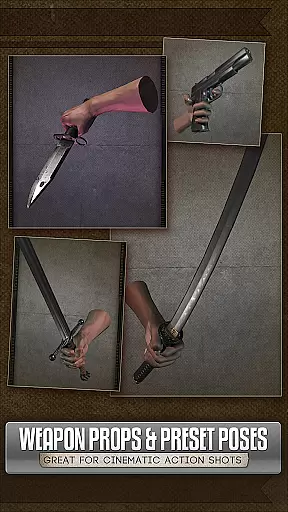
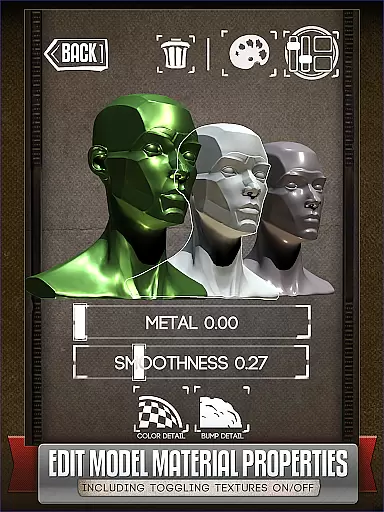
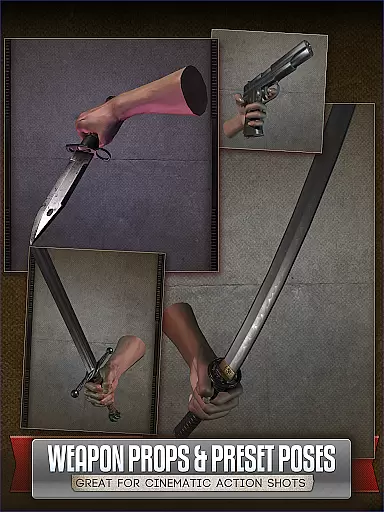
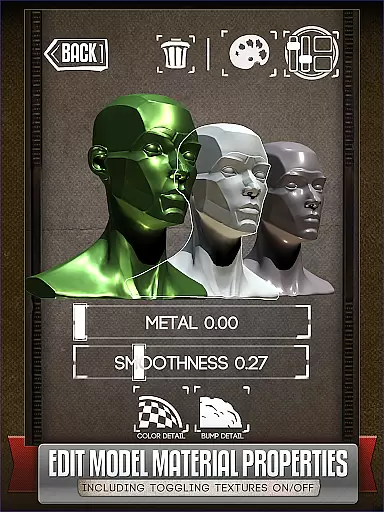
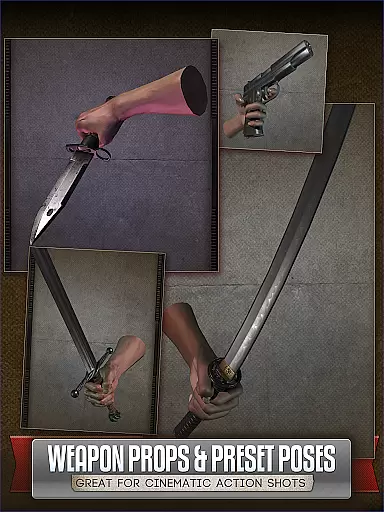
The app allows users to customize poses and edit model materials, including texture and specularity adjustments. This makes it a versatile tool for comic book artists, painters, and casual sketchers alike. Whether you need quick hand poses or detailed animal skull references, Handy Art Reference Tool delivers professional-grade resources right to your device.
This app is particularly useful for artists who work on character design, creature creation, or portraiture. The ability to manipulate lighting and customize poses helps users create more accurate preliminary sketches, saving time during the final drawing process.
Handy Art Reference Tool stands out with its comprehensive collection of 3D models. Users can rotate and adjust hand, foot, and skull models across various poses, providing diverse reference options. The inclusion of over 10 head busts with customizable 3-point lighting enables precise shadow study from different angles.
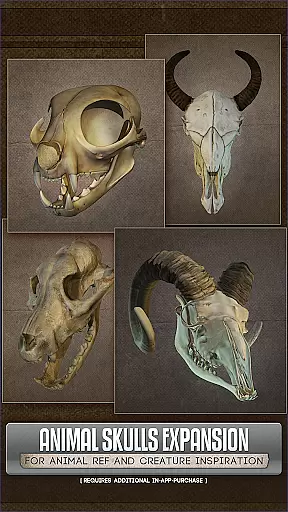
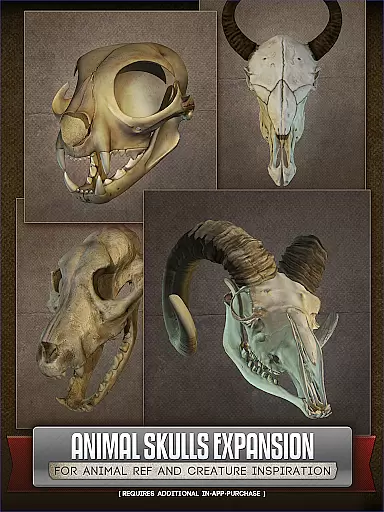
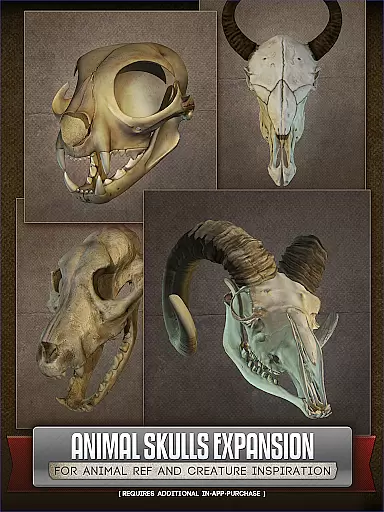
A key feature is the ability to modify model materials in version 5. Artists can now toggle textures, adjust specularity, and apply color tints to models. This functionality proves invaluable when experimenting with different artistic styles or mediums. Additionally, the optional Animal Skull pack expands creative possibilities for creature design.
The app's intuitive interface allows easy navigation between different model types and customization options. Its offline functionality ensures that artists can access their reference materials anytime, anywhere. These features collectively make Handy Art Reference Tool an indispensable resource for visual artists across various disciplines.
For comic book artists and casual sketchers alike, the Handy Art Reference Tool offers a diverse digital library that enhances creativity. This app provides rotatable 3D models of hands, feet, and skulls, which are crucial for crafting realistic comic characters.
The inclusion of over 10 animal skull models in the optional Animal Skulls pack extends its utility for creature design, making it an invaluable resource for artists focused on character development within their comics.
With more than 10 head busts available, users can explore various angles and lighting setups, ensuring accurate and dynamic representations in their artwork. These features collectively contribute to a comprehensive reference library that supports varied artistic needs.
The Handy Art Reference Tool ensures content authenticity by offering meticulously designed 3D models that serve as reliable references for artists. Each model is crafted with attention to anatomical detail, providing users with trustworthy resources for their creative projects.
While the core app includes a robust set of features, additional elements like the Animal Skulls pack are available for purchase, allowing artists to expand their reference library responsibly and legally. This approach respects intellectual property rights while enhancing user experience.
Artists can confidently use these references, knowing they come from legitimate sources and are intended to support artistic growth without infringing on copyrights or licensing agreements.
User-friendly interface
Customizable 3D models
Adjustable lighting system
Wide range of poses
Material editing capabilities
Additional purchases required
Limited free content
Steep learning curve
Occasional performance issues
High system requirements

Hot-blooded / Romance / Science Fiction All themes, Smart Recommendation + HD Reading
 3.10
3.10
Pocket Toons: Free Webtoons, Comics, & Manga - New Chapter Drops Everyday
4.30
Welcome to SnapSaga - your ultimate manga and novel destination!
4.0
Browse and read all your comics and mangas from YACReaderLibrary
4.20
A gathering place for a massive collection of genuine comics.
4.50
Comics and stories from Japan
4.60
Instant access to over 30,000 Marvel comics with new issues added every week.
4.70
Kodansha official Manga app
4.30
Get the latest manga chapters daily, released simultaneously with Japan.
3.10
TMOLector is an app to read all kinds of manga and stories!
4.50
Crunchyroll Manga—unlimited, uninterrupted reading with offline access & more!
4.50
Discover manga stories & stream anime series with unlimited entertainment access
4.40
Read latest manga with this minimal reader with NO ADS.
4.30
Become a real PKM Card Maker, create or custom any Poke TCG cards and share them
4.10
Comic Scanner - Book Value - Identify and sell your comic collection with AI.
3.80
+Not your everyday comic. Everyday.
3.50
Official digital-manga store. Quality translations that support artists.
3.10
A free paradise specially built for comic lovers. When you step into this comic universe full of surprises, it is like opening a door to endless joy. You are immediately immersed in the wonderful world brought by reading and enjoy the infinite charm of reading.
4.3
Goat sound simulator. This app makes for fun.
4.0


User Reviews