
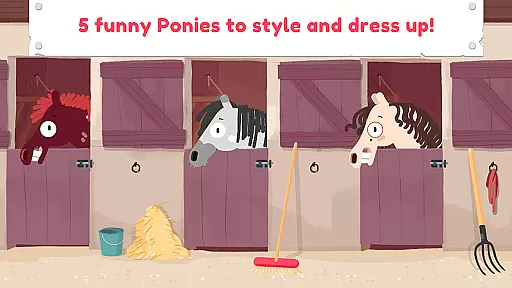
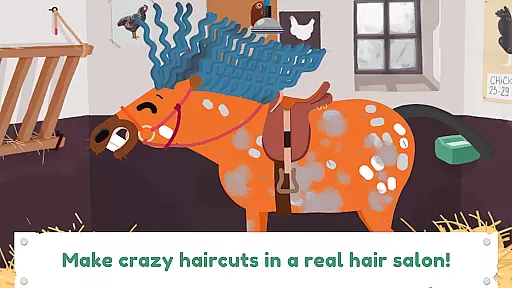
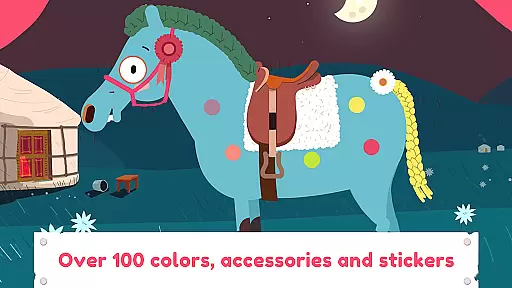
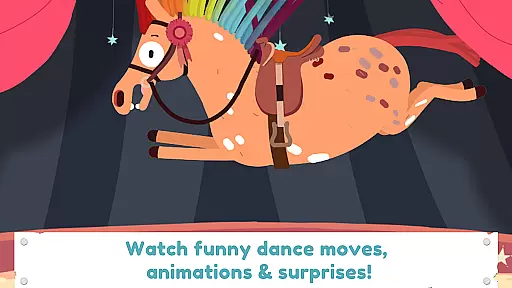
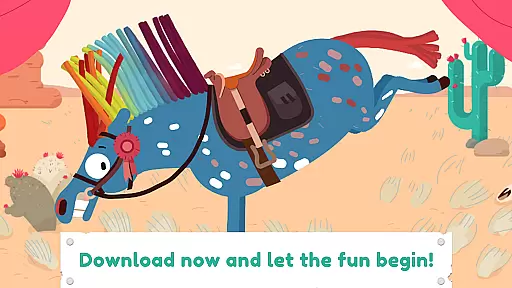

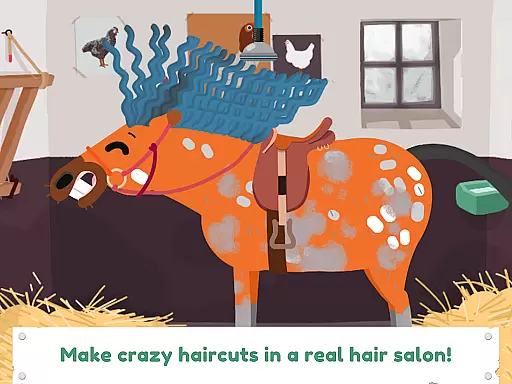
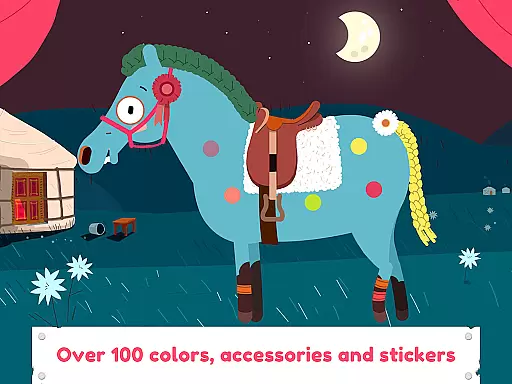
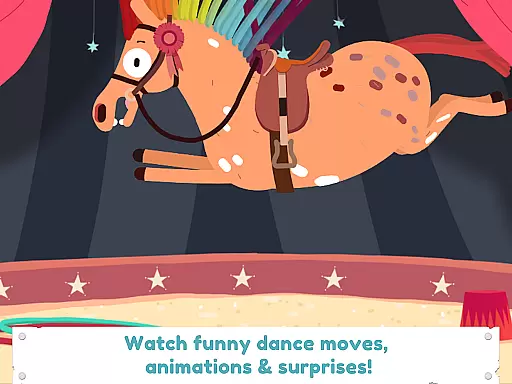
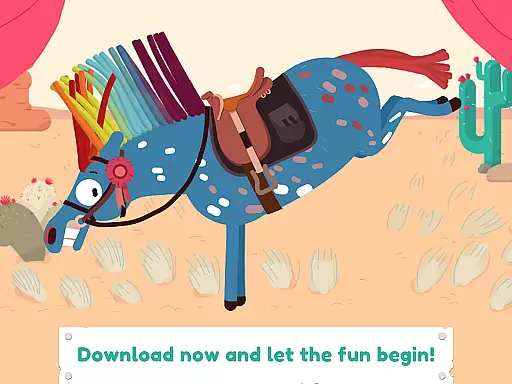

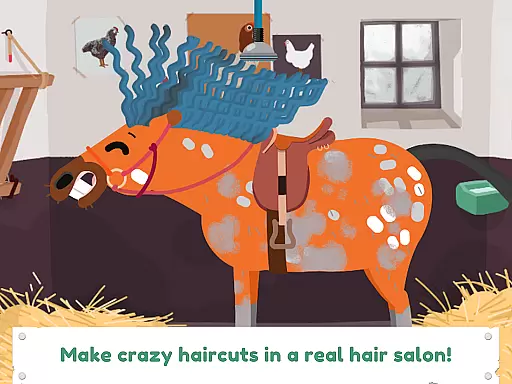
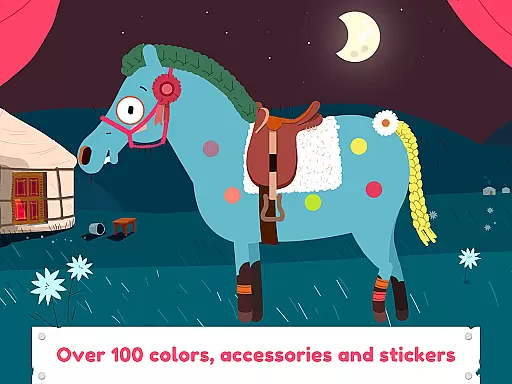
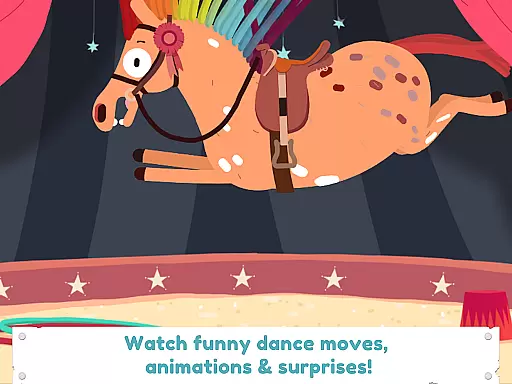
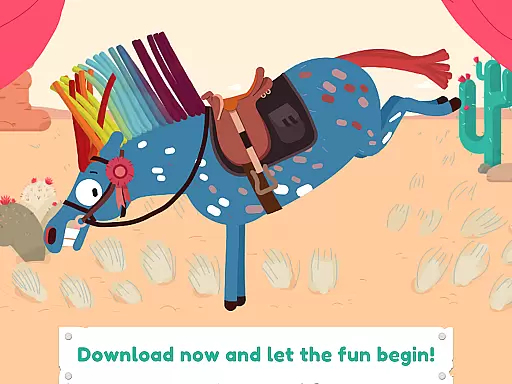
Pony Style Box is an innovative entertainment app that allows users to express their creativity through virtual pony styling. The core functionality revolves around customizing and dressing up five unique ponies, each with distinct personalities and animations. Users can experiment with various hairstyles, accessories, and color combinations, similar to a digital salon experience.
The app stands out with its rich feature set including photo capture options, special effects, and an integrated gallery system for saving favorite creations. These features make it particularly suitable for children aged 2-8 who enjoy imaginative play and creative expression. The application's value lies in fostering artistic skills while providing hours of engaging entertainment.
This entertainment app boasts an impressive array of features designed to maximize user engagement and creativity. The most notable aspect is the comprehensive styling system that includes professional-grade tools such as hairspray, nail varnish, and various decorative elements like stars and hearts. Each styling choice triggers unique animations and special effects, bringing the ponies to life.
A key differentiator is the app's sophisticated animation engine that powers each pony's distinctive dance moves and character expressions. The integrated photo feature allows users to document their creations, while the gallery system provides a space to store and review past designs. These features collectively create an immersive experience that sets new standards in digital entertainment for children.
Pony Style Box offers an extensive range of content that ensures users have a varied and engaging experience. With five unique ponies to choose from, each possessing its own character and dance moves, the app provides countless combinations for creative expression.
The application allows users to experiment with different styles including various haircuts, outfits, and accessories. From hair salon-inspired cuts to colorful nail varnish options, the possibilities are vast, keeping the content fresh and exciting.
Users can save their creations in a personal gallery, which not only showcases the diversity of content but also encourages continuous exploration and creativity. This feature ensures that the entertainment value remains high over time.
User engagement is at the heart of Pony Style Box's design. The app captivates users with surprising animations and special effects that accompany every styled pony, encouraging longer play sessions.
By offering a platform for creative expression through styling options like hairspray, stickers, and themed accessories such as stars and hearts, it fosters a sense of ownership and pride in oneu2019s creations, leading to increased retention rates.
Additionally, by allowing children to take pictures of their styled ponies, the app creates memorable moments that enhance emotional attachment to the game, prompting repeated visits and sustained interest over time.
User-friendly interface
Highly engaging content
Variety of customization options
Quality animations and effects
Regular updates and support
Limited to five pony choices
Some features may require parental help
Contains in-app purchase options
May drain device battery quickly
Requires internet connection

Heroclix search units with multi filter , team builder, collection manager.
 4.40
4.40
EVP Recorder / Voice Recorder for ghost hunting, to communicate with ghosts.
4.5
Real ghost box scanner with echo, reverb, EMF, & multi-stream channels.
3.80
Underrated short-drama gems that hit hard and keep your heart hooked.
4.50
Earn gift cards for playing games. Become a real game tester!
4.40
NFL, NBA, NHL, MLB, local sports coverage, shows, movies & news!
3.20
Build and Share AI
4.20
The classic game of rock, paper, scissors
4.5
Scary prank camera & on face app: Shoot videos, selfies with spiders & scorpions
4.60
Start EVP/Spirit Box tonight: real EMF, offline, recording. One-time purchase.
4.10
Music visualizer and party effects for Hue
3.90
Watch New Episodes & Live TV
3.80
Necrophone is spirit box ghost hunting app made for spirit communication.
3.70
Watch whatever you want, whenever you want, wherever you want.
3.30
Stream live TV shows, sports, news, movies & more - all without cable.
3.00
With the Steam Mobile App, you can take Steam with you anywhere.
3.00
Simulation of Dashboard / Touch Screen for Tesla. (Works without actual Tesla).
4.5
Collaboration with popular VTubers
4.4
See the frequencies! Watch the magic!
4.1


User Reviews