
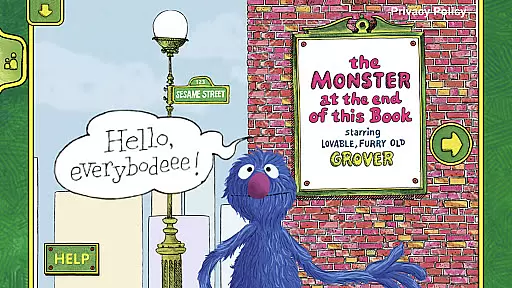
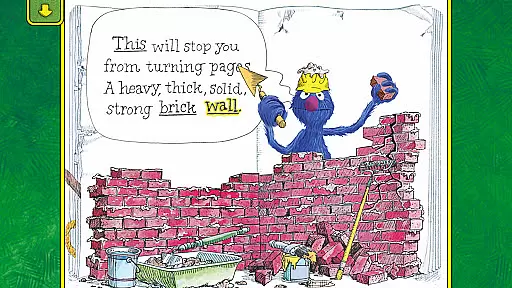
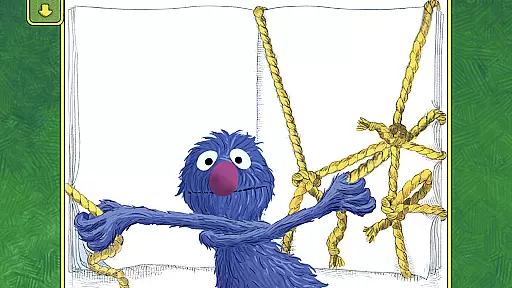
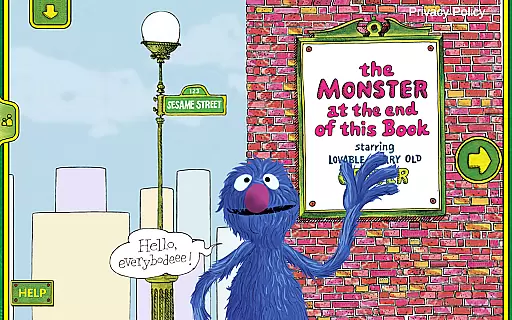
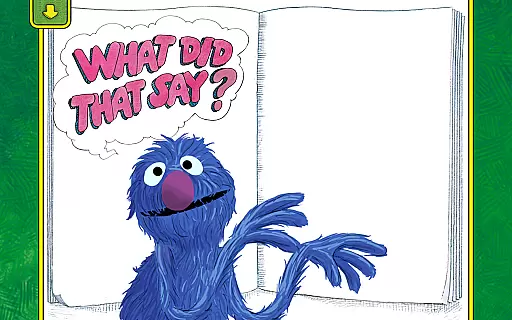
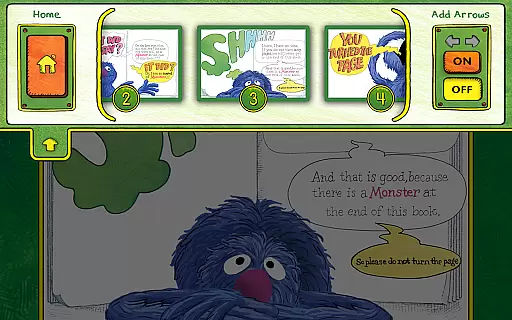
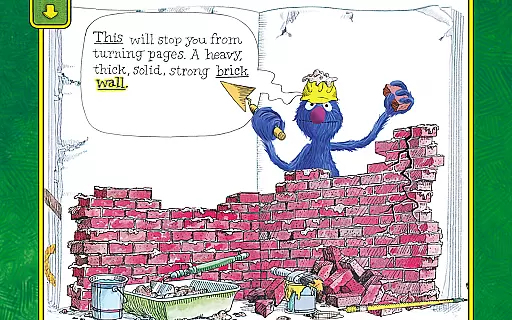
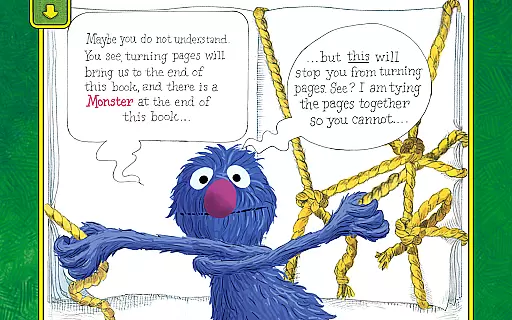
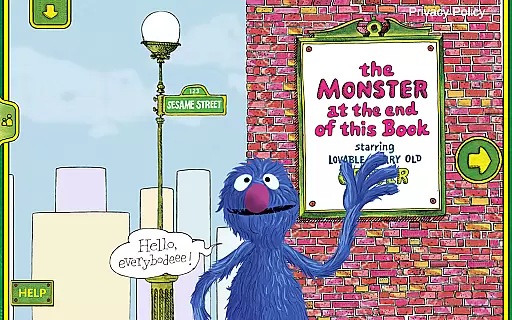
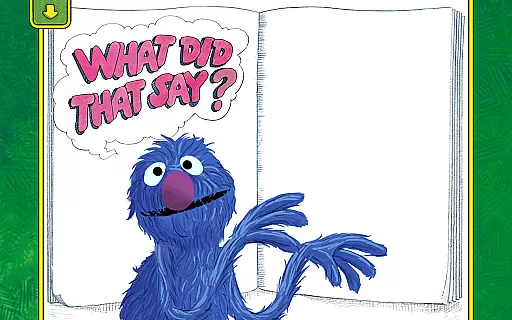
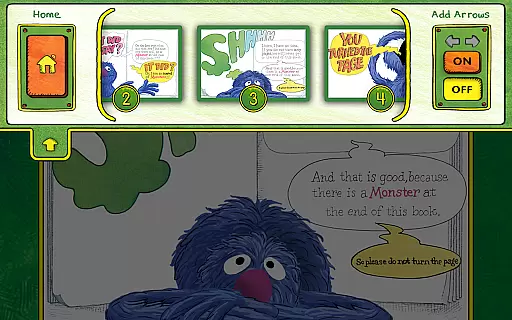
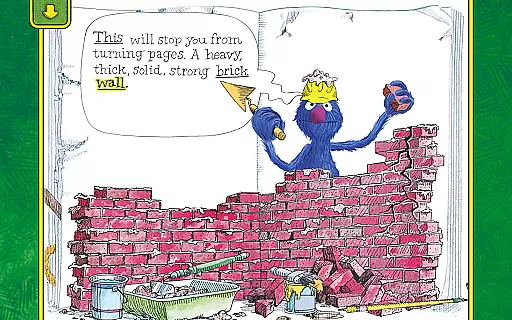
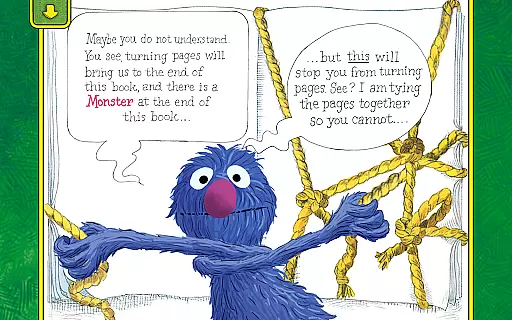
The Monster at the End of This Book is an interactive storybook app designed to teach children about emotions and early reading skills through engaging animated content. Featuring lovable Grover from Sesame Street, this app creates immersive storytelling experiences where kids become part of the narrative.
With lively animations, interactive activities, and narration by Grover himself, the app helps children develop spatial awareness, listening skills, and beginning reader abilities while addressing common childhood fears in a humorous and educational way.
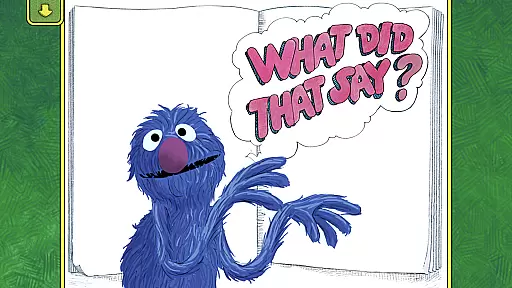
This app offers rich interactive features that enhance traditional storytelling. Children can engage with lively animations that respond to their touch, empowering them to decide how the story unfolds. Activities like word highlighting help build foundational reading skills while fostering spatial development.
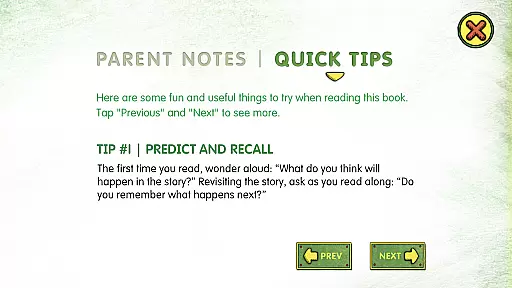
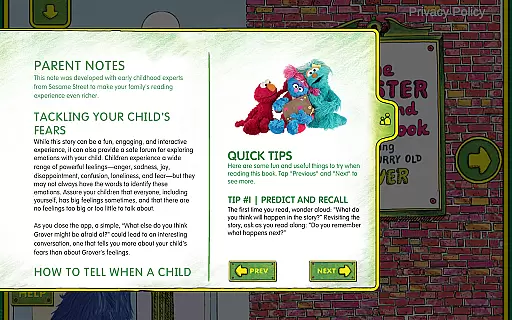
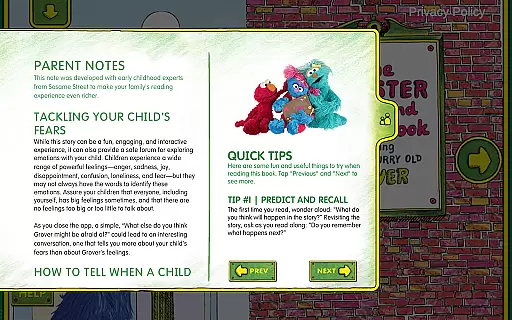
Parents will appreciate the easy-to-follow tips for helping kids label emotions and tackle fears. Additional features include personalization options such as adding your child's name to the bookplate, creating a unique experience tailored to each young reader.
In the realm of educational applications, content accuracy and authority are paramount. The Monster at the End of This Book app excels in these areas by providing a trustworthy source of learning for children. Developed by Sesame Workshop, renowned for their educational expertise, this interactive storybook combines humor and learning seamlessly.
The app's content is meticulously crafted to help children understand emotions and develop early reading skills. With narration by Grover, a beloved Sesame Street character, the app ensures that the storytelling is both engaging and reliable. Each interactive element is designed to reinforce learning objectives, making education an enjoyable experience.
Parents can feel confident in the app's ability to deliver accurate information through its features. Word highlighting aids in building foundational reading skills, while easy-to-follow parent tips assist in addressing common childhood fears and labeling emotions. These elements work together to create an authoritative resource for early childhood education.
While The Monster at the End of This Book app may not offer traditional personalized learning paths, it provides unique customization options that cater to individual learning experiences. One standout feature is the bookplate personalization, allowing parents to add their child's name, creating a special connection between the child and the story.
The interactive animations respond to a childu2019s touch, empowering them to decide how the story unfolds. This level of interactivity encourages spatial development and listening skills, effectively adapting to each child's pace and preferences. Such engagement fosters a personalized journey through the narrative.
Moreover, the app includes activities that encourage decision-making, enabling children to progress through the story as they see fit. By incorporating these adaptive elements, The Monster at the End of This Book creates a tailored educational experience that resonates with young learners on a personal level.
Engaging animations
Interactive learning
Educational value
Personalized content
Beloved character
Limited free content
Requires purchase
Younger audience only
Simple navigation
Few language options

Universe simulator: Find & explore planets system, outer space, astronomy events
 4.60
4.60
Study the questions most likely to be asked during the Oral & Practical Exams.
2.80
Explore myths and gods across cultures with in-depth insights and stories.
5.00
Dinosaurs coloring book game. Drawing and painting dinos.
4.50
Practice Casino Roulette Payouts for Table Game Dealers and Croupiers
4.40
The official CCM Glossary app, including 700+ terms and definitions.
2.90
Skelly is a fully poseable, anatomically correct reference skeleton for artists.
4.10
Hasbro’s classic CANDY LAND game is now a gorgeous interactive storybook app.
2.30
Fun, personalized math learning games that adapt to your child’s needs.
4.40
Learn Japanese in an immersive educational game set in Japan!
4.90
A realistic sky map to observe stars, planets, satellites and constellations!
4.80
Learning the ancient Viking language made simple
4.70
Stargazing Guide App. Stars and constellations map. Solar system planets finder.
4.60
Learn math, step-by-step
4.30
One of the most engaging and innovative ABC apps on the market.
4.30
School Communication
4.30
For medical training - Visualize complex vein maps and structures in real-time.
4.10
Watch and Play Elmo's World!
4.00
Enrich the experience of your visit to the Pantheon with our audiotour.
1.60
Honest Duolingo review—energy system problems, hidden costs, what works for language learning, and whether the free version is still viable.



User Reviews