
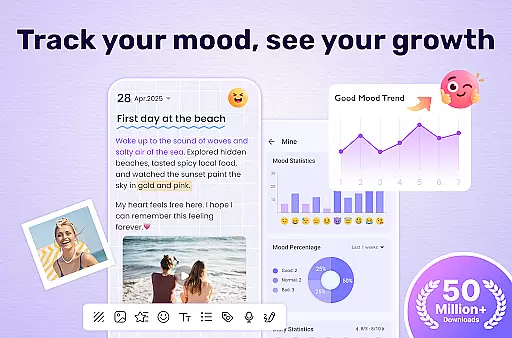
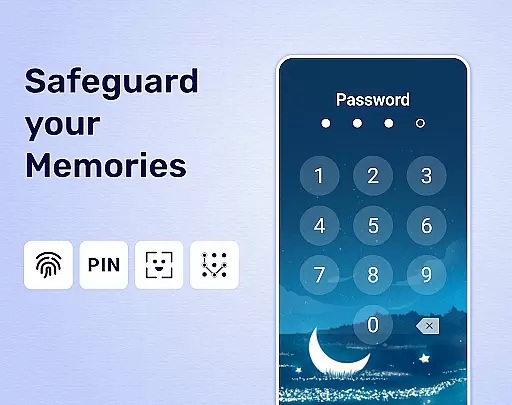
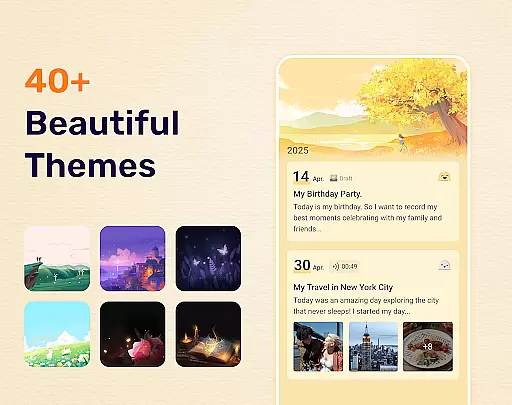
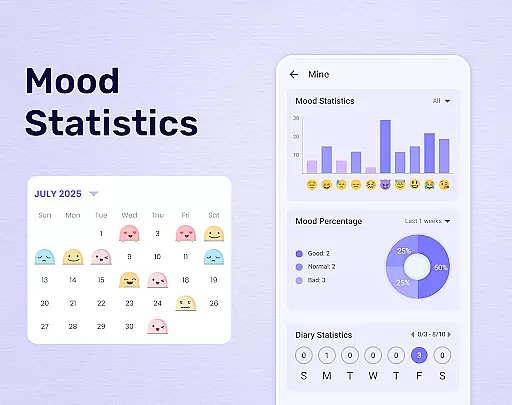
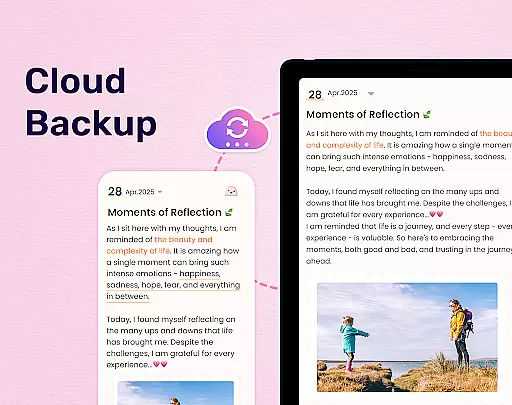
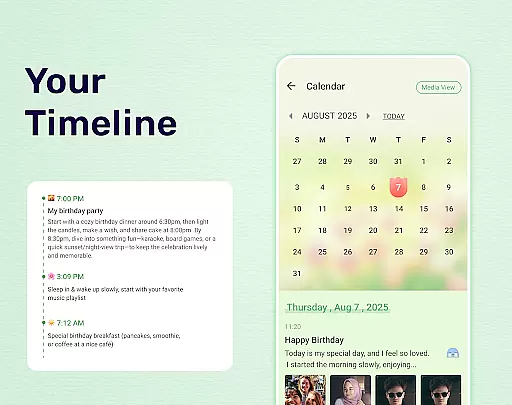
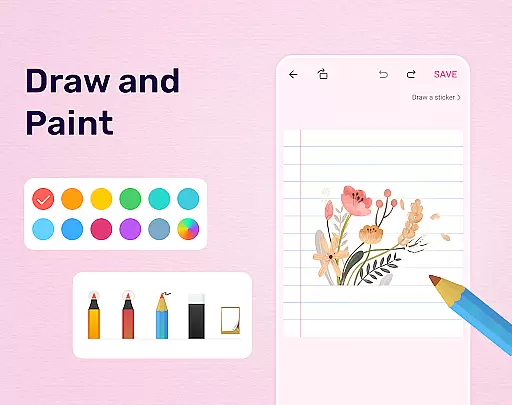
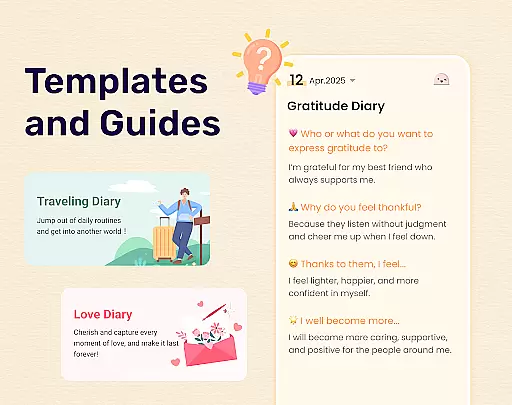
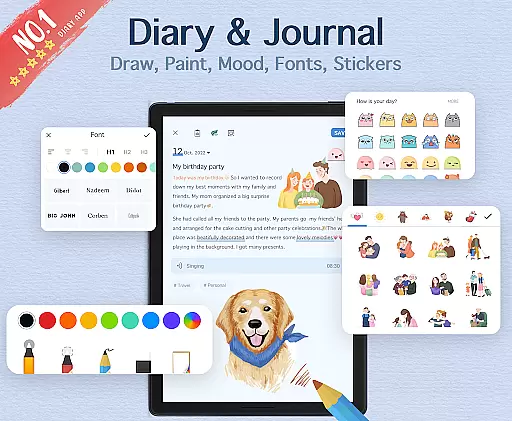
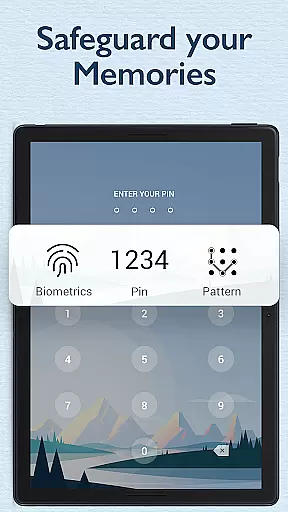
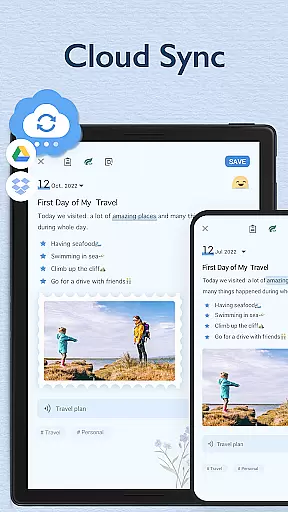
My Diary is an innovative lifestyle application designed for individuals who value privacy and creativity in journaling. This digital diary allows users to document their daily lives, secret thoughts, travels, and emotions through text, images, and videos. With features such as password protection, fingerprint unlocking, and cloud synchronization via Google Drive or Dropbox, My Diary ensures that your memories are not only vividly captured but also securely stored.
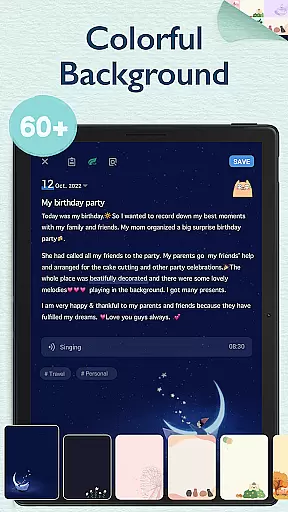
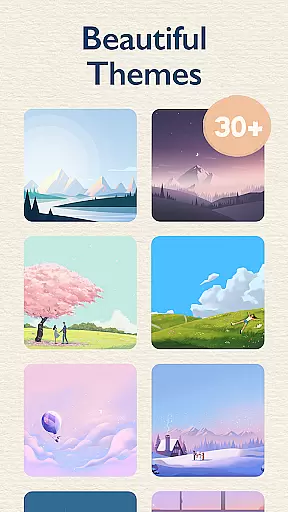
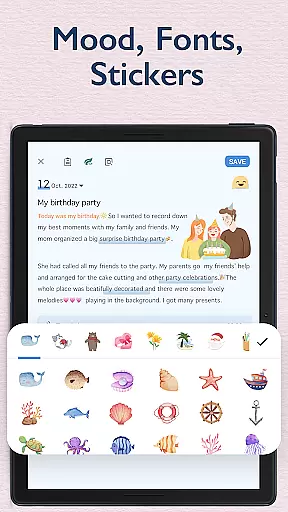
The app offers customizable themes, night mode, and artistic backgrounds to enhance the journaling experience. Users can express themselves with various stickers, mood tracking symbols, and personalized tags for easy organization and search. Whether you're recording personal reflections or special occasions, My Diary provides a safe and versatile platform for all your journaling needs.
One of the standout features of My Diary is its robust security system. Users can set a passcode or use fingerprint authentication to lock their diaries, ensuring complete privacy. The app's eye protection mode is another thoughtful addition, allowing users to write for extended periods without straining their eyes.
My Diary also excels in customization and multimedia integration. It supports rich media entries, including photos and videos, and offers multiple themes and fonts to personalize each entry. The ability to sync and backup diaries across devices adds convenience, while the option to export entries to PDF or TXT formats makes it easy to preserve and share your memories.
My Diary offers extensive lifestyle category coverage, making it more than just a basic journaling app. It supports various types of entries including daily journals, secret thoughts, journeys, moods, and private moments. This wide range of categories ensures that users can document every aspect of their lives in detail.
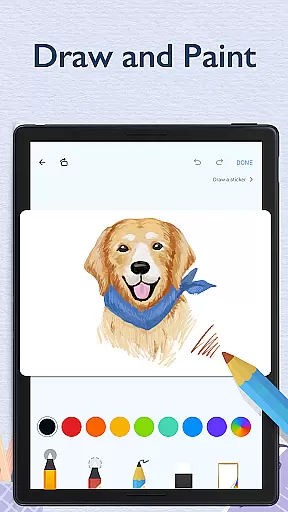
The app goes beyond simple text entries by allowing users to add pictures, videos, themes, stickers, and fonts. These features help create a richer, more personalized diary experience. Whether you want to capture memories with multimedia or customize the look of your journal, My Diary provides the tools necessary to make each entry unique and expressive.
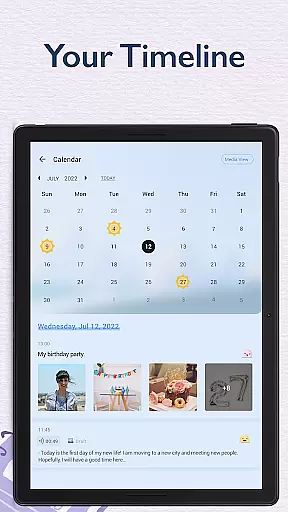
Additionally, the app includes specialized modes such as eye protection and mood tracking. Eye protection mode is particularly beneficial for users who spend extended periods writing, reducing strain and fatigue. Meanwhile, mood tracking allows users to monitor emotional changes over time, adding another layer of personal insight to their diary keeping.
Content authenticity is a cornerstone of My Diary, ensuring that all entries are genuine and secure. The app provides a robust locking system that includes passcode protection, fingerprint authentication, and cloud synchronization via Google Drive or Dropbox. These security measures guarantee that users' private thoughts and memories remain confidential and protected from unauthorized access.
Furthermore, My Diary emphasizes expert credibility through its comprehensive feature set designed by professionals who understand the nuances of personal journaling. The inclusion of customizable themes, night dark mode, and artistic backgrounds reflects a deep understanding of user preferences and enhances the overall journaling experience. Users can trust that these features have been thoughtfully crafted to meet their needs.
Lastly, the app's continuous updates and improvements demonstrate a commitment to maintaining high standards of quality and reliability. With regular enhancements and new additions like stickers and emojis, My Diary remains a credible and trustworthy choice for anyone looking to maintain a detailed and secure personal journal.
User-friendly interface
Strong security features
Vivid multimedia support
Customizable themes
Cloud synchronization
Limited free features
Occasional bugs
Ads in free version
Requires internet for sync
Export options could be improved

Design and brew great homebrewing beer, mead, cider and wine recipes on the go!
 3.60
3.60
Fly your Solo like a boss.
4.10
Daily lessons from A Course in Miracles with scheduled reminders
4.80
Cute animated Thanksgiving watchface for your WearOS smartwatch
4.0
Unique Dual Colors with 6 Custom Complications for Wear OS watches!
3.40
Get the news, events and savings that matter to you with AARP Now.
4.80
Kasa Smart is your portal to your TP-LINK Smart Home.
4.70
Subwoofer school’s in session! You’ve now enrolled into KICKER U.
3.80
The App can control Roborock vacuum cleaners from anywhere with rich features.
4.60
Countdown to Christmas 2025 with festive games & activities in a virtual village
4.80
Pay your rent, submit work orders and much more with the RentCafe Resident App.
4.70
Tap to the beat with interactive videos — warm up your reflexes & have fun
4.70
A smart Siddur with halachic times
4.60
Cute Adorable Animals now on your wrist with our Wear OS watch face!
4.40
Your home in your hand
3.80
Easily manage your child's playtime, spending messaging and more.
3.50
View over 160,000 line dance stepsheets from the CopperKnob website.
3.30
LineLearner, the quick way to learn lines.
2.90
Duo Watch Face (animated)
4.0


User Reviews