
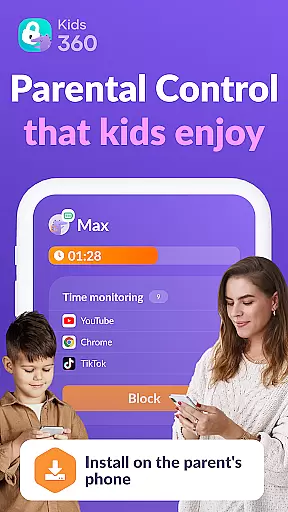

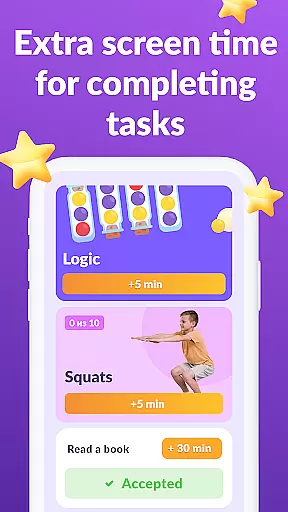

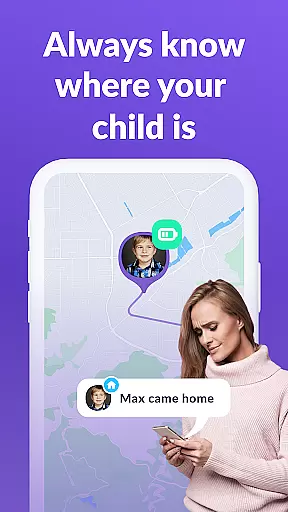
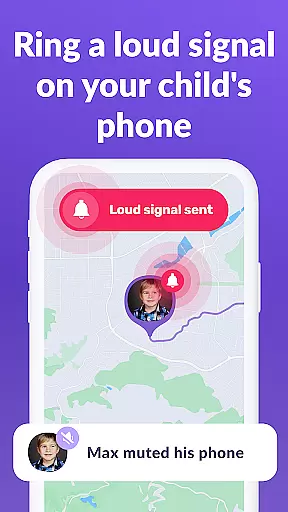
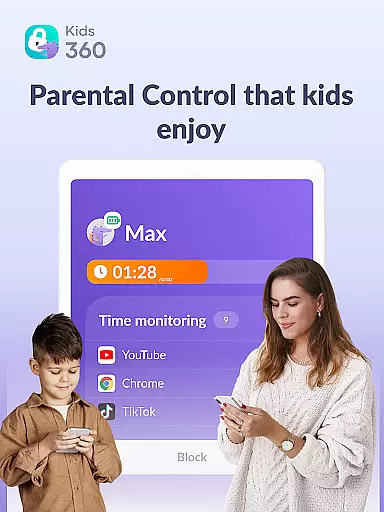

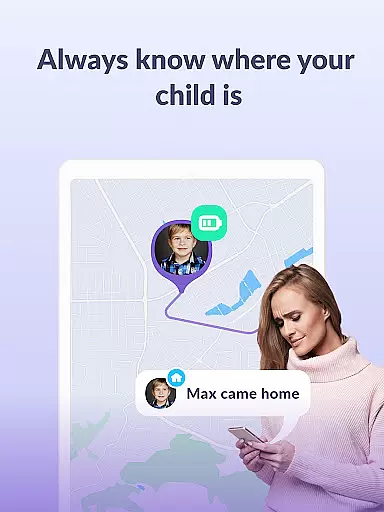

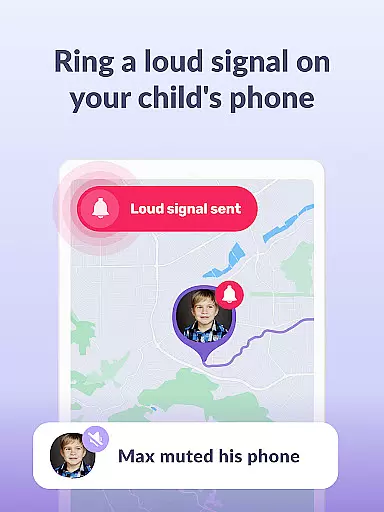
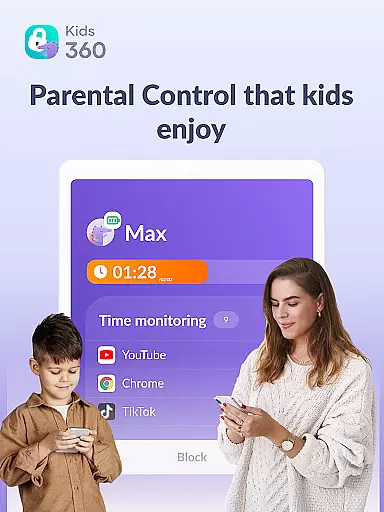
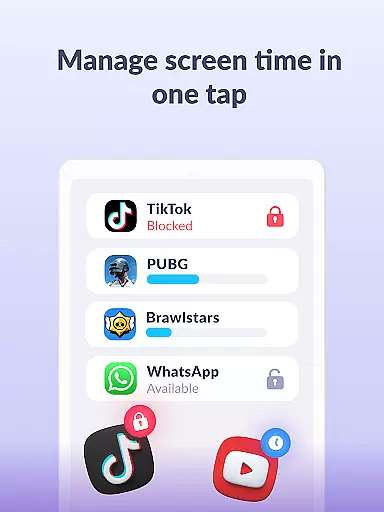

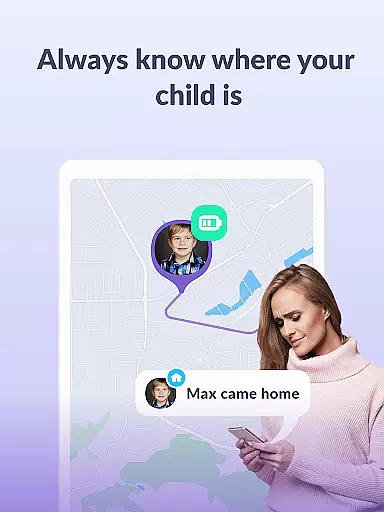

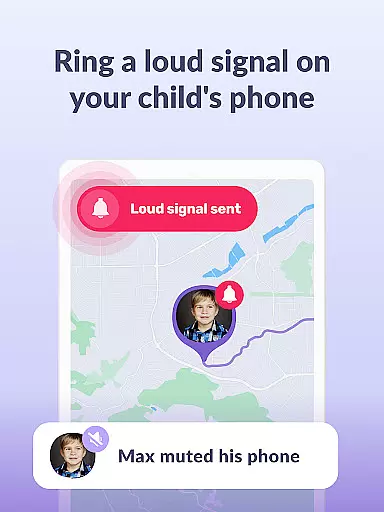
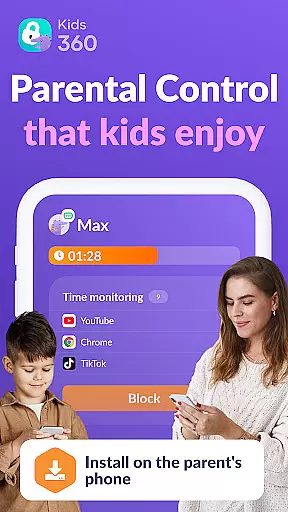

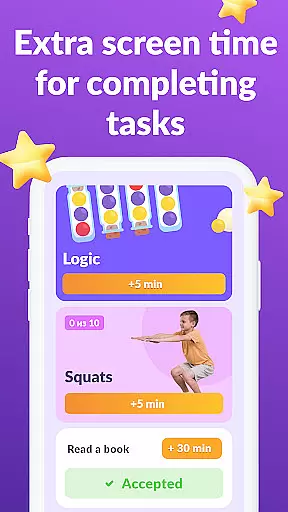
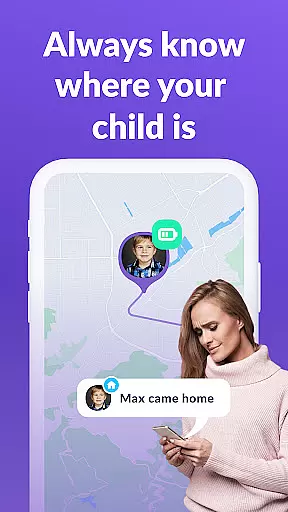

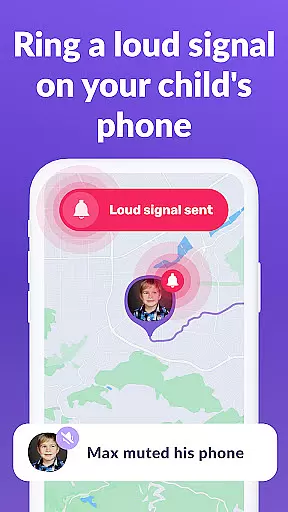
Kids360 is a comprehensive parental control application designed to help parents manage their children's device usage effectively. The app offers features like screen time management, app blocking, and GPS tracking to ensure family safety. It also provides educational games and insights into app usage statistics, making it an essential tool for modern parenting.
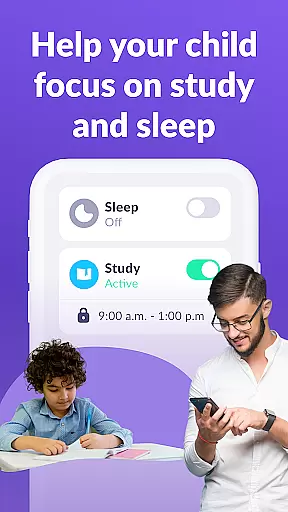
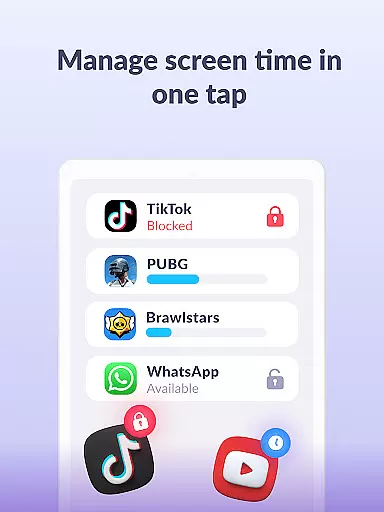
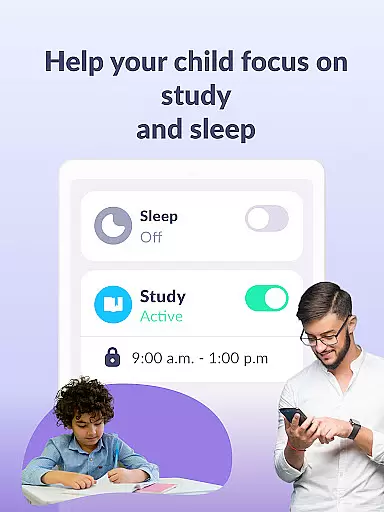
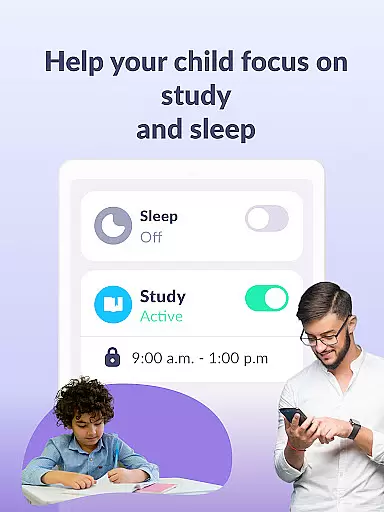
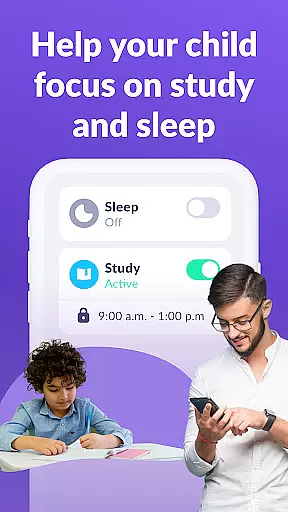
With Kids360, parents can set specific time limits on apps, games, and social media, ensuring that children remain focused on productive activities. The app also allows for scheduling during school hours and bedtime, promoting healthier habits. Additionally, the app includes a child lock feature and detailed usage reports, empowering parents with full control over their children's digital environment.
Kids360 stands out with its robust set of features tailored for parental control. One of the key functionalities is the app usage limiter, which enables parents to restrict access to distracting apps and games. This ensures that children are not overly engrossed in non-educational content.
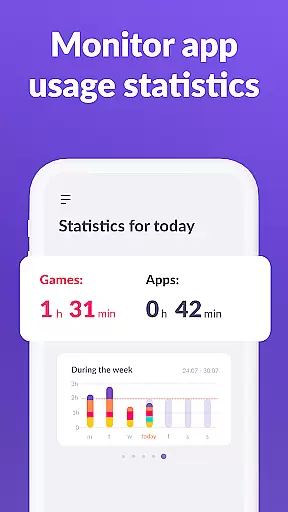
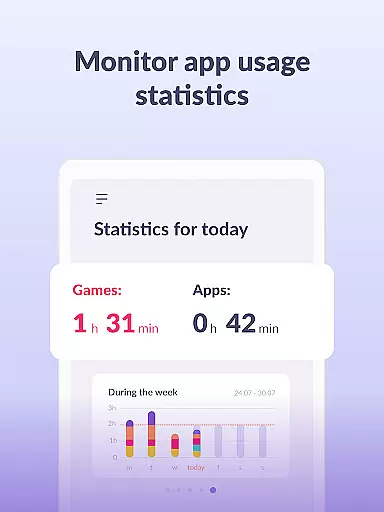
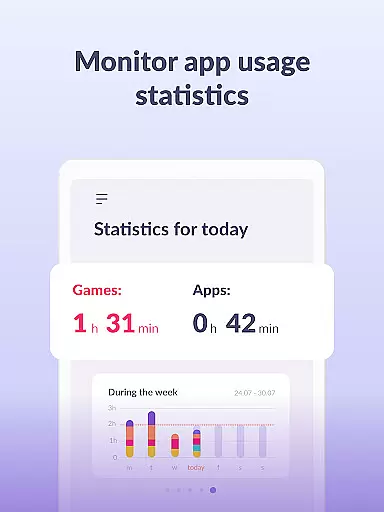
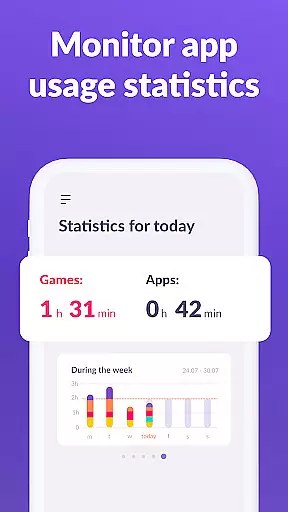
The usage schedule feature allows parents to create a balanced routine for their children, allocating specific times for study and rest. Furthermore, the app provides detailed statistics on app usage, giving parents insights into how much time their children spend on various applications. These features collectively contribute to a safer and more structured digital experience for children.
When it comes to parenting applications, the credibility of content and expert validation play pivotal roles in ensuring that parents receive reliable guidance. Kids360 stands out by offering features that are not only designed by professionals but also align with expert recommendations on child safety and digital wellbeing. The app provides parental controls that help manage children's screen time, limit access to distracting applications, and encourage productive usage schedules.
The app includes a feature set developed with insights from child psychologists and digital safety experts. This ensures that its solutions, such as app usage limiters and kid trackers, are effective yet non-intrusive. Parents can trust that the strategies implemented within Kids360 for monitoring and managing their children's device usage are backed by sound psychological principles and expert validation.
By using Kids360, parents gain peace of mind knowing that their efforts to regulate screen time and monitor app activity are supported by credible methodologies. The application's adherence to GDPR policies further reinforces its commitment to maintaining high standards of data protection and privacy, which is crucial when dealing with sensitive information about children.
Growth tracking accuracy is essential for understanding a child's development patterns and ensuring they are meeting key milestones. Kids360 offers precise tracking mechanisms that allow parents to monitor their children's digital habits effectively. With detailed statistics on app usage and screen time, caregivers can identify trends and make informed decisions regarding their childu2019s interaction with technology.
The app meticulously records how much time children spend on various applications and games, providing an accurate picture of their digital engagement. This data empowers parents to set appropriate limits and schedules that promote healthier device habits. Furthermore, the ability to track GPS locations adds another layer of security, allowing guardians to ensure physical safety alongside digital health.
With these accurate growth tracking tools, Kids360 enables parents to foster an environment where children can thrive both offline and online. By combining technological monitoring with practical parenting strategies, this application supports families in navigating the complexities of modern-day parenting while safeguarding their children's overall wellbeing.
User-friendly interface
Comprehensive monitoring tools
Effective screen time management
GPS tracking for safety
Educational games included
Requires child’s consent for installation
Limited free features
Paid subscription for advanced controls
Permissions needed for full functionality
Dependent on another app for complete setup

Find unique + popular baby names for your little peanut.
 4.30
4.30
All-in-one pregnancy app, contraction timer, kick counter & due date calculator
4.40
Fake call application designed for parents and adults to discipline their children through the children's police.
4.20
Little loved one's monitoring, Sleep tracking and Parenting content.
3.80
Learn according to the age of your child and consult with other moms.
4.20
Watching baby, helping parents
4.10
Babysitting video camera - Turn your two phones or tablets into a single nanny.
4.40
Findnumber: Real-time location tracker for ultimate family security
4.20
All-In-One Pregnancy Tracker, Your Baby's Milestones, Growth Stages & Parenting.
4.90
Track your pregnancy, kick & contraction counter, baby & mom's heartrate monitor
4.60
The Most Trusted Co-Parenting App.
4.60
GPS phone tracker: find kids on map. Location tracking and parental control.
4.50
Reliable phone tracker by number & locate phone app. Protect your family.
4.50
Free symptom & med tracker with expert-reviewed tips.
4.30
Pregnancy and baby formula tips for moms, plus Enfamil coupons & cash back
4.10
Affirmations | Stories | Bible
4.10
Parental Control including Screen time control, GPS tracking, App/Game blocker.
3.90
Screen Time, App and Web Block & Monitoring, Location Tracker
3.60
SemLog aims to raise awareness among families and their children
3.40


User Reviews