
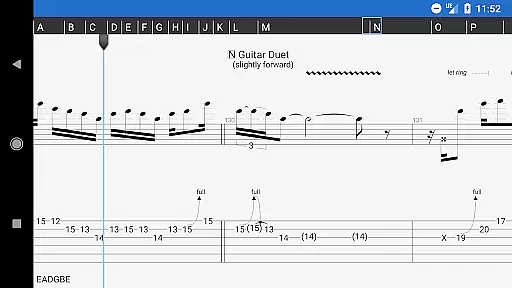
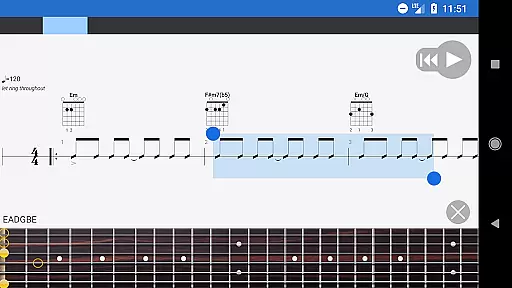
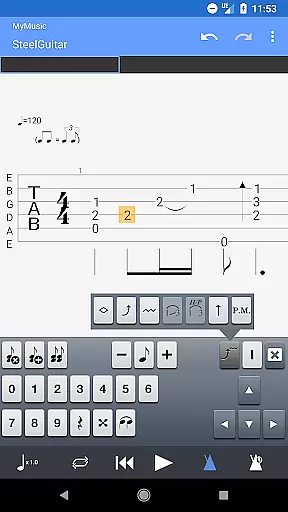
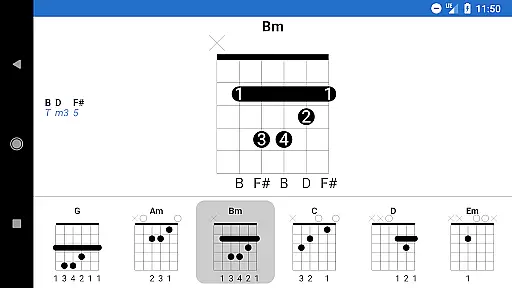
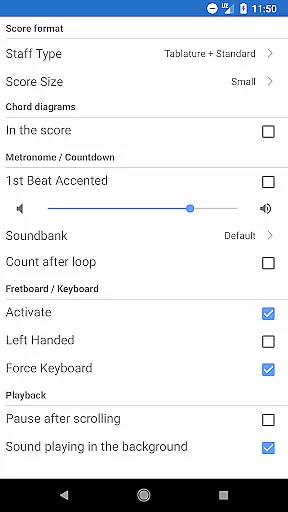
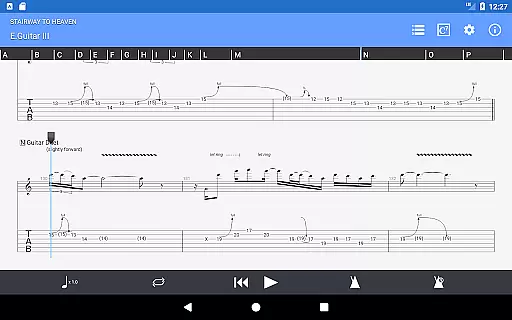
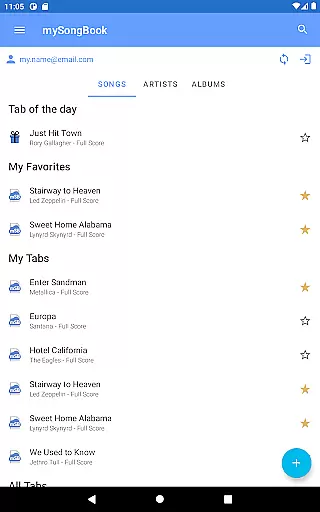
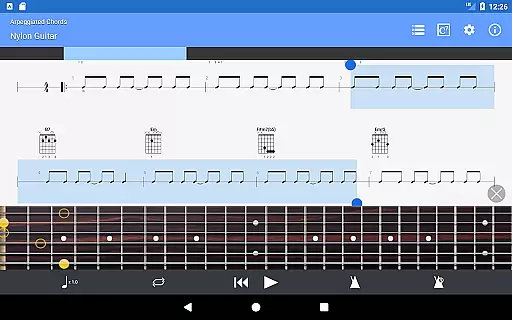
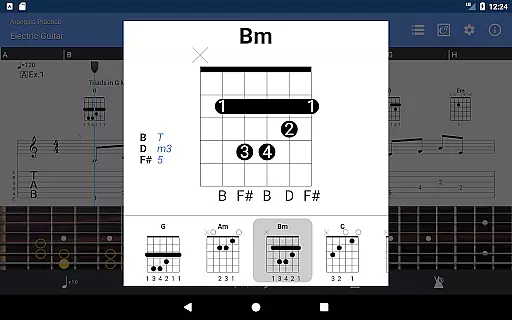
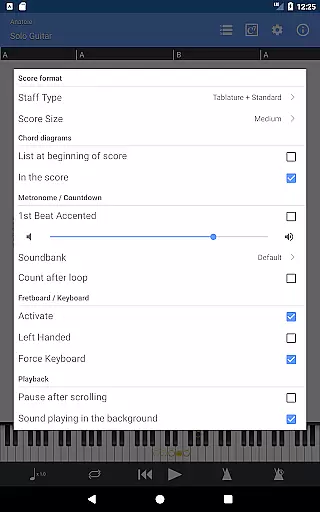
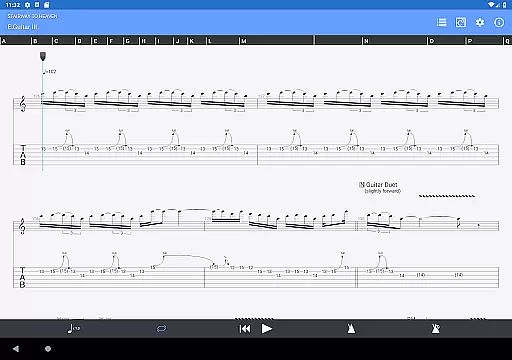
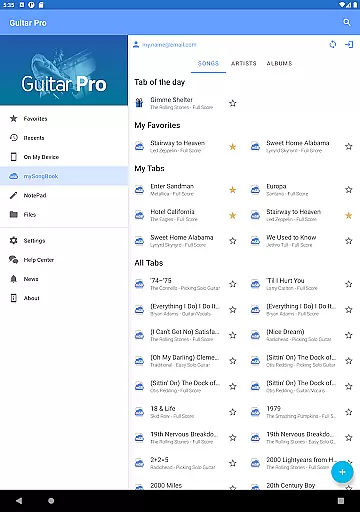
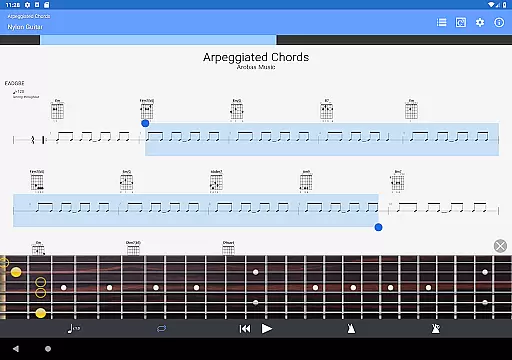
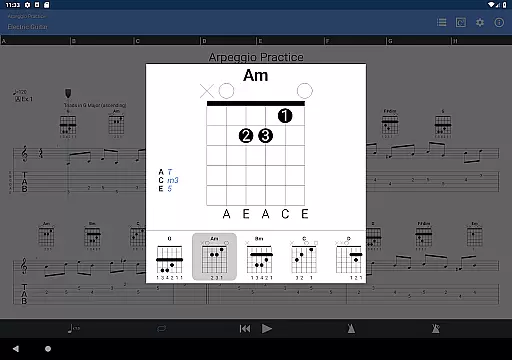
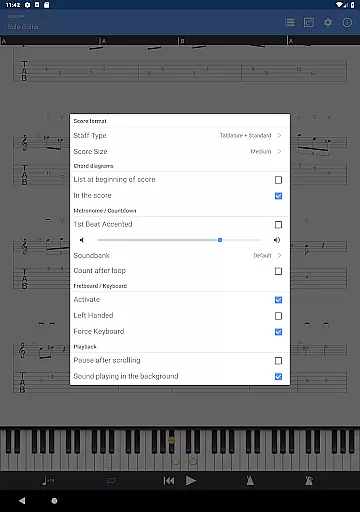
Guitar Pro is a versatile mobile application designed specifically for guitarists who want to view, play, and write tablature directly from their mobile devices. This app serves as the perfect companion for musicians on the go, allowing them to practice favorite songs and share compositions anytime, anywhere. With its powerful score player, users can enjoy features such as supporting multiple GP file formats, standard notations, and compatibility with the mySongBook portal.
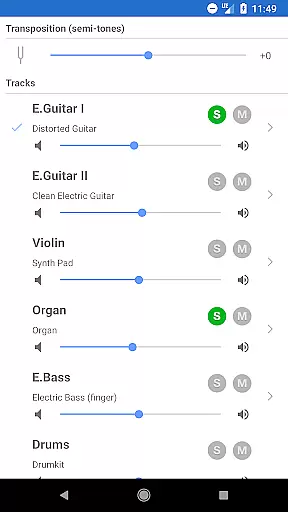
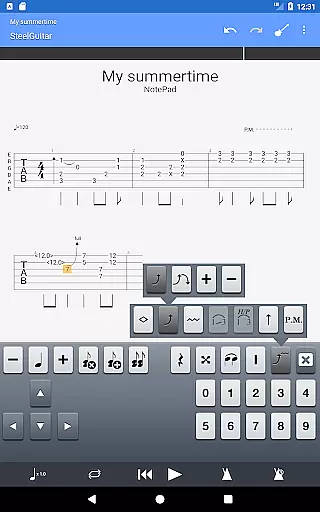
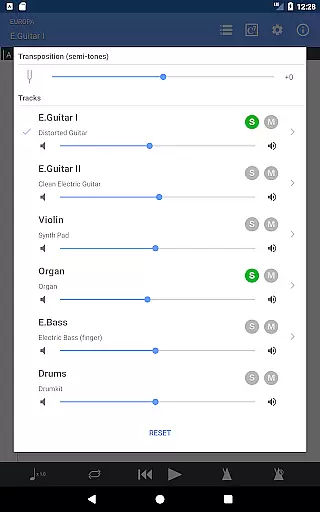
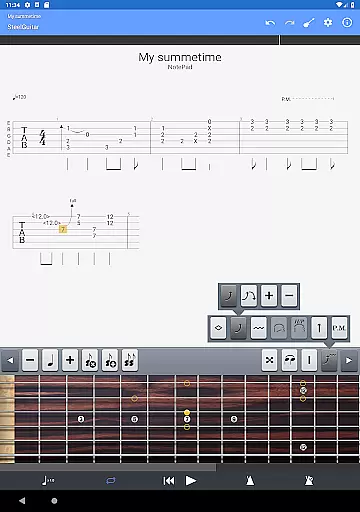
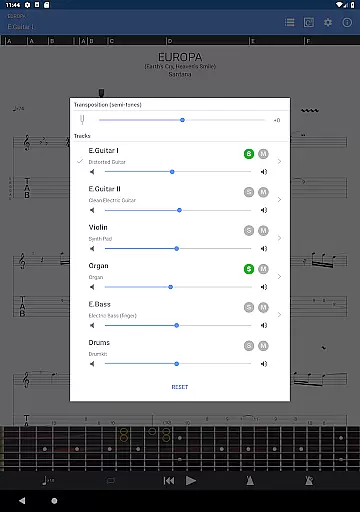
One of the standout tools in Guitar Pro is the NotePad, which allows users to create single-track tablatures for various stringed instruments like guitar, bass, banjo, ukulele, and mandolin. The app also offers an integrated sheet-music library with search and filter capabilities, a multitrack player with soundboard controls, and on-the-fly tempo changes. These features make it easy for musicians to capture spontaneous musical ideas and refine them later using the desktop version of Guitar Pro.
Guitar Pro stands out with its comprehensive set of features tailored for musicians. The app supports GP3/4/5/6/7/8 file formats and provides tab, slash, and standard notations, making it highly versatile for different types of music scores. Its compatibility with the mySongBook portal (excluding subscription costs) and the ability to load files via WiFi, web browser, and email enhance its usability.
The NotePad tool is another highlight, enabling users to edit single-track tablatures for 4- to 8-string instruments. It includes 19 built-in sounds, customizable tuning and tempo settings, and export options to Guitar Pro 6 and 7 formats. This ensures that users can seamlessly transition between mobile and desktop environments, capturing inspiration whenever it strikes and developing it further on a more robust platform.
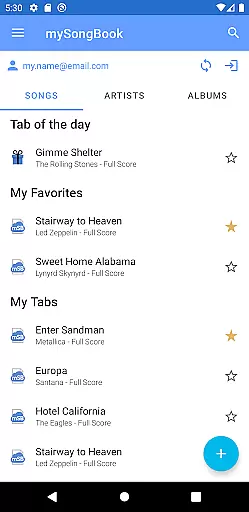
Guitar Pro offers an extensive music library that caters to musicians of all levels. The app supports GP3/4/5/6/7/8 file formats, allowing users to access a wide range of tablature files from the mySongBook portal, although a monthly subscription is required for full access.
With its integrated sheet-music library, users can search, filter, and save their favorite scores. This ensures that musicians have a vast selection of music at their fingertips, ready to be played or practiced anytime, anywhere.
The app guarantees copyright authenticity by enabling users to load official scores directly via WiFi, web browser, and email. This feature provides peace of mind for users who want to ensure they are accessing legitimate and legal content.
Moreover, Guitar Pro's compatibility with the mySongBook portal means that users can expand their music library with high-quality, copyrighted material, enhancing both their practice sessions and overall musical experience.
Audio quality in Guitar Pro is exceptional, providing 19 built-in sounds that deliver a realistic representation of how music would sound when played on actual instruments. These sounds cater to various stringed instruments including guitar, bass, banjo, ukulele, and mandolin.
Users can customize the tuning and tempo of their compositions, ensuring that the audio output matches their personal style and preferences. This level of customization allows musicians to experiment with different sounds and find what best suits their musical piece.
Although the mobile app does not support audio track features like its desktop counterparts for Windows and Mac, it still delivers high-quality playback of tablatures. Users can play local Guitar Pro files with embedded audio tracks; however, these tracks won't be displayed or played within the app itself.
Despite some limitations, such as the inability to show or play mySongBook scores with embedded audio tracks, Guitar Pro remains a top choice for musicians seeking superior audio quality options in their mobile music creation and playback tool.
User-friendly interface
Extensive file format support
Integrated sheet-music library
Multitrack player functionality
On-the-fly tempo adjustments
No audio track feature
Limited notation editing
Subscription required for mySongBook
Drum track editing unavailable
Export limited to single-track

Your HD audio recorder on the go for music, meetings, ambience, animal sounds…
 4.30
4.30
Tune in to the greatest hits on UK Radio | The home of Capital, Smooth & Heart.
4.90
Performance-Synthesizer & Multi-Track-Sequencer, polyphonic + multi timbral!
4.70
Time Trainer: accurate metronome w tools to help you develop your internal time!
4.20
Your song collections with lyrics and chords on Android smartphones and tablets.
4.80
Music Streaming suite for Ampache, Nextcloud Music and compatible backends.
4.1
Help you quickly get started with Shokz headphones
4.40
Powerful 10-Band equalizer pro with sound booster improves Android audio quality
4.30
Turn your Android phone into a professional audio analyser with up to 120 bands.
4.00
24,000 free audio books and no ads!
4.90
Voice recorder - Audio recorder. Best recorder for recording
4.90
Unleash your creativity! Turn simple prompts into full fledged songs.
4.70
The best music and audio player, with beautiful UI, music search and equalizer.
4.60
Recording studio w/ 10k beats, pro vocal FX and a network of 20M rappers & fans!
4.60
Fun & Easy Voice Changer – Record, Edit & Add Hilarious Effects!
4.50
The Music Journey in Your Hands
4.30
Smart piano keyboard, Classical to Pop, Real-time multiplayer connection!
4.20
The Cubase remote control app
3.60
MilkDrop for Android TV
3.00


User Reviews