
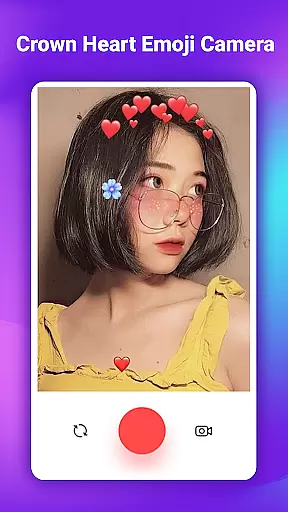
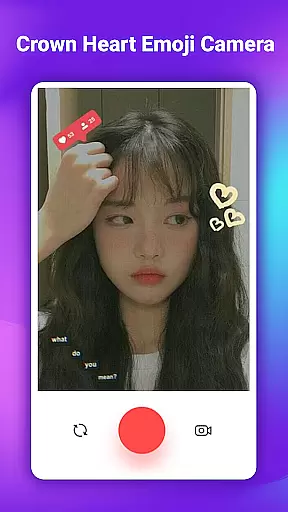
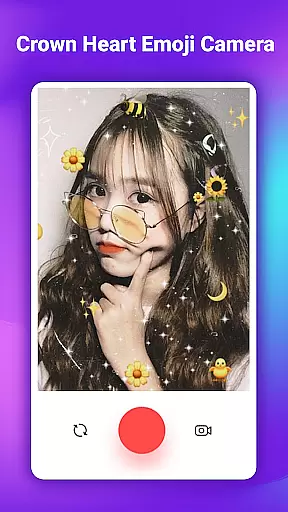
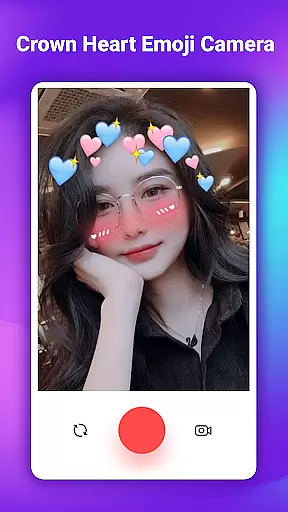
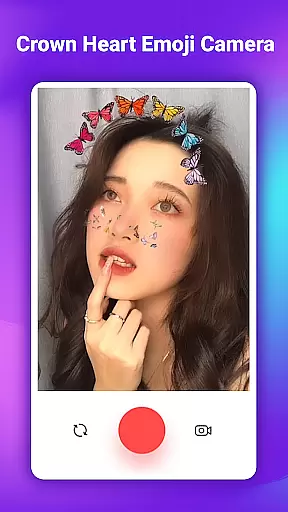
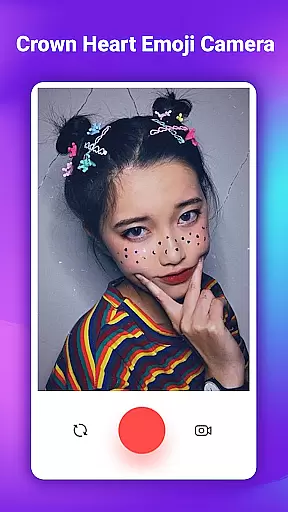
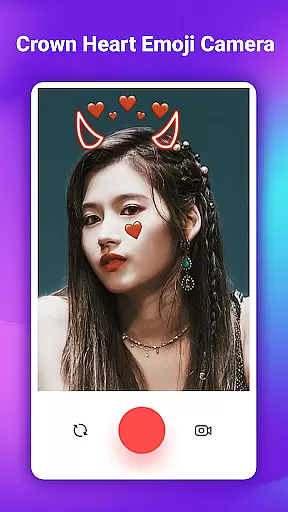
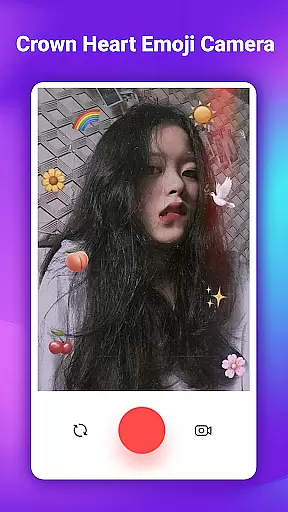
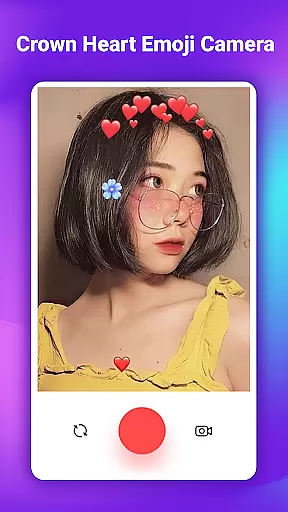
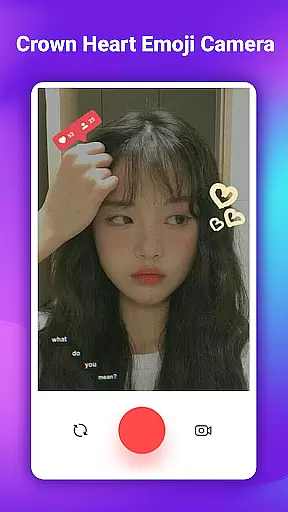
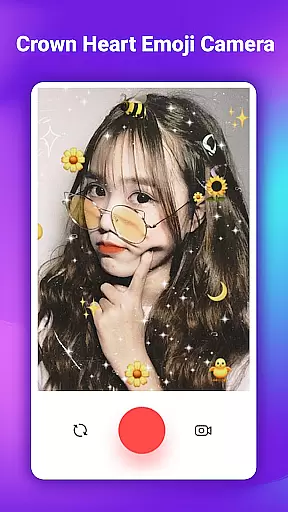
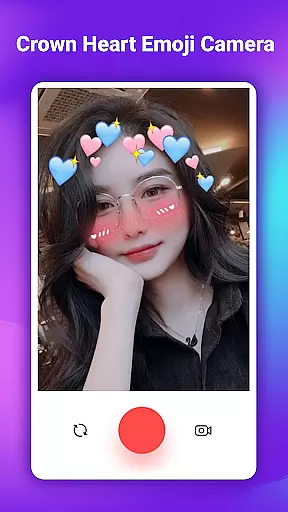
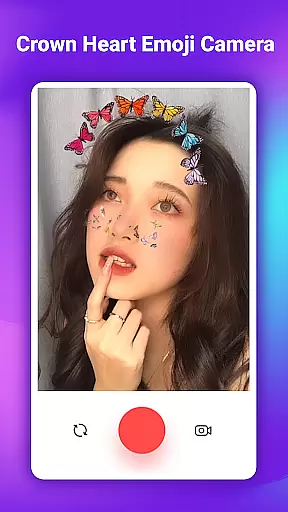
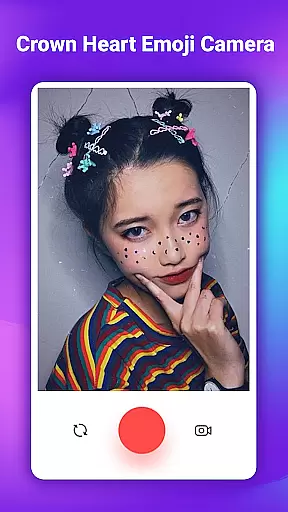
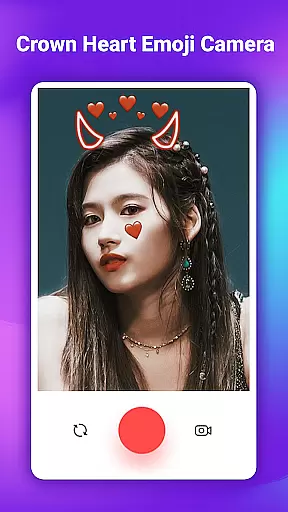
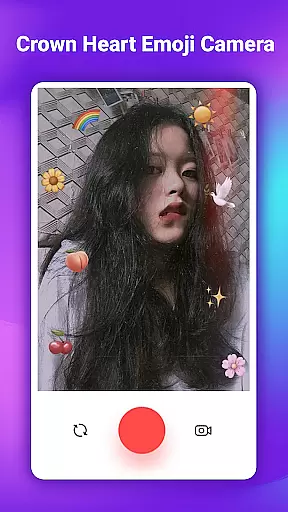
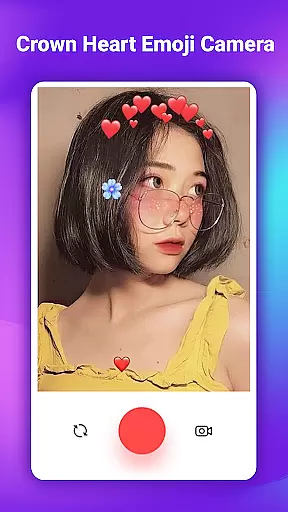
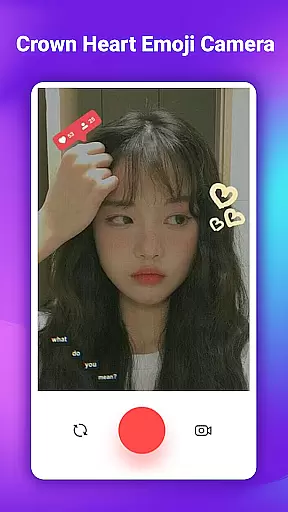
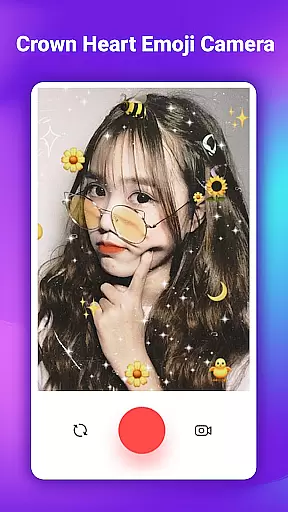
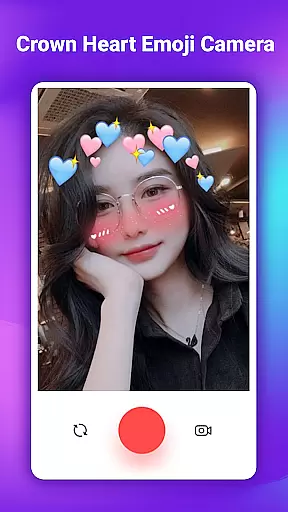
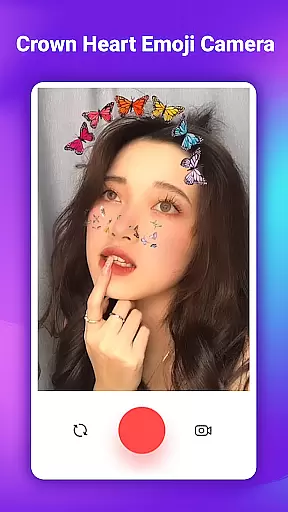
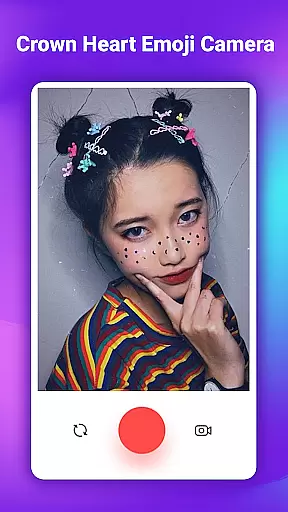
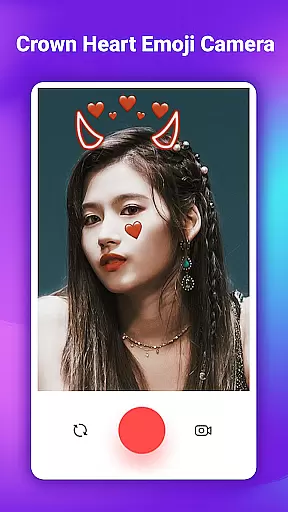
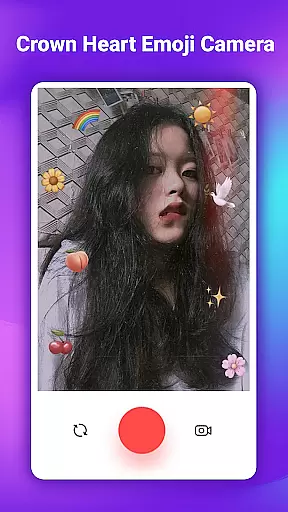
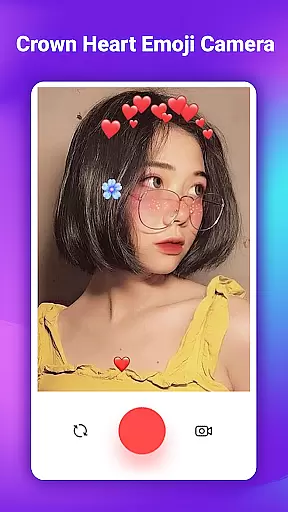
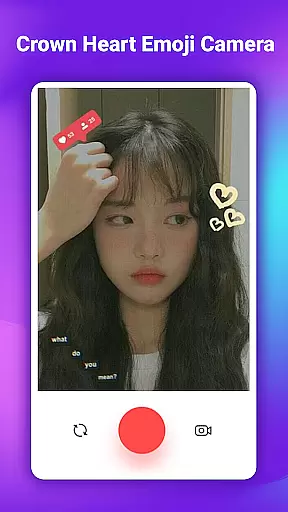
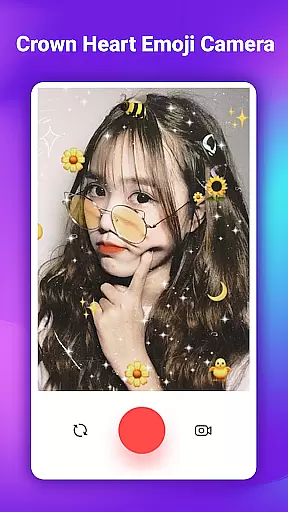
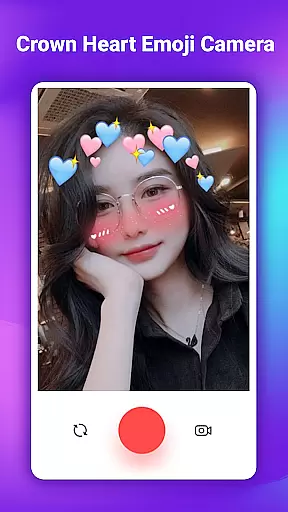
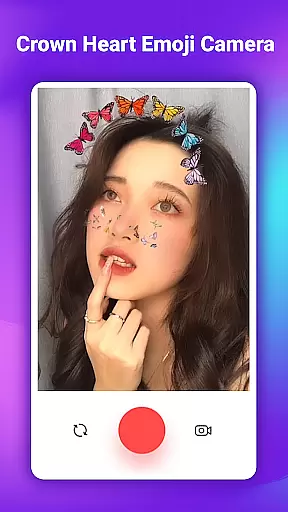
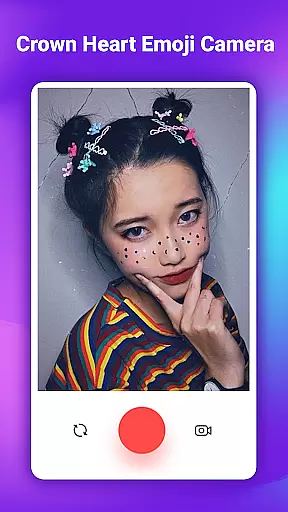
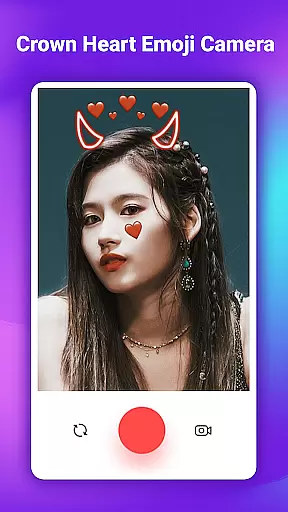
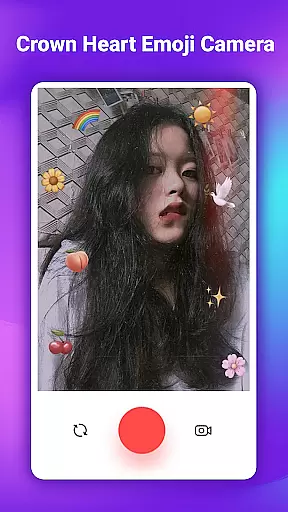
Crown Heart Emoji Camera is a feature-rich photo editing application designed specifically for users who want to add creative and fun elements to their photos. This app allows you to transform ordinary images into eye-catching works of art using a variety of emoji stickers, filters, and effects.
The core functionality includes an extensive collection of flower crown emojis, heart crowns, cat face stickers, and more. These elements are perfect for enhancing selfies and creating memorable pictures. The intuitive interface makes it easy to apply these effects, ensuring that even beginners can achieve professional-looking results.
Whether you're a student wanting to make your college memories more vibrant or someone looking to boost their social media presence, Crown Heart Emoji Camera offers the tools you need. Its ability to save images in Full HD quality ensures that your edited photos look great on any platform.
One of the standout features of Crown Heart Emoji Camera is its vast library of over 50 unique stickers. These include flower crown emojis, heart crowns, and cute cat face filters, providing endless possibilities for creativity. Each sticker is designed to be easily resizable and draggable, allowing precise placement on your photos.
In addition to stickers, the app offers multiple photo filters that give your images a distinct look and feel. From cute and whimsical to bold and vibrant, these filters cater to various preferences. The app also supports direct photo capturing, enabling users to take new pictures and edit them instantly without leaving the app.
Sharing your creations is seamless with integrated social media connectivity. Once you've perfected your image, you can save it in Full HD and share it directly to platforms like Instagram, Facebook, and Twitter. This feature not only enhances your photos but also helps increase engagement by making your content more appealing to followers.
When it comes to photo editing applications, the depth of the product database plays a crucial role in providing users with a rich and varied experience. Crown Heart Emoji Camera excels in this area by offering an extensive library of over 50 unique stickers, including flower crown emoji stickers, heart crowns, cat faces, and more. This vast selection ensures that users can find the perfect embellishment for any photo, catering to a wide range of preferences and occasions.
The app's comprehensive database is not just about quantity but also quality. Each sticker is crafted to be visually appealing and capable of adding a distinct touch of creativity to photos. Whether it's enhancing a selfie with playful cat face filters or adorning images with elegant flower crowns, the app provides high-quality assets that transform ordinary pictures into extraordinary ones.
Moreover, the application goes beyond mere stickers by integrating cute filters and photo effects that complement the stickers. Users can experiment with different combinations of filters and stickers to create personalized and captivating images. This synergy between various elements of the database enhances the overall user experience, making photo editing both enjoyable and intuitive.
Ultimately, the depth of Crown Heart Emoji Camera's product database empowers users to express their individuality and creativity. With easy access to a diverse array of stickers and filters, users can effortlessly customize their photos, tell stories, and share their unique perspectives with others. This capability not only enriches personal memories but also helps users stand out on social media platforms.
Personalization precision in photo editing apps refers to the ability to tailor images to reflect individual tastes and styles accurately. Crown Heart Emoji Camera achieves remarkable personalization precision through its diverse and adaptable features, allowing users to modify photos with impressive accuracy. The app offers a variety of customizable options, including emoji stickers, cute filters, and creative effects, all designed to help users craft images that resonate with their personal aesthetic.
One of the standout features of Crown Heart Emoji Camera is its collection of flower crown emoji stickers and heart crowns. These elements are not only visually appealing but also highly versatile, enabling users to add a personalized touch to their photos. Whether aiming for a whimsical look with cat face filters or seeking elegance with flower crowns, the app provides precise tools that cater to different moods and themes.
In addition to stickers, the app includes a selection of photo filters that enhance personalization. These filters are carefully crafted to ensure they complement the stickers while maintaining the original essence of the image. Users can adjust filter intensity and combine multiple effects to achieve the desired outcome, ensuring each photo reflects their unique vision.
By focusing on personalization precision, Crown Heart Emoji Camera enables users to create distinctive images that capture their personality and style. This attention to detail not only enhances the enjoyment of photo editing but also boosts social media presence, as personalized and well-crafted images tend to attract more likes and followers. Ultimately, the app empowers users to express themselves fully and connect with others through creatively edited photos.
User-friendly interface
Extensive sticker collection
High-quality photo saving
Variety of creative filters
Direct social sharing options
Limited advanced editing tools
Some features may require purchase
Occasional performance lags
Ads between editing sessions
Basic tutorial information

Your Personal Stylist for Smart Shopping, Beauty & Styling Outfits.
 4.4
4.4
Professional HD Camera App: Capture Bright HD Selfie & Record Stunning Moments
4.40
Your on-demand aesthetician
4.40
Design unique tattoos and preview them on your body image using Tattoo Maker App
3.30
Try interesting trending filters allows you switch to a cute girl
4.70
Unique selfie filter camera! Upload live sticker & face filter every week!
4.70
Beauty camera & Selfie camera for perfect selfie with filter, sticker, makeup
4.70
For businesses, Booksy Biz allows you to manage your schedule & more on the go.
4.60
Monthly Perfume Subscription
4.70
Blushify is a beauty camera for makeup, face editing, and glowing selfies!
4.70
Face Makeup Camera: Photo makeup app and perfect Lipstick app, beauty lip filler
4.70
Winter picture editor: Christmas stickers, frames for photos & Christmas cards.
4.40
This application is for the Luvme Hair official website: shop.luvmehair.com .
4.30
Shop Smarter, Dress Better, and Shine Brighter!
4.10
Healthier, more beautiful with Medicube Digital Clinic AGE-R!
4.10
Try On Style with AI: Virtual Dressing Room & Personal Fashion Stylist App
4.00
Design your nails, manicure and pedicure with nail paint art and nail idea app
3.90
Edit Your Photos and Videos with Beauty Filters & Get Makeup Artist Tutorials
3.60
Color haircut changer style on
3.30


User Reviews