
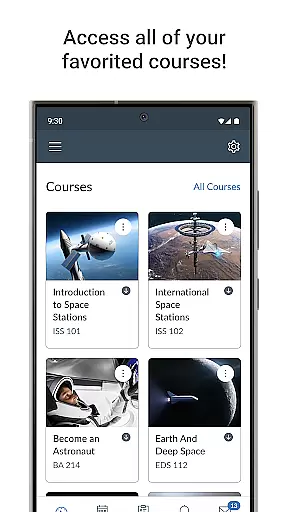
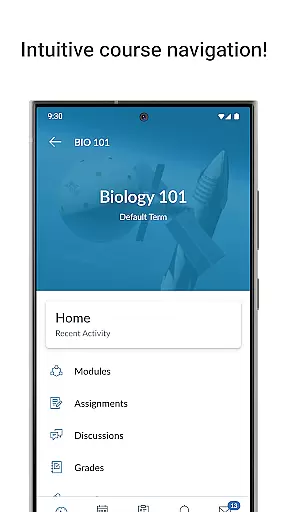
Canvas is a leading educational platform designed to enhance the learning experience for students and educators alike. This mobile application allows users to access their courses from any device, providing essential features such as grade tracking, assignment submission, and course content management. With its comprehensive suite of tools, Canvas ensures that learners can stay organized and engaged with their studies, no matter where they are.
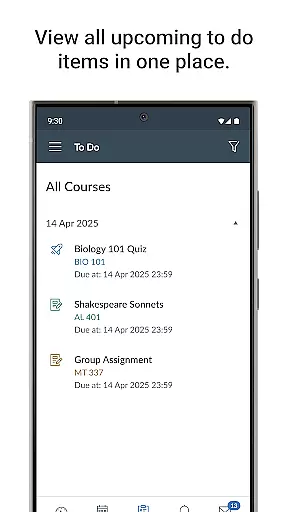
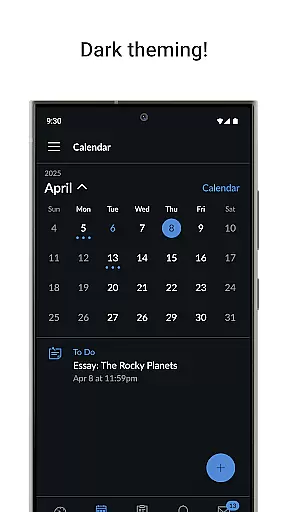
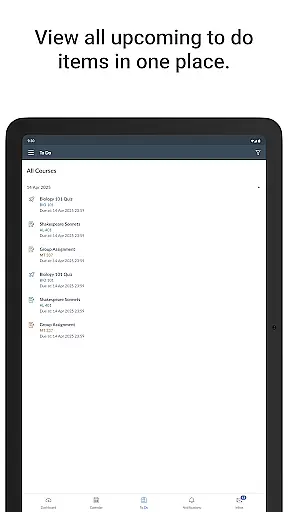
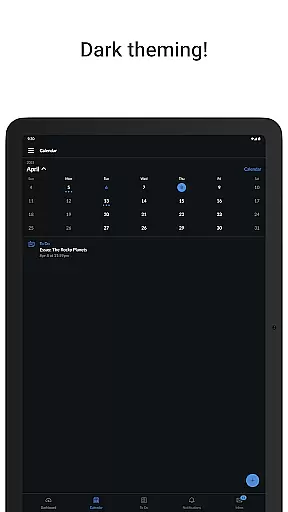
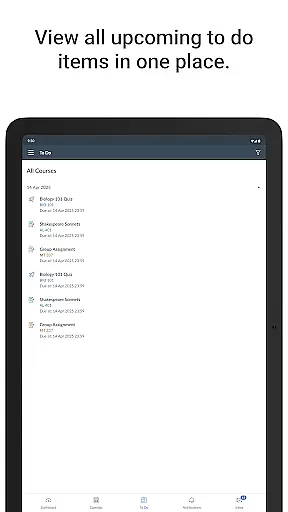
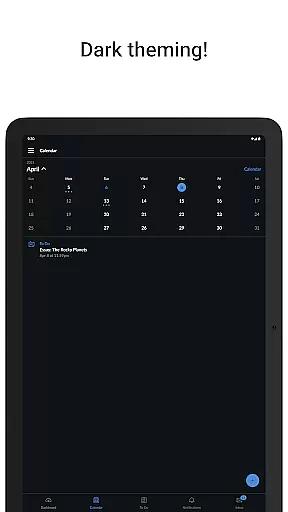
The app's intuitive interface and robust functionality make it an indispensable tool for modern education. Students can easily keep track of deadlines using the to-do list and calendar features, while push notifications ensure they never miss important updates or grades. Whether in a classroom setting or studying remotely, Canvas provides a seamless connection between students and their educational resources.
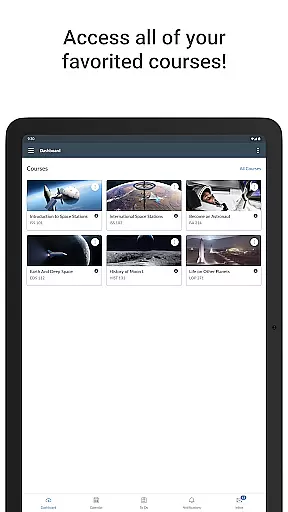
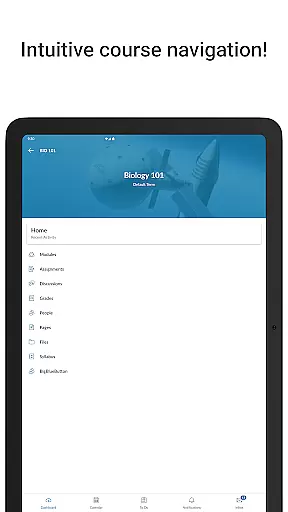
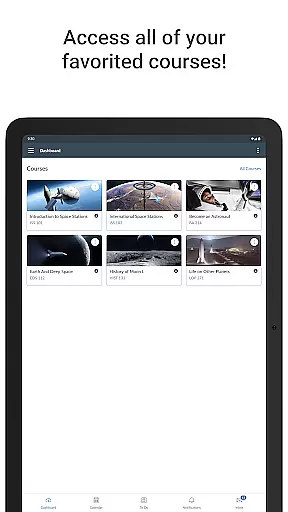
Canvas offers a wide array of features tailored to meet the needs of today's digital learners. One of its standout capabilities is the ability to view grades and course materials directly from your mobile device. This empowers students to monitor their academic progress and stay informed about course requirements at all times.
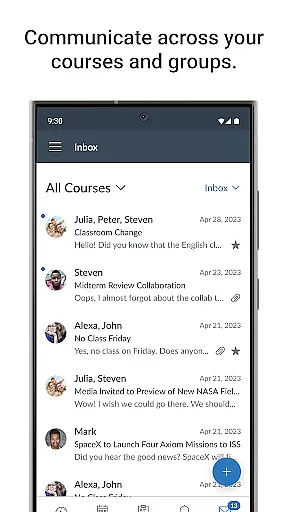
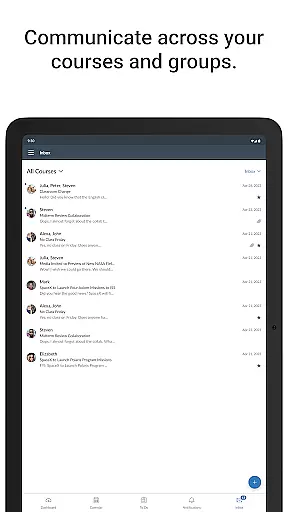
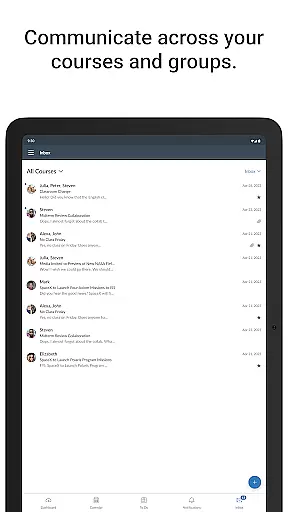
In addition to grade tracking, Canvas supports assignment submissions, making it easy for students to upload their work from anywhere. The app also includes communication tools that facilitate interaction among classmates and instructors through messaging and discussion posts. Furthermore, integrated quiz-taking and video-watching functionalities provide diverse ways to engage with course material, enhancing the overall learning experience.
In the realm of digital education, content accuracy and authority are paramount. Canvas ensures that all educational materials presented to students are verified and come from credible sources. This mobile application meticulously aligns its content with academic standards, providing learners with reliable information they can trust.
Canvas employs a rigorous review process where educators and subject matter experts routinely audit the material available through its platform. This guarantees that whether students are viewing grades, submitting assignments, or taking quizzes, they are engaging with accurate and authoritative content that supports their educational journey.
The benefit for users is clear: when accessing course content or participating in discussions via the Canvas app, students can be confident in the integrity of the information. This fosters an environment where learning is not only accessible but also grounded in truthfulness and scholarly rigor.
Personalized learning paths represent a transformative approach to education, accommodating individual student needs and pacing. The Canvas app excels in delivering personalized experiences by leveraging advanced algorithms that adapt to each learner's progress and performance within their courses.
Through features such as to-do lists, calendars, and tailored notifications for new grades and updates, Canvas facilitates a customized educational trajectory for each user. Students receive timely feedback on submissions and can adjust their study habits based on insightful analytics provided by the app.
This personal touch enhances engagement as students using Canvas can manage their coursework more effectively while tracking their unique academic journey. By prioritizing personalization, Canvas empowers learners to take control of their education with tools designed to support varied learning styles and schedules.
User-friendly interface
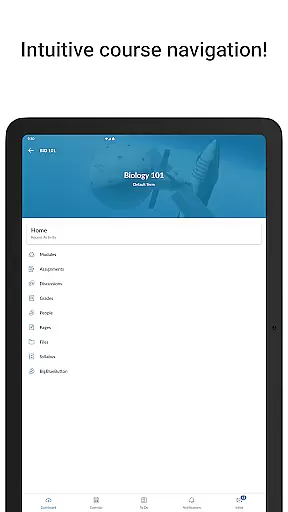
Comprehensive course management
Real-time notifications
Multi-device compatibility
Robust communication tools
Limited offline functionality
Occasional syncing issues
Advanced features require subscription
Interface can be overwhelming for new users
Some features vary by institution

Learn Words Daily in Just Minutes - Boost Your Language Skills Fast!
 4.60
4.60
Designed for Calculator 84 users
4.20
Pickleball guide complete with illustrated Pickleball drills and helpful info
4.0
Intuitive Transformer Lab - By a Lineman, For Linemen & Apprentices
4.50
Your best partner for learning Japanese words. Based on a best-selling textbook.
2.90
Hasbro's Classic Board Game - Make Cavity Sam better or get the buzzer!
3.50
Prepare for the BCBA / BCaBA exam. Study ABA with the ABA Wizard app.
4.60
Stack the States makes learning about the 50 states fun!
4.70
School Communication
4.30
Short Lessons for Better Finances, Health, Skills, Jobs & Relationships.
4.80
Engage in learning science and math with the award-winning PhET simulations!
4.70
Stargazing Guide App. Stars and constellations map. Solar system planets finder.
4.60
Skelly is a fully poseable, anatomically correct reference skeleton for artists.
4.10
An aviator’s preparation, study and test tool for FAA Knowledge Exams.
4.10
Your guide to thousands of satellites and spacecraft in orbit around Earth!
3.90
An aviator’s preparation, study and test tool for FAA Knowledge Exams.
3.90
Make your own game and world. Draw and animate characters
3.70
Snap a dog photo to identify its breed instantly. Fast, accurate and easy to use
3.40
Your best partner for learning Japanese words. Based on a best-selling textbook.
2.80
Honest Duolingo review—energy system problems, hidden costs, what works for language learning, and whether the free version is still viable.



User Reviews