
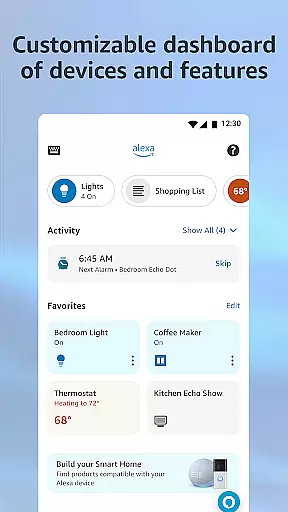
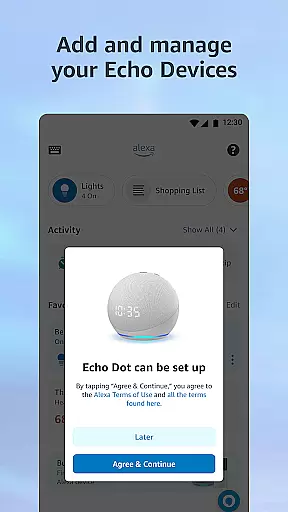


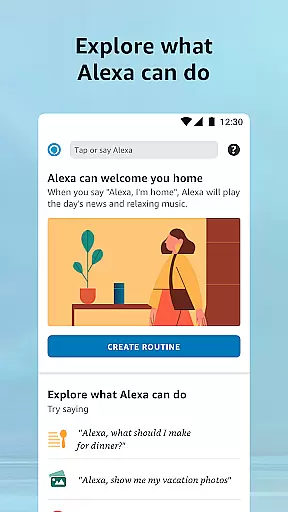


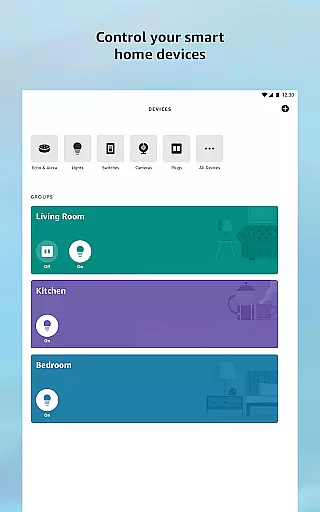

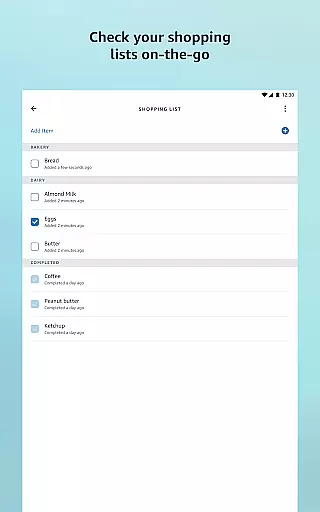
Amazon Alexa is a comprehensive lifestyle app designed to enhance your daily living through voice-enabled smart technology. The app serves as the central hub for setting up and managing all Alexa-enabled devices, allowing users to control smart home appliances, create routines, and access personalized recommendations. With its adaptive AI capabilities, Alexa learns user preferences over time, offering tailored suggestions for skills, music playlists, shopping lists, and news updates.
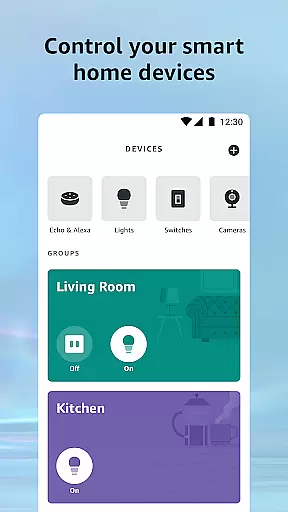
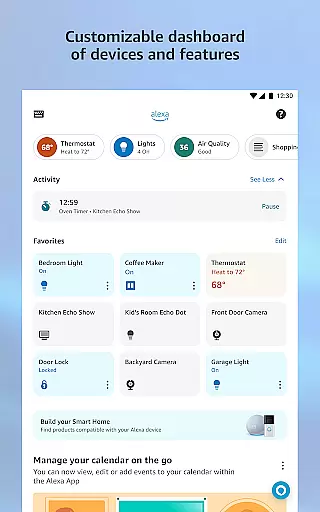
The app excels in smart home management, enabling users to remotely control lights, thermostats, and security systems. Its robust integration with various music streaming services and support for multi-room audio creates an immersive entertainment experience. Additionally, essential lifestyle features like weather updates, timers, alarms, and seamless communication through Drop In functionality make it an indispensable digital assistant for modern living.
Whether you're looking to automate your home, stay organized, or enjoy personalized entertainment, Amazon Alexa provides a unified solution that grows with your needs. The app's ability to learn and adapt ensures that each interaction becomes more intuitive and valuable over time, making it an essential tool for tech-savvy individuals seeking to optimize their daily routines.
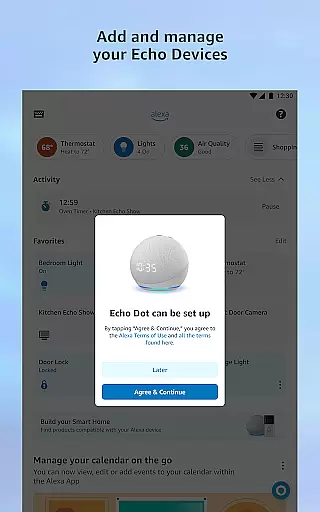
Amazon Alexa distinguishes itself through its extensive feature set that caters to various lifestyle needs. The app's device management capabilities allow users to set up and control multiple smart home devices from different manufacturers, creating customized routines that automate daily tasks. Its recommendation engine suggests new skills and features based on user behavior, enhancing the overall experience while maintaining privacy and security standards.
The app's media management features are particularly noteworthy, supporting major streaming services like Amazon Music, Spotify, and Pandora. Users can create speaker groups for synchronized multi-room audio playback across Echo devices, while the home feed maintains continuity for shopping lists, books, and music playback. The communication suite includes innovative features like Drop In, enabling instant two-way communication between supported devices.
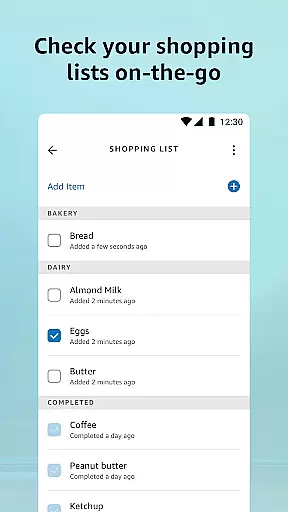
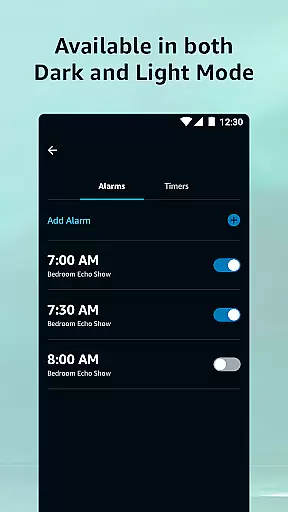
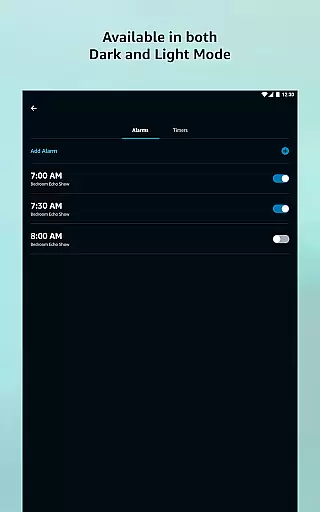
Productivity features include comprehensive list management, customizable news briefings, and precise timer/alarm controls. The app's learning capabilities continuously improve voice recognition and response accuracy, adapting to individual speech patterns and preferences. These features collectively create a personalized, efficient, and secure smart home ecosystem that evolves with its users' needs.
The Amazon Alexa app offers extensive lifestyle category coverage, making it an essential tool for managing various aspects of your daily life. From controlling smart home devices to accessing personalized recommendations, the app ensures you have everything you need at your fingertips.
With features ranging from setting up routines for smart home automation to discovering new skills that enhance your Alexa experience, the app provides a comprehensive suite of tools. These capabilities allow users to tailor their interactions with Alexa-enabled devices according to their unique preferences and needs.
Additionally, the app supports integration with popular music and book services, enabling users to enjoy seamless entertainment experiences. Whether it's creating shopping lists, getting news updates, or managing timers and alarms, the Amazon Alexa app covers a wide array of lifestyle functions that help streamline everyday tasks.
Content authenticity and expert credibility are paramount in the Amazon Alexa app, ensuring users receive accurate and reliable information. The app leverages data from trusted sources and experts to provide personalized recommendations and feature suggestions tailored to individual user profiles.
By analyzing user interactions and preferences, Alexa continuously learns and adapts to offer relevant content. This includes curated skill recommendations and feature enhancements that are vetted by industry experts, guaranteeing high-quality and dependable resources for users.
Moreover, the app maintains transparency in its content delivery by clearly indicating the source of information and updates. This commitment to authenticity and credibility ensures that users can trust the information they receive, enhancing their overall experience with the Amazon Alexa app.
User-friendly interface
Extensive device compatibility
Robust smart home integration
Comprehensive media support
Adaptive AI capabilities
Occasional connectivity issues
Limited third-party app support
Privacy concerns with voice data
Dependent on internet connection
Device-specific limitations

Immerse yourself in the serenity of lavender fields and white butterflies
 4.4
4.4
Get your life organized with My Agenda!
4.30
Tap to the beat with interactive videos — warm up your reflexes & have fun
4.70
Spiritus Ghost Box is an Audio and Visual ITC tool for paranormal research.
4.00
Big bold hybrid watch face with 30 colors, 5 fonts & 5 complications.
4.3
Kasa Smart is your portal to your TP-LINK Smart Home.
4.70
The cutest Autumn watchface featuring the adorable Mr. Squirrel
4.3
An Eerie Musical Trigger Toy for Spirits to Play with!
3.50
Just play, earn rewards, fetch gift cards, and turn gaming into real payouts!
4.80
Simple, stylish & fresh watch face. Customize colors, gradients & complications.
4.70
Crochet made easy: step-by-step tutorials, beginner patterns & projects
4.60
Premium floor cleaning robots
4.50
This app is intended to support professional EMDR therapy.
4.50
PARAVOX 4 is a professional ITC paranormal research application.
4.50
Mixing Colors for Menswear
4.20
Unique informative Dial with Live Moon Phase at a glance!
3.60
The Miracle Box includes methods used by Steve Huff of Huff Paranormal.
3.20
A daily quote for success
4.1
Celebrate the holidays with Advent Calendar: daily surprises and festive fun!
4.4


User Reviews