
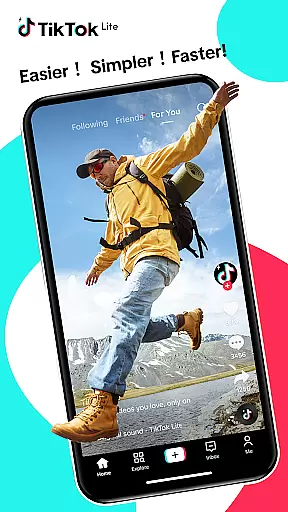

TikTok Lite is a streamlined version of TikTok, designed for users with low-end devices or limited connectivity. It offers the full TikTok experience, including seamless video streaming, trending music videos, and social sharing, all while consuming less data and storage space. With its compact 18MB size, it ensures faster performance even on devices with lower specifications.
The app provides an ideal platform for content creators who want to stay connected with the global community without worrying about device limitations. Whether you're a seasoned creator on platforms like YouTube, Instagram, or Facebook, TikTok Lite allows you to explore, create, and share engaging videos effortlessly. Its offline mode and reduced load times make it perfect for areas with unstable networks, ensuring uninterrupted access to your favorite content.
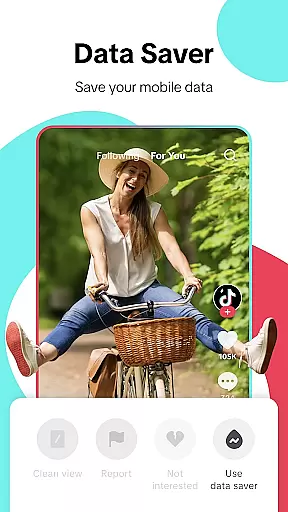
TikTok Lite stands out with its performance benefits tailored for challenging conditions. The app's Data Saver feature reduces data usage by up to 20%, while its small size of just 18MB makes it suitable for devices with limited storage. The lightweight design ensures quick loading and smooth operation, even on low-RAM devices, and the offline mode allows users to watch cached videos without an active internet connection.
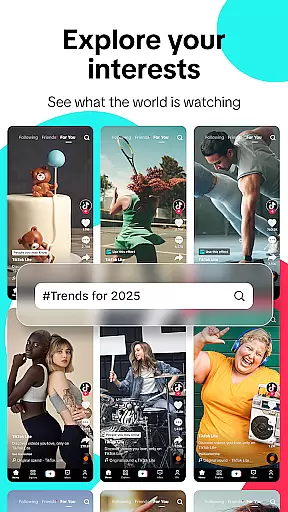
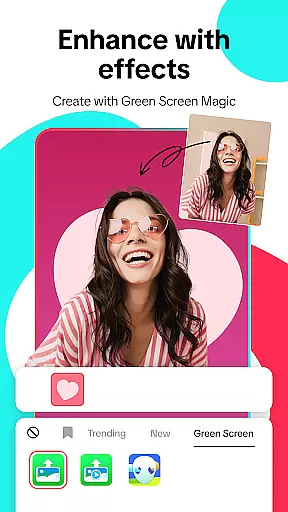
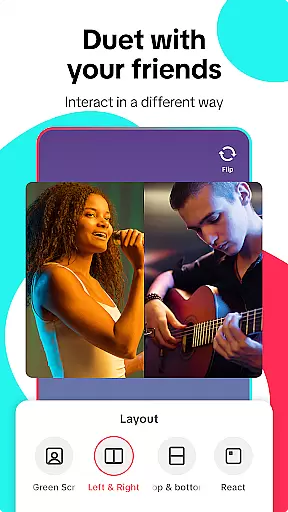
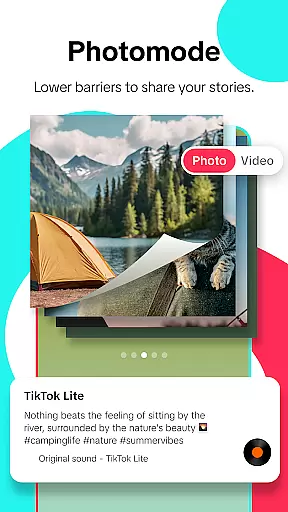
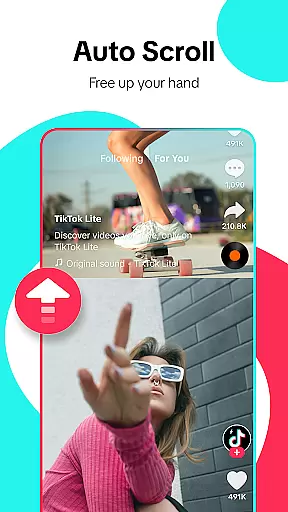
Beyond performance, TikTok Lite offers robust content creation tools. Users can record up to 3-minute videos or upload 15-minute clips from their gallery, adding music, effects, filters, and voiceovers to enhance their creations. The Green Screen effect and privacy controls provide additional creative freedom and security. Moreover, features like Auto Scroll, Hashtag Discovery, and Favorites & Downloads ensure an engaging and personalized user experience.
User profile customization is a crucial aspect of any social platform, allowing users to express their individuality and establish a unique digital identity. TikTok Lite offers a streamlined yet effective set of tools for personalizing user profiles. Users can customize their profile pictures, bios, and links, ensuring that their TikTok presence accurately reflects their personality and interests.
Authenticity verification is equally important in the social media landscape. TikTok Lite employs a robust verification process to ensure the credibility of its users. This includes multi-factor authentication and account validation features that help maintain the integrity of the platform. Verified accounts receive badges, which enhance trust and recognition within the TikTok community.
The combination of customization options and authenticity verification provides significant benefits to users. By personalizing their profiles, users can better connect with like-minded individuals and build meaningful relationships. The verification process ensures that interactions occur in a secure environment, reducing the risk of fraudulent activities and enhancing overall user confidence.
TikTok Lite's focus on these features demonstrates its commitment to creating a safe and engaging social space. Whether users are seasoned creators or new to the platform, they can trust that their TikTok experience will be both personalized and secure.
Connection discovery is a vital feature in social applications, enabling users to expand their networks and engage with diverse content. TikTok Lite excels in this area by offering intuitive tools for discovering and connecting with other users. The app leverages advanced algorithms to recommend relevant profiles based on shared interests, viewing habits, and engagement patterns.
One of the standout aspects of TikTok Lite's connection discovery is its seamless integration with other social platforms. Users can easily link their accounts from popular services such as Instagram, Facebook, and WhatsApp, facilitating cross-platform interactions. This interoperability allows users to import contacts and find friends who are already part of the TikTok community.
The benefits of TikTok Lite's connection discovery extend beyond mere networking. By helping users find creators and content that resonate with their preferences, the app fosters a more engaging and personalized experience. Users can follow trending creators, participate in viral challenges, and join niche communities that align with their interests.
Ultimately, TikTok Lite's approach to connection discovery enhances user engagement and satisfaction. The ability to quickly and easily find relevant connections contributes to a vibrant and dynamic social ecosystem, encouraging users to explore, create, and share content with confidence.
User-friendly interface
Low data consumption
Quick loading times
Offline viewing mode
Cross-platform sharing
Limited advanced editing
Fewer high-end features
Restricted video length
Less frequent updates
Ads may be intrusive

Social calendar for friends to make plans, group chat, share events & schedules
 4.60
4.60
Sell unwanted items and buy preloved stuff in your local community.
4.10
Chat and make new friends around the world!
3.90
Random chat & meet online. Find your soulmate or someone special and have fun!
3.90
Build Your Team With One App
4.30
SuperLive is a super popular video-streaming social network
4.60
Free texting (SMS) to US, Canada & more. Free new number. Call free & Text free.
4.30
Calling and texting app. 2nd virtual line plus new phone number. Txt & talk now.
4.40
Connect and share ideas
4.10
Raise cute Pengus with friends
4.70
Watch super live shows 24/7, chat & meet friends in Plamfy social networking app
4.70
Widget Together, Share Whatever! Keep Pets & Share Sleep, Poop, Moods on Screens
4.70
The hottest live chat app so far. Video chat and meet great people...
4.60
Date single & make friend
4.60
Online group games like Mafia, Word War, Scattergories, Ludo, Uno, and many more
4.30
Discover an open-minded dating experience when you download today
4.10
Meet local people, make friends & network: Join a community, group, host events
4.00
Go Live, Chat & Meet New People! Friends. And more than friends.
3.80
Find your next obsession.
3.50


User Reviews