
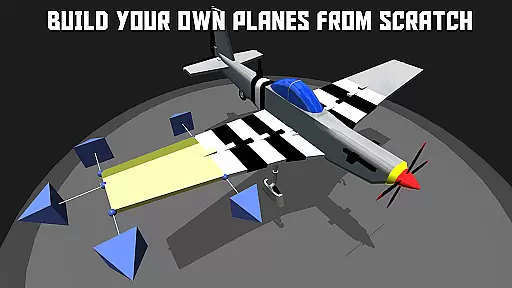
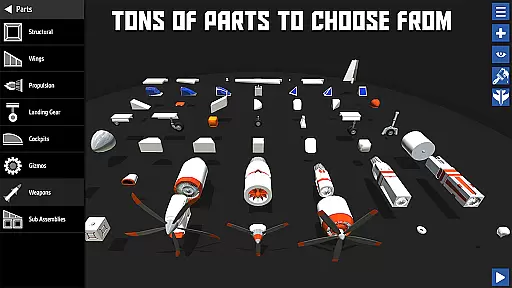
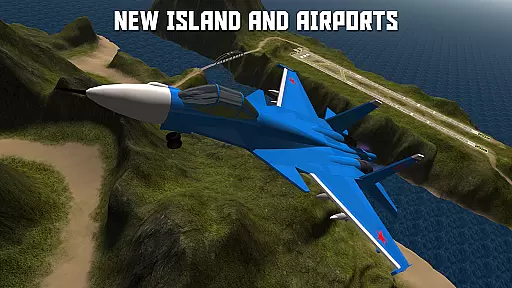
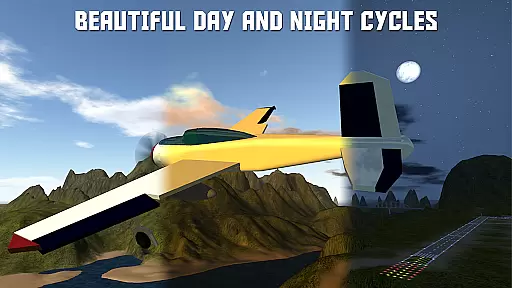
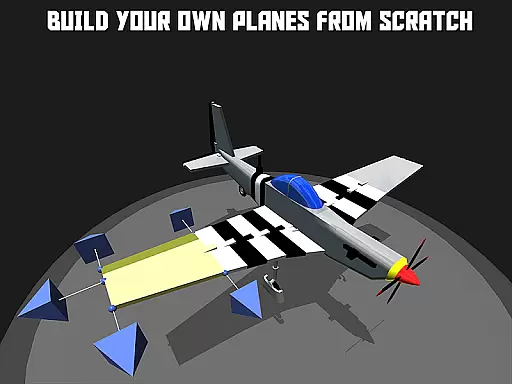
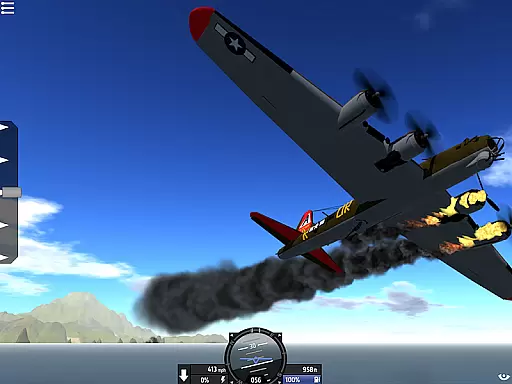
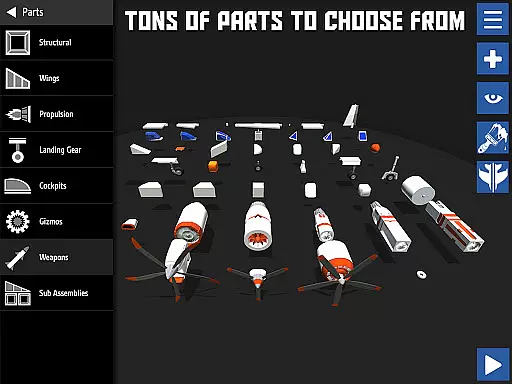

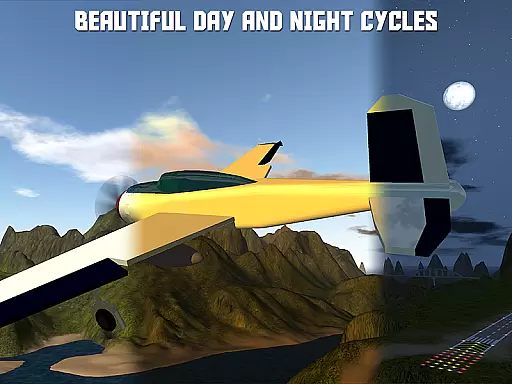
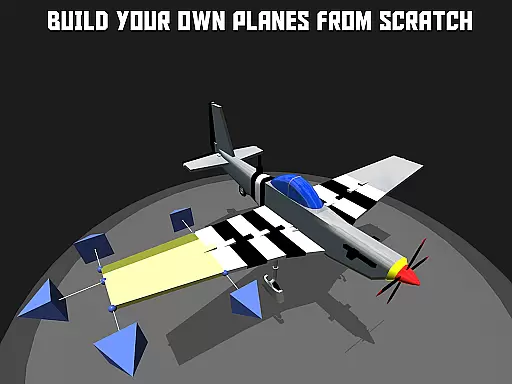
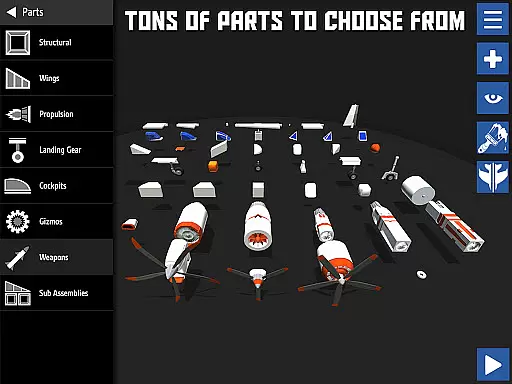
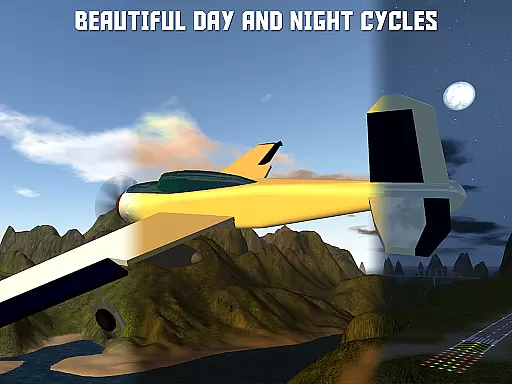
SimplePlanes is a simulation game that allows players to design and fly their own custom aircraft. With an intuitive airplane designer, users can snap parts together to build the body, place engines for thrust, and design wings. The game offers a dynamic flight model where every change in design impacts how the airplane flies, calculating weight distribution, thrust, lift, and drag.
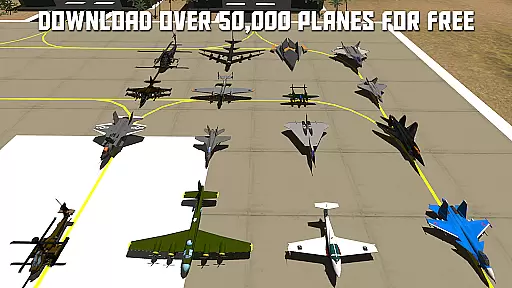
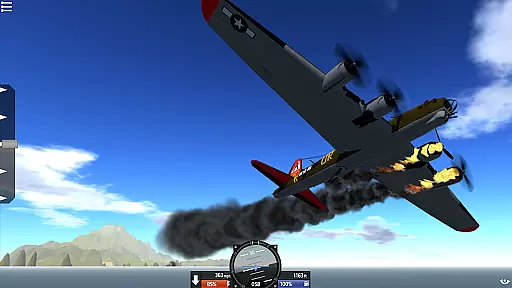
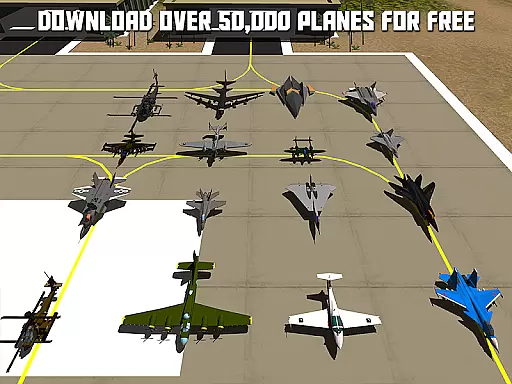
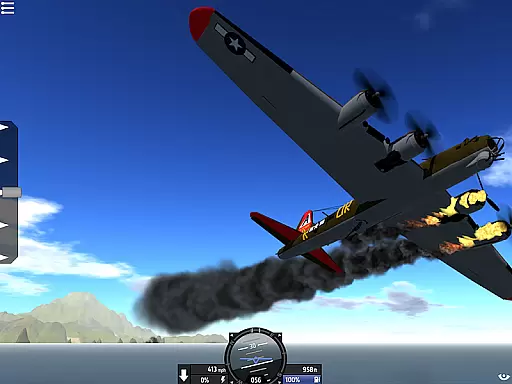
Players can test their creations in sandbox mode with no restrictions or take on various challenges like landing on aircraft carriers and dodging missiles. The game also features realtime damage mechanics, allowing parts to break off due to stress or collisions. SimplePlanes supports cross-platform sharing, enabling users to download and use airplanes created on other platforms for free from the SimplePlanes website.
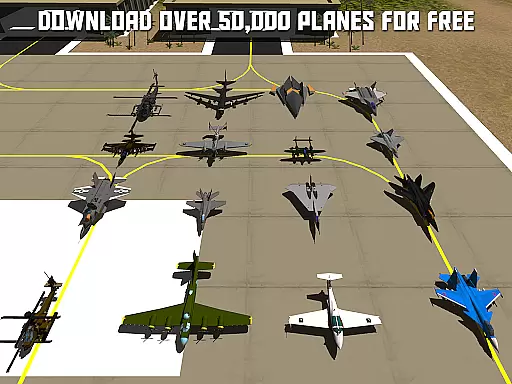
One of the standout features of SimplePlanes is its flexible wing tool, which lets users change the shape of wings to build almost any aircraft imaginable. From next-generation fighters to WW2 warbirds, civilian planes, dragons, trains, and even space stations, the possibilities are endless. The game includes an educational aspect with tutorials that teach real airplane design principles.
SimplePlanes provides a comprehensive experience with its airplane painter feature, letting players customize the appearance of their aircraft using pre-built themes or by painting each part individually. Controller support enhances gameplay by allowing USB gamepads/joysticks and offering in-game input mapping for precise control over throttle, brakes, landing gear, and more.
The game caters to creative minds who enjoy bringing imaginative aircraft to life while providing hours of entertainment through engaging challenges and unrestricted testing environments.
In SimplePlanes, the economic system is intricately linked to the resources and components you choose for your aircraft designs. Each part has a specific cost associated with it, requiring players to make strategic decisions about which components to use based on their budget constraints.
The game dynamically adjusts the complexity and availability of parts depending on the player's progress, ensuring that there is always a challenge in managing resources effectively. This dynamic feedback mechanism encourages players to optimize their designs for both performance and cost-efficiency.
Players can experiment with different configurations and pricing strategies without real-world financial risks, providing a safe environment to learn resource management skills. The ability to share and download airplanes across platforms also introduces an element of market dynamics, where popular or well-designed planes might become benchmarks for others to aspire to or compete against.
Resource management in SimplePlanes involves balancing various elements such as weight distribution, thrust, lift, and drag. Players must carefully consider these factors when designing their aircraft to ensure optimal flight performance. Every decision, from the type of engine used to the shape and size of the wings, impacts how efficiently resources are utilized.
The game provides tools like the flexible wing editor and damage modeling that allow users to fine-tune their creations. These features enable players to adjust their designs iteratively, learning through trial and error how best to allocate resources to achieve desired outcomes.
Moreover, challenges within the game test the playeru2019s ability to manage resources under different conditions, such as limited fuel or damaged parts. Successfully navigating these scenarios requires not only technical knowledge but also strategic thinking, making resource management a core aspect of gameplay in SimplePlanes.
Innovative airplane designer
Dynamic flight simulation
Realtime damage effects
Cross-platform sharing
Educational tutorials
High system requirements
Complex for beginners
Limited mobile functionality
No in-app purchases
Occasional bugs

Life Business empire rich game. Boss millionaire idle games. Idle office tycoon
 4.60
4.60
It’s not a bug, it’s a feature
4.20
Explore open-world environments and hunt with a premium selection of firearms.
4.00
A babysitting horror game
4.20
Idle Mining Tycoon | ASMR Auto Dig For Gold. Offline Gem Digging Miner Simulator
4.20
Make a Wizard's journey to find the Philosopher's Stone in an Incremental RPG!
4.80
Grow your agricultural empire with 100+ authentic machines!
4.40
Alleviate your mind in trippy and soothing experience with stunning visuals
4.90
Become a pilot! Fly and land in airports around the world with iconic airplanes
4.20
Experience satisfying ASMR makeup with skincare in calming salon makeover games
4.80
Smash solar systems, orbit planets, and destroy in this universe simulation game
4.70
Manage the Shelter in Seoul, devastated since the nuclear explosion.
4.70
Dodge lasers and explore! Planetary Development Simulation
4.60
Play and earn real BTC rewards!
4.50
Solve the mysteries of the universe with potato power!
4.40
Manage your own supermarket. Order products and expand your store simulator game
3.90
Explore Mimo Land – where you can shop, decorate your home, relax at the spa!
3.70
Build your zoo, collect and take care of animals and make your guests happy!
4.4
Mine rocks, upgrade miners and earn BTC!
4.4


User Reviews