
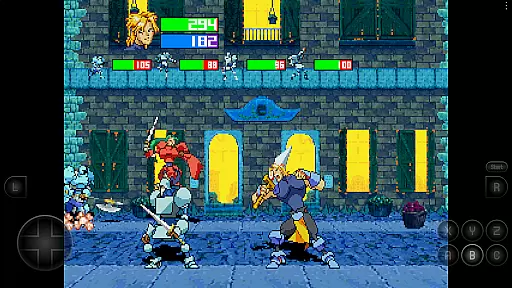
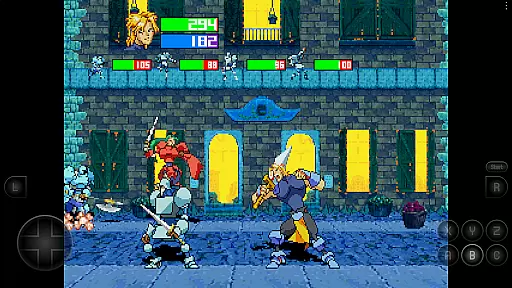

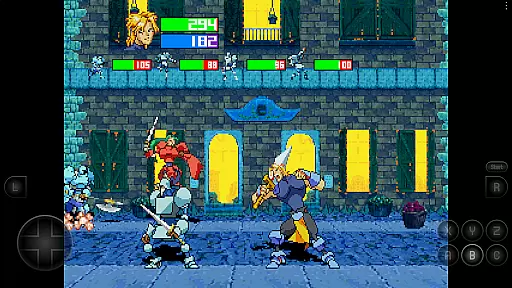
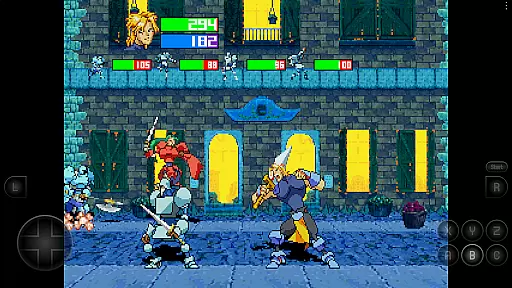
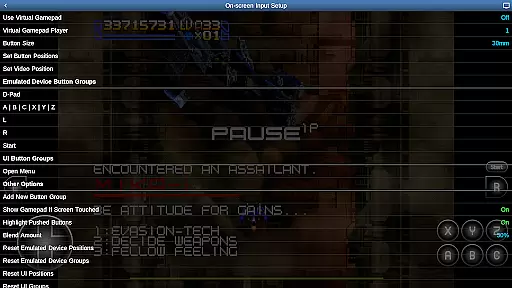
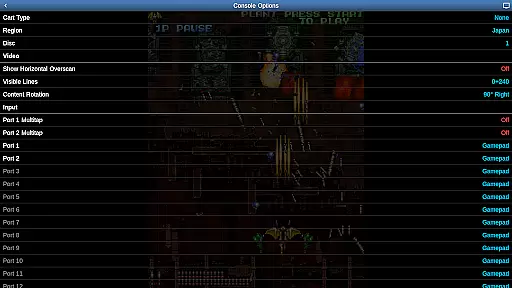
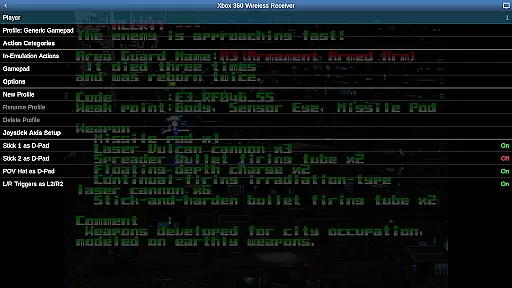
Saturn.emu is an advanced open-source Sega Saturn emulator designed for Android devices. Built on the Mednafen emulation engine, it delivers exceptional performance with a focus on minimal audio and video latency. The app features a clean, minimalist user interface that ensures smooth navigation while providing powerful emulation capabilities.
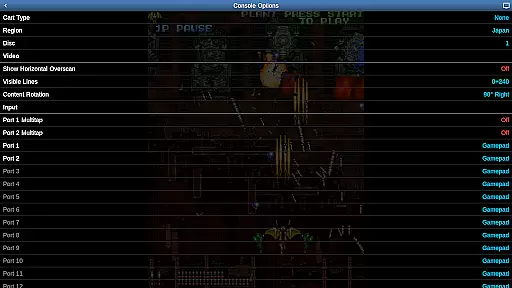
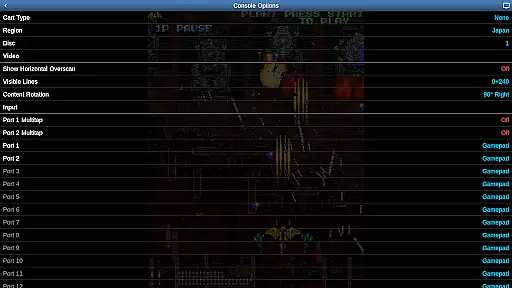
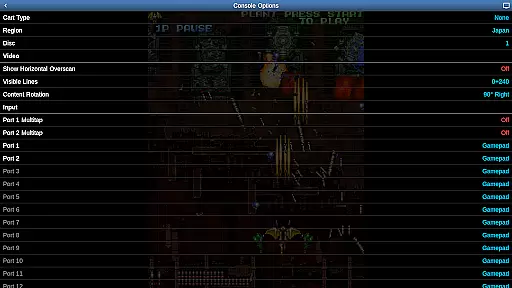
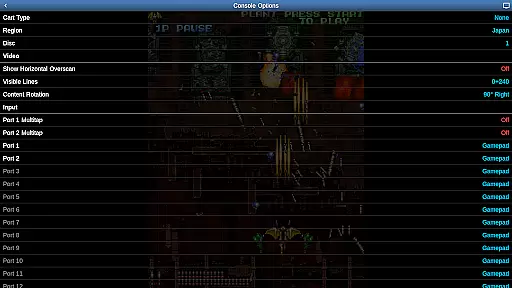
Key functionalities include support for multiple disc games through .m3u files, per-game screen rotation for vertical shmups, and compatibility with various file formats like .cue, .ccd, and .chd. It also supports external controllers via Bluetooth or USB, making it ideal for retro gaming enthusiasts seeking an authentic experience on modern hardware.
This emulator is optimized for high-end devices such as the Pixel 4 or equivalent, ensuring seamless gameplay. Whether you're revisiting classic titles or exploring hidden gems from the Sega Saturn library, Saturn.emu offers a reliable way to enjoy these games on your mobile device.
Saturn.emu stands out with its robust feature set tailored for both casual players and hardcore retro gamers. One of its core strengths is the ability to handle multiple file formats including .cue, .ccd, and .chd, even when compressed in ZIP archives. This flexibility allows users to manage large game libraries without hassle.
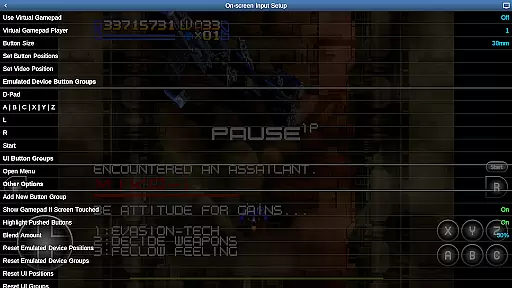
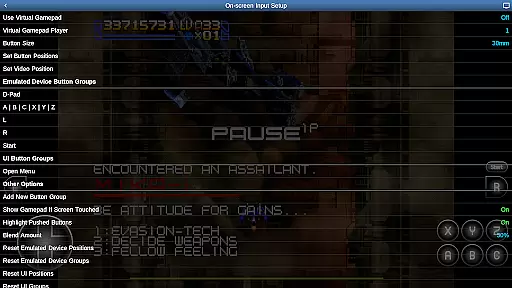
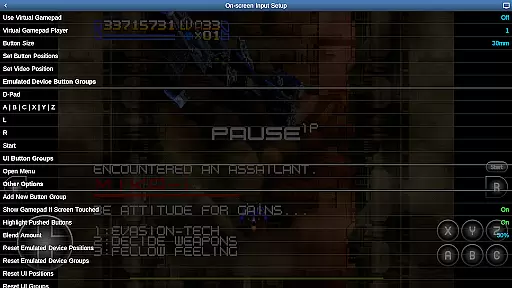
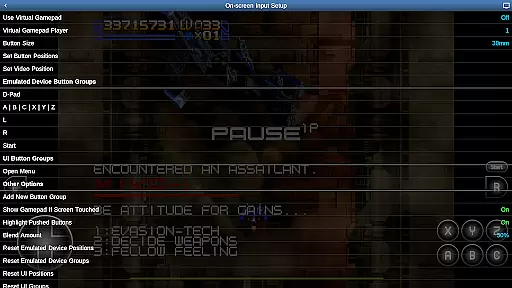
The emulator also excels in customization options. Users can configure on-screen controls to suit their preferences, while multitap and light gun support expand gameplay possibilities. Additionally, Saturn.emu integrates seamlessly with Android's storage access framework, enabling easy access to ROMs stored on internal memory, SD cards, or USB drives.
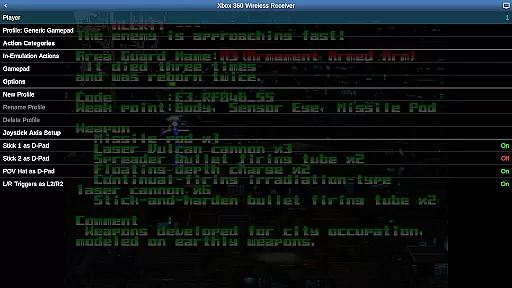
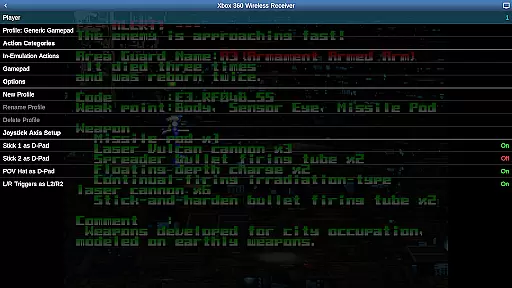
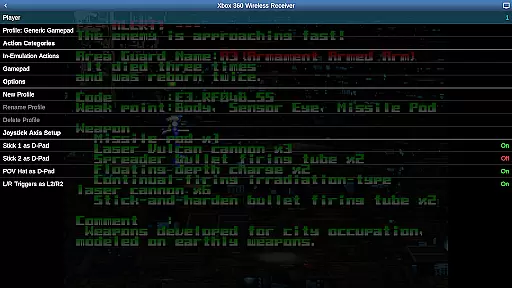
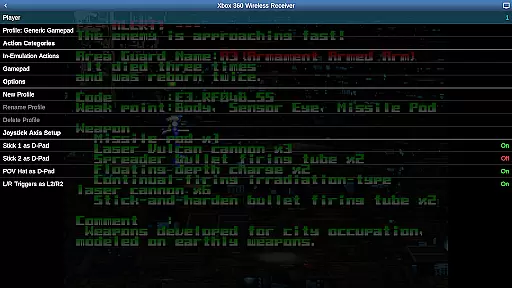
For those seeking enhanced control schemes, Saturn.emu supports HID-compliant devices such as Xbox and PS4 controllers. Combined with low-latency performance and per-game screen rotation for Tate mode, this makes it one of the most versatile Saturn emulators available today.
Arcade authenticity and nostalgia are crucial elements for any emulator aiming to recreate the classic gaming experience. Saturn.emu, based on Mednafen, offers a dedicated emulation environment that captures the essence of original arcade games while maintaining low audio and video latency.
This emulator supports multiple file formats such as .cue, .ccd, and .chd, even within ZIP archives, ensuring users can access a wide variety of games. The inclusion of per-game screen rotation caters specifically to Tate mode shmups, enhancing the nostalgic experience by mimicking the vertical arcade cabinets many remember fondly.
By providing features like multitap and light gun support, Saturn.emu ensures that users can enjoy authentic gameplay experiences reminiscent of classic arcades. Configurable on-screen controls further enhance this authenticity, allowing gamers to tailor their setup to match their preferred play style.
Control responsiveness is vital in delivering an immersive and enjoyable gaming experience. Saturn.emu excels in this area by supporting various control schemes, including Bluetooth and USB gamepads, as well as keyboards compatible with HID devices recognized by the OS.
The emulator's compatibility extends to popular controllers like Xbox and PS4, ensuring that players have a seamless connection without noticeable input lag. This broad compatibility enhances user satisfaction by offering flexible options tailored to individual preferences.
Additionally, Saturn.emuu2019s configurable on-screen controls allow users to adjust settings for optimal performance. Whether using physical controllers or touch inputs, the app ensures that every action translates swiftly into gameplay, preserving the tight feedback loop essential for engaging arcade experiences.
Low audio/video latency
Supports multiple file formats
Customizable on-screen controls
Compatible with HID gamepads
Active development and updates
No ROMs included
High-end device recommended
Limited touchscreen usability
Requires manual setup
Complex for beginners

Neogeo MVS/AES Emulator
 3.30
3.30
Enter Double Dragon Trilogy, a compilation of the beloved arcade series
4.10
Dig yourself a way to gold, diamonds and success with this addictive mining game
3.90
Fast reflexes, glowing obstacles, endless action.
4.1
Epic offline war strategy game - build your city, train your army, conquer
4.20
Dad doesn’t let you go out, can you outwit your parents and escape?
4.00
Bounce through platforms. Avoid obstacles. Get the bouncing ball to the finish.
4.00
Jump and fly your way through danger in this rythm-based action platformer!
4.50
Genesis/Mega Drive/CD & Master System/Mark III Emulator
4.30
Local offline 2 3 4 player multiplayer minigames - race, tanks, football
4.60
Nostalgia.GBC is a high quality GBC emulator.
4.50
Relax and catch fish for your aquarium while earning rewards in these tank games
4.40
The only Sega Saturn emulator for Android
4.40
Antistress & relaxing games,stress relief; Antistress toys, calming games.
4.20
Sit back and relax! Tap to move the black hole, and swallow weapons to win.
4.20
Slice up a juicy storm!
4.20
Spaceship racing on a rocky planet — pure action and challenge.
4.0
Snake Legacy, sans pub, repensé pour une expérience fluide et élégante.
4.0
Infinite Arcade
4.0


User Reviews