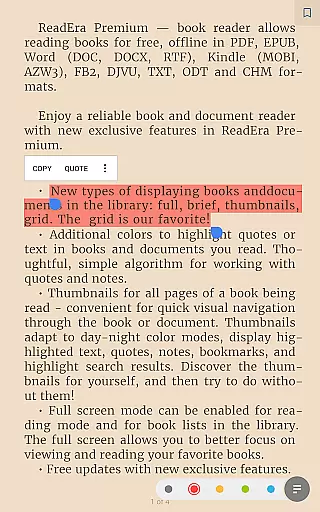
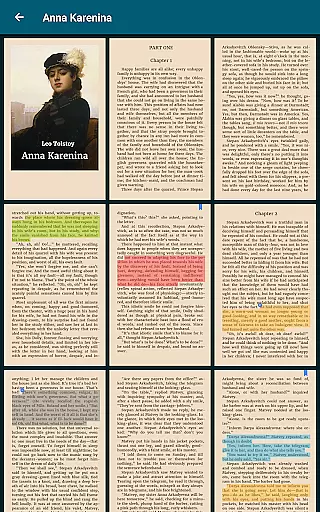
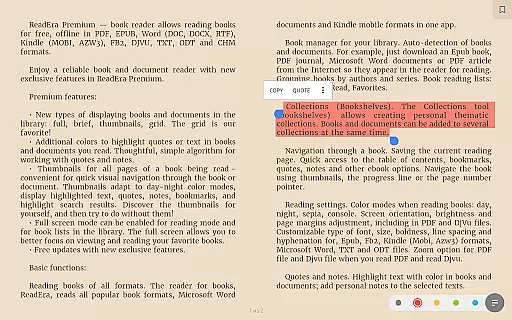
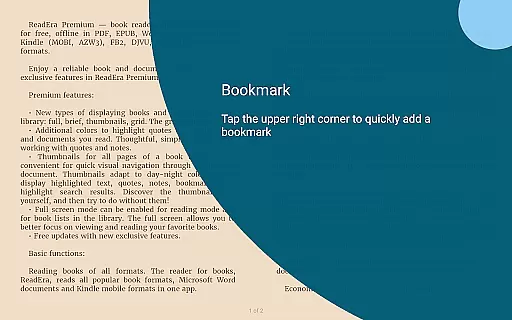
ReadEra Premium is an advanced ebook reader and document manager that transforms the way you interact with digital texts. This app allows users to automatically locate all supported books and documents on their device, search for books by title and author, and enjoy features like reading, listening, bookmarking, and note-taking. With support for multiple formats including PDF, EPUB, Microsoft Word, Kindle, Comic, DJVU, FB2, TXT, ODT, and CHM, ReadEra Premium caters to diverse reading needs.
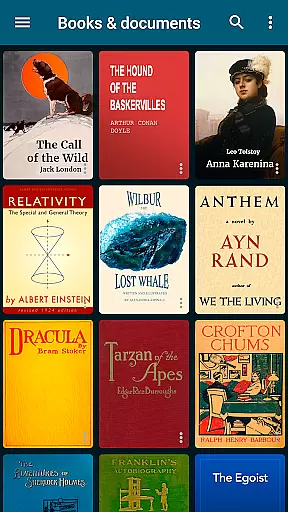
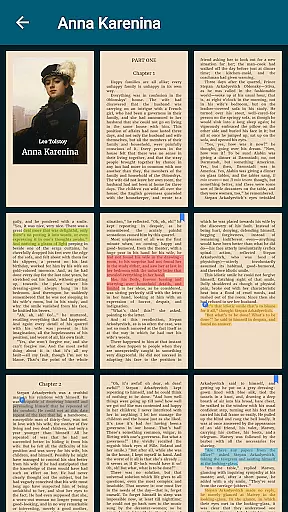
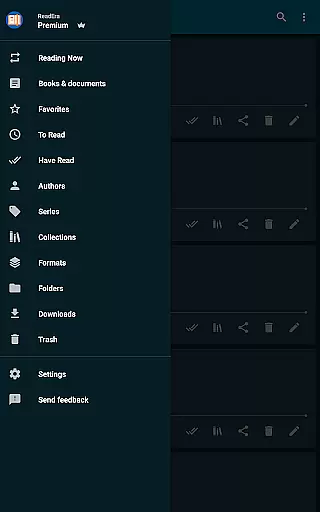
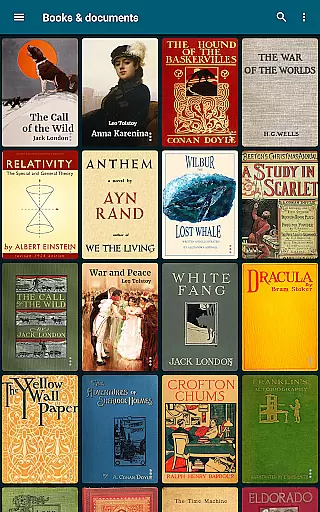
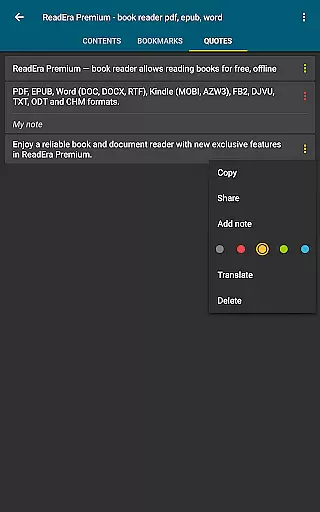
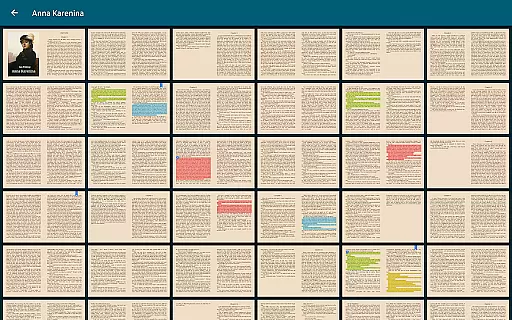
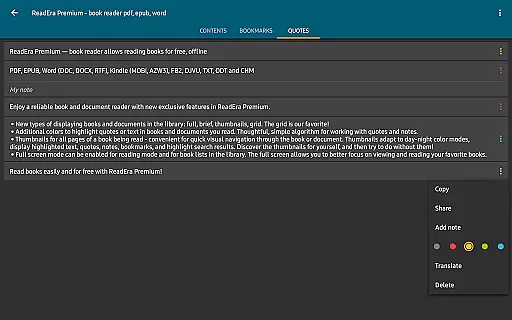
The app's premium features include synchronization across devices via Google Drive, background text-to-speech functionality, and a centralized section for managing quotes and notes. Users can customize their library view, upload personal fonts, and benefit from additional tools like page thumbnails and color-coded highlights. These capabilities make ReadEra Premium an ideal choice for creating a personalized and efficient digital library.
Whether you're a student managing research papers or a casual reader organizing your book collection, ReadEra Premium offers practical solutions. Its ability to handle file management, provide quick navigation, and offer extensive customization options adds significant value to any user looking to streamline their reading experience.
ReadEra Premium stands out with its comprehensive set of features designed to enhance the reading and document management experience. One of its key strengths is the automatic detection and organization of all compatible books and documents on your device. The app supports a wide range of formats such as PDF, EPUB, Microsoft Word, Kindle, Comic, DJVU, FB2, TXT, ODT, and CHM, ensuring that users can access their entire library without compatibility issues.
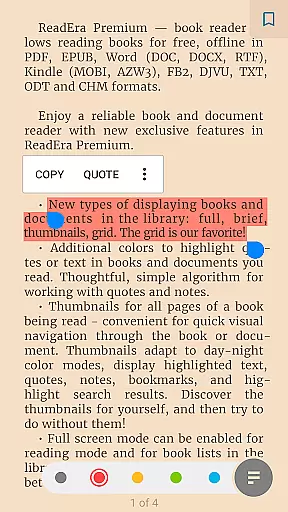
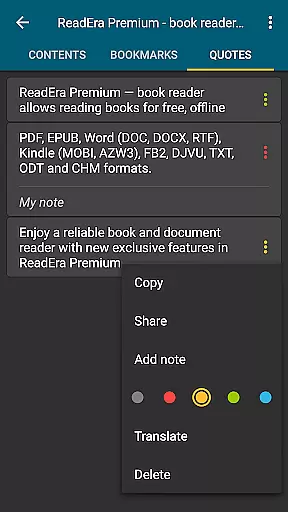
Premium functionalities further elevate the user experience. Synchronization with Google Drive ensures that your reading progress, bookmarks, and notes are seamlessly updated across all devices. The background text-to-speech feature allows users to listen to content even when the screen is locked, making it perfect for multitasking. Additionally, specialized sections for managing quotes, notes, and a built-in dictionary provide a centralized hub for enhancing comprehension and retention.
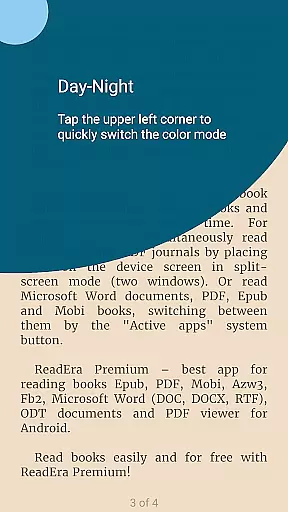
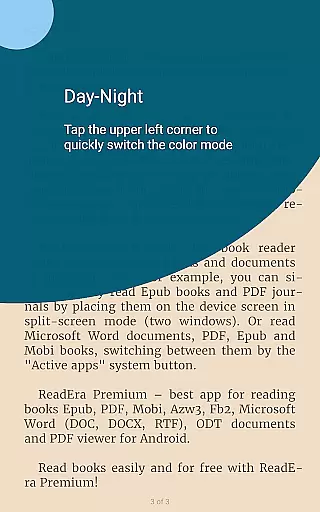
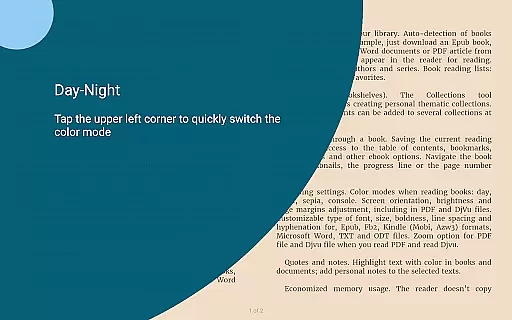
Customization is another area where ReadEra Premium excels. Users can personalize their reading environment with adjustable color themes, font settings, and page layouts. Advanced file management tools enable renaming, moving, and organizing documents into collections, while features like page thumbnails and duplicate file detection ensure a clutter-free library. These robust features collectively create a powerful tool for anyone seeking an organized and immersive reading experience.
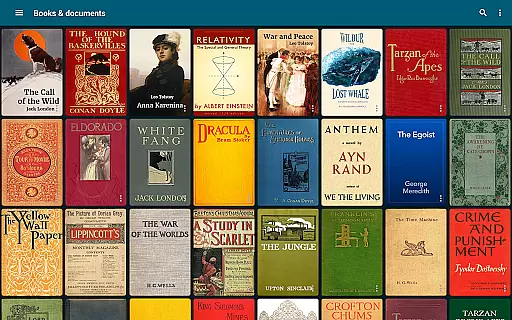
ReadEra Premium offers an extensive e-book library that supports multiple formats including PDF, EPUB, Microsoft Word, Kindle, Comic, DJVU, FB2, TXT, ODT, and CHM. This wide-ranging compatibility ensures users can access a vast collection of books and documents without format restrictions.
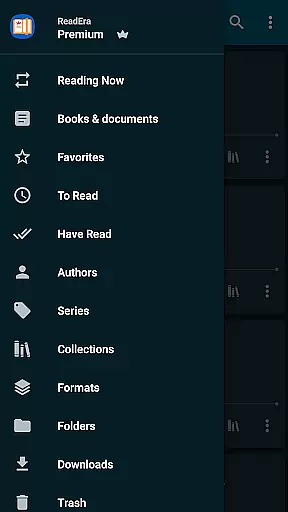
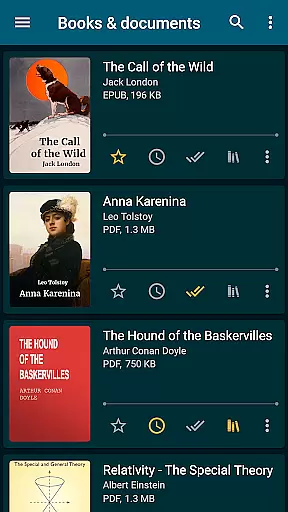
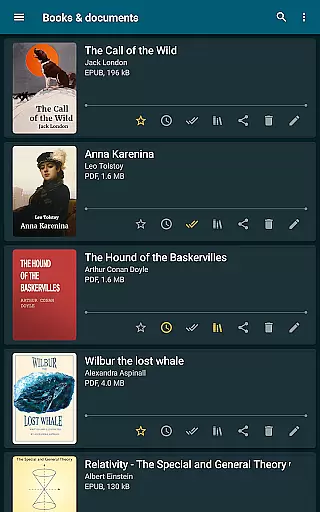
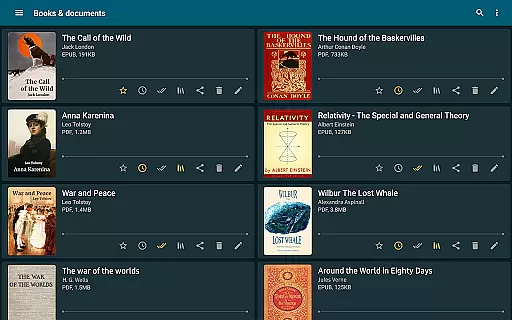
The app's automatic detection feature scans the entire device to locate all supported reading materials. It provides powerful search capabilities, allowing users to find books by title, author, series, format, or language. This comprehensive indexing system guarantees that users can build and manage a rich personal library with ease.
Regarding copyright authenticity, ReadEra Premium respects intellectual property rights by enabling users to manage their legally acquired documents. The synchronization feature works exclusively with user-approved content stored on Google Drive, ensuring that only legitimate files are shared across devices.
This approach to digital library management creates a trustworthy environment where readers can confidently organize and enjoy their personal collection while maintaining proper respect for copyright laws.
One of ReadEra Premium's core strengths lies in its exceptional format compatibility. The application supports an impressive array of document types including PDF, EPUB, Microsoft Word (DOC, DOCX, RTF), Kindle (MOBI, AZW3), Comic (CBZ, CBR), DJVU, FB2, TXT, ODT, and CHM formats.
This broad format support enables users to maintain a unified reading experience across different document types. Whether it's academic papers in PDF format, professional documents in Word, or various e-book formats, readers can access all their materials through a single interface.
The reading settings provide additional flexibility, allowing customization of color themes, orientation, screen brightness, page margins, font size, typeface selection, boldness, line spacing, and hyphenation. These features ensure optimal readability regardless of the document format.
For PDF and Djvu files, the application offers zoom functionality, enhancing the reading experience for scanned documents and technical materials. This comprehensive approach to format compatibility establishes ReadEra Premium as a versatile tool for managing diverse reading materials.
User-friendly interface
Extensive format support
Advanced synchronization
Customizable reading modes
Powerful file management
No cloud storage included
Limited free features
Occasional bugs reported
Heavy on system resources
Complex for beginners

Sea tide predictions for all coastal U.S. locations.
 4.5
4.5
CleverBook Pro makes the popular guide for the game even better!
4.00
Battle Royale Chapter 5 Season 2 HD Wallpapers Emotes Skins and BattlePass
3.00
Prime novels await! Fantasy & Romance on JoyRead. Immersive reads!
4.20
Learn Thai with 195,000+ entries, crisp Thai sounds, big text; works offline.
4.80
Learn Electricians' Handbook PRO complete guide beginners to advance.
4.40
"When tweetle beetles fight, it's called a tweetle beetle battle."
4.90
Holy Bible with verses and audio for studying and prayer
4.30
Daily rosary and gospel reflections for catholic
4.90
Flora of Virginia Project (www.floraofvirginia.org)
5.00
What’s that bird? Just answer 5 questions, snap a photo, or record its song!
4.90
Daily thoughts, meditations, and prayers for living a sober life in recovery.
4.90
The Bible Audio Guide
4.80
Read unlimited novels, audiobooks, stories & Unlock ebooks, fanfiction and more!
4.70
Full text, sheet music, and recordings of the print edition
4.60
Master AKC Rally signs with in-depth hints, diagrams, and expert guidance.
4.50
Shop over 13 million new and used books at up to 80% off list price
4.20
“There was one last piece of cake. My little sister said ‘Me too!’”
4.00
Enjoy your favorite books
3.50


User Reviews