
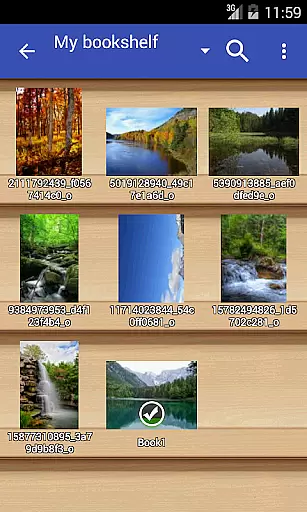
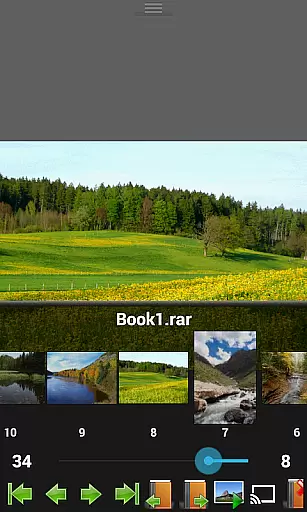
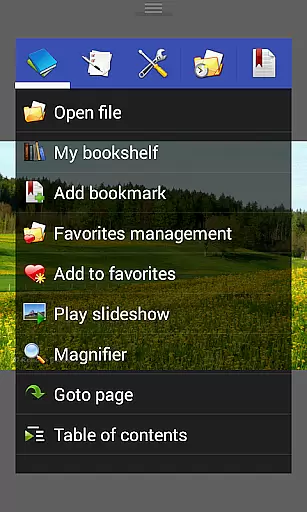
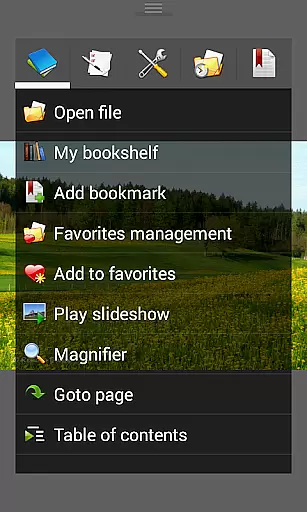
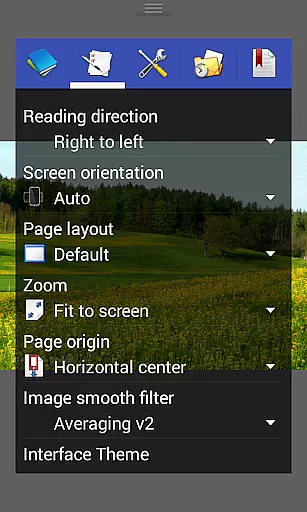
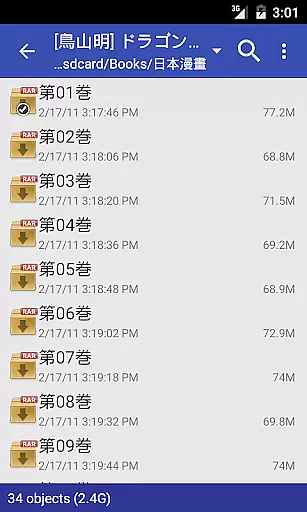
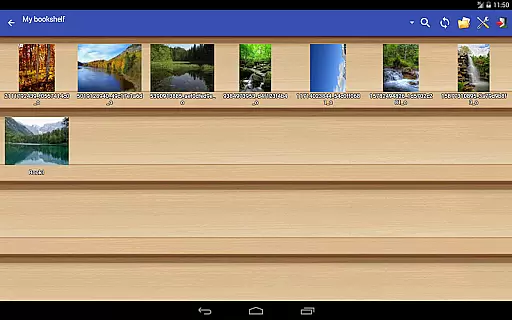
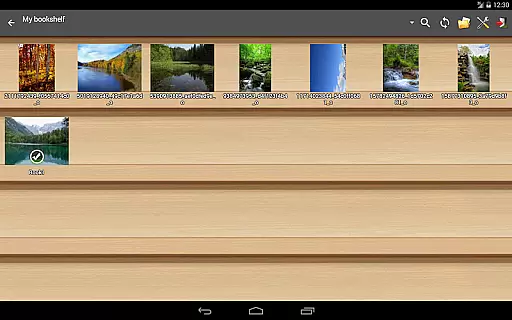
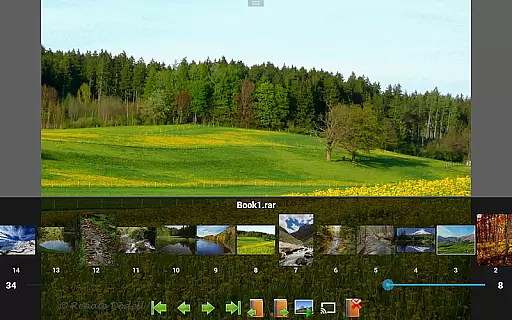
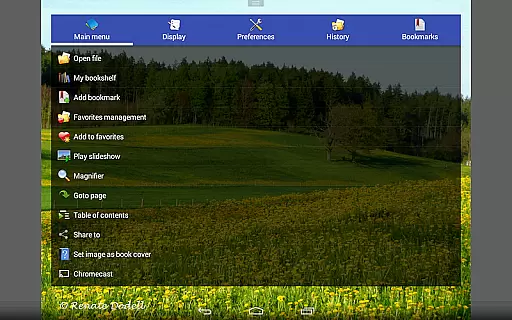
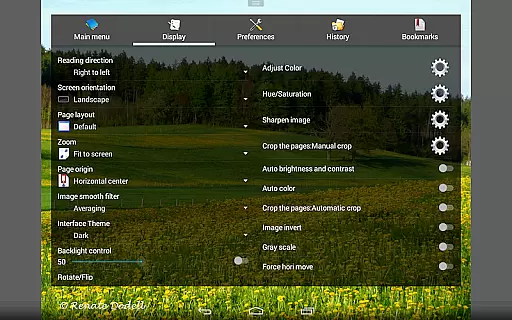
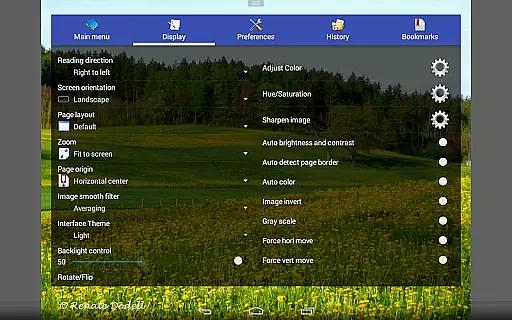
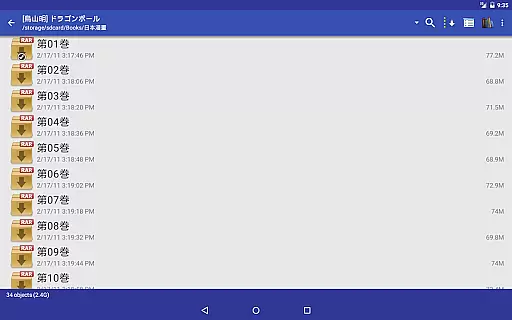
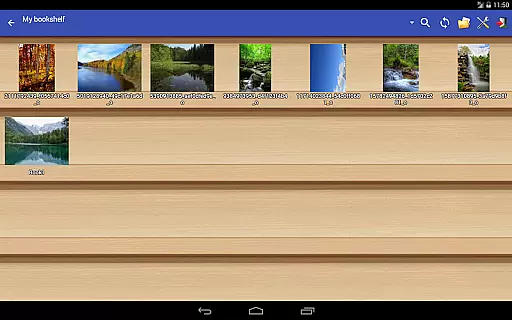
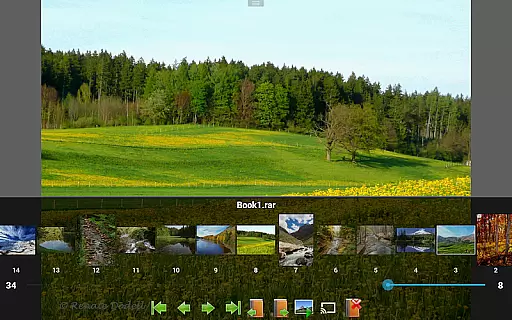
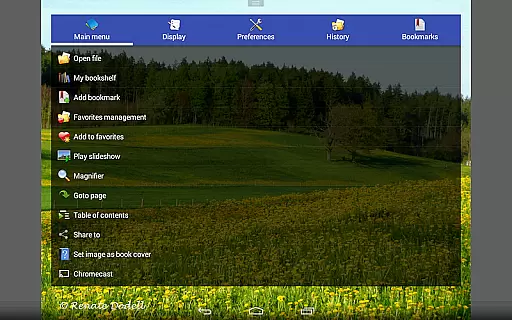
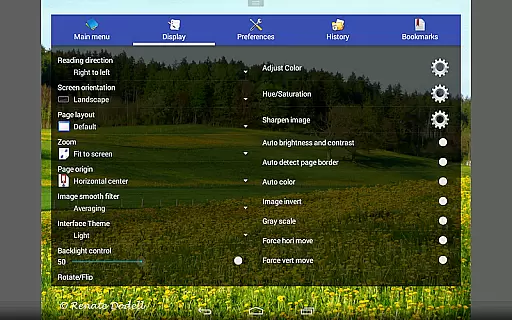
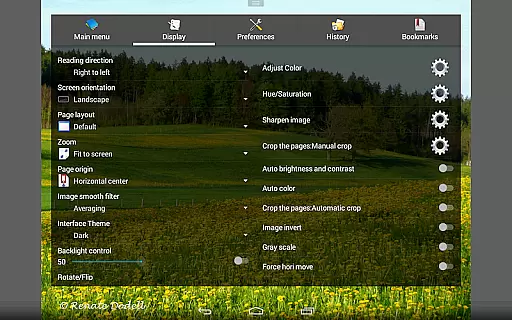
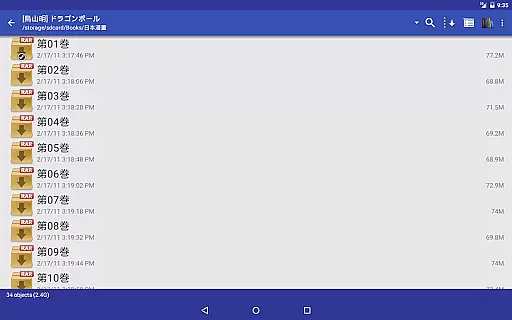
Perfect Viewer is a versatile and fast image, comic, and ebook viewer designed for seamless reading experiences. The app supports multiple file formats including EPUB, PDF, CBZ/ZIP, CBR/RAR, and many more, making it an ideal choice for digital comic enthusiasts. With advanced features like page layout customization, smooth filters, and five view modes, users can tailor their reading experience to their preferences.
One standout feature is its ability to open files from network file sharing, Google Drive, Dropbox, and OneDrive, ensuring easy access to your library no matter where it's stored. Additionally, Perfect Viewer offers three viewer modes, left-to-right or right-to-left reading options, and pinch-to-zoom functionality, enhancing usability across different types of content. Whether you're reading comics or managing ebooks, this app provides a comprehensive solution with added functions like bookmarks, slideshows, and Chromecast support.
Perfect Viewer stands out with its extensive format compatibility, supporting not only common image formats like JPEG, PNG, and GIF but also specialized formats such as TIFF, WebP, and DJVU when paired with the appropriate plugins. Its archive file support (CBZ, CBR, 7Z) makes it particularly valuable for comic readers who need to extract and view files from various compressed formats. The inclusion of vertical and horizontal scroll modes caters to webtoon-style reading, while its five view modes ensure optimal display on any screen size.
Additional functionalities include advanced image adjustments like brightness, contrast, and gamma correction, as well as auto-cutting white borders for cleaner viewing. Users can also take advantage of unique features like balloon magnifiers for zooming into speech bubbles and Chromecast integration for streaming content to larger screens. With simple file management tools and caching capabilities for next and previous pages, Perfect Viewer ensures both convenience and performance in everyday use.
Perfect Viewer offers an extensive and versatile comic library that supports multiple file formats, making it a comprehensive tool for comic enthusiasts. The application is designed to handle various comic file types such as CBZ/ZIP, CBR/RAR, 7Z/CB7, LZH, and CBT/TAR, ensuring that users can access their favorite comics regardless of format.
In addition to traditional comic files, Perfect Viewer also supports image file formats including JPEG, PNG, GIF, BMP, WebP, and TIFF. This wide-ranging support allows users to maintain a diverse collection that can include everything from standard images to more specialized formats, providing flexibility in how content is consumed.
For those interested in eBooks, Perfect Viewer does not disappoint, offering compatibility with EPUB, HTML, and TXT formats. This ensures that users can consolidate their reading materials within a single app, streamlining their reading experience across different types of content.
Moreover, with additional plugins, users can extend the functionality to include PDF, XPS, and DJVU files, further expanding the scope of their digital library. This adaptability makes Perfect Viewer a central hub for all kinds of digital reading materials, enhancing both the variety and depth of its comic and ebook offerings.
Perfect Viewer places a strong emphasis on content authenticity and proper licensing, ensuring that users have access to legitimate and high-quality reading material. By supporting a wide array of file formats, the app enables creators to distribute their work in their preferred format, preserving the integrity and originality of the content.
The app's support extends to network file sharing protocols like CIFS/SAMBA, FTP, SFTP, and FTPS, allowing users to access content from various networked locations. This feature not only enhances accessibility but also supports legitimate content sharing and distribution methods, reinforcing the importance of using authorized channels.
Furthermore, Perfect Viewer integrates with cloud storage services such as Google Drive, Dropbox, and OneDrive through optional plugins. This integration facilitates the management and synchronization of legally acquired content across devices, promoting responsible consumption habits while ensuring users have seamless access to their libraries.
By focusing on these aspects, Perfect Viewer not only enriches the user experience but also upholds industry standards regarding content authenticity and licensing, fostering a respectful and sustainable digital reading ecosystem.
Fast and responsive
Extensive format support
Customizable reading modes
Advanced image adjustments
Network file access
Premium features require donation
Interface may feel dated
Steep learning curve
Limited free plugin availability
Occasional crashes

Become a real PKM Card Maker, create or custom any Poke TCG cards and share them
 4.10
4.10
Webtoons, comics, web novels, and e-books are all here! RIDI, my own space to enjoy stories
4.30
The pure application on the Manga SWAT website
4.80
AsuraScans read manga, manhua, manhwa, and webtoon
3.90
The fastest and most convenient comic book reader - comics of all formats
4.40
Catalog your collection. Just scan covers with your device camera. (US $20/yr)
4.80
See the newest comic book releases and manage your comic collection or pull list
4.70
This application will enable donated users only function in Perfect Viewer.
4.90
from HipComic: Value Your Comic Book Collection with Just the Snap of a Photo.
3.80
Read comics & manga
4.70
Comic Book Identifier Value - Scan comics & prices. Your comic book price guide!
4.50
Crunchyroll Manga—unlimited, uninterrupted reading with offline access & more!
4.50
Draw the comics with glow brushes! Easy and relax!
4.40
The most popular comic book reader.
4.40
Read latest manga with this minimal reader with NO ADS.
4.30
The anime tv for fans Sud and Dub
4.20
Read webcomics & webnovels
4.20
+Not your everyday comic. Everyday.
3.50
You can create comics, manga and manwha using AI with Arcstory comic book maker
2.70


User Reviews