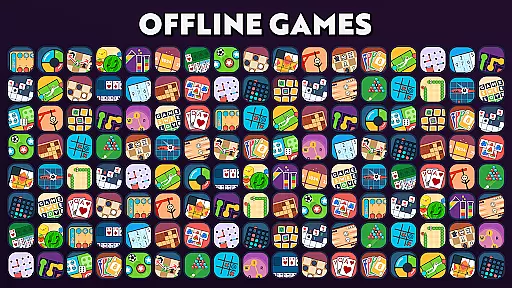
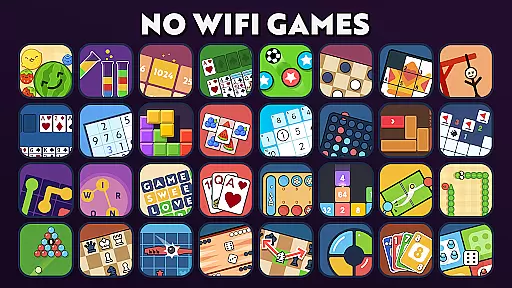


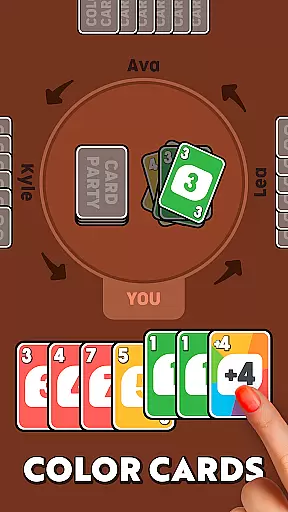
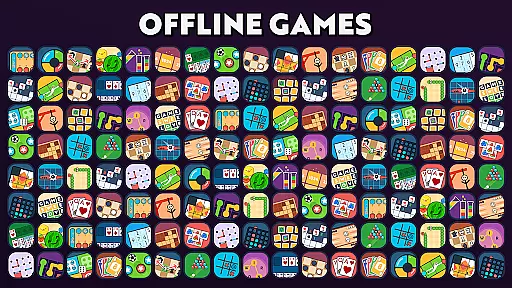
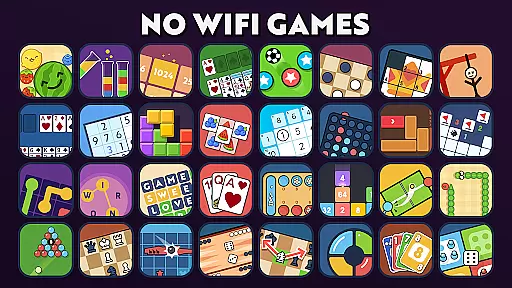
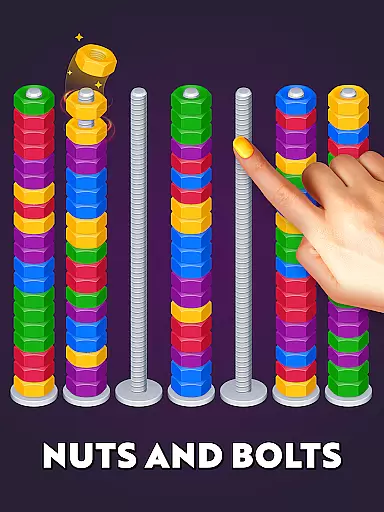
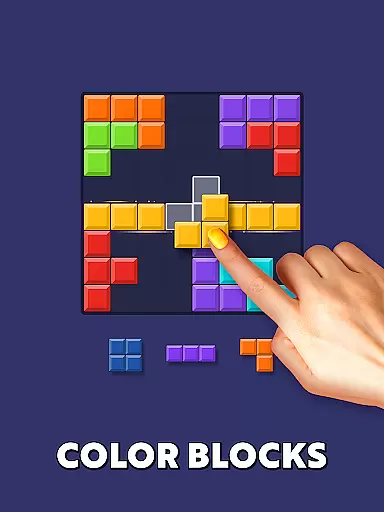

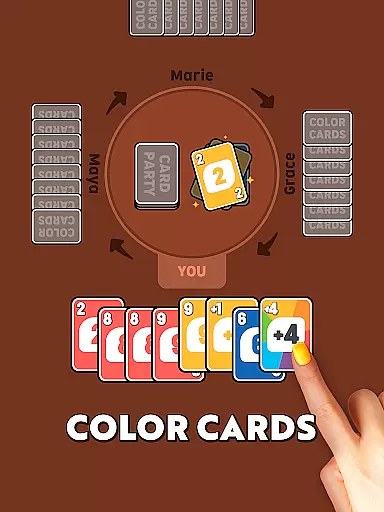
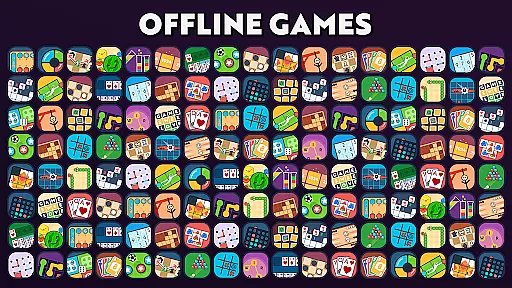
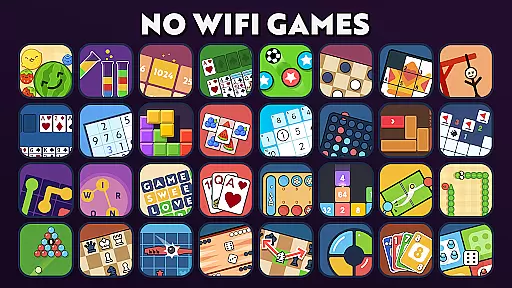
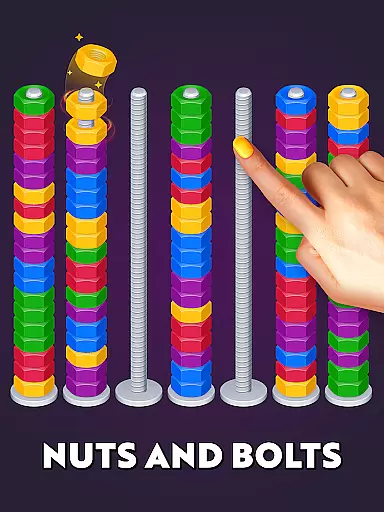
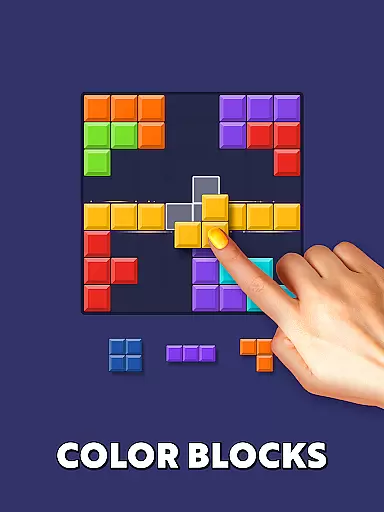

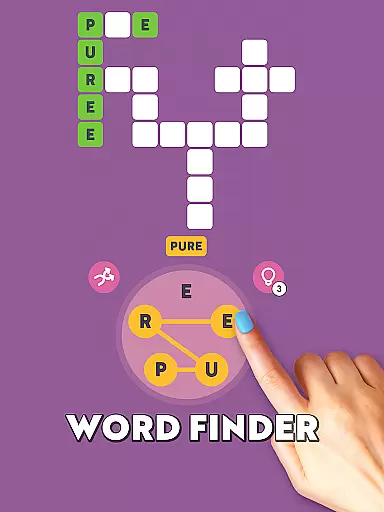
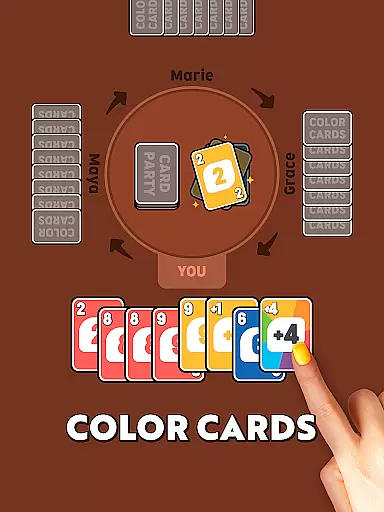
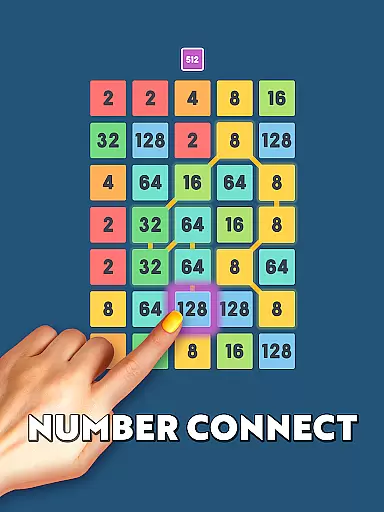
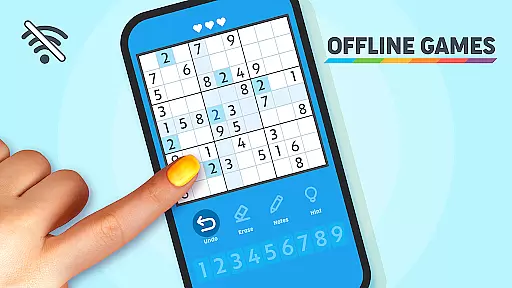
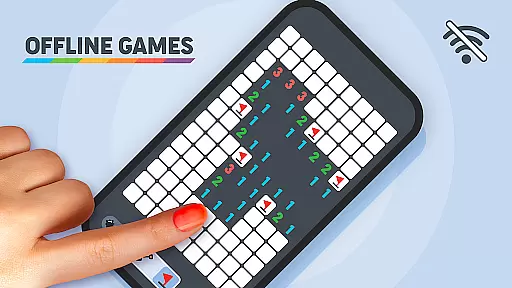
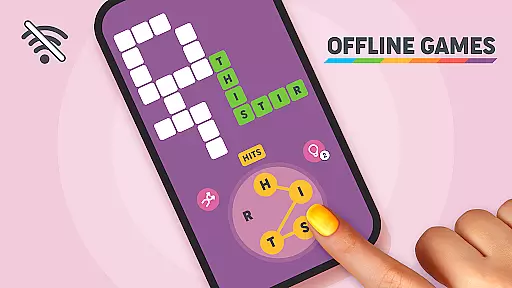
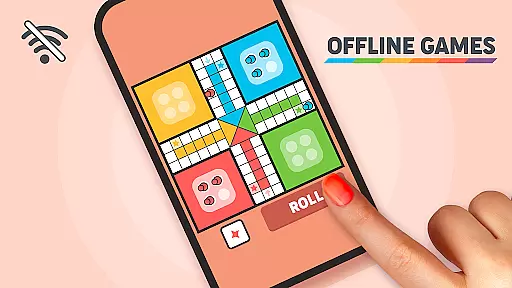
Offline Games - No Wifi Games is a versatile collection of over 20 unique minigames designed for gamers of all ages. This app offers a diverse range of gaming experiences, from classic puzzles to strategic challenges, without requiring an internet connection. Whether you're a fan of number games like 2048, word games that expand vocabulary, or timeless classics like Chess and Minesweeper, this app has something for everyone.
The app provides a perfect blend of entertainment and mental stimulation. With offerings such as Snake, Hangman, and Solitaire, it caters to casual gamers looking for quick fun as well as serious strategists seeking brain training. The Two-Player Games section allows users to compete against AI in games like Checkers and Tic Tac Toe, making it ideal for friendly showdowns even in airplane mode.
Designed for all age groups, Offline Games ensures that kids, teens, adults, and seniors can enjoy a wide variety of engaging activities. It's the ultimate solution for passing time during long journeys, flights, or when stuck at home. By bringing together exotic games like Mancala and mind-bending puzzles like Sudoku, this app promises endless entertainment and cognitive exercise wherever you are.
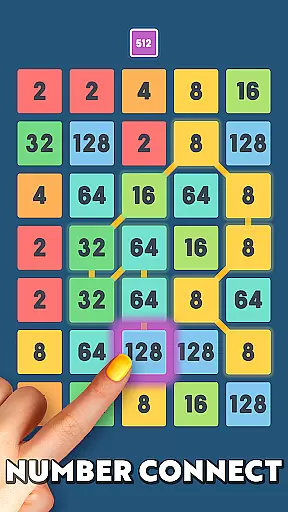
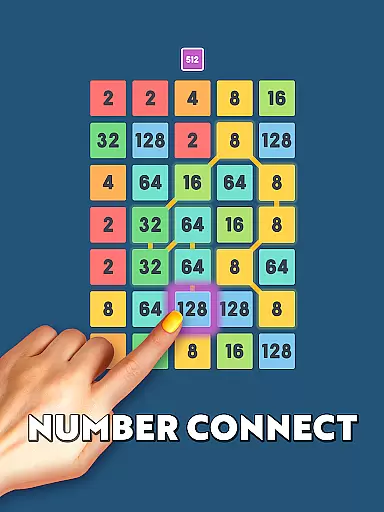
Offline Games boasts an impressive array of features that cater to different gaming preferences. One standout aspect is its extensive selection of Number Games, including popular titles like 2048 and 2248. These numeric challenges not only entertain but also help sharpen your mind by encouraging players to achieve high scores through strategic thinking.
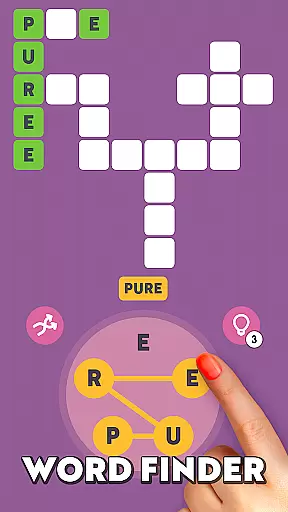
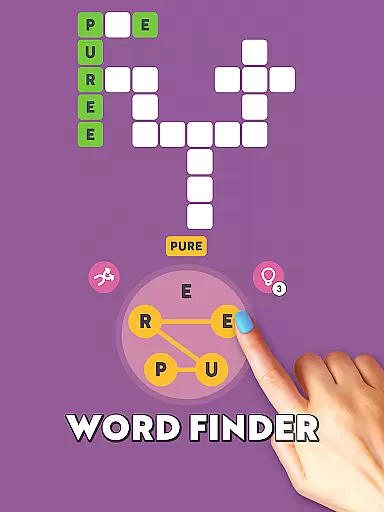
In addition to numerical challenges, the app excels with its Word Games section. Here, users can engage in word guess and word finder games that transform language learning into an exciting adventure. Players navigate through mazes of letters to uncover hidden words, enhancing their vocabulary while enjoying hours of captivating gameplay.
The Mind Benders category offers deep strategic engagement with games like Chess and Chess puzzles. These provide rigorous mental workouts suitable for those who enjoy planning and foresight. Furthermore, the Keep Them Thinking section includes brain-stimulating options such as Tap Match, Solitaire, and Sliding Puzzle, ensuring sustained cognitive activity. With these varied features, Offline Games delivers both enjoyment and intellectual stimulation tailored to every player's taste.
Offline Games - No Wifi Games exemplifies core gameplay simplicity by offering a collection of over 20 unique minigames that are easy to learn and play. The app includes classic games like Snake, Chess, and Checkers which have straightforward rules and intuitive mechanics.
The beauty of this app lies in its accessibility. Users of all ages can immediately grasp the basics of each game without needing extensive tutorials or instructions. Whether it's tapping to match tiles in Tap Match or strategically moving pieces in Chess, the controls are designed for quick understanding.
This simplicity extends to the app's offline functionality. Players can enjoy these timeless games without worrying about internet connectivity, making it perfect for travel or areas with poor network coverage. The lack of complex features ensures smooth performance across different devices.
By focusing on fundamental gaming elements, Offline Games delivers an engaging experience that appeals to both casual gamers looking for quick entertainment and enthusiasts seeking classic challenges. This approach creates an inclusive environment where anyone can pick up and play at their convenience.
Offline Games - No Wifi Games offers remarkable session length flexibility, catering to various gaming preferences and time constraints. With its diverse selection of minigames, players can choose quick matches lasting just minutes or engage in longer strategic sessions.
The app's design allows users to easily pause and resume their gaming experience. Whether you have five minutes between meetings or several hours to dedicate to Chess puzzles, the app accommodates different play styles without compromising game integrity or progress tracking.
This flexibility makes the app suitable for various situations throughout the day. Commuters can enjoy short gaming bursts during their journey, while those relaxing at home can delve into extended gameplay sessions. The app automatically saves progress in applicable games, ensuring seamless transitions between sessions.
Furthermore, the variety of game types supports different attention spans and moods. From rapid-fire word games to methodical number puzzles, players can select activities matching their available time and desired engagement level, creating a personalized gaming experience that fits perfectly into any schedule.
Wide game variety
No internet required
Suitable for all ages
Brain training focus
Engaging two-player modes
Limited social features
Ads between games
Basic graphics design
Occasional bugs reported
Some games repetitive

Epic air battles, jet upgrades, and boss fights await.
 4.4
4.4
Five new incredible party games to liven up any gathering!
3.30
Enjoy the craft without the mess
4.50
An idle incremental game where you decide to travel across the whole Universe
4.5
Be the coolest person when prank video call and chat with idols.
4.40
Black hole games - eat tiles, grow bigger, and master the fun
4.80
1V1 Hunting Game
4.40
Be the Coin Master: attack friends & collect coins in this fun adventure game!
4.80
Build bridges till the winning stage!
4.20
Unfurl tent flaps, cut through bushes, slam doors, and poke some crocodiles!!!
4.70
Funny Italian Brainrot games for antistress. Unwind with Italian Meme games.
4.70
Manage a fish tank of guppies and other aquarium creatures
4.60
Tricky Puzzle Fun Brain Story is a fresh brain game with everyday scenarios
4.50
Relax, merge, and shine! Create your own beauty style story with every move.
4.50
Go exploring with Duggee!
4.20
A fun and relaxing idle game
4.20
Explore dungeons simple action RPG game Dungeons & Pixel Hero!
4.00
A Cozy Cooking Game. Mix, Cook, and Discover New Recipes!
3.70
Please solve the hexa puzzle.
4.3


User Reviews