
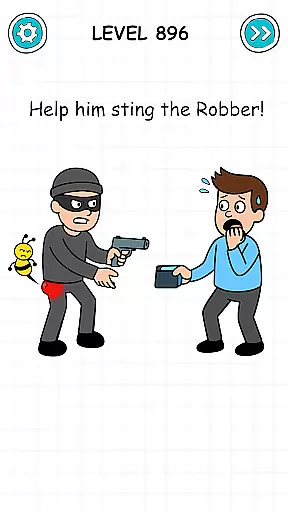
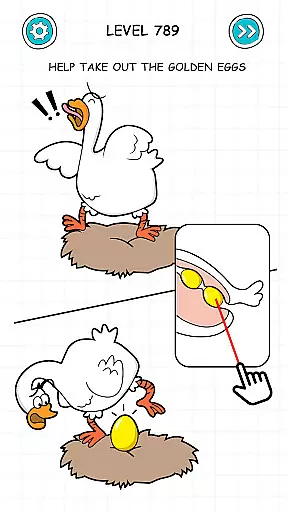
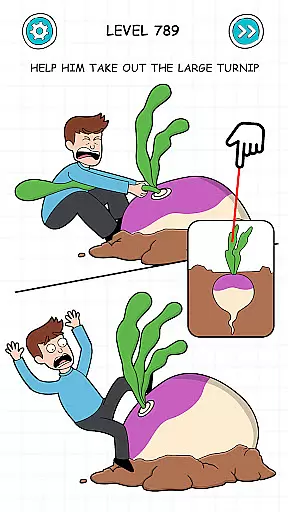

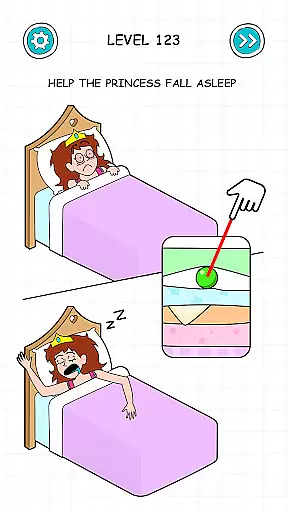
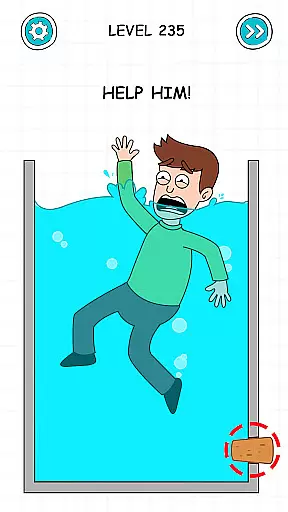
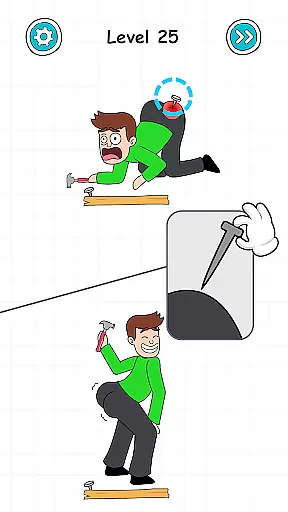
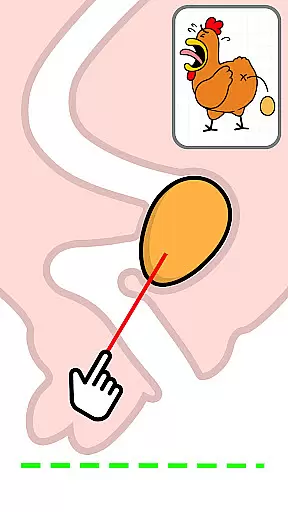
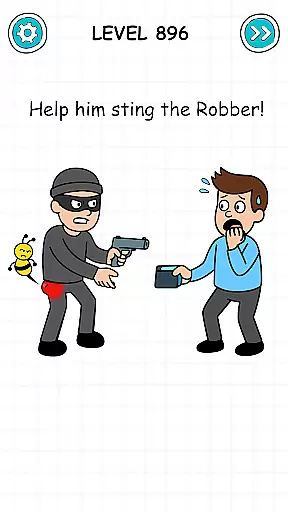
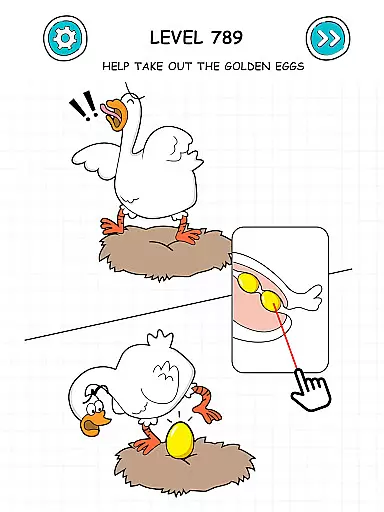
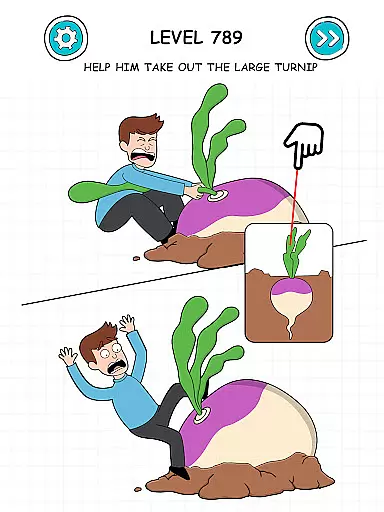
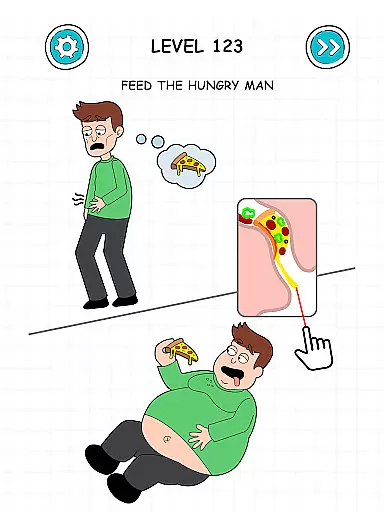
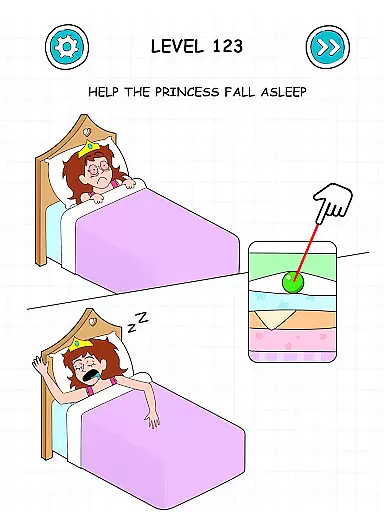
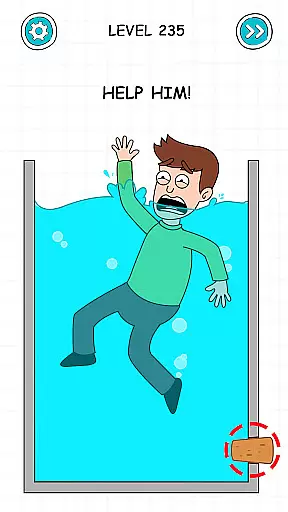
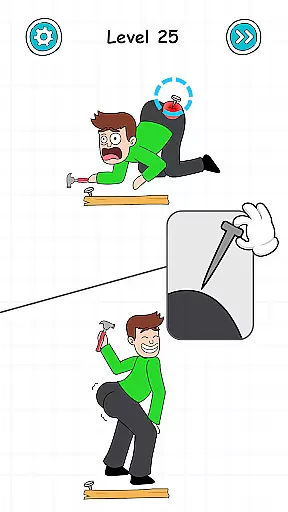

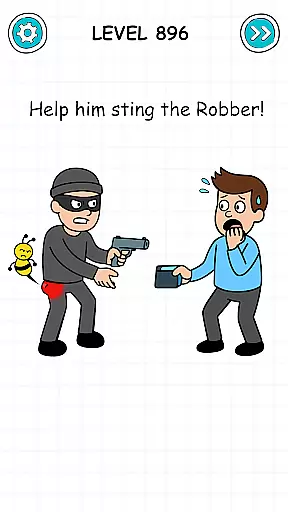
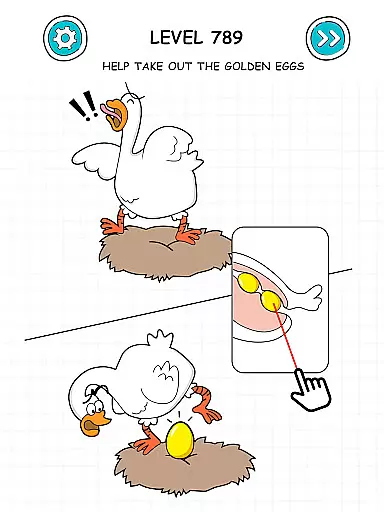
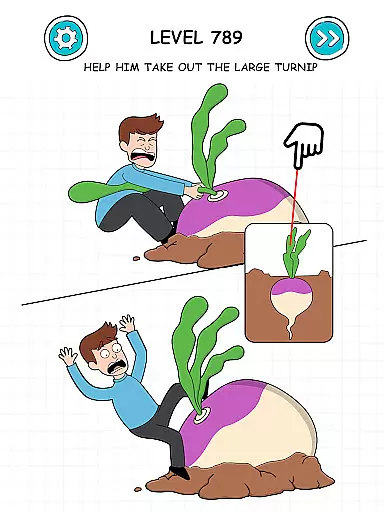
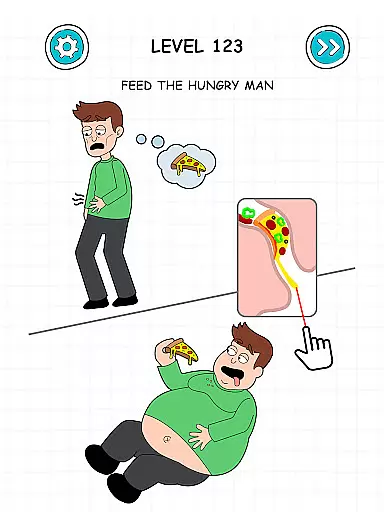
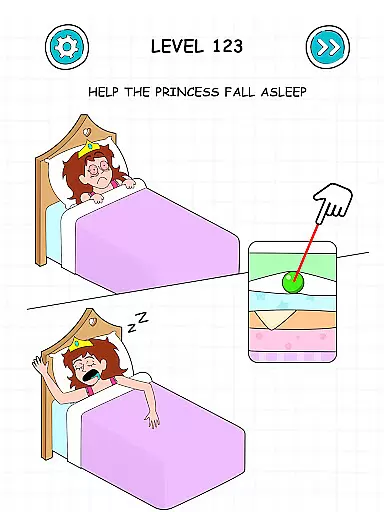
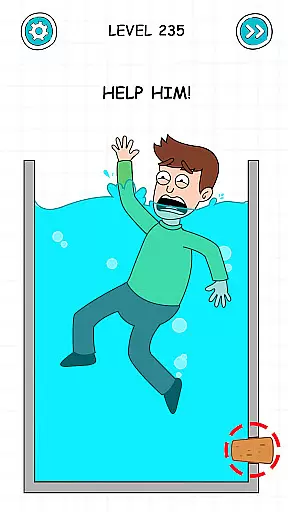
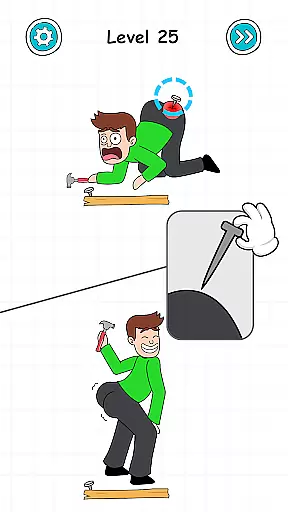

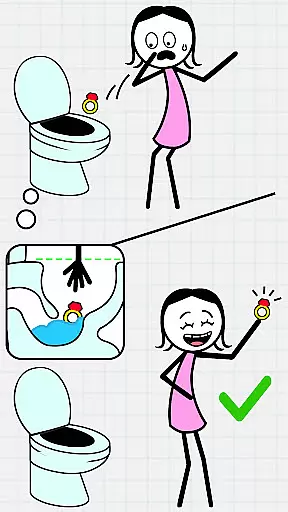
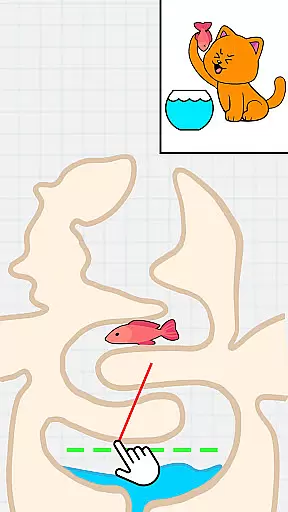
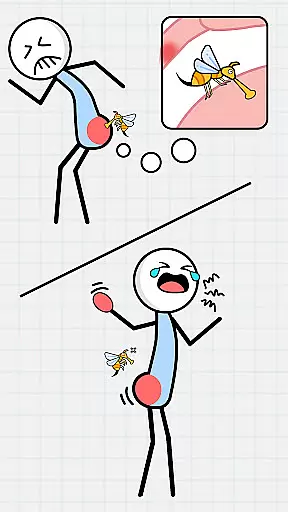

Tricky Puzzle: Fun Brain Story is an engaging casual puzzle game that combines challenging brain teasers with an entertaining storyline. Designed for puzzle enthusiasts, this app offers a unique blend of problem-solving scenarios and narrative elements.
The game features various tricky situations that test players' cognitive abilities while providing an addictive gaming experience. Its casual nature makes it perfect for short gaming sessions, offering both stress relief and mental stimulation. Whether commuting or taking a break, this app provides an ideal way to keep your mind sharp while enjoying a compelling story.
Tricky Puzzle stands out with its innovative combination of brain puzzles and storytelling elements. The game presents increasingly challenging levels that require creative thinking and logical reasoning.
A key feature is its captivating story mode that unfolds as players progress through the puzzles. Each level introduces unique tricky situations that demand different problem-solving approaches. The game's design focuses on providing both entertainment and mental exercise, making it an excellent choice for players seeking to improve their cognitive skills while enjoying addictive casual gameplay.
Tricky Puzzle: Fun Brain Story exemplifies core gameplay simplicity by offering straightforward yet challenging puzzles that are easy to grasp but difficult to solve.
The game strips away unnecessary complexities and focuses on delivering an intuitive experience where players can jump right into solving tricky situations without a steep learning curve.
Each level is crafted to test problem-solving skills in a fun and addictive manner, ensuring that users remain engaged without feeling overwhelmed by complicated mechanics.
This approach allows players of all ages to enjoy the game, making it an ideal choice for quick mental exercises during short breaks or extended play sessions.
Tricky Puzzle: Fun Brain Story offers remarkable session length flexibility, catering to both casual gamers and dedicated puzzle enthusiasts.
With its bite-sized levels and engaging challenges, the game allows players to enjoy quick sessions that can last just a few minutes, making it perfect for filling spare moments throughout the day.
Simultaneously, the depth and variety of puzzles provide an immersive experience for those seeking longer gaming sessions, keeping players hooked with progressively trickier situations.
This adaptability ensures that users can tailor their playtime according to their schedules while still enjoying a complete and satisfying brain-teasing adventure every time they dive into the game.
Engaging puzzles
Addictive gameplay
Brain training
Fun story
Stress relief
Limited hints
Ads between levels
Repetitive graphics
Paid features
Complex controls

Freddi and Luther have arrived at the Founder’s day festival!
 4.20
4.20
Go exploring with Duggee!
4.20
The classic Snake with vibrant neon colors for just 5 cents!
4.3
All-in-one tricky challenges, viral trending mini games. Stay calm & relax.
4.20
Blast through Match-3 puzzles, collect cute creatures, build your own paradise!
4.90
Unfurl tent flaps, cut through bushes, slam doors, and poke some crocodiles!!!
4.70
Manage a fish tank of guppies and other aquarium creatures
4.60
Heads or tails? Coin Flipper in an idle game about flipping coins!
3.60
Take passengers to their destinations! Become a great taxi driver in the city!
4.40
Search for hidden objects scattered around hand-drawn worlds.
4.70
RPG Adventure in the Caribbean as Pirate or Trader.
4.60
Enjoy satisfying games, tidy up your virtual space in addictive cleaning games!
4.50
Build bridges till the winning stage!
4.20
Play the Angry Birds game enjoyed by millions of players every day!
4.10
Just shoot and drop blocks.
4.5
In My Favorites, a fun game where you choose what are your favorites.
4.2
Spice up your next game night with a threesome of hilarious adult party games!
4.5
A game where you swipe various objects to send them to the desired location
4.1
1000 Start Ups is a fun endless running game suitable for all ages.
4.3


User Reviews