
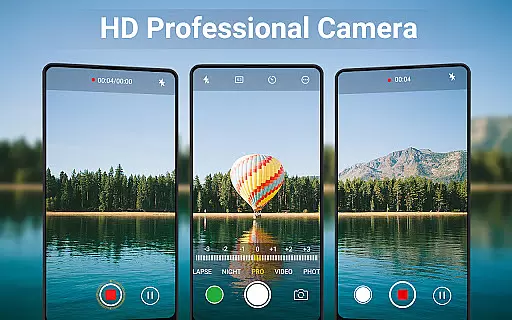
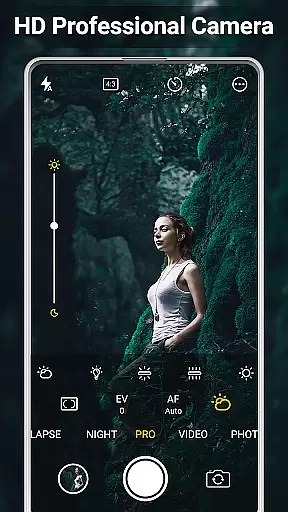
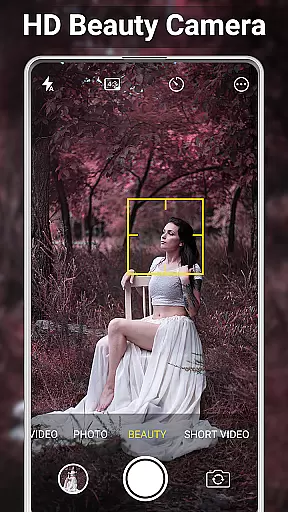
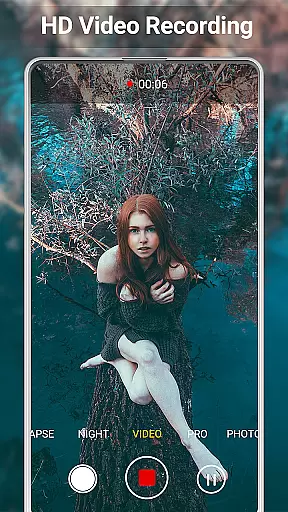
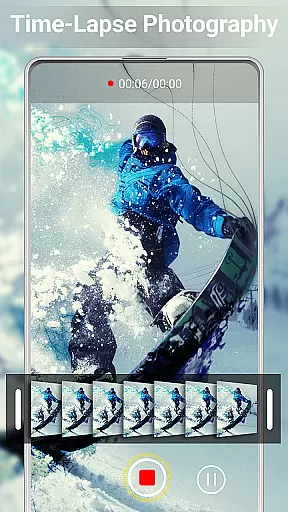
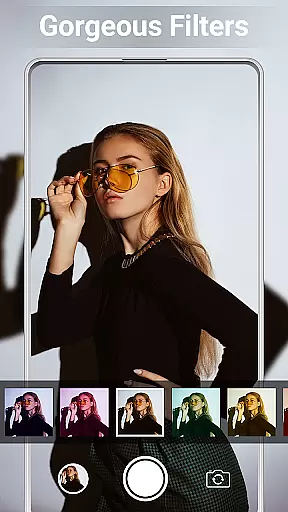
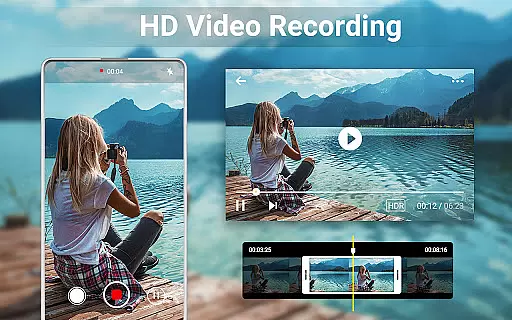
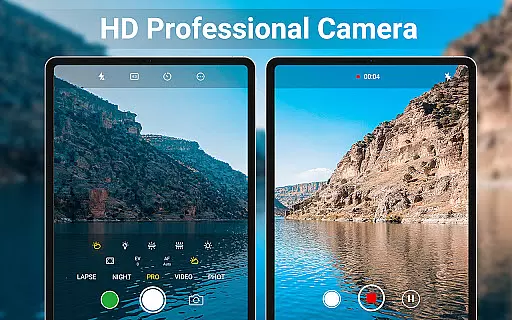
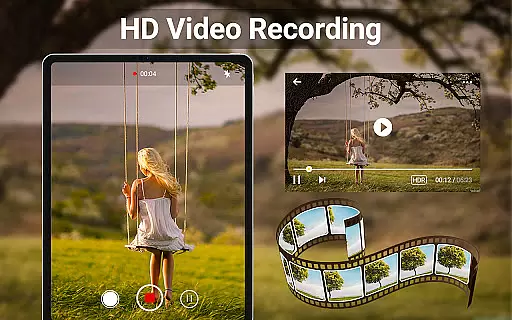
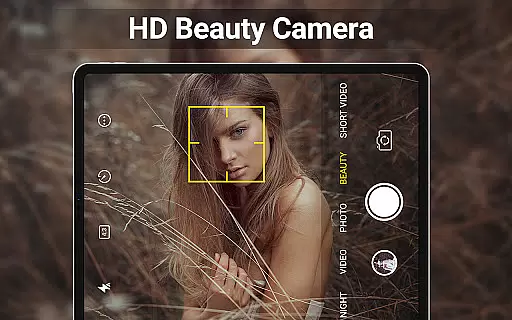
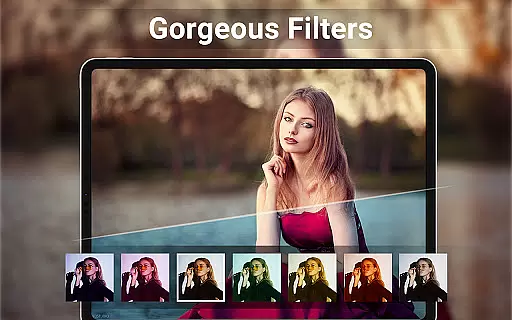
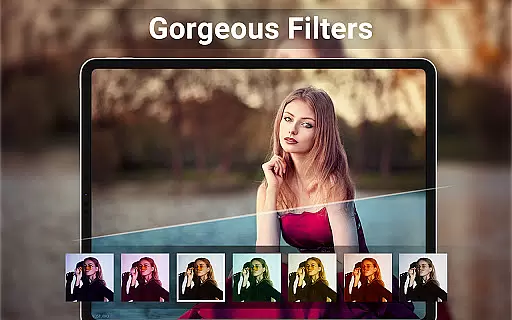
HD Camera for Android is a feature-rich beauty camera app designed to help users capture stunning 4K quality photos and videos. The application offers professional-grade tools such as intelligent face detection, auto-stabilization, and real-time filters that allow users to preview effects before capturing images or recording videos. With its advanced camera modes, including scene selection, color effects, white balance adjustment, ISO settings, and exposure compensation, HD Camera ensures every shot is of the highest quality.
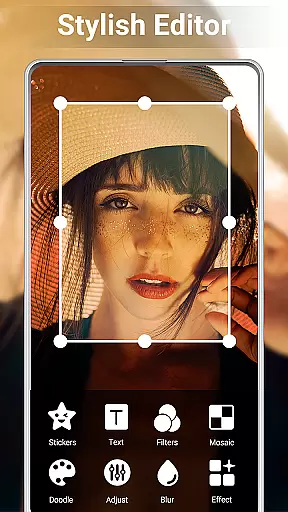
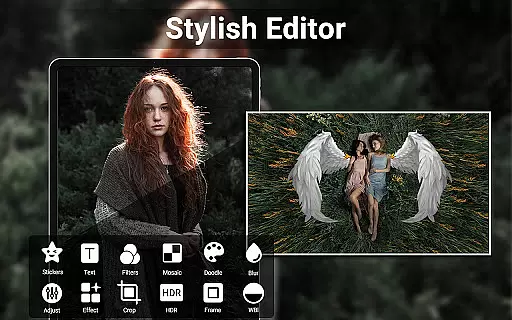
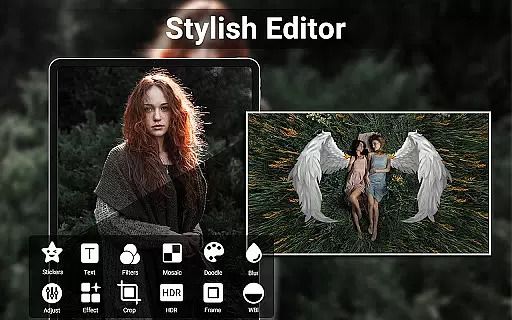
In addition to its powerful capture capabilities, the app provides comprehensive editing features. Users can adjust photo attributes like brightness, contrast, and temperature, create photo collages with ease, and trim videos effortlessly. Whether you're looking to enhance your selfies or produce short video content for social media, HD Camera delivers the tools necessary to edit and perfect your media in seconds.
This versatile app is particularly suited for mobile photographers and social media enthusiasts who want to elevate their content creation. By offering professional-level functionality in an accessible format, HD Camera empowers users to produce visually impressive media ready for sharing across various platforms.
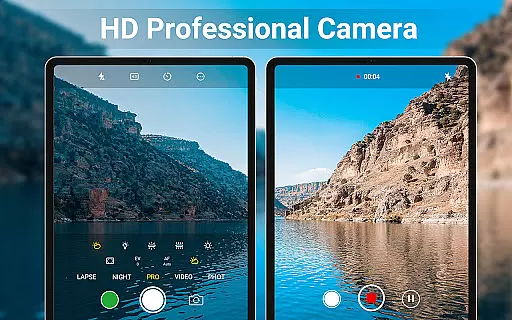
HD Camera stands out with its extensive range of features tailored for both amateur and professional photographers. One of the key highlights is its support for 4K resolution, ensuring that every photo and video is captured in ultra-high definition. The app's intelligent face detection and auto-stabilization technologies work together to produce clear and steady shots, even in challenging conditions. Additionally, the real-time filter option allows users to see exactly how their image will look before they take the shot, providing greater creative control.
The app also includes a robust set of professional capture modes. Users can choose from various scene modes, apply different color effects, adjust white balance settings, modify ISO levels, and use exposure compensation to fine-tune their images. These features ensure that photographers can adapt to any environment and achieve the desired results. Moreover, the quick snap function enables rapid photo taking, which is ideal for capturing fleeting moments without delay.
Beyond capturing, HD Camera excels in editing capabilities. The built-in photo editor lets users tweak elements such as brightness, contrast, vignette, fade, and temperature, allowing for detailed post-processing. The collage maker and photo grid functions make it easy to combine multiple images into creative layouts, while the video trimming tool simplifies the editing process for clips. These features collectively enhance the overall user experience by providing everything needed to produce high-quality visual content.
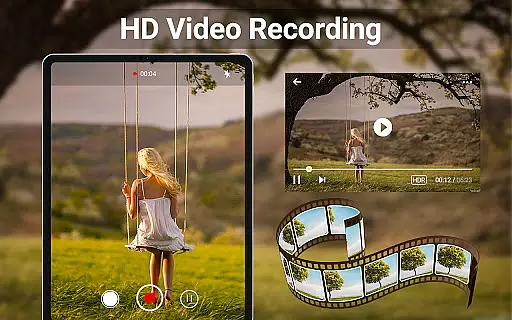
When it comes to beauty and photography applications, having a comprehensive product database is essential for user satisfaction. HD Camera for Android offers an extensive array of features that cater to both amateur and professional photographers. The app includes advanced functionalities such as 4K video recording, professional capture modes, and real-time filters, allowing users to preview effects before capturing images or videos.
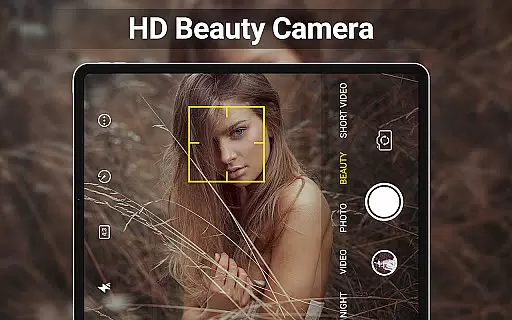
The application's intelligent face detection and auto-stabilization ensure that every photo taken is clear and well-composed. With options like scene modes, color effects, white balance adjustments, ISO settings, and exposure compensation, users have full control over their photography experience. This depth in the product database ensures that whether you're shooting in low light or bright sunlight, your photos will maintain high quality.
Moreover, the ability to edit photos and videos within seconds adds another layer of convenience. Users can adjust brightness, contrast, vignette, fade, and temperature with ease. The inclusion of a collage maker and photo grid feature allows for creative expression by combining multiple pictures into one cohesive piece. These robust editing tools make HD Camera not just a camera app but a complete photo studio at your fingertips.
Personalization is key in todayu2019s digital age, especially when it comes to beauty and camera apps. HD Camera for Android excels in providing precise personalization options that enhance user engagement and satisfaction. The app offers a variety of customizable settings, including HDR support, quick snap, continuous shooting, and even the option to turn off the shutter sound, giving users unparalleled control over their photography experience.
In addition to these features, HD Camera provides a capture timer and the ability to change the save path to an external SD memory card. This flexibility ensures that users can tailor the app to fit their specific needs and preferences. Whether you need to shoot in burst mode or require silent operation during important events, this app has got you covered.
Furthermore, the app supports location tagging (geotagging) and allows users to apply date and timestamp, location coordinates, and custom text to photos. Such detailed personalization options enable users to organize and track their memories effectively. By offering these advanced customization features, HD Camera stands out as a top choice for those seeking a personalized and versatile photography tool on their Android devices.
User-friendly interface
High-quality 4K capture
Real-time filter previews
Comprehensive editing tools
Versatile camera modes
Occasional performance lags
Ads may disrupt workflow
Advanced features require learning
Limited free storage options
Geotagging not always accurate

This application is for the Luvme Hair official website: shop.luvmehair.com .
 4.30
4.30
Beauty camera for perfect selfie with makeup, sticker and filter
4.50
Winter picture editor: Christmas stickers, frames for photos & Christmas cards.
4.40
Make beautiful Hairstyles for girls with your own hands in little bit of time
4.00
Design unique tattoos and preview them on your body image using Tattoo Maker App
3.30
The mirror app you were looking for, simple and easy to use. Try Mirror now.
4.60
AI Stylist, Try On Millions Of Clothes In Any Brand & Style, AI Clothes Changer
4.70
Mirror app that shows your image with photo editor, zoom and light!
4.70
The ultimate beauty membership
4.70
Get Smart About Your Skin with Fully Personalized Beauty Tech!
4.80
Selfiechat Filters for amazing photos with Funny face filters
4.60
Unleash your (Pro)tential with the hottest hair, nails and beauty brands!
4.60
All-in-one solution for independent beauty pros to manage & grow their business
4.30
Seasonal color palette, my personal color, hair color changer, makeup, wardrobe
4.20
Glow up with science: cosmetics, ingredients scanner, tracking & face analysis
4.10
Healthier, more beautiful with Medicube Digital Clinic AGE-R!
4.10
Enhance Your Look with Face Analysis, Hair Style Changer, Beauty Score, Rating
3.90
Create, design and dress up your own beautiful characters in cute fashion styles
3.50
Your future self face age old or young from camera selfie into beautify videos
4.2


User Reviews