


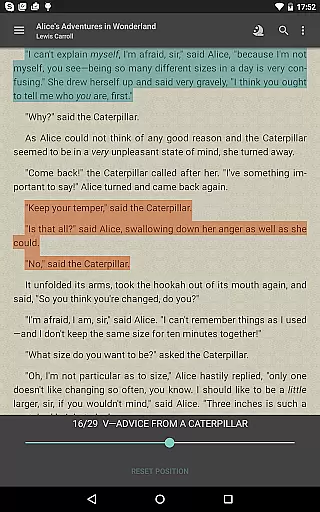
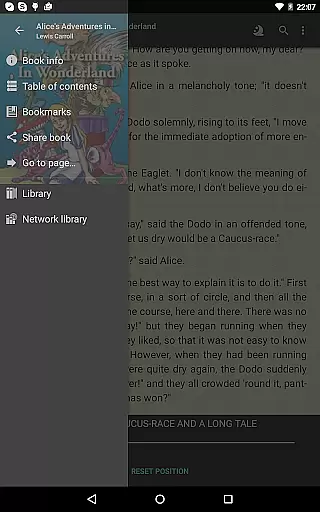
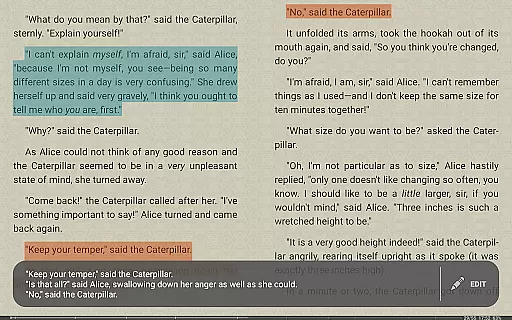

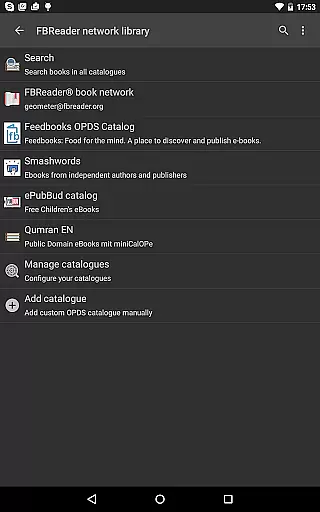
FBReader Premium is a comprehensive ebook reader designed for book enthusiasts who value flexibility and advanced features. This paid version offers an exceptional reading experience across various devices, including LCD and e-ink screens. With support for numerous formats like ePub, PDF, Kindle azw3, and more, it ensures compatibility with almost any ebook. The app also includes smart tools such as text-to-speech, instant translation, and cloud sync, making it a versatile choice for readers worldwide.
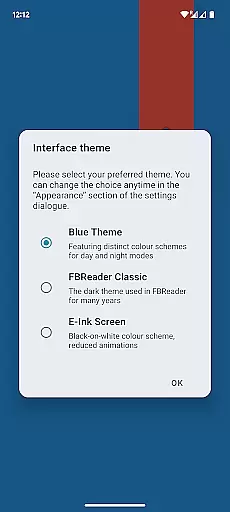
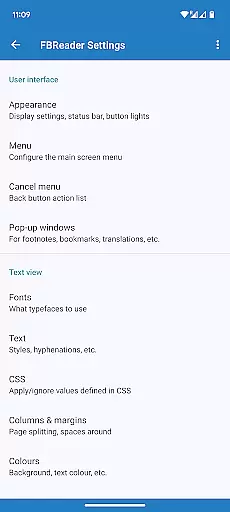
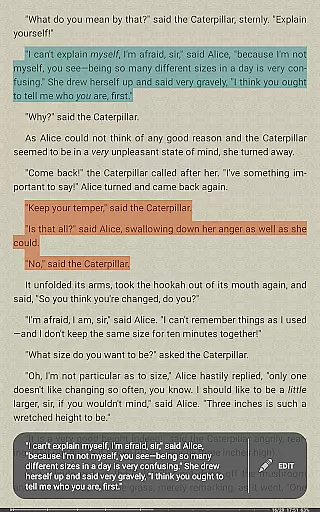
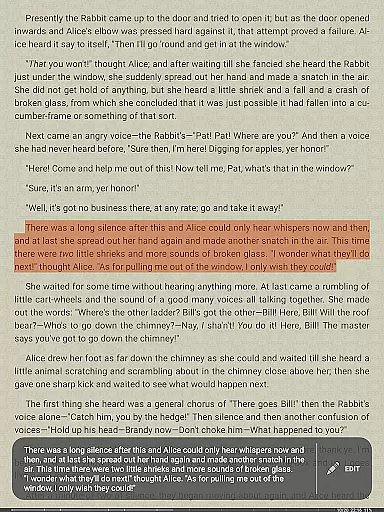
What sets FBReader Premium apart is its customization options and user-friendly interface. Readers can personalize their experience by adjusting themes, fonts, and gestures. Additionally, the built-in browser and OPDS support provide seamless access to online catalogs, while the ability to open DRM-free books expands its usability. Whether you're a casual reader or a dedicated bookworm, FBReader Premium delivers powerful tools tailored to enhance your digital reading journey.
FBReader Premium stands out with its extensive format support and advanced reading tools. The app reads virtually any ebook format, including ePub, PDF, Kindle azw3, fb2, DOC, RTF, and TXT, ensuring users won't face compatibility issues. Its support for DRM-free books and Readium LCP-protected titles further broadens access to content, catering to diverse reading preferences.
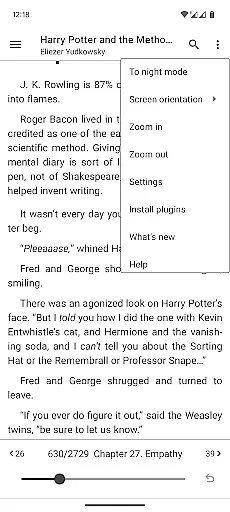
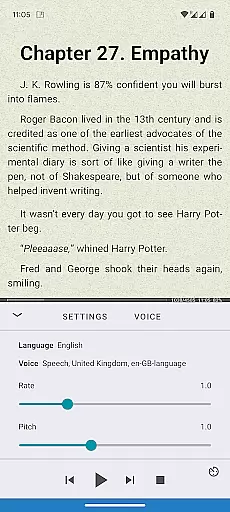
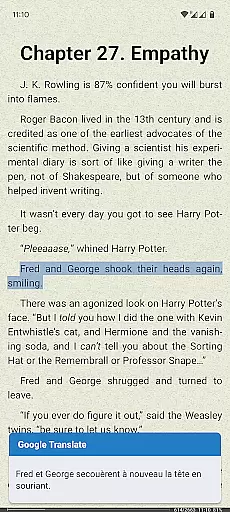
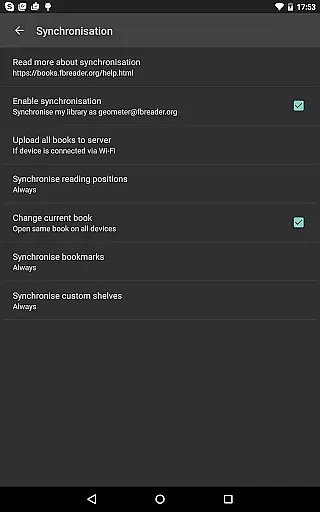
One of the app's key strengths lies in its smart integrations. Features like Android text-to-speech and instant translation via Google Translate or DeepL make reading more accessible and interactive. The optional cloud sync through the FBReader Book Network allows users to maintain their library and reading positions across devices. Moreover, customizable settings for themes, fonts, brightness, and gestures empower users to tailor the app to their specific needs, offering both comfort and convenience.
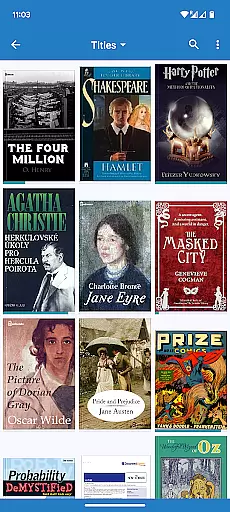
FBReader Premium offers an extensive e-book library that supports a wide range of formats including ePub, PDF, Kindle azw3, fb2(.zip), CBZ/CBR, DOC, RTF, HTML, and TXT. This ensures readers have access to almost any ebook they wish to read.
The application is committed to copyright authenticity by supporting DRM-free books as well as titles protected with Readium LCP. This dedication provides users with the assurance that their library consists of legally obtained content.
With built-in support for PDF and comic books, FBReader Premium caters to diverse reading preferences, making it a versatile choice for book enthusiasts who require format flexibility.
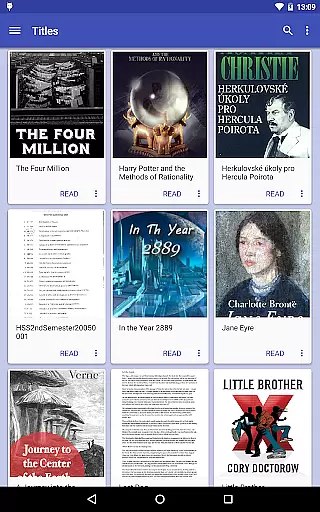
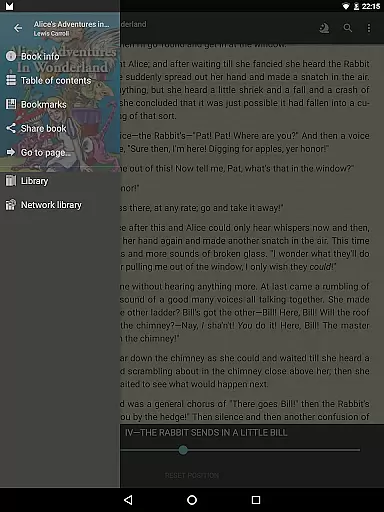
Furthermore, the app's integration with online catalogs and OPDS stores through its built-in browser allows users to easily expand their library with authentic content from various sources.
One of the core strengths of FBReader Premium is its broad format compatibility, accommodating virtually all common text formats such as ePub (including ePub3), PDF, Kindle azw3, fb2(.zip), CBZ/CBR, DOC, RTF, HTML, and TXT.
This level of compatibility ensures that no matter what device or platform a user comes from, they can continue their reading experience without worrying about format restrictions or conversion issues.
Additionally, FBReader's support for custom OPDS catalogs and the ability to place ebooks directly in your deviceu2019s Books folder enhances accessibility and convenience when managing one's digital library.
For those requiring multilingual support, FBReader Premium includes hyphenation patterns for 24 languages and is localized in 34 languages, ensuring comprehensive format and language accommodation.
Extensive format support
Customizable reading experience
Smart translation tools
Cloud sync functionality
Localized in 34 languages
Paid version only
No iOS availability
Limited offline features
Complex for beginners
Occasional sync issues

“There was one last piece of cake. My little sister said ‘Me too!’”
 4.00
4.00
A guide for the Court of Atonement spiritual healing process.
4.4
Powerful Bible study tools linked to every verse in an easy-to-use Bible reader!
4.60
Novels, audiobooks, ebooks & fanfiction. Read anytime, anywhere!
3.40
University of North Carolina Herbarium presents the flora of TN, AL, & MS.
4.0
America's best dictionary and thesaurus - with premium content and no ads
3.40
Daily Prayer, personalized Bible Study, AI-guided Insights, and Spiritual Growth
4.80
Holy Bible, a KJIV Bible study, audios & daily verses, talk with God now.
4.80
Unlock unlimited access to bestselling ebooks, novels, stories, and audiobooks
4.60
Enjoy daily devotionals, Bible verses, audio courses, and more.
4.80
Contains the 365 daily readings and everything other thing needed for catholics
4.70
Read the KJV Bible with Strong’s offline: reading plans, audio Bibles, and more.
4.70
Discover Stars and Planets: Live Map Shows Current Constellations in Full Detail
4.70
Full text, sheet music, and recordings of the print edition
4.60
Discover, track, and share your reading with friends & our community of readers
4.60
Research your family history to explore ancestors and search for your heritage
4.50
Daily Bible app: King James Version with verses and audio for studying&prayer
4.40
ISAIAH EXPLAINED with Avraham Gileadi Ph.D.
4.00
Battle Royale Chapter 5 Season 2 HD Wallpapers Emotes Skins and BattlePass
3.00


User Reviews