
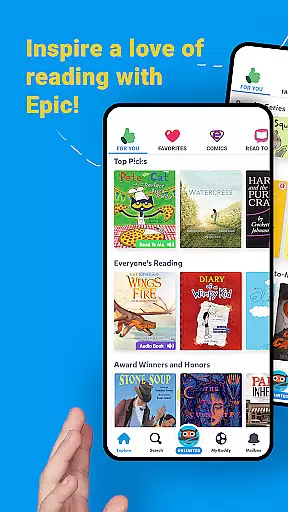
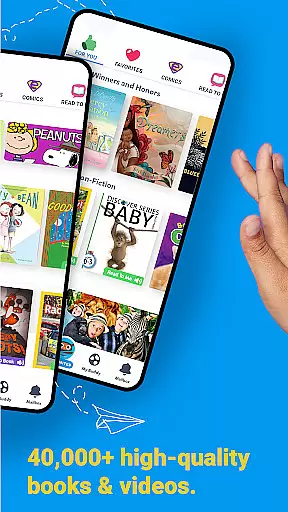
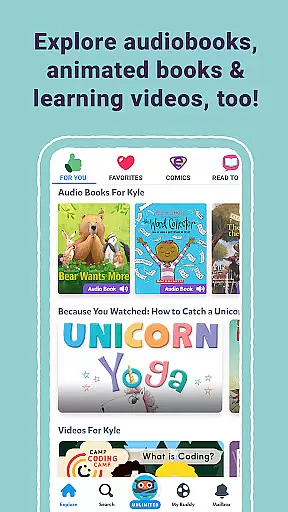
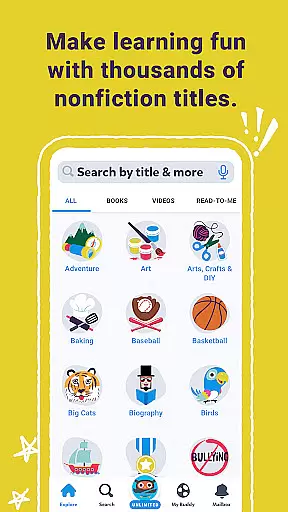
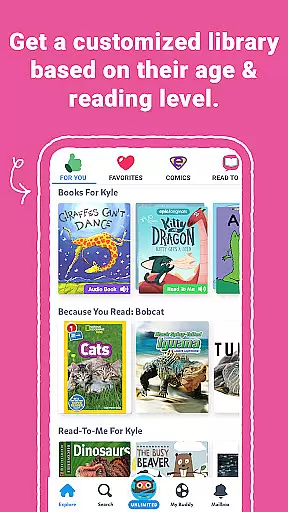
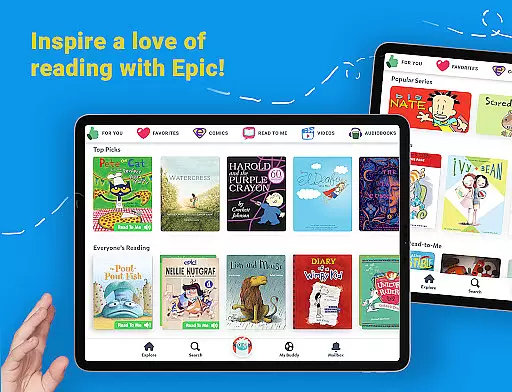
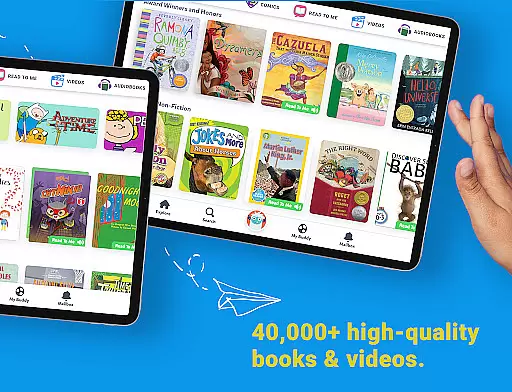
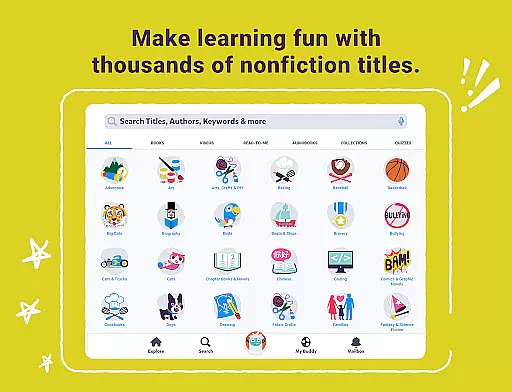
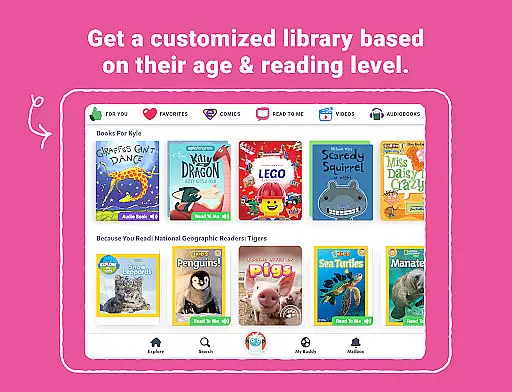
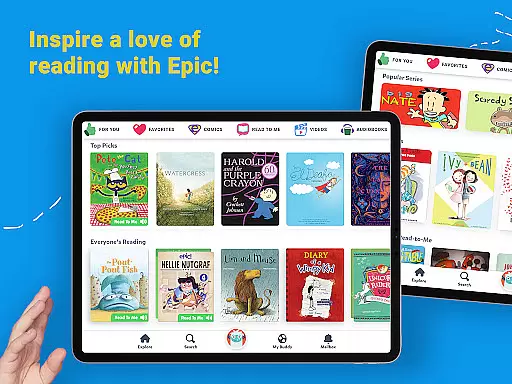
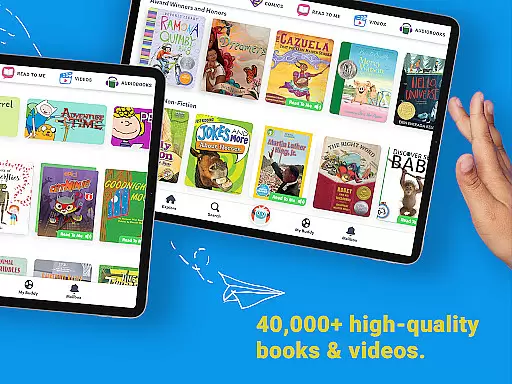
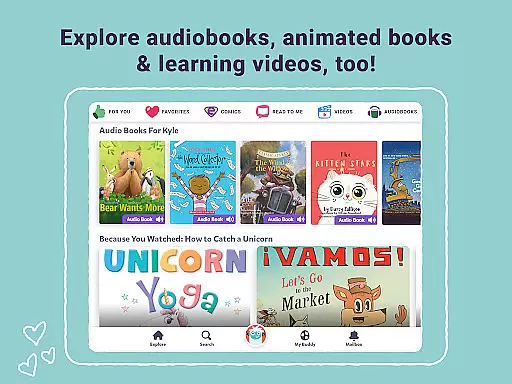
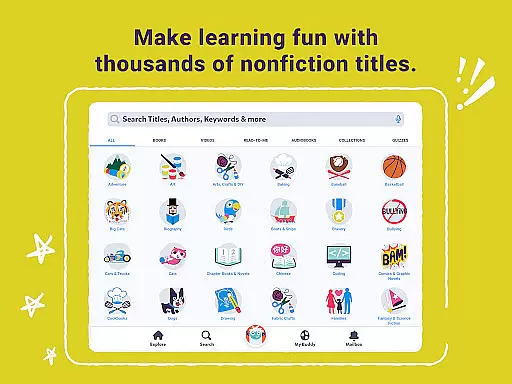
Epic is a leading digital library application designed specifically for children, offering an extensive collection of over 40,000 books, audiobooks, and educational videos. This interactive reading platform is crafted to foster curiosity and enhance reading confidence among young learners by providing them with instant access to a diverse range of engaging content.
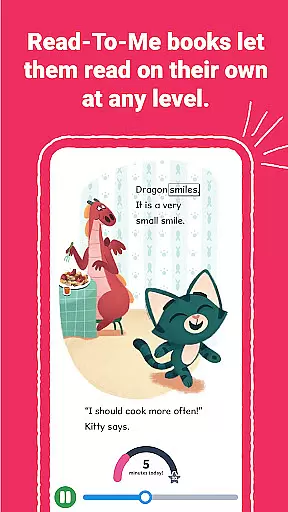
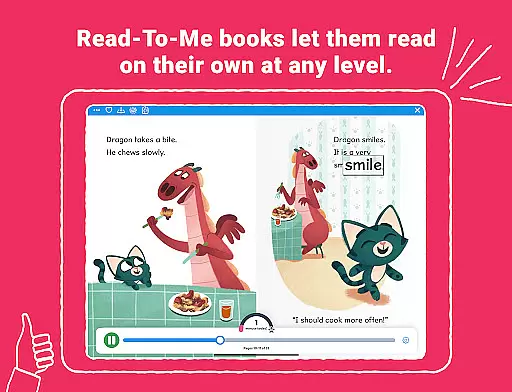
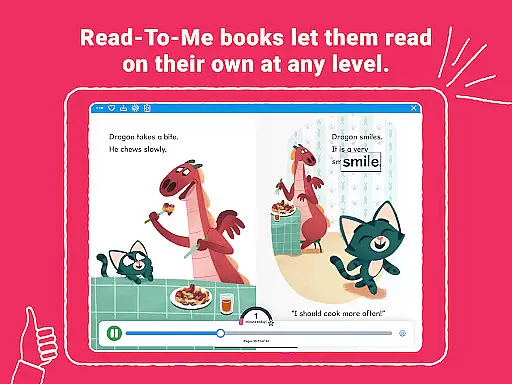
Available on all Apple devices, Epic supports offline reading and features Read-To-Me books, bringing stories to life with professional voice actors, music, and sound effects. The app also caters to multilingual audiences, featuring books in English, Spanish, French, and Chinese, thus accommodating various linguistic backgrounds and preferences.
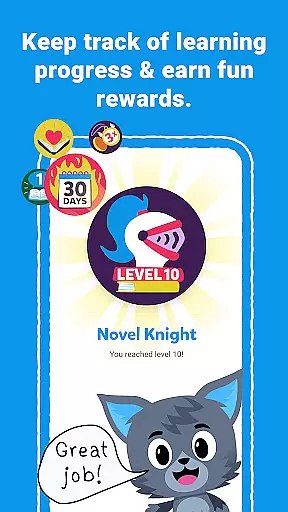
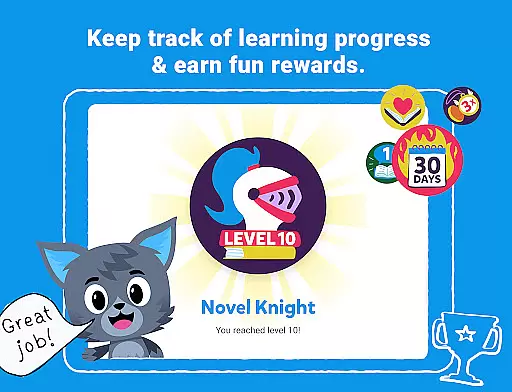
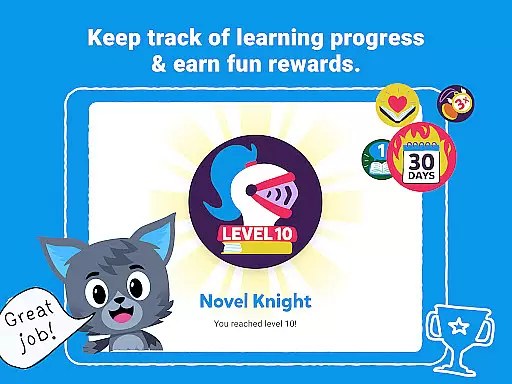
Beyond its vast library, Epic incorporates gamified learning tools such as Reading Buddies, badges, quizzes, and an audio-enabled Dictionary Lookup, which collectively motivate children to read while expanding their vocabulary and comprehension skills. With tailored offerings for families and educators, including personalized child profiles and classroom management tools, Epic stands out as an essential resource for nurturing lifelong readers.
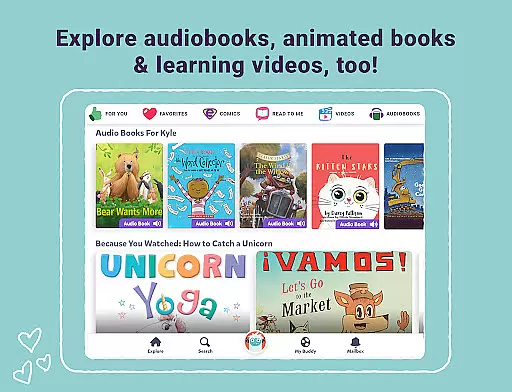
Epic distinguishes itself through a rich array of features that cater to both recreational and educational reading needs. One of its standout attributes is the expansive library, which includes traditional ebooks, Read-To-Me books, and audiobooks, enriched with professional narration, music, and sound effects that captivate young audiences and make reading an immersive experience.
The app's multilingual support is another significant feature, offering books in multiple languages such as English, Spanish, French, and Chinese. This inclusivity not only broadens the app's reach but also helps children from different linguistic backgrounds develop their language skills in a fun and engaging manner. Additionally, Epic provides a suite of learning tools like Spotlight Words, quizzes, and a dictionary lookup function, which are instrumental in building vocabulary and comprehension.
For families, Epic offers up to four personalized child profiles and a parent dashboard to monitor reading progress. Meanwhile, educators benefit from classroom-specific tools, including the ability to filter titles by reading levels and assign books, making it an invaluable asset for both home and school environments. These comprehensive features ensure that Epic remains a versatile and indispensable tool for fostering a love for reading.
In the realm of digital learning, content accuracy and authority are paramount, especially for an educational platform like Epic. With a vast library comprising over 40,000 books, audiobooks, and learning videos, ensuring that each resource is credible and authoritative is crucial for fostering an effective learning environment.
Epic employs a rigorous selection process, partnering with trusted publishers and authors to provide high-quality content across various subjects. This meticulous curation ensures that young readers have access to accurate information, whether they're exploring traditional ebooks, Read-To-Me books, or engaging with multilingual resources in English, Spanish, French, and Chinese.
Furthermore, Epic's integration of ELA Tools allows educators to filter titles by reading systems such as AR, DRA, and F&P, aligning materials with curriculum standards. The inclusion of quizzes and a Dictionary Lookup feature not only enriches the learning experience but also reinforces vocabulary and comprehension skills, underpinning the platform's commitment to authoritative educational content.
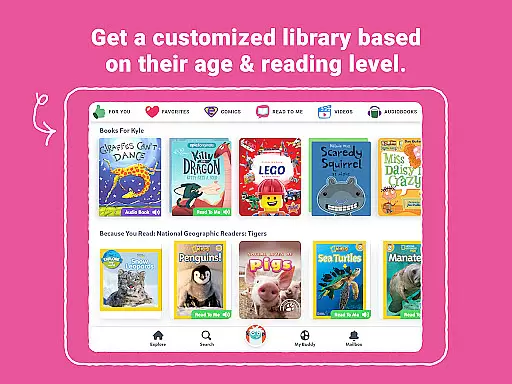
Personalized learning paths represent a cornerstone of effective education technology, adapting to individual learner needs and preferences. Epic excels in this area by offering a dynamic and interactive platform where children can explore their interests freely, thus nurturing their curiosity and reading confidence.
The app supports personalized learning through features like Reading Buddies, badges, and quizzes, which motivate children to engage with content actively. Spotlight Words and audio-enabled Dictionary Lookup further tailor the experience by teaching vocabulary and pronunciation, accommodating different learning styles and paces.
For families, Epic offers up to four child profiles, ensuring a customized reading journey for each child. Meanwhile, educators benefit from tools that allow them to assign and share books, track daily and weekly reading progress, and utilize multilingual books to make reading accessible for every student. These capabilities underscore Epic's dedication to creating adaptive, personalized learning experiences that cater to diverse educational requirements.
User-friendly interface
Extensive multilingual library
Engaging gamified learning tools
Offline reading capability
Personalized child profiles
Subscription-based model
Limited free content
Requires constant updates
Occasional loading issues
Parental monitoring needed

Grazing Risk Monitoring Service
 4.2
4.2
Build math skills in: addition, subtraction, multiplication and division.
4.10
Study the questions most likely to be asked during the Oral & Practical Exams.
2.80
Break Language Barriers with AI—Learn Language Anytime, Anywhere!
4.00
Explore numbers the Starfall way!
4.00
Astronomy Guide To Night Sky
4.30
Stack the States makes learning about the 50 states fun!
4.70
An aviator’s preparation, study and test tool for FAA Knowledge Exams.
4.00
Make your own game and world. Draw and animate characters
3.70
Discover Your Place in the Universe
4.70
A fast and fun way to learn guitar - works with any guitar.
4.60
THE ESTABLISHED "GO TO" ARMY BOARD PREPARATION APP!
4.30
Watch and Play Elmo's World!
4.00
Explore the City of the Sun in Augmented Reality
3.70
A must-have app for mastering Japanese verb/adjective conjugations.
3.60
scanner body part for fun Prank friends realistic scan effects
3.00
AR planetarium app that brings the solar system to you via XREAL Glasses.
4.5
A 2024 digital study guide for the Expert Infantryman and Expert Soldier's Badge
4.4
Learn and joke with the Silly Turkey!
4.3
Honest Duolingo review—energy system problems, hidden costs, what works for language learning, and whether the free version is still viable.



User Reviews