

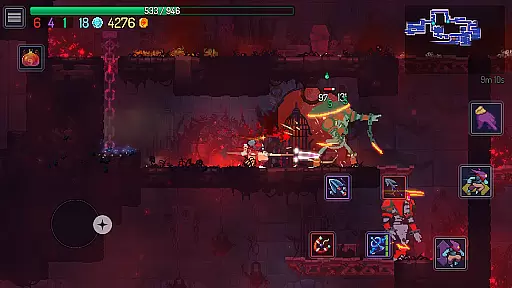
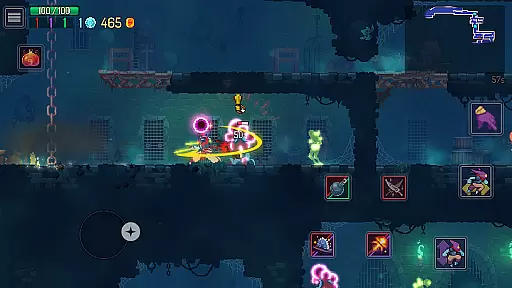
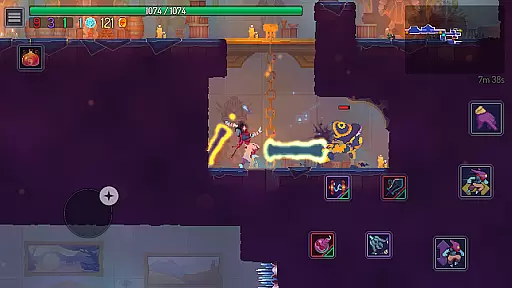
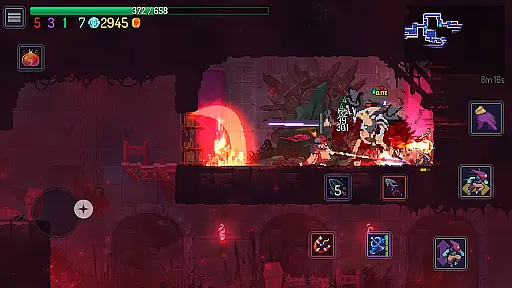
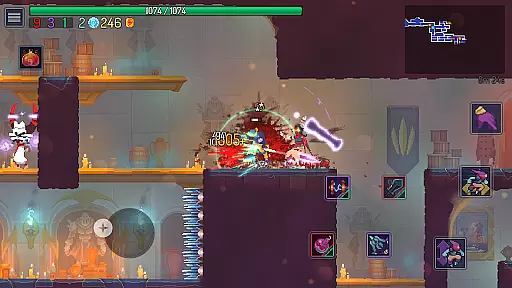
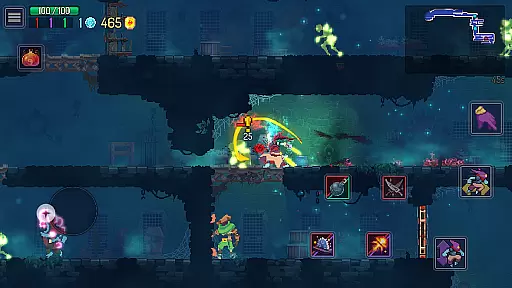

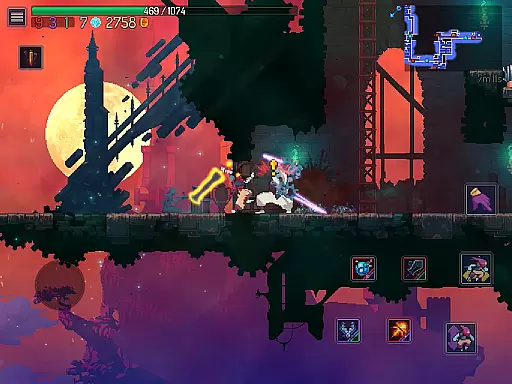
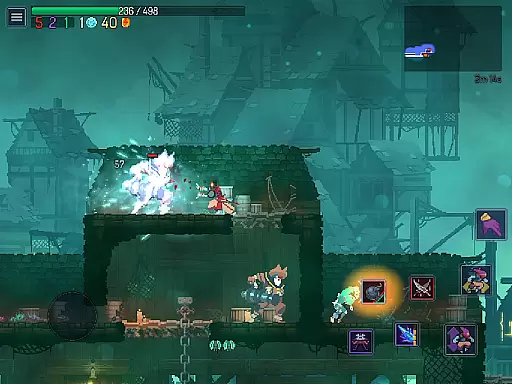
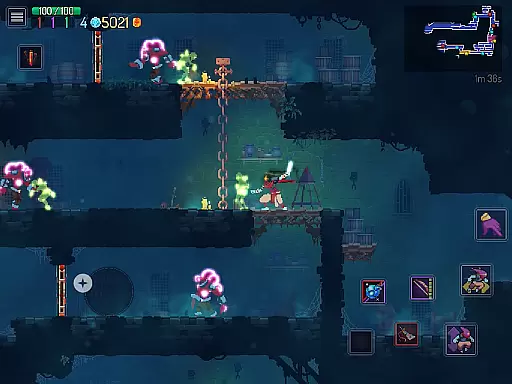
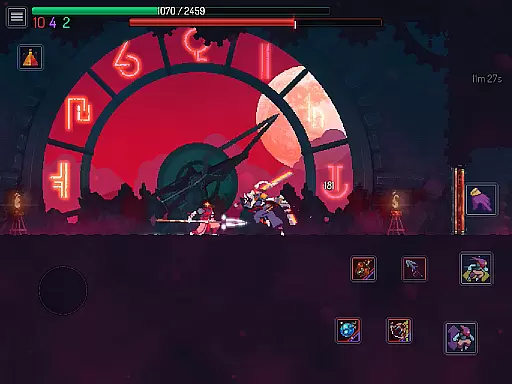
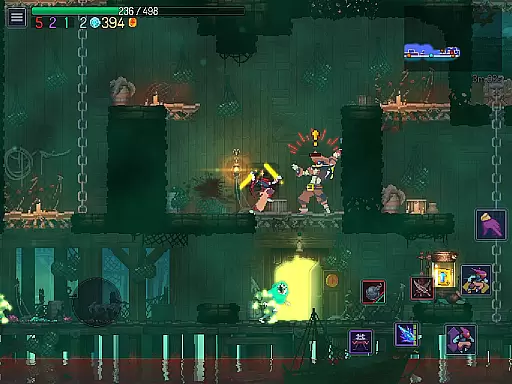
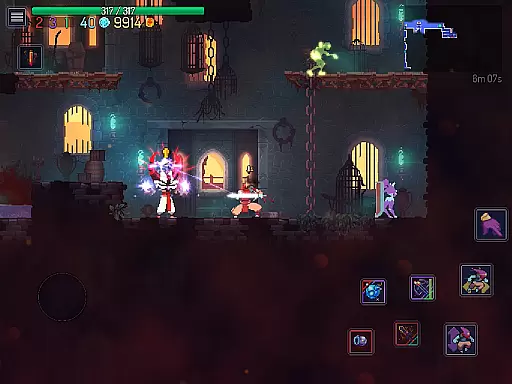

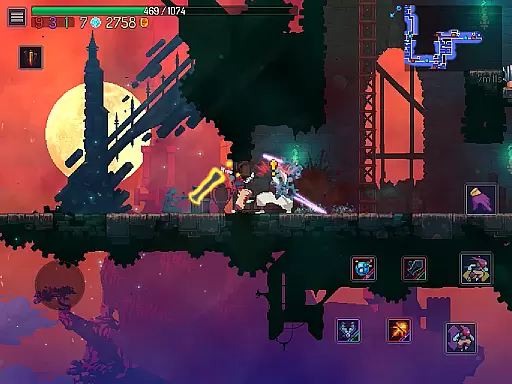
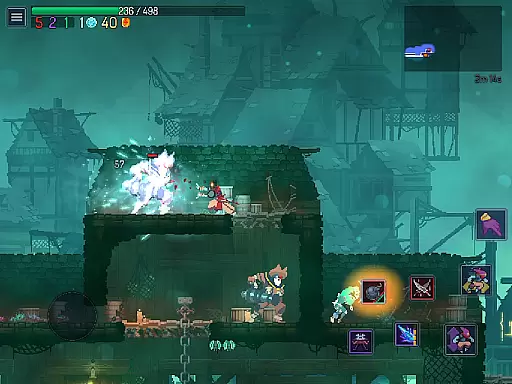
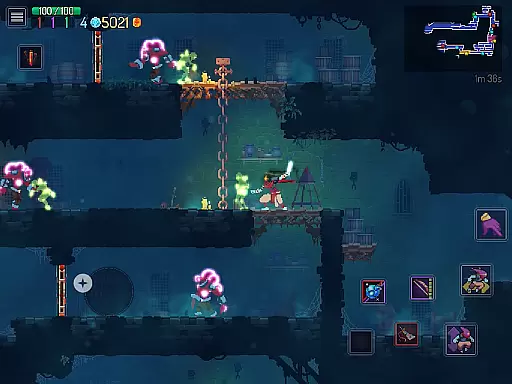
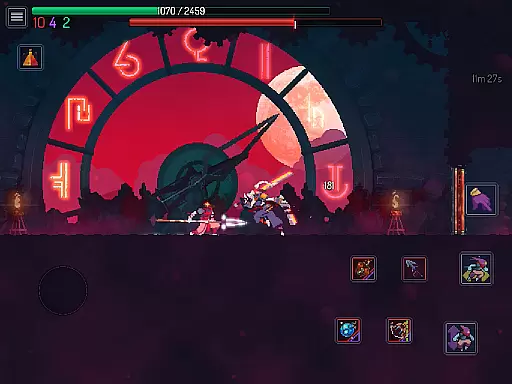
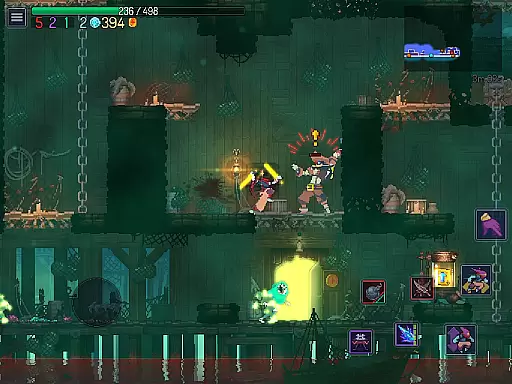
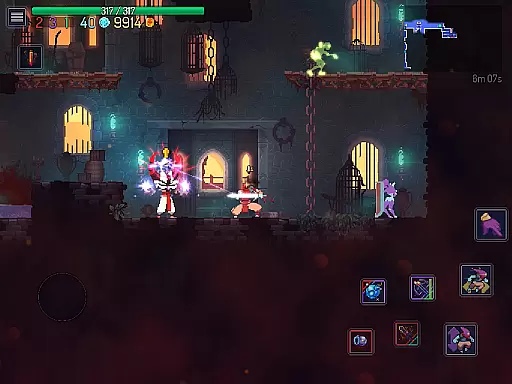
Dead Cells is a roguevania action platformer that challenges players with intense 2D combat in an ever-changing castle environment. As a failed alchemic experiment, you must fight through merciless minions and bosses using a wide array of weapons and skills. The game uniquely blends the progressive exploration of a interconnected world with the adrenaline-fueled tension of permadeath, ensuring each playthrough is distinct.
The mobile version offers the same thrilling experience as its PC and console counterparts, featuring multiple DLCs that expand the game world with new biomes, monsters, weapons, and storylines. With content like the Return to Castlevania DLC and various other expansions, players can enjoy new levels, enemies, and challenges. The game also provides optimized controls for mobile devices, including two game modes and customizable touch controls.
Whether you're exploring every corner of the castle or rushing straight to the end, Dead Cells offers a dynamic gaming experience where death is not the end but a chance to learn and improve. Its nonlinear progression system allows players to unlock new paths and choose their adventure based on current builds and playstyles.
Dead Cells stands out with its roguevania gameplay, combining the best elements of rogue-lite games and Metroidvania-style exploration. This means players face the constant threat of permadeath while progressively unlocking new areas and abilities that allow for deeper exploration in subsequent runs. The game's combat is both frantic and strategic, requiring mastery over various weapons and skills to defeat increasingly challenging foes.
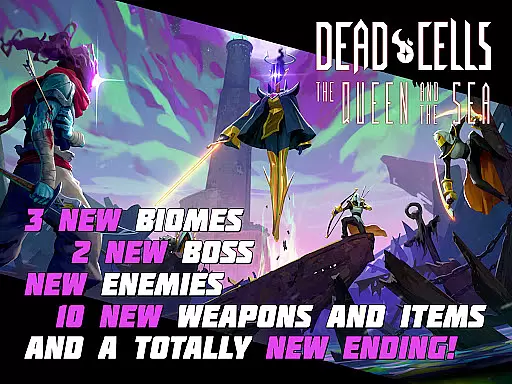
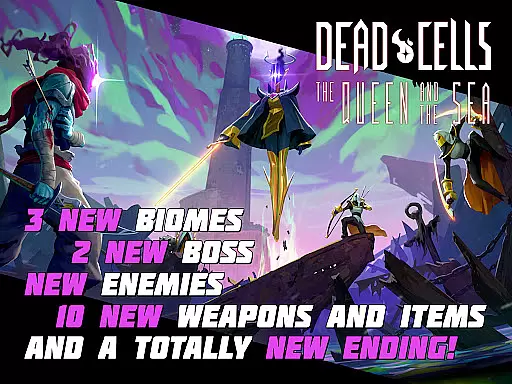
One of the key features of Dead Cells is its nonlinear progression system. Players can unlock different levels and choose their path based on their current build and preferences. This flexibility ensures that no two playthroughs are the same, offering immense replayability. Additionally, the inclusion of multiple DLCs such as the Return to Castlevania DLC, The Bad Seed DLC, Fatal Falls DLC, and Queen and the Sea DLC adds significant depth to the game by introducing new biomes, monsters, weapons, and storylines.
The mobile version of Dead Cells has been carefully redesigned for touchscreens, offering two game modes (Original & Auto-Hit), custom controls, and support for MFi external controllers. These enhancements ensure that players can enjoy a seamless and responsive gaming experience on their mobile devices without compromising the complexity and challenge of the original game.
In Dead Cells, control responsiveness is paramount to surviving its fast-paced combat scenarios. The game ensures that every movement and attack registers instantly, allowing players to react swiftly to enemy actions. This precision is crucial when facing merciless minions and bosses, where split-second decisions can mean the difference between success and failure.
The developers have optimized the mobile version of Dead Cells to provide a seamless experience, even on touchscreen devices. Customizable controls allow players to adjust button positions and sizes, ensuring maximum comfort and efficiency during gameplay. Additionally, swipe gestures enable quick dodges, further enhancing the responsive feel of the controls.
Latency has been minimized through careful design and optimization, making sure that player inputs translate immediately into in-game actions. This is especially important for an action-platformer where timing is critical. Whether using virtual buttons or external controllers, Dead Cells delivers consistent performance, enabling players to fully immerse themselves in the roguevania world without being hindered by input delays.
Dead Cells excels in providing tight combat feedback, which is essential for mastering its frantic 2D combat. Every strike, dodge, and special ability delivers clear visual and auditory cues, reinforcing the player's connection to the action on screen. These cues help players understand the consequences of their actions and adjust their strategies accordingly.
The sound design in Dead Cells amplifies the sense of impact during combat. Each weapon has distinct audio effects that correspond to its power and speed, giving players an intuitive grasp of their arsenal. Visual effects complement these sounds, with vibrant animations and particle effects that make each hit feel satisfying and impactful.
This feedback loop is further enhanced by the permadeath mechanic, which raises the stakes and encourages players to learn from their mistakes. As players progress, they develop a deeper understanding of enemy patterns and timings, thanks to the precise feedback provided by the game. This mastery over combat mechanics is what keeps players coming back, striving to overcome increasingly difficult challenges.
Engaging roguevania gameplay
Rich variety of weapons and skills
Nonlinear progression system
Multiple DLC expansions
Optimized mobile controls
Steep learning curve
High difficulty level
Requires significant storage space
No multiplayer mode
Some DLCs may not appeal to all players
The fast-paced FPS that changed gaming forever.
 4.40
4.40
Take a katana in your ninja hands to fight foes! Stylish ninja stickman game
4.60
Race around the world!
4.30
Craft, build, and survive in a zombie-infested open world!
3.40
Hunt your target & become a strong PVP sniper in this Epic 3D sniper FPS game
4.80
Become the ultimate expert in deer hunting through intense shooter attacks!
4.90
Dive into Jurassic World in this dinosaur simulation game
4.30
This time, the terror has followed you home!
4.60
Run with thousands of foods and feed them to each other!
4.70
Evolve monsters, climb tiers, and cash out real money in Monster Cash!
4.80
EIGHT open-source Quake 1-3 engines brought to your Android device!
4.70
Survive the post apocalypse in intense zombie shooting and gun games on doomsday
4.60
Munch your way through 60 levels and over 140 objects!
4.40
Prove your ninja skills by creeping through the shadows and taking out bad guys
4.40
A funny game with open world offline games and many Online multiplayer games
4.30
Collect & Survive
4.30
A Naruto game full of 3D competitive action!
4.20
Experience the epic Western adventures that defined a generation
3.90
Welcome to the 1980s.
3.50


User Reviews