
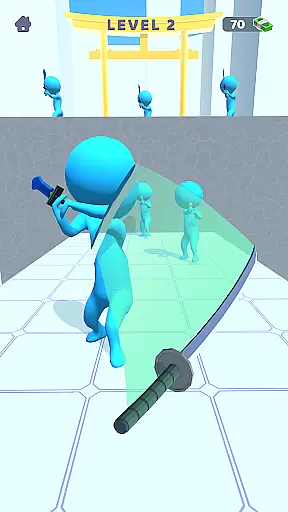
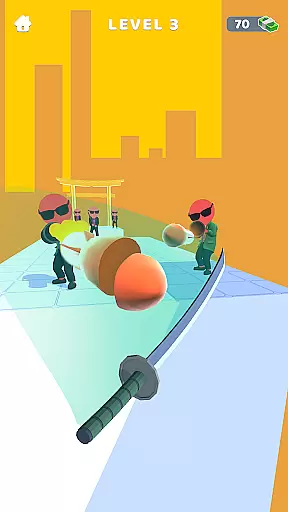
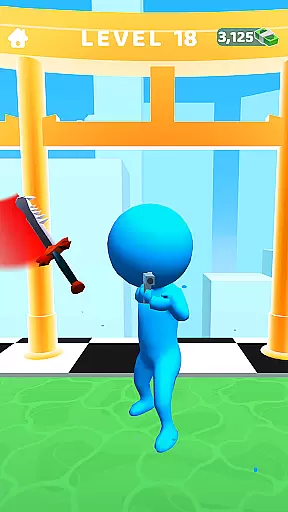

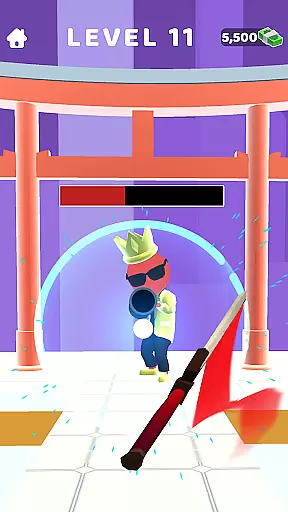
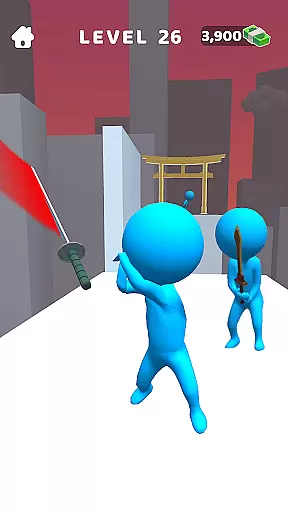
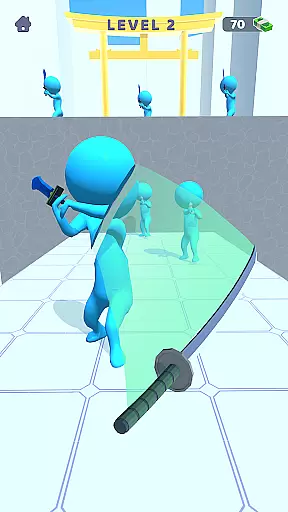
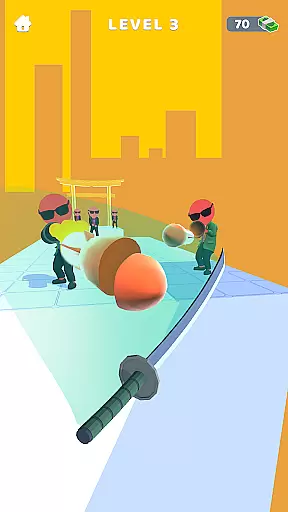
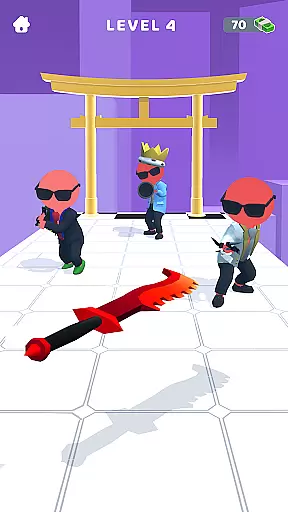
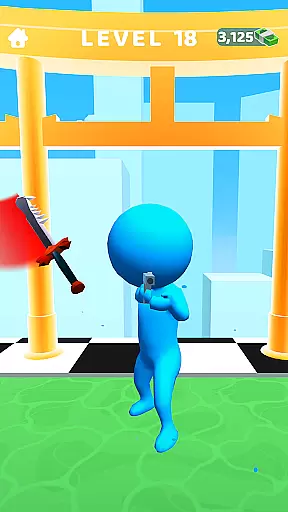

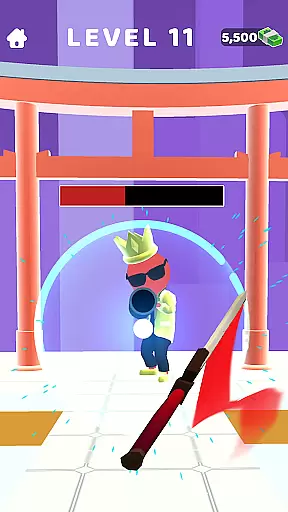
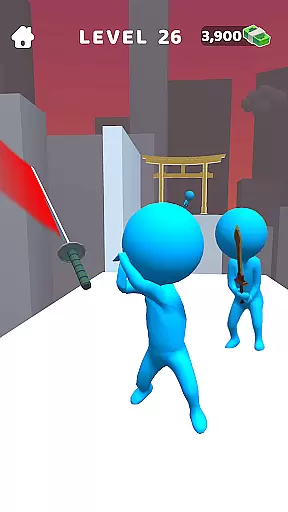
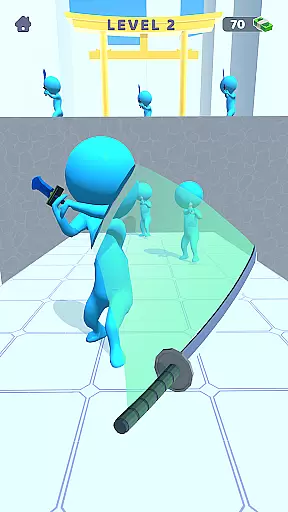
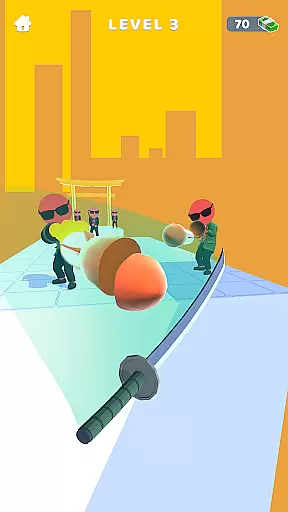
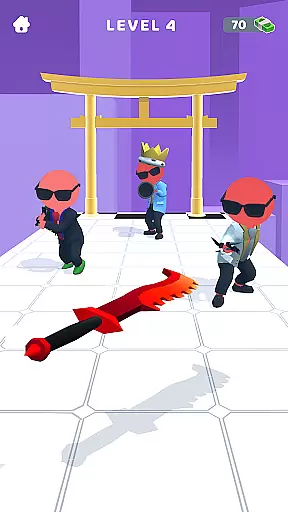
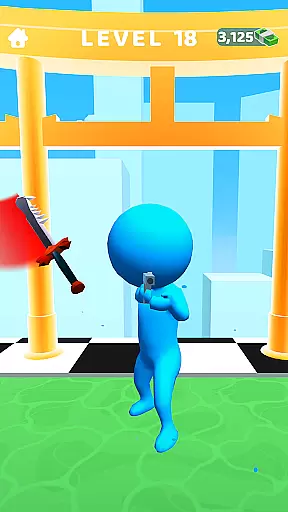

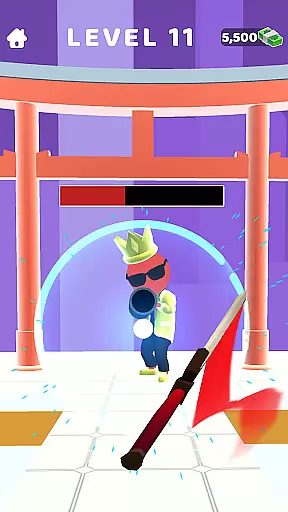
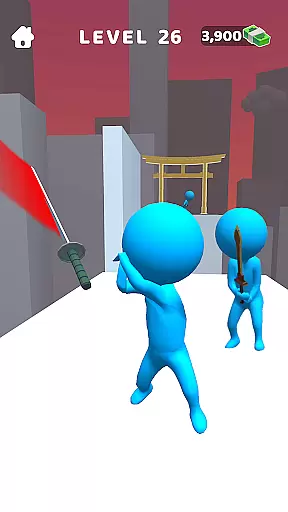
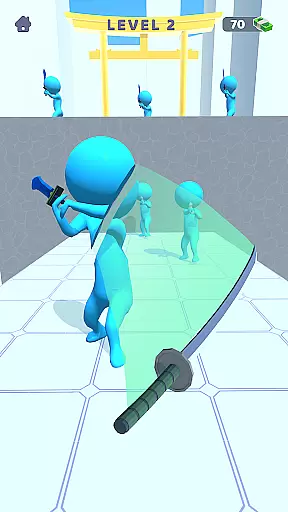
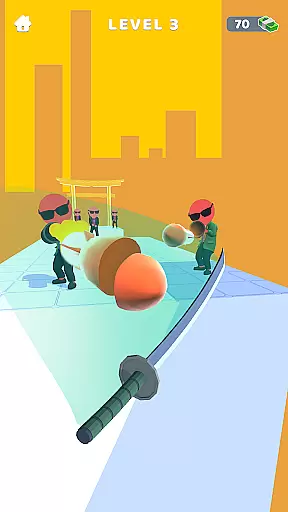
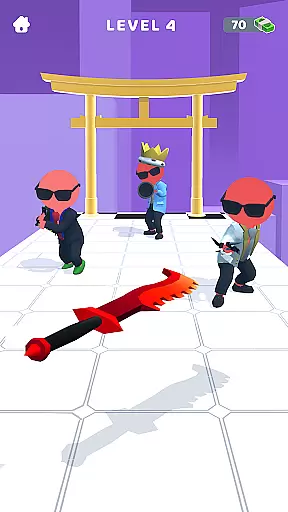
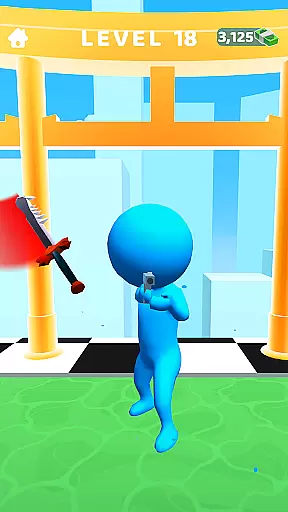

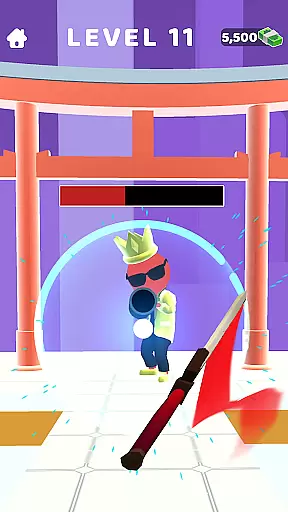
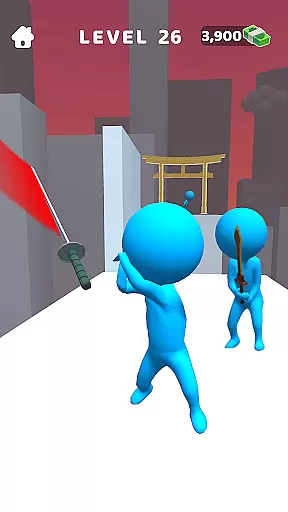
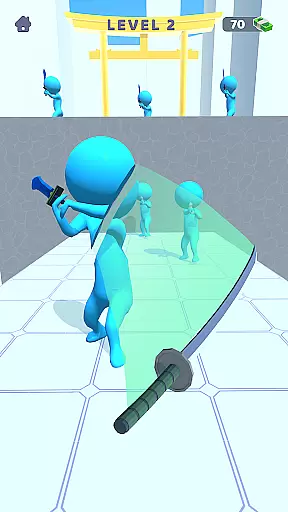
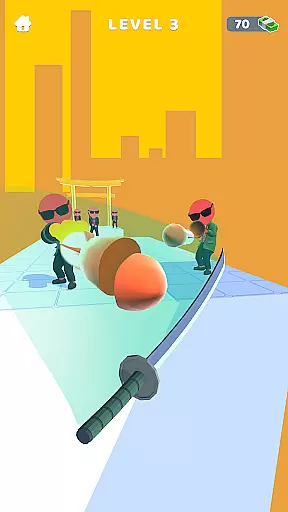
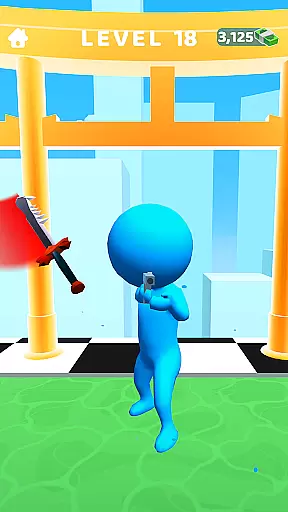

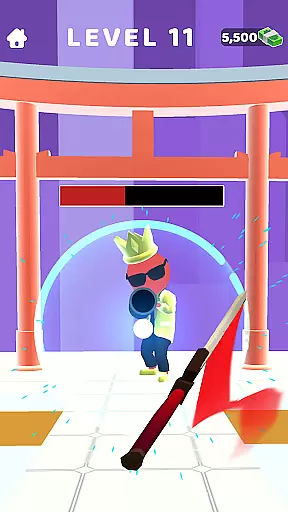
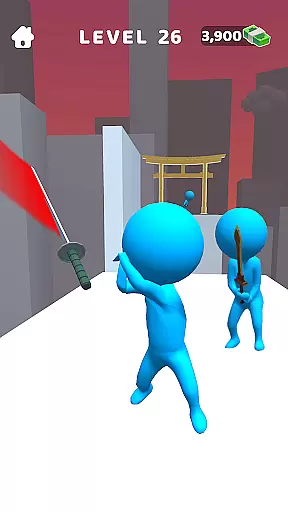
Sword Play! Ninja Slice Runner is an action-packed mobile game that combines the thrill of sword fighting with intuitive slicing mechanics. As a skilled ninja warrior, players can dive into numerous challenging levels filled with waves of enemies, from samurai warriors to stealthy assassins. The game features breathtaking landscapes and offers an immersive offline experience, making it ideal for casual and hardcore gamers alike.
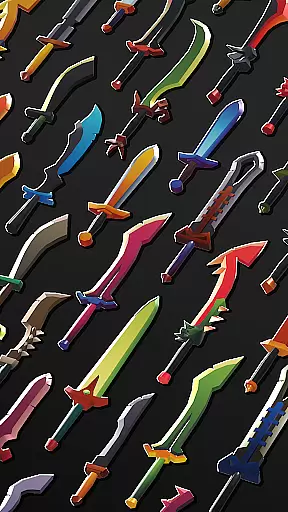
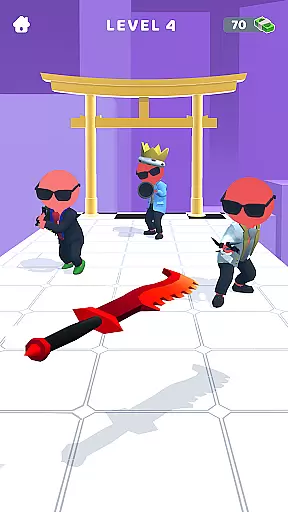
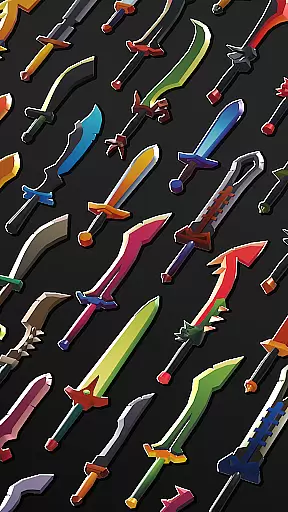
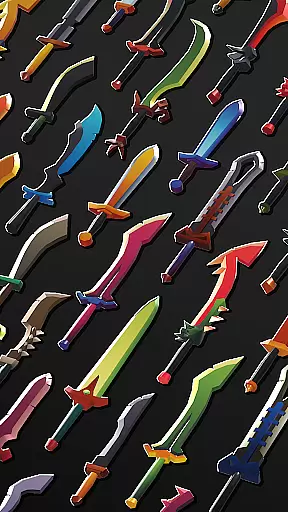
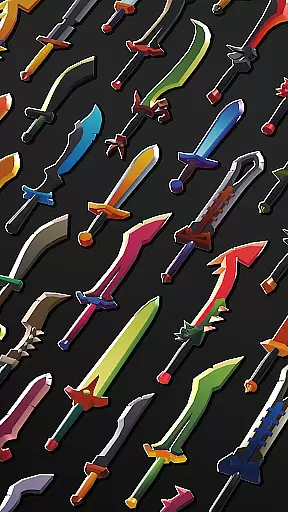
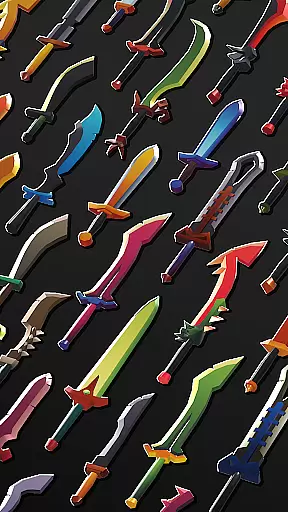
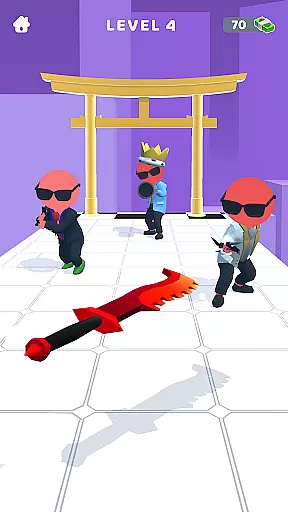
With its unique blend of combat and strategy, Sword Play stands out in the action games category. Players can unlock powerful swords like the Lusting Katana and Sabre of Darkness while mastering special perks to outmaneuver opponents. Whether you're slicing through hordes of enemies or perfecting your katana strikes, this game delivers a true test of precision and power. Become the ultimate slice master and embark on an epic ninja adventure today.
Sword Play! Ninja Slice Runner boasts a variety of features designed to captivate fans of action and slicing games. Its core gameplay revolves around intuitive controls where every swipe of your finger translates into deadly ninja slices. Each level presents new challenges, requiring players to combine speed, precision, and strategy to defeat enemies and progress further in their journey.
The game also includes visually stunning 3D environments and a wide array of legendary swords, each with unique attributes that enhance combat effectiveness. Additionally, players can take advantage of super perks that amplify their abilities during battles. With no internet connection required, Sword Play ensures uninterrupted gameplay, allowing users to enjoy an immersive experience anytime, anywhere.
From ragdoll physics to dynamic enemy AI, every aspect of Sword Play has been crafted to provide endless entertainment. Fans of similar titles such as Stealth Master and Draw Saber will appreciate how this game redefines the genre by blending classic sword-fighting elements with modern gaming mechanics.
In the realm of action games, control responsiveness is paramount to a player's success and enjoyment. Sword Play! Ninja Slice Runner exemplifies this by offering an intuitive slicing gameplay that ensures every swipe and slash translates directly into on-screen action. This immediacy in control allows players to execute precise movements, crucial when navigating through waves of enemies or engaging in intense sword fights.
The game has been optimized to minimize input latency, creating a seamless experience where the player's reflexes dictate the pace. Whether dashing through challenging levels or performing swift katana strikes, the controls react instantaneously. This feature is especially important in games with no wifi capabilities, as it ensures consistent performance regardless of connectivity.
Players benefit from this responsive design by experiencing enhanced immersion in their epic ninja adventure. The tight coupling between physical gestures and in-game actions makes each encounter feel more impactful and satisfying. As a result, mastering the art of ninja slice maneuvers becomes not just a visual spectacle but a tactile experience that keeps players engaged for hours on end.
Combat feedback tightness is essential in action-packed samurai missions, and Sword Play! excels in delivering impactful responses during each encounter. Every enemy defeated provides clear audiovisual cues, reinforcing the player's sense of achievement. These immediate responses range from visual effects accompanying each deadly sword strike to auditory signals that resonate with the power behind every slice.
This combat feedback system is designed to be both informative and gratifying. Players can easily discern successful hits from missed attempts due to distinct changes in sound and animation. Such clarity is vital when facing hordes of assassins or battling formidable samurai warriors, ensuring that players remain aware of their performance without breaking immersion.
Ultimately, tight combat feedback enhances overall gameplay satisfaction by making each victory feel earned and celebrated. It transforms repetitive actions into moments of triumph, encouraging players to continue honing their skills as they strive to become the ultimate slice master within this captivating world of sword games and ninja adventures.
Intuitive controls
Visually appealing graphics
Challenging levels
Offline playability
Variety of weapons
Limited storyline depth
Repetitive enemy patterns
Frequent ads between levels
In-app purchases needed for upgrades
Occasional performance lags

Kick all fighters out of the arena! Enjoy the casual fighting game experience
 4.30
4.30
Craft, build, and survive in a zombie-infested open world!
3.40
Controller supported shooting game. Go into a labyrinth & Reveal a mystery story
4.70
Step into cooking Games make tower burger and enjoy burger runner games for all
4.40
Online & offline multiplayer FPS shooting game. Play PvP live with your friends!
4.60
Swing into action as a spider legend in an epic fighting adventure
4.60
Grand criminal online open-world RP action game! Drive cars and commit crimes!
4.40
Keep an eye on the animatronics and you'll make it thru the night... probably.
4.70
Break the ragdoll and relieve your stress! This is the ultimate de-stress game.
4.40
Defeat the nasty aliens!
5.00
The ULTIMATE collection of Doom engine source ports in one app!
4.80
Get pixel gun, kill hords of stupid zombies dead ahead, be a lone survivor
4.80
Weaphones is the ultimate firearms simulator for your phone or tablet.
4.60
Try yourself at intense combat & tactical stealth missions in our shooting game!
4.40
NEOGEO's masterpiece game is now available in the app!
4.30
Fun knockout battle royale, play with your friends!
4.30
HOOK away with SPEED & STYLE! Jump, Swing, Fly! Let's Play fun Action Game!
4.20
NEOGEO's masterpiece game is now available in the app!
4.10
Experience the epic Western adventures that defined a generation
3.90


User Reviews