
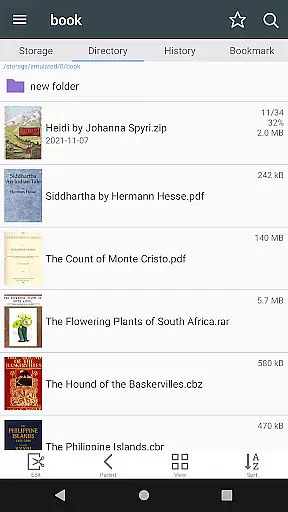
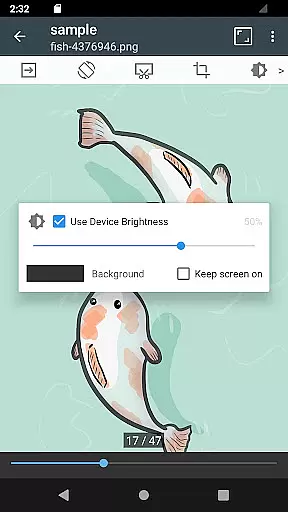
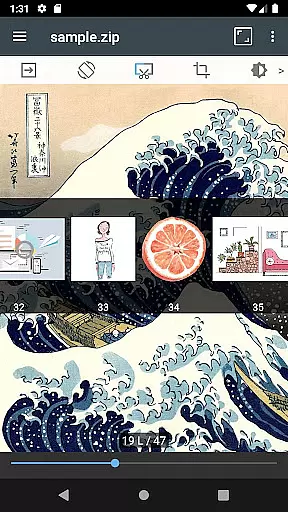
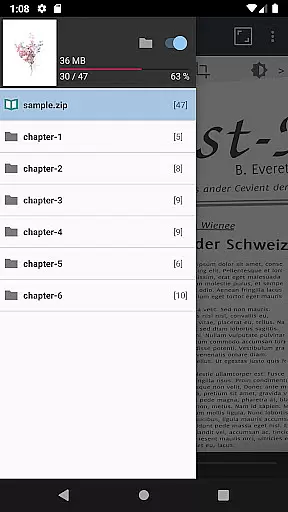

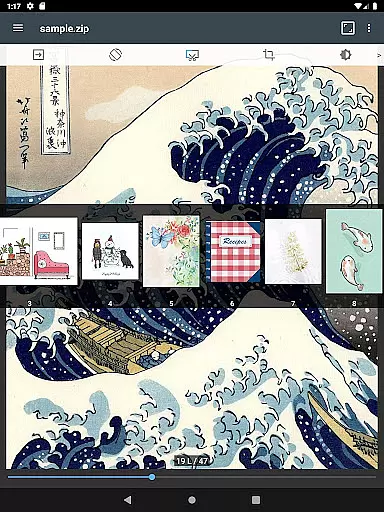
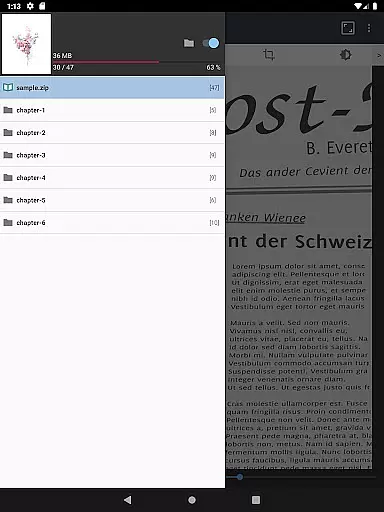

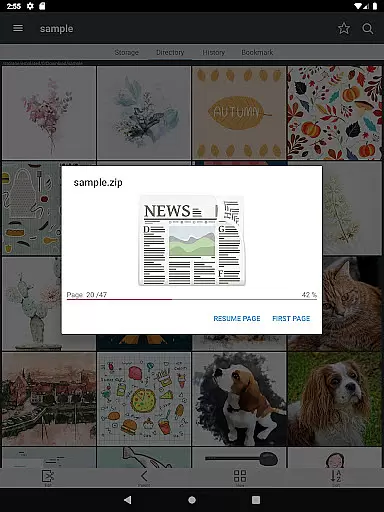
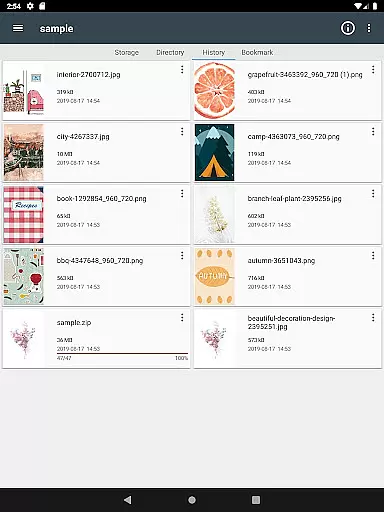
ComicScreen is a versatile comic reader and manager that supports multiple compressed file formats including zip, rar, cbz, cbr, and pdf. The app also handles various image types such as jpg, png, gif, bmp, tiff, webp, and avif, making it an all-in-one solution for comic enthusiasts.
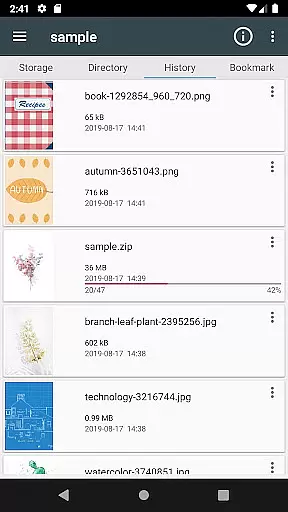
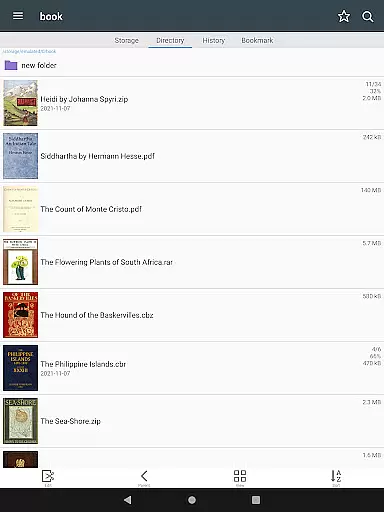
The application features robust file management capabilities with folder and file explorer functions, USB-OTG drive support, and network connectivity options like SMB and FTP. Its user-friendly interface allows for smooth image scrolling, bookmark previews, and multiple viewing modes to enhance the reading experience on mobile devices.
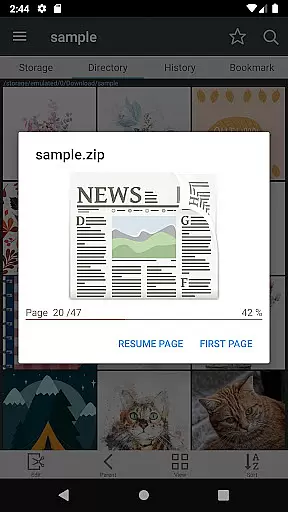
ComicScreen offers a comprehensive suite of features designed to optimize comic reading. Key functionalities include drag-and-drop support for files and folders, quick previews for zip files, and page move previews. Users can enjoy horizontal view mode for two-page spreads or vertical view mode for single-page reading.
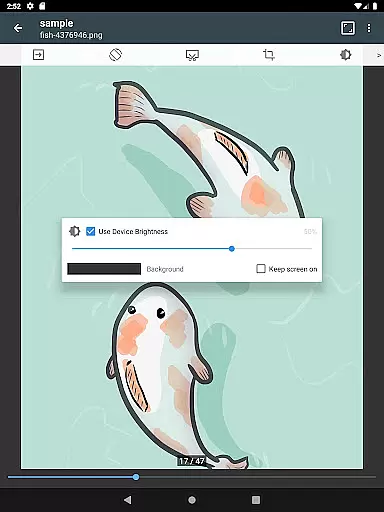
Additional features enhance usability, such as automatic page resorting, chapter drawers for organized navigation within zip files, margin cutting for better readability, and hardware key page navigation. These tools collectively ensure easy management and optimal display of images, providing a seamless and customizable reading experience.
ComicScreen offers an extensive and versatile comic library that caters to a wide array of preferences. The app supports various compressed file types such as zip, rar, cbz, cbr, and pdf, making it easy for users to access their favorite comics in different formats.
In addition to supporting multiple file types, ComicScreen is compatible with numerous image formats including jpg, png, gif, bmp, tiff, webp, and avif. This ensures that no matter the source or format of your comic images, you can enjoy them without any compatibility issues.
The application's comprehensive support extends to its smooth image scrolling feature and specialized viewing modes. Users can choose between horizontal view mode for a classic two-page spread or vertical view mode for single-page reading. With automatic page resort and bookmark preview features, readers can effortlessly navigate through their comic collection.
When it comes to content authenticity and licensing, ComicScreen prioritizes the integrity of the comics displayed within its platform. By allowing users to import their own files rather than providing pre-loaded content, the app ensures that all materials are legally obtained and owned by the user.
ComicScreen does not include any images or compressed files within the app itself, thus avoiding potential copyright infringement issues. Instead, it focuses on delivering powerful tools like folder and file explorers with functionalities such as search, rename, delete, ensuring proper management of personal collections.
Furthermore, advanced features such as USB-OTG drive support and SMB/FTP network capabilities enable seamless integration with external storage solutions. These functions empower users to manage their legally acquired comic libraries efficiently while enjoying high-quality reading experiences tailored to individual needs.
User-friendly interface
Extensive format support
Advanced file management
Customizable viewing options
Network connectivity features
Limited social sharing
No cloud sync
Complex for beginners
Occasional bugs
Heavy on storage

Draw the comics with glow brushes! Easy and relax!
 4.40
4.40
Hot-blooded / Romance / Science Fiction All themes, Smart Recommendation + HD Reading
3.10
Webtoons, comics, web novels, and e-books are all here! RIDI, my own space to enjoy stories
4.30
Read officially manga titles from Japan including Attack on Titan
3.80
The most popular comic book reader.
4.40
AsuraScans read manga, manhua, manhwa, and webtoon
3.90
Manga Reader for Comics, Webtoons & Manhwa. Read Mangas, Chat Stories and Novel.
4.30
Welcome to SnapSaga - your ultimate manga and novel destination!
4.1
Kodansha official Manga app
4.30
This application will enable donated users only function in Perfect Viewer.
4.90
Instant access to over 30,000 Marvel comics with new issues added every week.
4.70
Follow your favorite manga and get notifications for new chapters!
4.50
Comic Book Identifier Value - Scan comics & prices. Your comic book price guide!
4.50
A gathering place for a massive collection of genuine comics.
4.50
Crunchyroll Manga—unlimited, uninterrupted reading with offline access & more!
4.50
MangaRise - Your Manga and Manhwa Companion
3.90
Comic Scanner - Book Value - Identify and sell your comic collection with AI.
3.80
+Not your everyday comic. Everyday.
3.50
Comic reader app: open ZIP, RAR, CBZ, CBR, and PDF files
3.00


User Reviews