
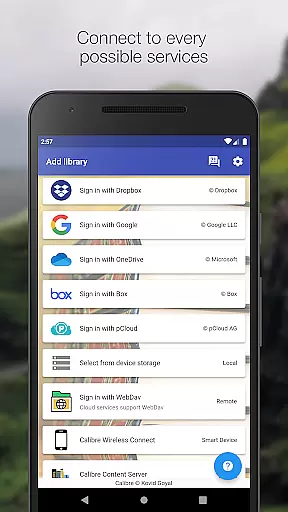
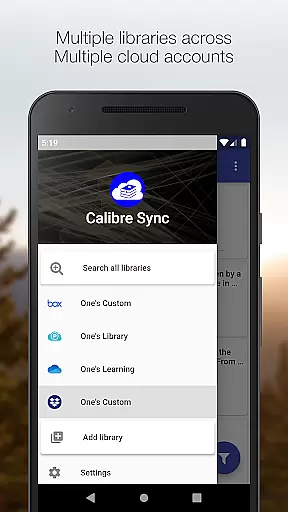
Calibre Sync is a comprehensive solution for managing your Calibre libraries across multiple cloud services and devices. This Books & Reference app allows users to access their entire Calibre library wirelessly through popular cloud platforms like Google Drive, Dropbox, OneDrive, and more. The application supports unlimited libraries across various accounts, making it easy to organize and access your digital book collection from anywhere.
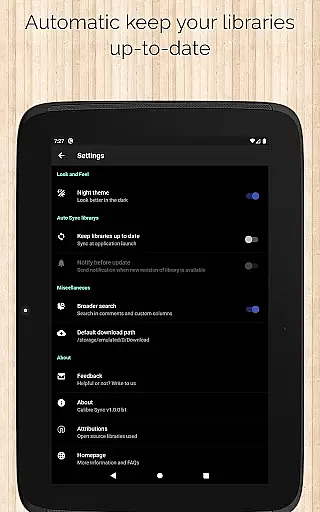
The app's key strength lies in its ability to transform your device into a smart emulator that connects directly to Calibre. It offers advanced features such as automatic library updates, multiple book list layouts, and comprehensive search capabilities. Users can filter and sort books by various criteria including title, author, and custom columns. With support for both external storage and Calibre Content Server, this app provides exceptional performance and flexibility for avid readers and digital librarians.
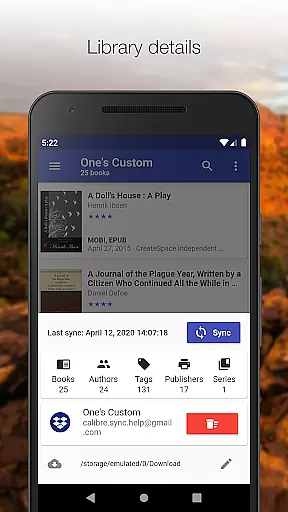
Calibre Sync proves particularly useful for those who maintain extensive digital libraries and need seamless access across different devices. Its ability to handle multiple libraries simultaneously while offering detailed book information and statistics makes it an invaluable tool for managing large collections. The app's integration with various cloud services ensures your libraries are always up-to-date and accessible, regardless of your preferred cloud provider.
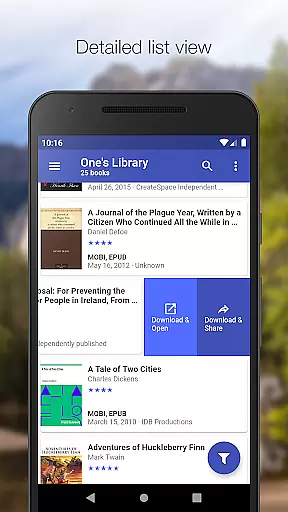
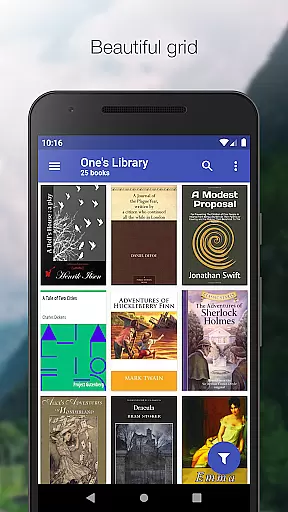
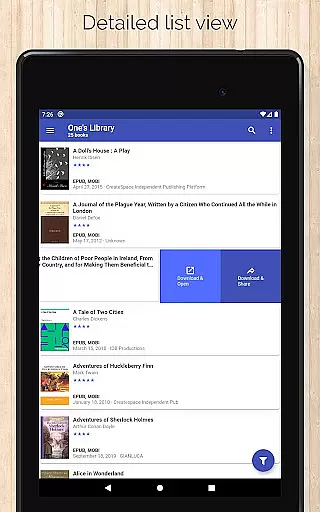
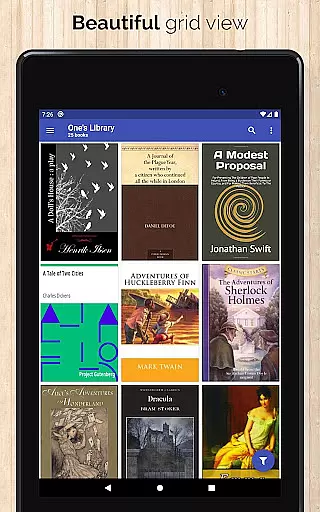
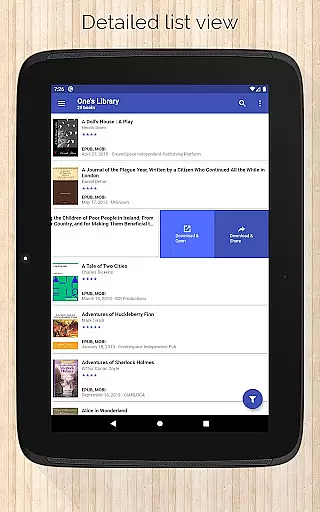
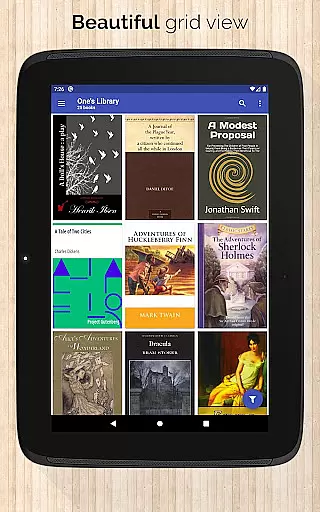
Calibre Sync distinguishes itself through its extensive feature set tailored for book enthusiasts. The app supports unlimited Calibre libraries and offers wireless connectivity to Calibre as a smart device emulator. Users can easily switch between multiple libraries across different accounts, with automatic checks and updates upon launching the app. The interface provides various book list layouts including List, Grid, and Carousel views, catering to different user preferences.
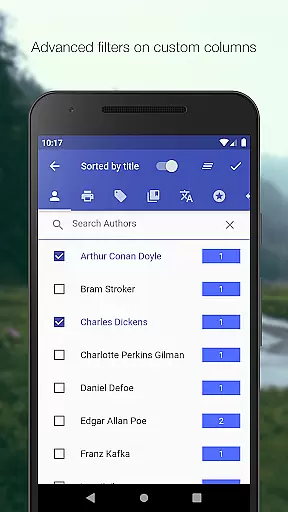
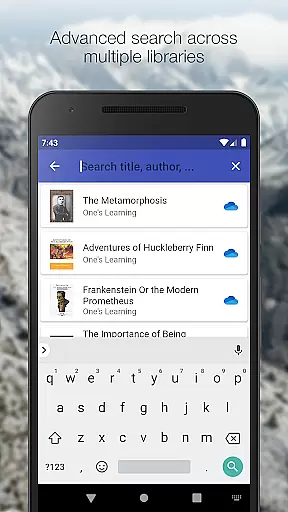
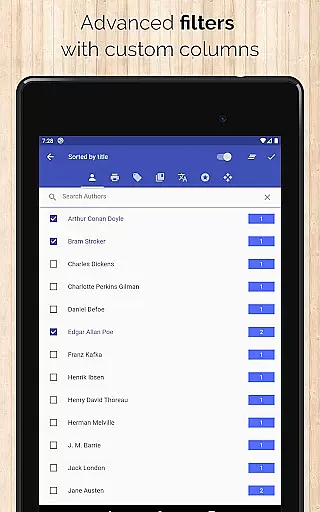
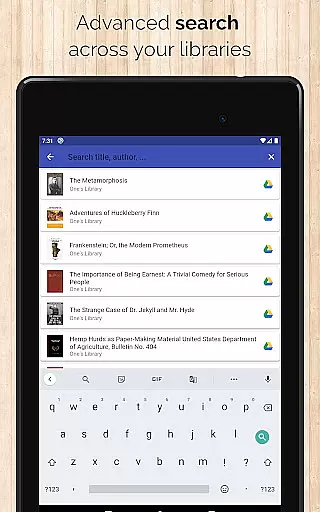
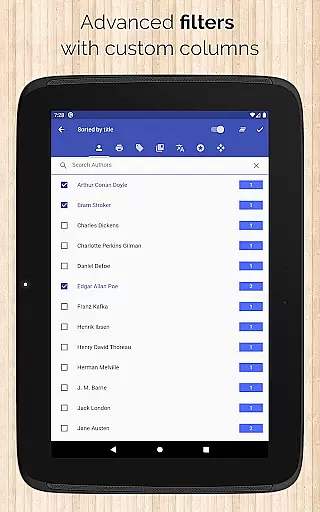
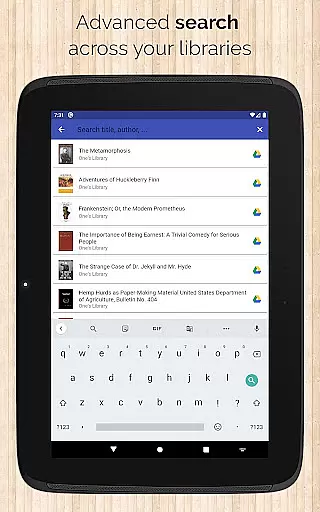
Advanced search and filtering capabilities are among the app's most powerful features. Users can search across all libraries by title, author, comments, and custom columns. The app enables filtering by multiple criteria including series, tags, language, and publishers. Sorting options are equally comprehensive, with choices ranging from basic title and author sorting to more specific options like ratings and various date parameters.
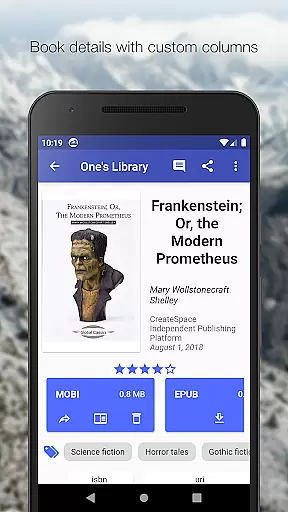
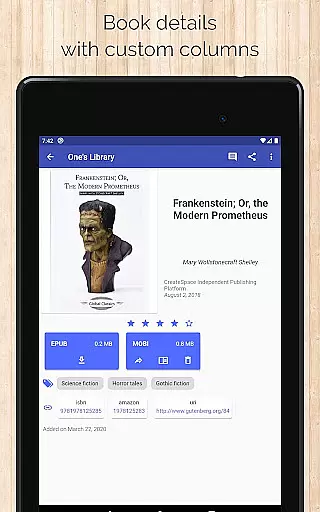
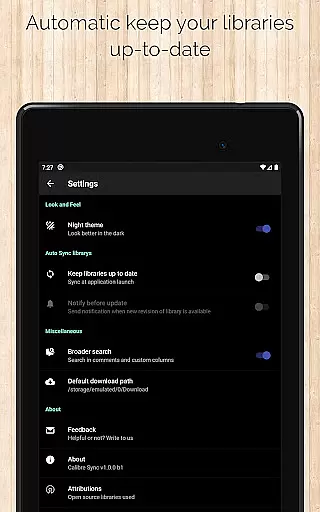
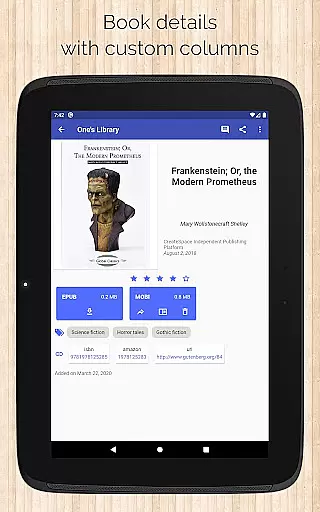
Additional notable features include dark/light themes, support for custom columns in book details, and quick access to book downloads. The app provides detailed book information including file sizes, identifiers, and source links to platforms like ISBN and Goodreads. These features collectively create a robust environment for managing and accessing digital libraries, making Calibre Sync an essential tool for serious book collectors and researchers.
Calibre Sync offers an impressive e-book library management system that allows users to access unlimited Calibre libraries across multiple cloud services. This includes popular platforms like Google Drive, Dropbox, and Microsoft OneDrive, ensuring extensive coverage of your digital book collection.
The app guarantees the authenticity of its content by enabling direct synchronization with Calibre, a trusted e-book management tool. Users can rest assured that their libraries are genuine and fully licensed, as they are pulled directly from verified sources without any modification or illegal distribution.
With support for custom columns and detailed metadata such as ISBN, Amazon links, and Goodreads references, Calibre Sync ensures that every book's copyright information is preserved and displayed accurately. This attention to detail extends to features like file size display for each format and comprehensive search capabilities across all available libraries.
One of Calibre Sync's standout features is its exceptional format compatibility. The app supports various book list layouts including detailed lists, grids, and carousels, catering to different user preferences and reading habits. Whether you prefer a traditional list view or a more visual grid presentation, the app adapts to your needs.
The application goes beyond basic format support by offering advanced functionalities such as zoomable book covers and swipe navigation between books in the details view. These features enhance the reading experience while maintaining compatibility with numerous e-book formats, ensuring that users can enjoy their preferred layout style.
Furthermore, Calibre Sync maintains high standards of usability by supporting both dark and light themes, making it accessible in various lighting conditions. The app also provides quick access to book downloads and sharing options through its slideable list view, demonstrating its commitment to both format compatibility and user convenience.
User-friendly interface
Extensive cloud support
Advanced search options
Multiple library management
Wireless Calibre connection
No built-in reader
Limited OneDrive support
Requires storage permission
External storage needed
Complex setup process

The Original Tropical Freshwater Aquarium Fish And Plant Care Guide
 4.80
4.80
A guide for the Court of Atonement spiritual healing process.
4.4
The Bible Audio Guide
4.80
Cute bedtime story for kids
4.30
Pretty Moon information App with Complications and Tile
4.30
Words spoken by native English speakers and full definitions.
4.60
Knots 360 Pro ( 3D ) shows you animated 192 knots in 3D perspective
4.10
Read aloud texts, audiobooks, PDFs or any eBook with text to speech AI audio
4.60
Learn to tie more than 200 knots in 3D!
4.90
Bible, Catechism, Study, Saints, Mass Readings, Rosary, Prayer, Bible in a Year
4.80
Translate into 100+ languages with the world’s most accurate AI translator.
4.70
Scan. Price. Grade.
4.60
The Original & Authentic Crystals, Gemstones, Rocks & Minerals Encyclopedia.
4.60
Full text, sheet music, and recordings of the print edition
4.60
Unlock unlimited access to bestselling ebooks, novels, stories, and audiobooks
4.60
Read the romance stories on the go. Take my breath away, The Spoiled Girl
4.30
"BIG A, little a. What begins with A?"
4.10
ISAIAH EXPLAINED with Avraham Gileadi Ph.D.
4.00
A story reading app: Read stories, novels and books, or write your own.
3.90


User Reviews