

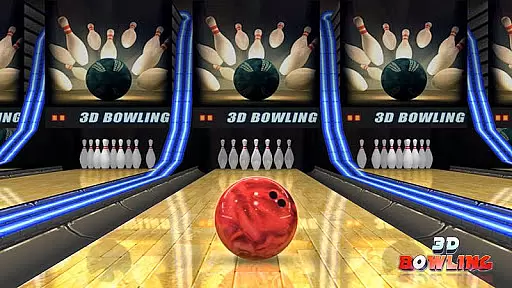
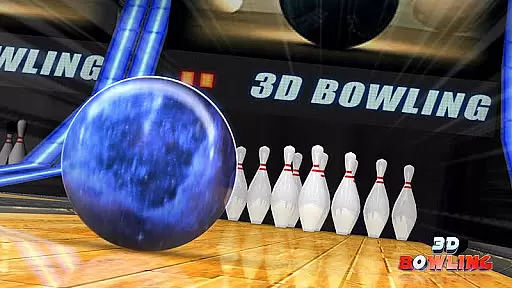
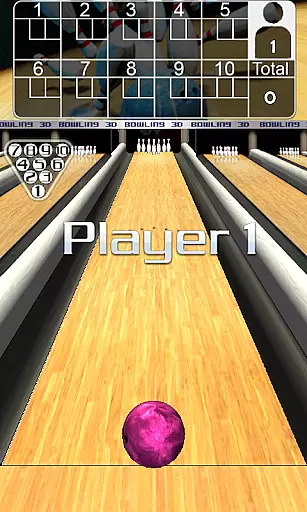

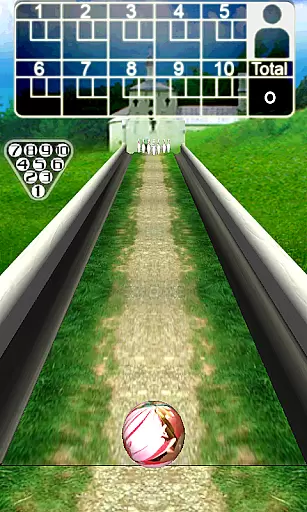
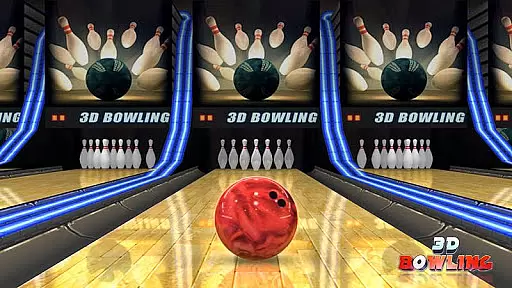
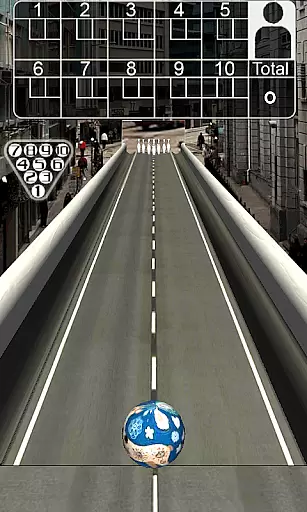
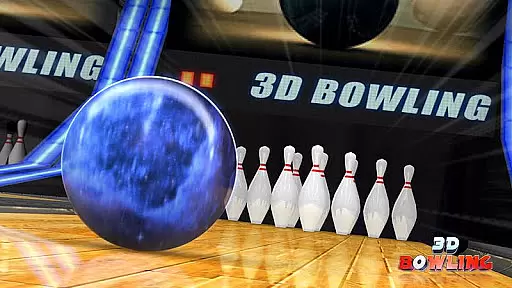
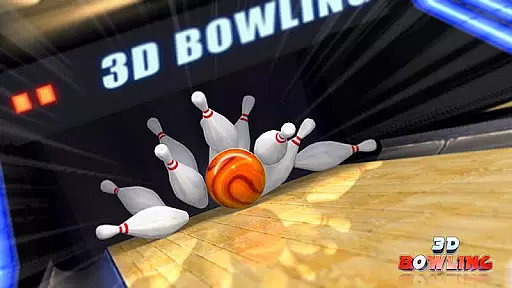

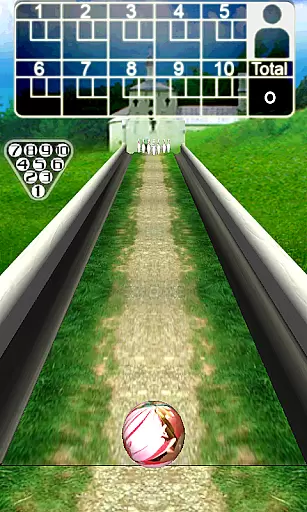
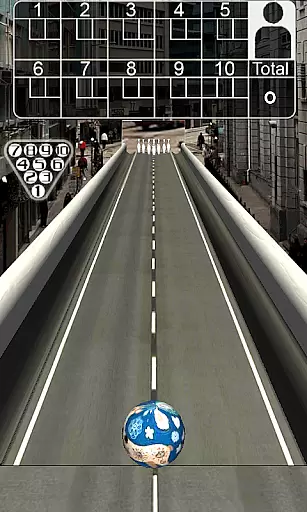
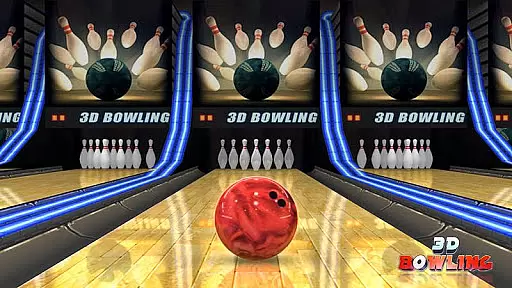
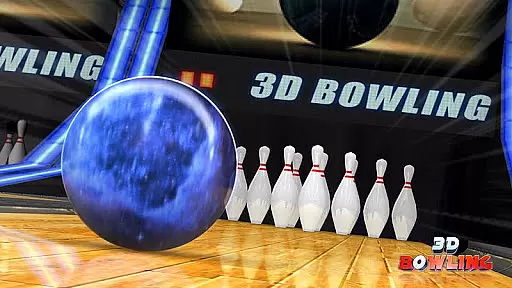
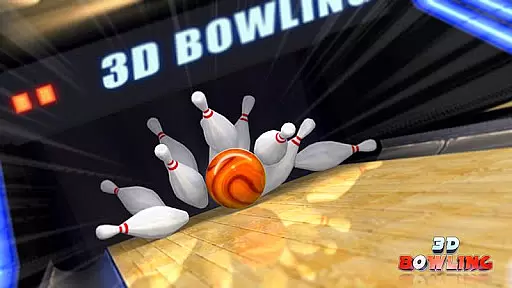
3D Bowling stands out as a premier sports game that brings the realistic experience of bowling to your mobile device. Designed with cutting-edge 3D graphics and an advanced physics engine, it delivers genuine pin action and an immersive gaming atmosphere. The game invites players to challenge themselves and strive to become the world's top bowler by scoring consecutive strikes.
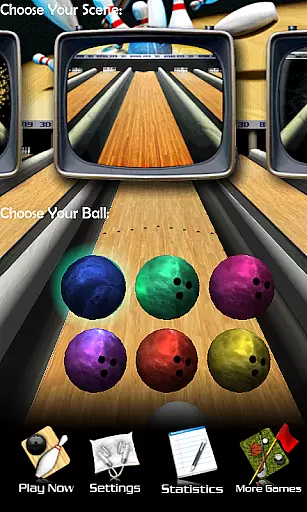
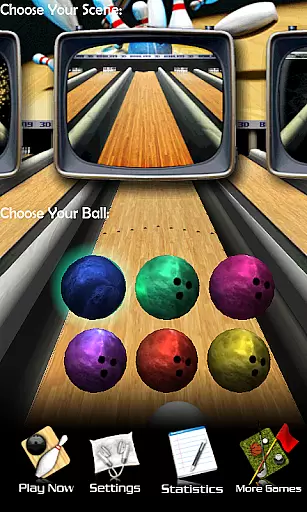
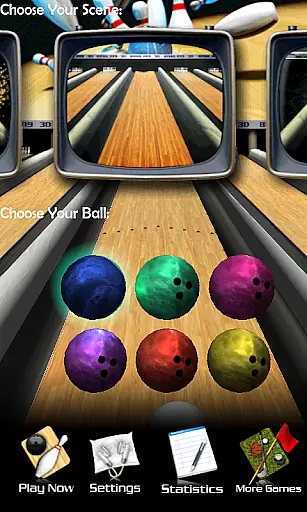
Beyond its core gameplay, 3D Bowling offers multiple outrageous bowling scenes and a variety of bowling balls to choose from in each scene, enhancing the overall gaming experience. With detailed stats tracking, players can monitor their performance over time, making every match count towards personal improvement and global competition.
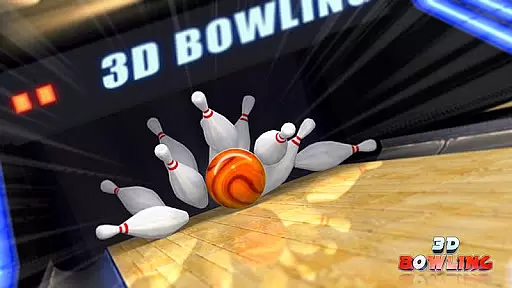
One of the standout features of 3D Bowling is its utilization of state-of-the-art 3D physics engines, which provides users with real pin action unlike any other mobile bowling game. This technological advancement ensures that every roll, strike, and spare is as realistic as it would be in a real bowling alley.
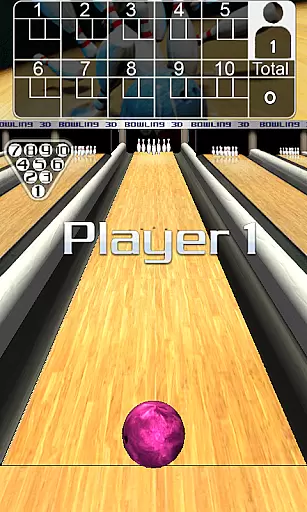
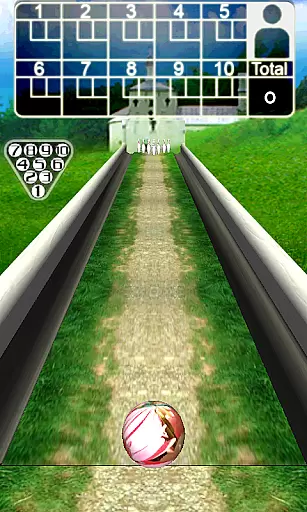
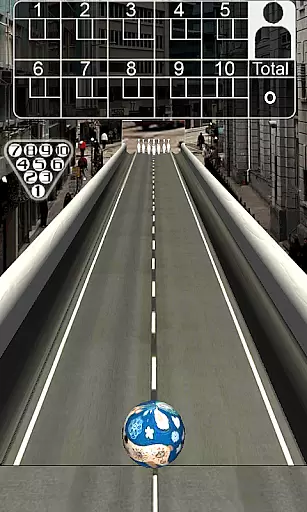
In addition to its impressive physics, the game boasts stunning 3D graphics that contribute to the overall immersive experience. Players can enjoy five unique and outrageous bowling scenes, each offering different challenges and visual delights. Multiple bowling balls per scene add another layer of strategy and fun, allowing players to customize their approach based on personal preference or gameplay advantage.
Gameplay realism in 3D Bowling is achieved through its state-of-the-art 3D physics engine, which provides an authentic and immersive bowling experience. The game meticulously simulates the real-world physics of bowling, from the way the ball rolls down the lane to how the pins react upon impact.
The developers have paid close attention to details such as ball spin, speed, and bounce, ensuring that every throw feels realistic. This level of accuracy allows players to execute complex shots like hook balls with precision, just as they would in a real bowling alley.
Players benefit from this realism as it enhances both the enjoyment and challenge of the game. Whether you're a casual player or a seasoned pro, the lifelike physics engine offers an engaging experience that keeps you coming back for more strikes.
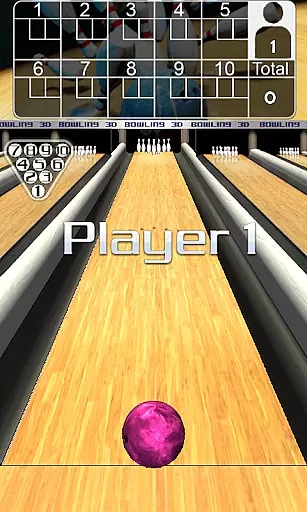
The control scheme in 3D Bowling is designed to be intuitive and user-friendly, making it accessible to players of all skill levels. By utilizing simple touch gestures, the game mimics the natural motions of bowling, allowing players to easily position and throw the ball with precision.
With drag-and-flick mechanics, users can effortlessly control the direction and power of their throws. Additionally, the ability to gesture a curve on the screen adds another layer of strategy, enabling advanced techniques like throwing hook balls without complicating the gameplay.
This intuitive design ensures that players can focus on enjoying the game rather than struggling with complex controls. As a result, both newcomers and experienced gamers can quickly adapt to the gameplay, enhancing their overall gaming experience.
Realistic 3D Physics
Stunning Graphics Quality
Multiple Unique Scenes
Variety of Bowling Balls
Detailed Performance Stats
Requires Online Connectivity
Permissions for Leaderboard Only
May Lack Advanced Customization
Occasional Performance Lags
Limited Social Features

Score stunning goals and outsmart defenders on your path to football glory!
 4.40
4.40
Create and customize your own golf course in this charming management sim.
4.70
Webcam based exercise and learning game with rock climbing!
4.0
Push your skills, express your style, or just enjoy the ride.
4.60
The classic Backyard Football 1999 is now enhanced to run on modern systems!
4.40
Create your Ultimate NBA Team and experience realistic 2K Gameplay on Mobile!
4.70
Play football like it's 1987! Classic retro arcade action and franchise mode.
4.60
Ride, flip, and perform crazy stunts in an open BMX freestyle playground!
4.80
Solunar Fishing Times by Fishingreminder.com
4.80
NBA-licensed Streetball Game
4.70
Real boxing game with PvP fights, tournaments & epic knockouts
4.60
Very fun billiards game.
4.60
Online multiplayer golf game. Play online golf games with your friends
4.60
Trampoline backflips, frontflips & trick stunts! Ultimate adrenaline rush!
4.60
BE A SOCCER HERO! Pass, Shoot & Score your way to legendary status!
4.50
Realistic PvP Multiplayer Dart game blending sports games and simulation fun!
4.50
Master the arrow art in archer duels
4.50
Beat against 8 ball masters from around the world.
4.40
Play eFootball™ with users around the world!
4.10


User Reviews