
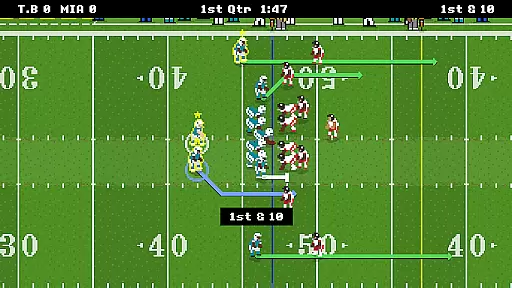
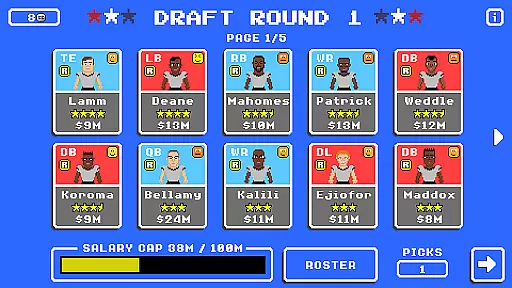
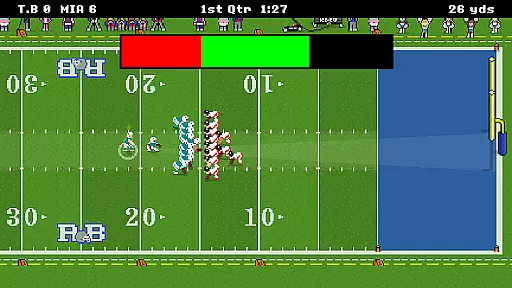
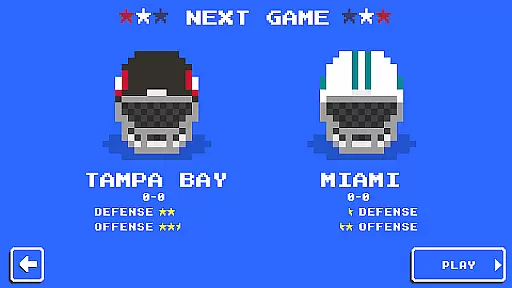
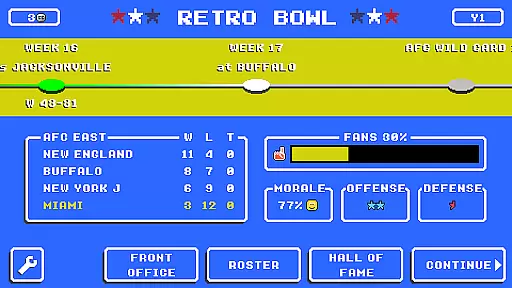
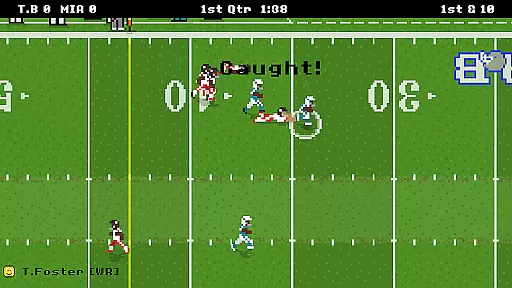
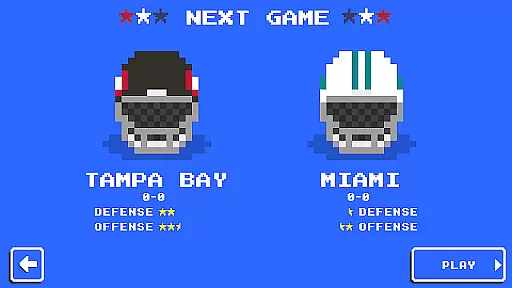
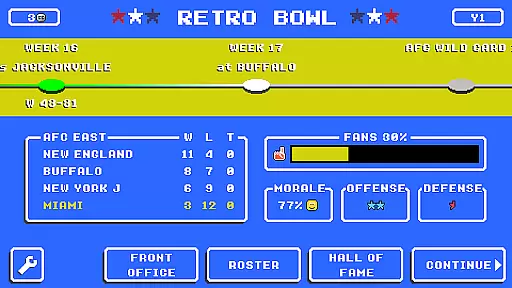
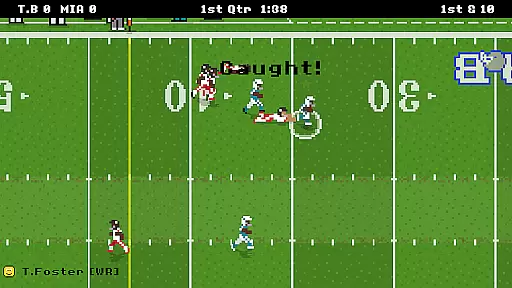
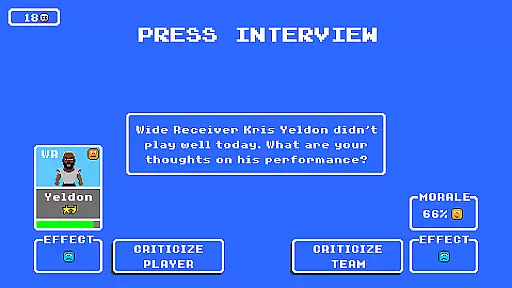
Retro Bowl is a sports game that combines strategic football management with arcade-style gameplay. Players take on the role of an armchair quarterback, managing team rosters and making crucial in-game decisions. The retro presentation style adds a nostalgic touch while offering intuitive controls.
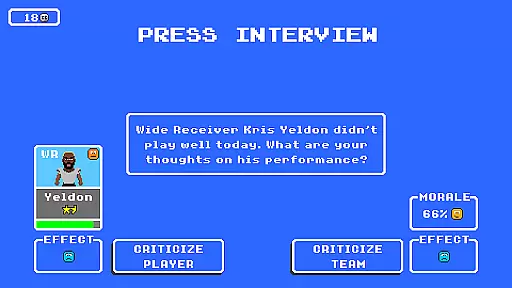
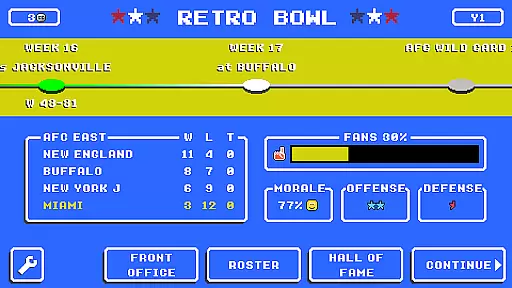
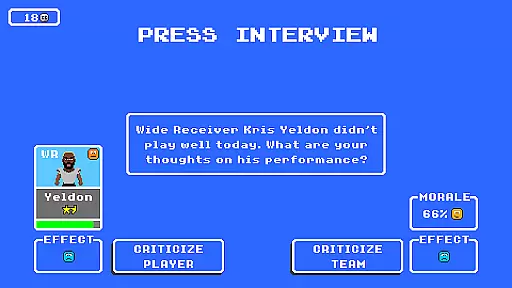
The game challenges users to handle press duties, manage player egos, and call strategic plays during matches. With its simple yet engaging mechanics, Retro Bowl provides both casual and hardcore football fans with an accessible platform to test their management skills. Whether you're looking to build a dream team or win the championship, this app delivers hours of entertainment value.
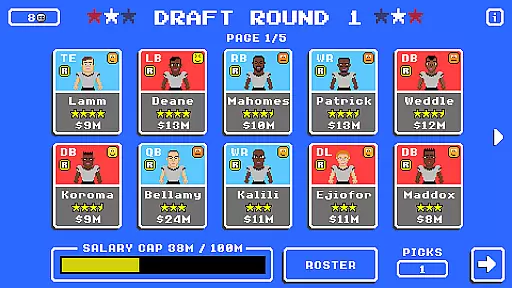
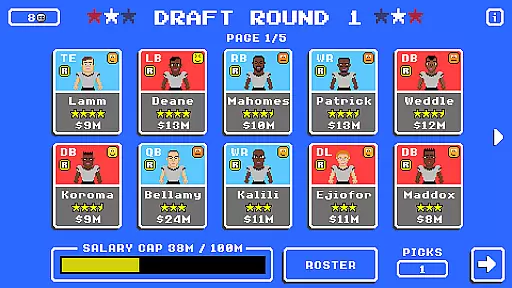
Retro Bowl offers a unique blend of team management features and on-field action. The game includes simplified roster management where players can trade, sign, and develop athletes while handling media responsibilities. Its retro-style graphics provide a classic arcade feel with easy-to-learn controls.
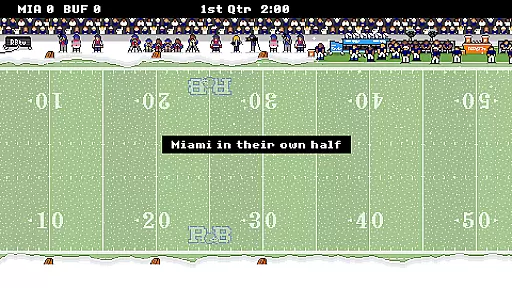
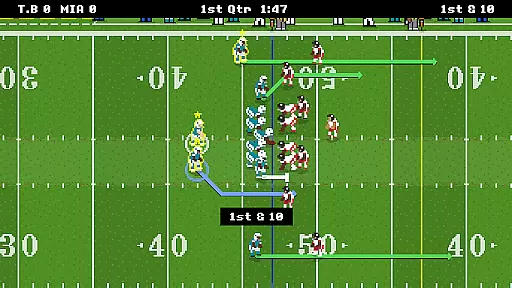
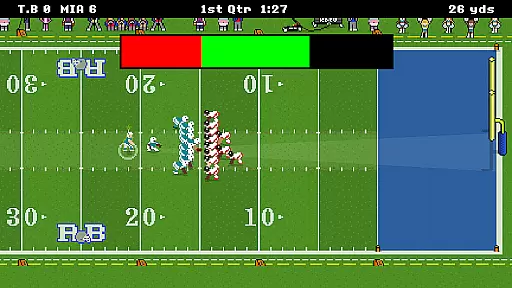
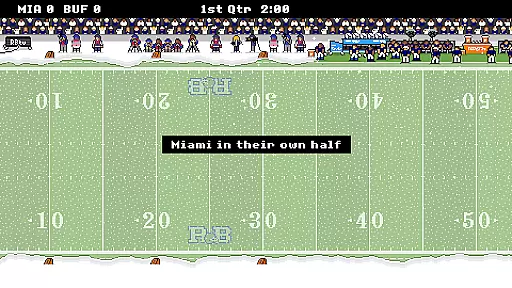
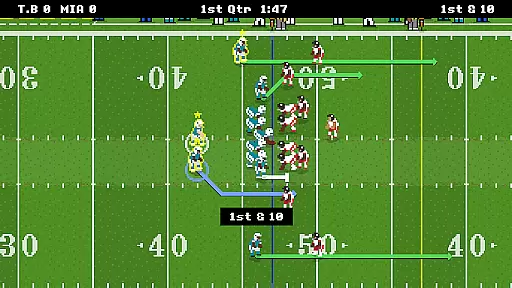
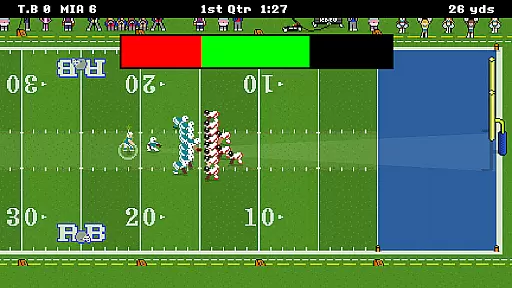
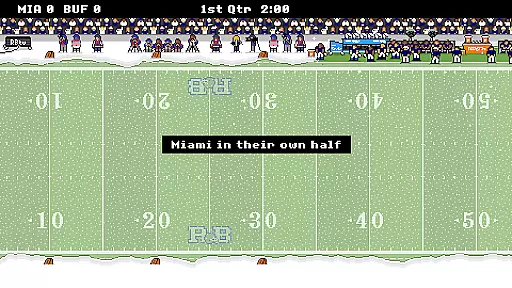
On the field, users have full control over play-calling and strategy execution. The game also incorporates challenging AI opponents and dynamic weather conditions that affect gameplay. With regular updates adding new content and features, Retro Bowl ensures long-term engagement for football enthusiasts who want to prove their tactical prowess.
Retro Bowl captures the essence of football with its gameplay realism and attention to detail. The game mechanics are designed to replicate real-world scenarios, ensuring that every pass, tackle, and play feels authentic.
Players can experience the thrill of calling shots on the field while managing their team's roster. This includes handling player egos and media interactions, which adds layers of complexity and strategy to the game.
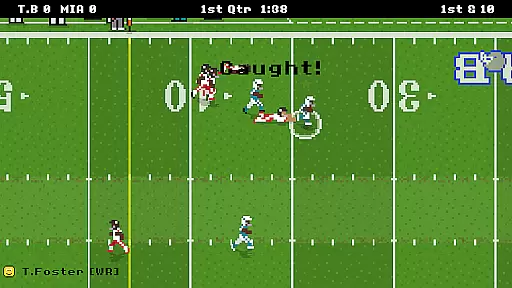
The physics engine in Retro Bowl ensures that movements and actions during gameplay are realistic. From player collisions to ball trajectories, each element is crafted to provide an immersive experience that keeps players engaged.
By focusing on these aspects, Retro Bowl offers users a chance to step into the shoes of a football coach and quarterback, proving their strategic prowess in a nostalgic setting.
A key feature of Retro Bowl is its intuitive control scheme, allowing players to quickly grasp the mechanics and focus on strategy. The controls are streamlined to ensure that even newcomers to sports games can easily understand how to navigate and command their team.
On-field actions such as passing, running, and defensive maneuvers are executed with simple taps and swipes. This ease of use makes it accessible for casual gamers while still offering depth for those who want to delve deeper into tactics.
The responsive nature of the controls enhances the overall gaming experience. Players will find that their inputs translate directly into actions on the field, providing a seamless connection between decision-making and execution.
This intuitive design helps maintain player engagement by reducing the learning curve and emphasizing fun, fast-paced gameplay that captures the excitement of football.
User-friendly interface
Engaging retro design
Simple yet deep gameplay
Regular content updates
Broad appeal for all ages
Limited advanced tactics
Occasional performance lags
Ads between matches
Repetitive season structure
No multiplayer mode

Recruit and train players to form a winning team!
 4.10
4.10
Play the hit multiplayer Carrom Disc Pool board game and become the best!
4.60
Quick-fire archery duels! Play the most realistic 3D archery game now!
4.70
The ultimate Golf game! Compete in 6 player real-time multiplayer golf battles!
4.70
Raise your duckling into a champion racer in this addictive pet & adventure game
3.90
Master your shots and climb the ranks in the ultimate golf game!
4.30
Realistic PvP Multiplayer Dart game blending sports games and simulation fun!
4.50
NHL scores for Wear OS. Quickly see all NHL game details, standings & schedules+
4.0
Experience the thrill of NFL with the ultimate app for Football enthusiasts!
3.80
Ride, flip, and perform crazy stunts in an open BMX freestyle playground!
4.80
Basketball Team Management Sim Coach a custom team and dunk your way to glory!
4.70
Grab the ball and play your Basketball career in this 3D Real-time Sport Game!
4.60
Trampoline backflips, frontflips & trick stunts! Ultimate adrenaline rush!
4.60
Vertical billiards game with single player
4.60
BE A SOCCER HERO! Pass, Shoot & Score your way to legendary status!
4.50
Sports app that presents matches' details from the most important championships.
4.50
Enjoy an easy to play multiplayer Baseball game!
4.40
Advanced Shotgun Shooting Simulator: Skeet, Trap, Sporting and Bird Hunting
4.20
Pro Freestyle Football
3.20


User Reviews