
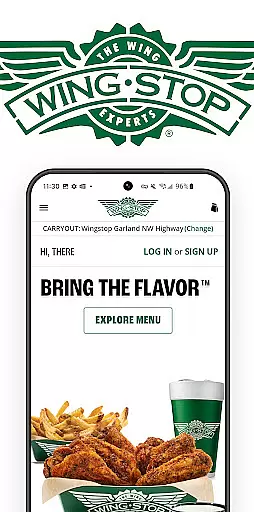
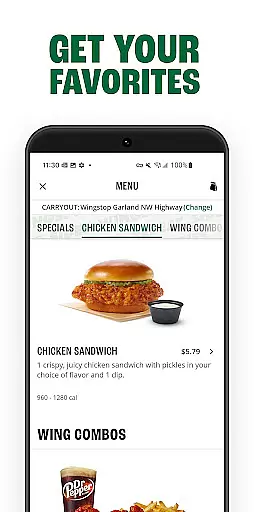
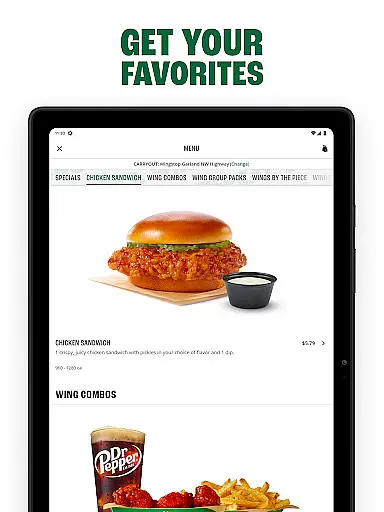
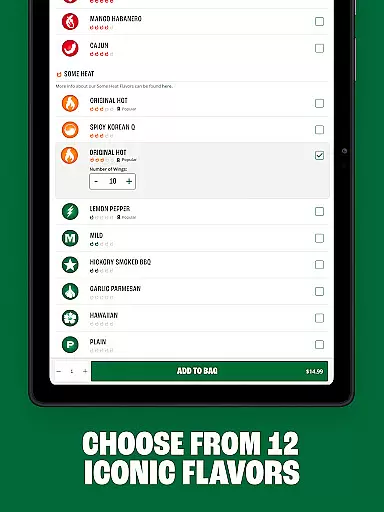
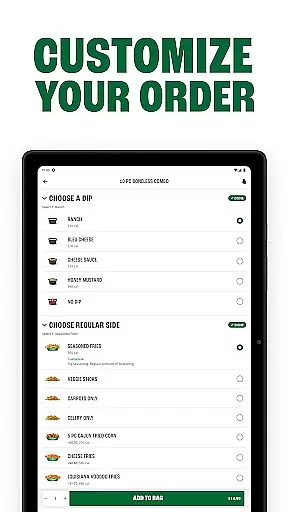
Wingstop is a premier food delivery app specializing in chicken wings, tenders, sandwiches, and sides. Designed for convenience, the app allows users to place orders for pickup or delivery with an easy-to-navigate interface. Whether you're craving bold flavors or classic comfort food, Wingstop delivers a seamless experience tailored to satisfy your hunger.
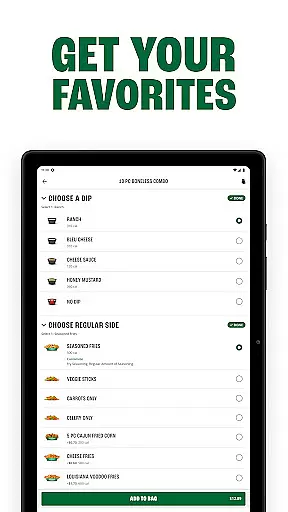
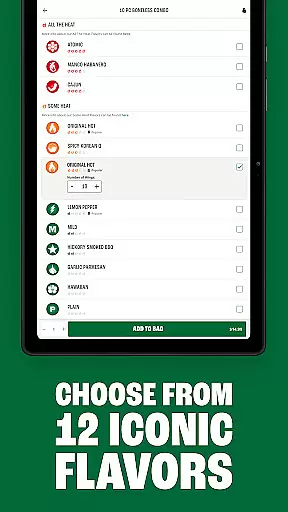
Key features include advanced ordering options, account personalization, and multiple payment methods. Users can schedule orders up to seven days in advance or place them ASAP, ensuring flexibility for any occasion. With saved preferences and location-based services, Wingstop makes it simple to reorder favorites and find nearby restaurants.
Ideal for busy professionals, families, or anyone seeking a delicious meal, Wingstop combines speed, customization, and flavor to elevate your dining experience.
Wingstop offers a variety of standout features designed to enhance user convenience and satisfaction. The app's streamlined checkout process allows customers to order food either immediately or schedule it for up to seven days ahead, catering to both spontaneous cravings and planned meals. This flexibility extends to both pickup and delivery options, making it adaptable to different lifestyles.
Personalization is another key highlight. By creating an account, users can save their favorite menu items, preferred payment methods, and delivery addresses. This ensures faster transactions and a more tailored experience with every visit. Additionally, the app provides essential details like store locations, directions, and operating hours, empowering users to make informed decisions.
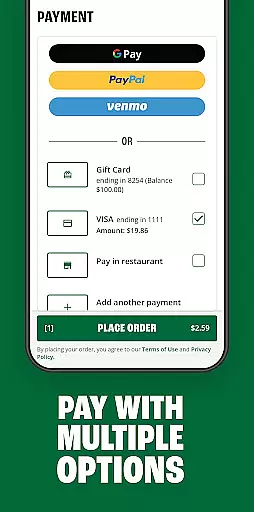
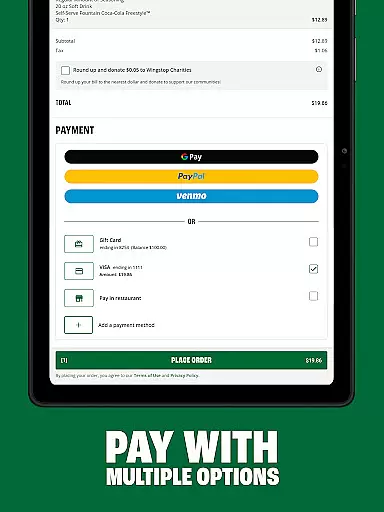
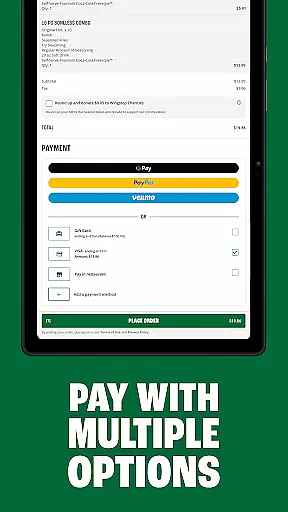
Payment versatility sets Wingstop apart from competitors. Supporting Google Pay, PayPal, Venmo, credit cards, and more, the app accommodates diverse financial preferences while maintaining security and ease of use. These robust features collectively create a reliable platform that prioritizes customer satisfaction.
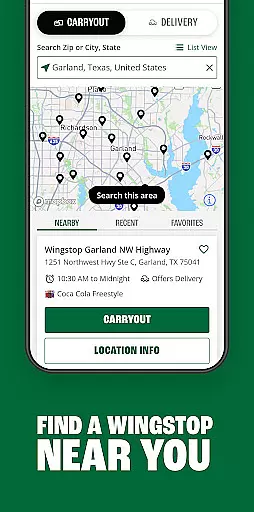
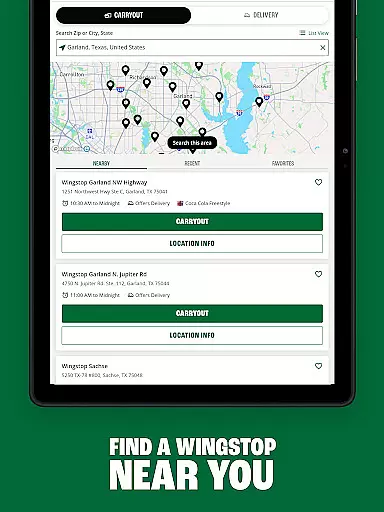
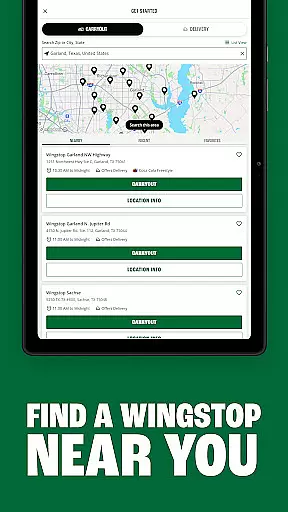
Locating your nearest Wingstop has never been easier with the Store Locator feature. This functionality ensures that users can quickly find Wingstop locations with precise accuracy, providing essential details such as address, operating hours, and contact information.
The app's integration of store information allows for seamless navigation to your chosen destination. By leveraging Google Maps technology, it guarantees up-to-date location data and reliable directions, ensuring you arrive without hassle.
For those planning visits, the Store Locator also offers additional insights like special store events or promotions, enhancing the overall customer experience. This attention to detail in location services underscores Wingstop's commitment to accessibility and convenience.
Wingstop's app revolutionizes food delivery and pickup with its intuitive interface and flexible options. Customers can place orders for immediate delivery or schedule up to seven days in advance, tailoring their dining experience to fit busy lifestyles.
The streamlined checkout process simplifies ordering, whether opting for delivery or pickup. Users benefit from saved preferences including favorite menu items, payment methods, and delivery addresses, making repeat orders effortless.
Moreover, Wingstop supports multiple payment platforms such as Google Pay, PayPal, and Venmo, alongside traditional credit cards. This variety ensures a smooth transaction process, accommodating diverse customer needs while maintaining security and ease of use.
User-friendly interface
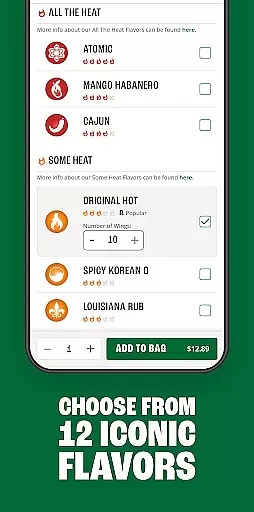
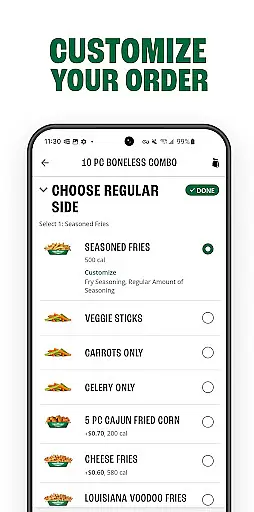
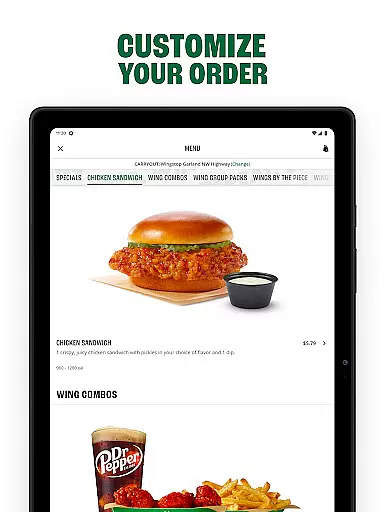
Customizable orders
Multiple payment options
Order scheduling feature
Saved preferences for quick reordering
Limited to U.S. residents
No international delivery
Occasional service delays
Requires account creation
Location-specific menus

Save at the pump AND in store with deals on gas, snacks & drinks at Murphy USA.
 4.80
4.80
Fix bad slushies with SlushIQ tools for Ninja Slushi, Iceman, and home mixers.
4.4
Order from Gopuff and get your essentials delivered in as fast as 15 minutes
4.50
Stashcook: Keep healthy food recipes, cooklist & weekly meal plans for any diet.
4.50
Order Beer, Snacks & More 24/7
4.20
Simple recipes and kitchen tips for easy meal planning. Your digital cookbook.
4.60
Mobile Ordering - Order your favorite burgers, chicken, breakfast, and desserts
4.60
Find the perfect restaurant for any occasion on OpenTable.
4.60
The ultimate app to save recipes from Instagram, TikTok, Facebook & more.
4.60
Get 20% Back at thousands of 4+ star restaurants when you pay using inKind
4.90
Monthly Perks. Fuel Discounts. App Exclusive Deals.
4.90
Sweeten the season!
4.90
Papa Johns Pizza, delivering an awesome pizza ordering experience for Android!
4.80
Get Rewards, Easy Ordering & Exclusive Offers
4.70
Order your Domino's favorites then follow the progress with Domino's Tracker®!
4.60
Order your Buffalo Wild Wings favorites for takeout & delivery
4.50
Get exclusive food deals, earn rewards, fast reordering & order ahead options.
4.30
Food Delivered to your door! Order from 1800+ Grocery & Retail Store Brands.
4.10
Order Food, Track, and Earn Rewards
3.80


User Reviews