


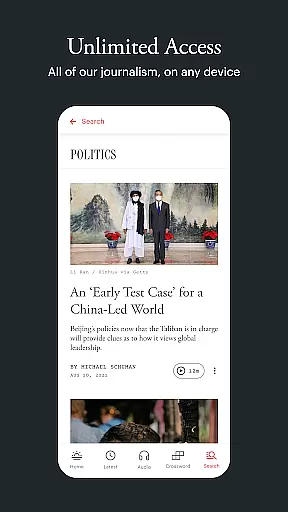
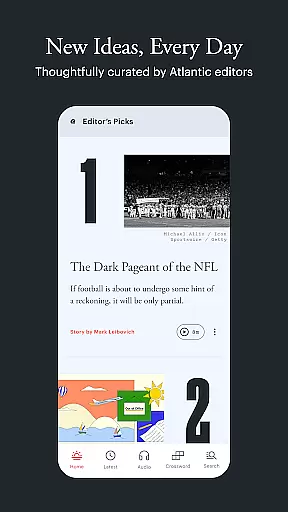
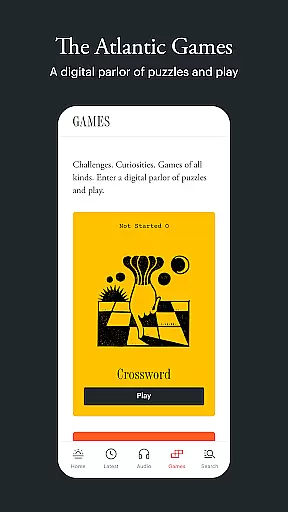
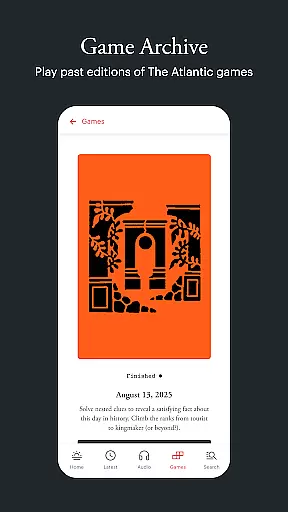
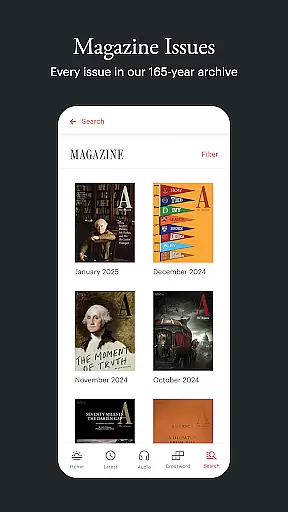




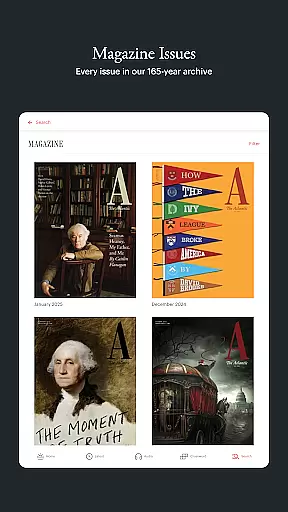




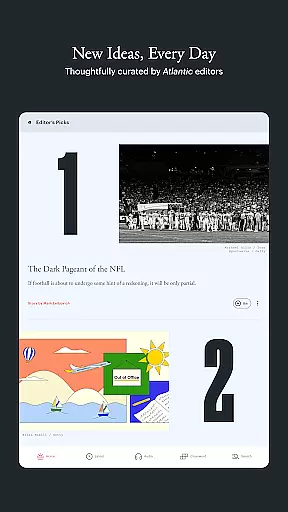

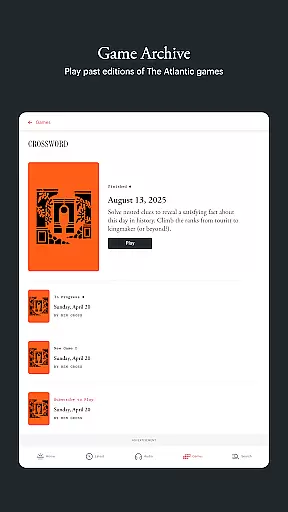

The Atlantic app delivers comprehensive coverage of politics, technology, culture, and more, offering readers in-depth reporting and bold perspectives from trusted journalists. Designed for curious minds, the app provides a premium reading experience with features like offline access, audio content, and a dedicated games section.
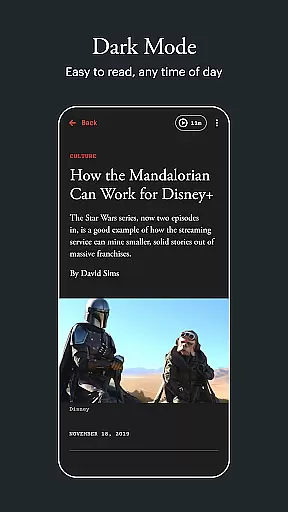
With its elegant design, including Dark Mode support, The Atlantic ensures an optimal reading experience on any device. Subscribers enjoy unlimited access to high-quality journalism, narrated articles, and exclusive daily selections curated by editors. Whether you're looking to stay informed or explore thought-provoking ideas, this app is your gateway to engaging content.
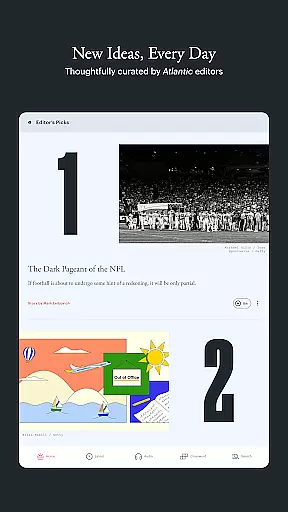
The Atlantic app stands out with its robust set of features tailored for modern readers. Users can explore the 'TODAY' section for editor-curated stories that inspire critical thinking, while the 'LATEST' section keeps them updated with recently published articles across all categories.
For those who prefer listening, the in-app audio hub offers narrated articles and podcasts, ranging from quick updates to deep dives. Offline reading functionality allows users to download stories for later, ensuring access anytime, anywhere. Additionally, the app's visually appealing design supports accessibility features like VoiceOver and adjustable text sizes, making it inclusive for all readers.
In today's fast-paced digital world, the credibility and diversity of news sources are more important than ever. The Atlantic app addresses these needs by offering a wide range of stories from politics to tech, culture, and beyond. Each article is crafted by seasoned journalists who bring depth and accuracy to their reporting.
The app's TODAY section highlights a curated selection of stories that provoke thought and reflection, ensuring readers are exposed to diverse viewpoints. By including both recently published content and in-depth features, the app creates a balanced diet of current events and timeless analysis.
With its commitment to big ideas and bold arguments, The Atlantic app challenges users' assumptions while expanding their understanding of complex issues. This dedication to quality journalism ensures that readers receive information from reliable sources with varying perspectives.
Accuracy in journalism is paramount, and The Atlantic app excels in this area through rigorous fact-checking processes. Every piece of content undergoes thorough scrutiny before publication, maintaining high standards of truthfulness and reliability. Readers can trust that each story presents verified facts and well-researched insights.
The appu2019s LATEST section allows users to browse newly published articles across all sections quickly. This feature not only keeps readers informed about recent developments but also reinforces the importance of timely yet accurate reporting. Additionally, saved articles can be revisited anytime, ensuring continuity in learning without compromising on precision.
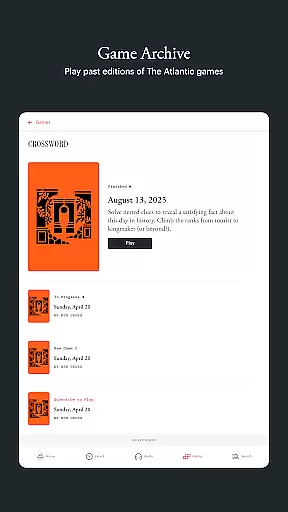
Furthermore, The Atlantic Games add an interactive element where puzzles like Crossword and Fluxis engage users intellectually. These games indirectly promote critical thinking skills necessary for discerning accurate information from misinformationu2014a testament to the app's holistic approach towards fostering informed readership.
High-quality journalism
In-app audio content
Offline reading mode
Beautiful and accessible design
Dedicated games section
Premium subscription required
Limited free articles
No multilingual support
Occasional bugs reported
Heavy on data usage

National, local and world news
 4.10
4.10
Stream & watch 3000+ live channels, TV shows, series, movies, news & sports
4.60
Celebrity news, entertainment buzz, true crime, free crosswords & daily games.
3.80
Get daily news & live updates on US breaking news stories & global headlines
3.20
Get Personalized Updates on Your Latest and Breaking News Feeds!
4.20
Protect yourself with live emergency news alerts & 24/7 community crime updates.
4.50
See every side of every story
4.70
Watch the latest daily US & world reports live, with national & global updates
3.20
Stay informed on the day’s breaking news, live updates, and headlines with CNN.
4.40
Follow the latest world news, headlines and developing stories with live alerts.
4.80
Read millions of expert stories on business, tech, design, and current events
4.70
Reconnect with your neighborhood! Daily news alerts for local news headlines!
4.60
Movies, music, games & much more apps for Chromecast, Google Cast and Android TV
4.50
Get real-time local news, weather alerts, and essential updates in your area.
4.50
Never miss a beat! Get local & US breaking news on your phone, ultra-fast.
4.50
Latest World News | Accurate Forecast | Real-time Alert | Smart & Fast
4.40
Stay informed. Get all your world and local news with AP News!
4.30
Watch Local News & Weather
4.30
Discover community from instant updates, trending stories, and local coverage!
4.10


User Reviews