
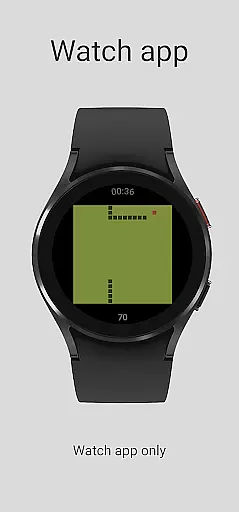
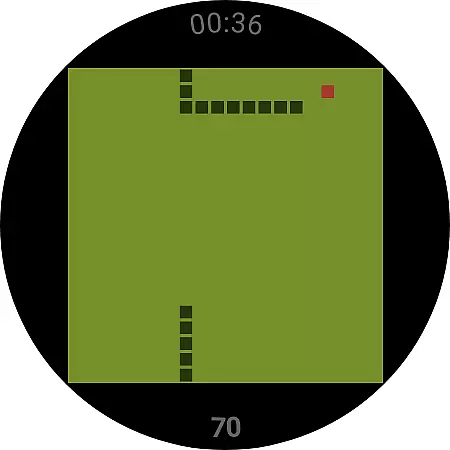
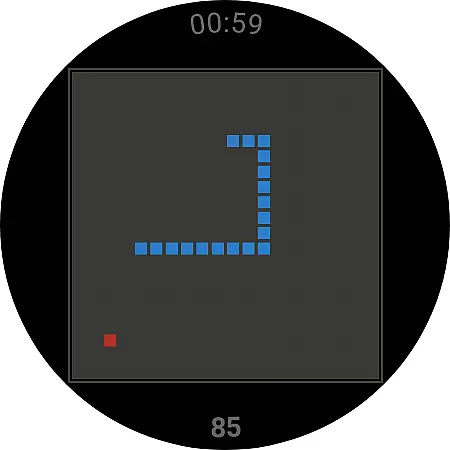
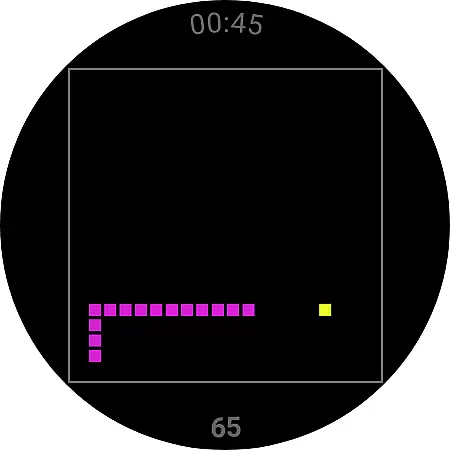
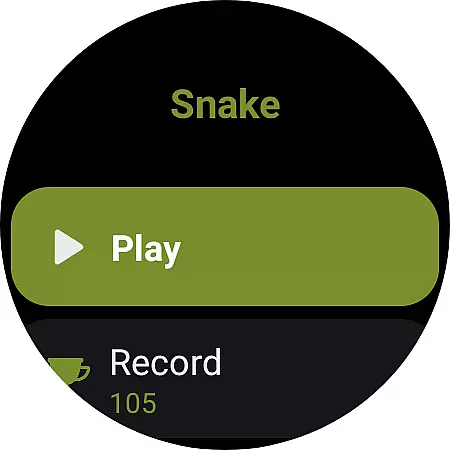
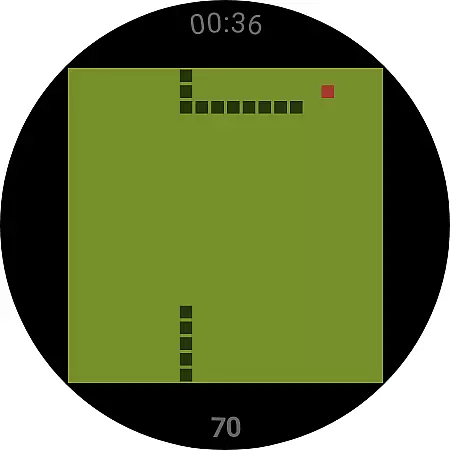
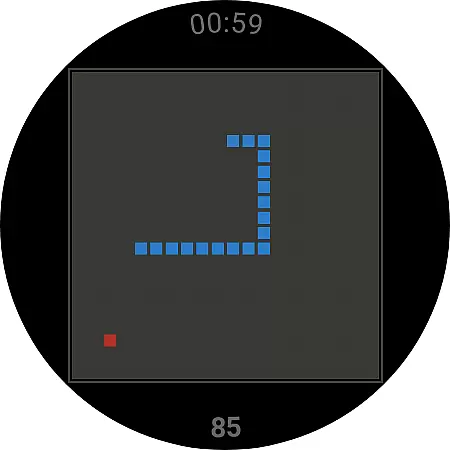
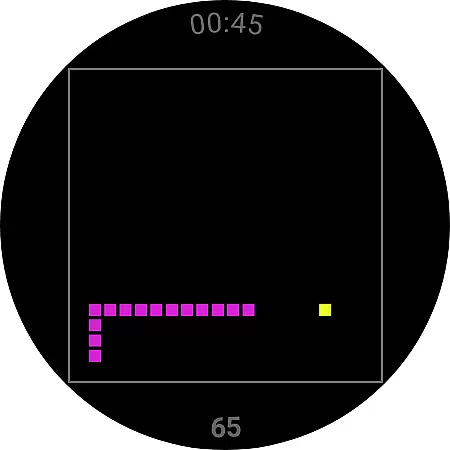
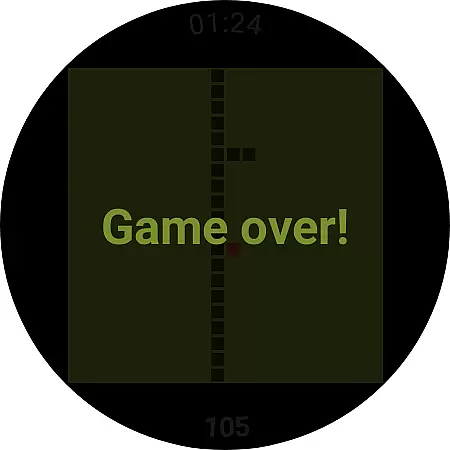
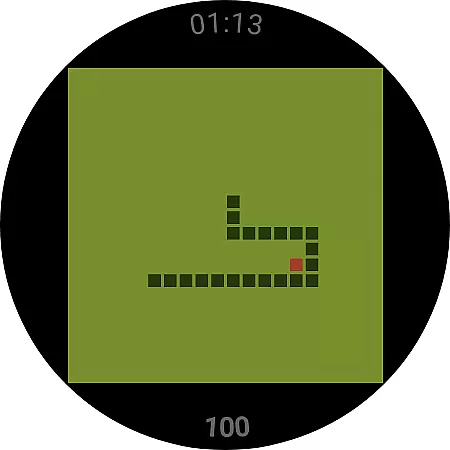
Snake is a classic game reimagined for Wear OS devices, bringing the nostalgic experience to your smartwatch. The app offers simple yet engaging gameplay where players control a moving snake that grows longer as it consumes items on the screen.
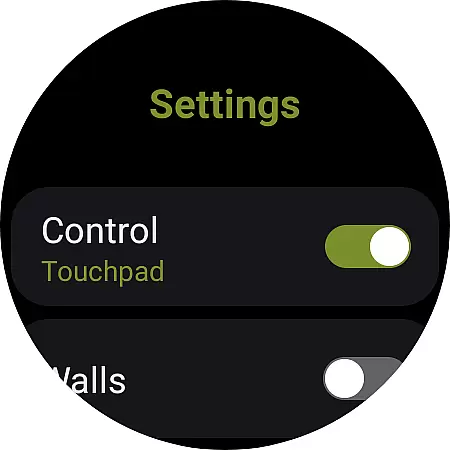
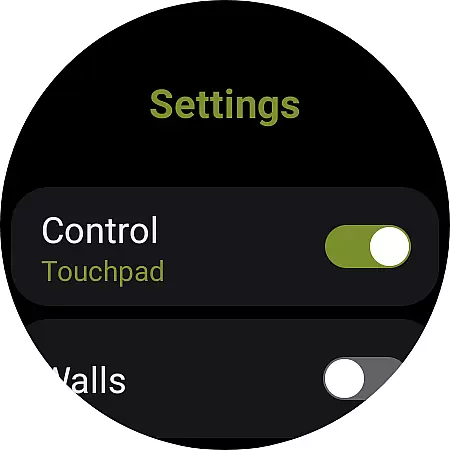
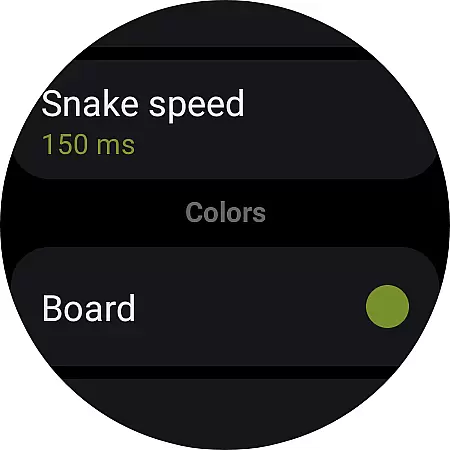
Designed specifically for wearable technology, Snake utilizes intuitive touchpad controls and customizable settings such as wall collision rules. Whether you're looking to relive childhood memories or simply enjoy a quick gaming session on your watch, this app provides an ideal casual gaming solution.
The Snake app for Wear OS incorporates several notable features that enhance the traditional gameplay. First, it supports two control schemes - swipe gestures on the touchpad or tapping the screen borders - allowing users to choose their preferred play style.
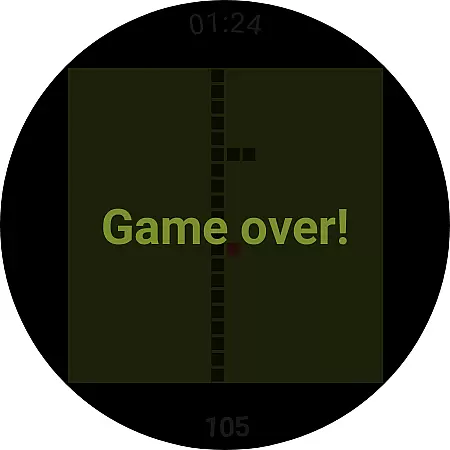
Additionally, the game includes adjustable settings like wall collision rules which determine whether hitting a wall ends the game or teleports the snake to the opposite side. These customization options, combined with its exclusive focus on Wear OS functionality, make this app stand out among casual games in the smartwatch category.
At the heart of any successful casual game lies its ability to deliver a straightforward yet engaging experience, and Snake for Wear OS exemplifies this perfectly. The game revives the classic snake gameplay, allowing users to easily understand the mechanics while providing enough depth to remain entertaining.
The app's control scheme is designed with simplicity in mind, offering two options that cater to different play styles. Players can either use the touchpad to swipe in the direction they want the snake to move or tap the borders of the board for navigation. This intuitive approach ensures that even those new to gaming can pick up and play without a steep learning curve.
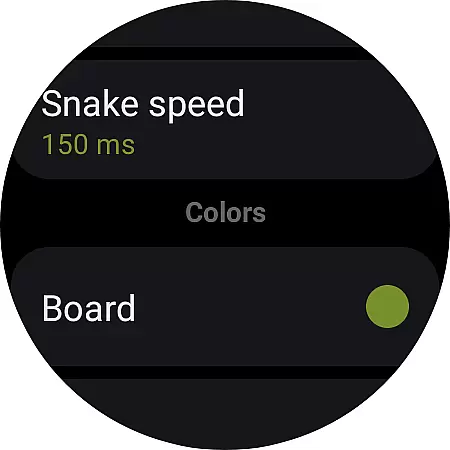
Snake also includes basic but essential settings that enhance gameplay. For instance, players can toggle wall collisions on or off, determining whether hitting a wall ends the game or teleports the snake to the opposite side. These simple choices create an accessible experience that retains the charm of the original while adding modern touches.
In todayu2019s fast-paced world, casual gamers often look for games that fit seamlessly into their busy schedules. Snake for Wear OS addresses this need by offering flexible session lengths that allow users to enjoy quick rounds or extended play, depending on their available time.
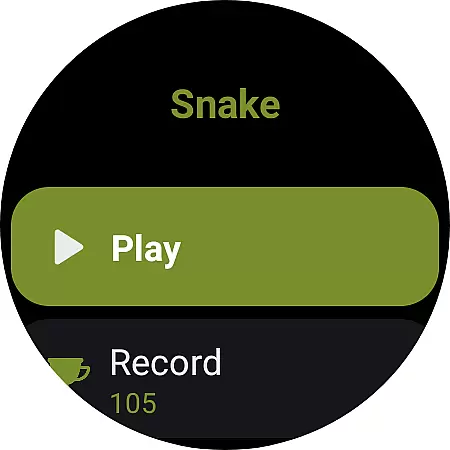
Each game starts with a single tap on the 'Play' button, instantly immersing the player in the action. Whether waiting for a bus or taking a short break, users can complete a round in just a few minutes. This makes it ideal for smartwatch gaming, where sessions are typically brief and sporadic.
Additionally, the 'Reset Record' feature encourages replayability without lengthy commitments. By holding down the 'Record' button, players can clear their high scores and start fresh whenever they choose. This flexibility ensures that every session feels rewarding, regardless of duration, making Snake a perfect companion for on-the-go entertainment.
User-friendly interface
Customizable controls
Wall collision options
Exclusive Wear OS optimization
No data collection policy
Limited to Wear OS
No multiplayer mode
Basic graphics
Fewer features than phone versions
Requires separate installation

11 classic games featuring Freddi Fish, Pajama Sam, Putt-Putt, and Spy Fox.
 3.80
3.80
Start with a simple lemon stand and grow into a business tycoon!
5.00
Explore dungeons simple action RPG game Dungeons & Pixel Hero!
4.00
Smash your way down the tower and watch for the blocks!
4.10
Five new incredible party games to liven up any gathering!
3.30
"My PlayHome School" expands the PlayHome world into the classroom!
4.30
Unmissable Black Friday Discounts! Come and unlock your 3D screw puzzles offers!
4.80
Heads or tails? Coin Flipper in an idle game about flipping coins!
3.60
Short and sweet incremental mining game!
4.40
Blast through Match-3 puzzles, collect cute creatures, build your own paradise!
4.90
Sort 3D items into boxes and clear the board in this fun, relaxing puzzle game!
4.80
RPG Adventure in the Caribbean as Pirate or Trader.
4.60
Save the Candy Bears! Match, pop, and blast through fizzy match-3 puzzles!
4.60
Click your way to a fortune in Treasure Chest Clicker!
4.40
A fun and relaxing idle game
4.20
Play the Angry Birds game enjoyed by millions of players every day!
4.10
Play music with emojis! A colorful and fun piano for all ages.
4.2
Catch a fish.
4.5
An idle incremental game where you decide to travel across the whole Universe
4.2


User Reviews