
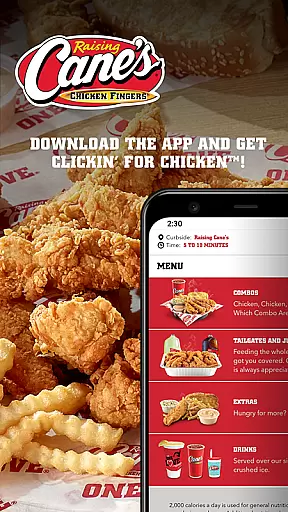
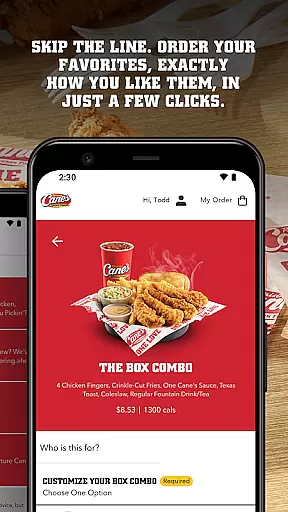
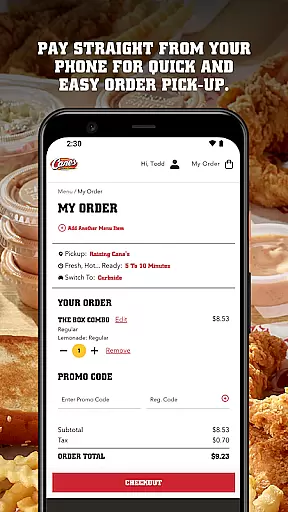
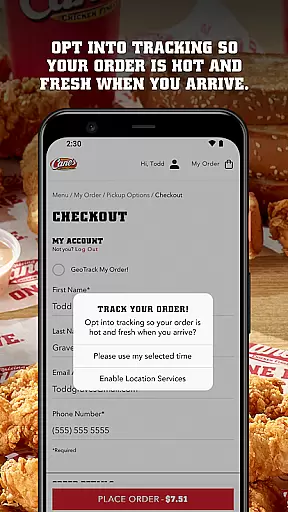
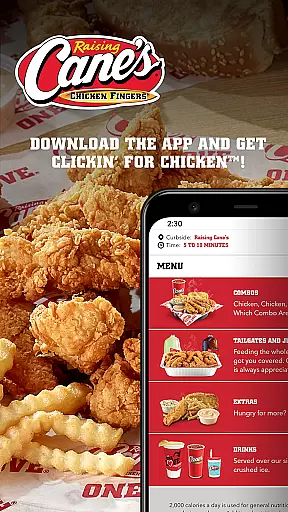
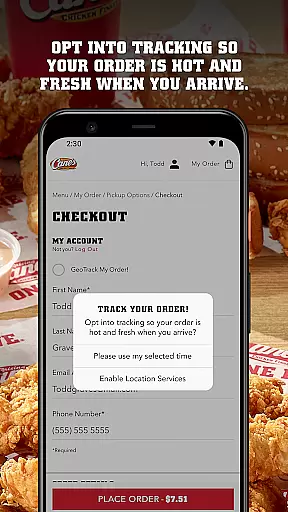
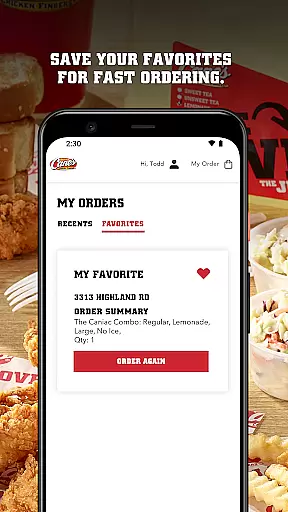
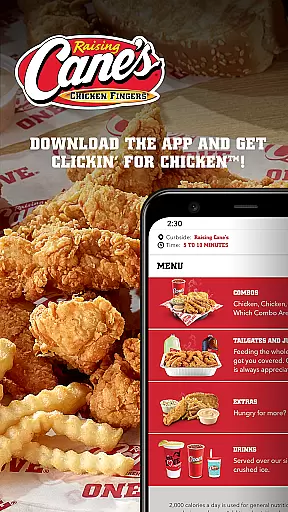
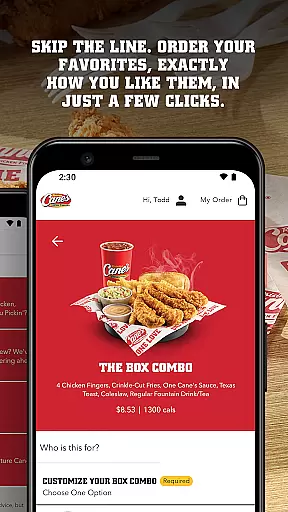
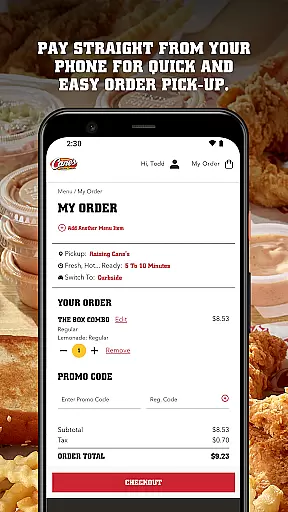
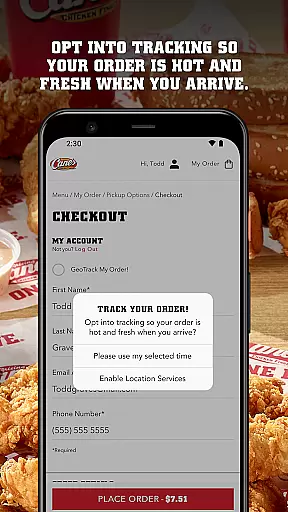
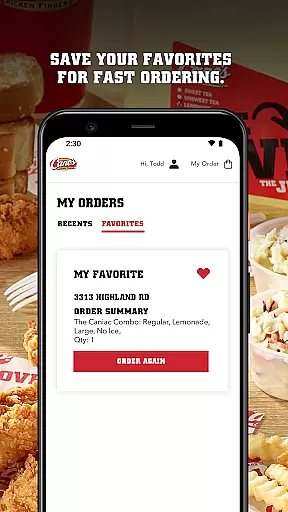
Raising Cane's Chicken Fingers app is the ultimate solution for ordering their signature One Love® chicken finger meals. Designed to enhance your fast-food experience, this app allows you to skip lines by ordering ahead and paying directly through your phone. With features like Tasty Tracking, you can ensure your meal is fresh and hot upon pick-up. The app also supports quick reordering, saving your favorite meals for faster transactions in the future.
Whether you're a busy professional or a parent on-the-go, Raising Cane's app streamlines the process of getting your favorite chicken meals. It combines convenience with quality, ensuring that every order meets the brand's high standards. By integrating seamlessly with your mobile device, it offers a reliable way to enjoy Raising Cane's delicious offerings without the wait.
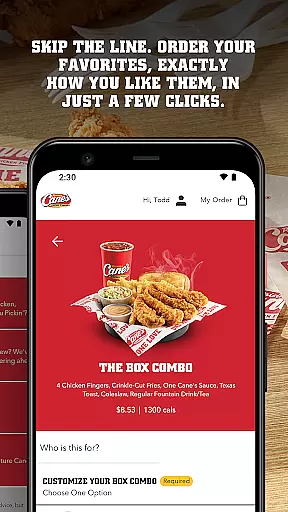
The Raising Cane's Chicken Fingers app boasts several standout features that make it an essential tool for fast-food lovers. First, its Order Ahead functionality lets you customize and place your order with just a few taps, ensuring your meal is prepared exactly how you like it. This feature saves time and reduces the hassle of waiting in line.
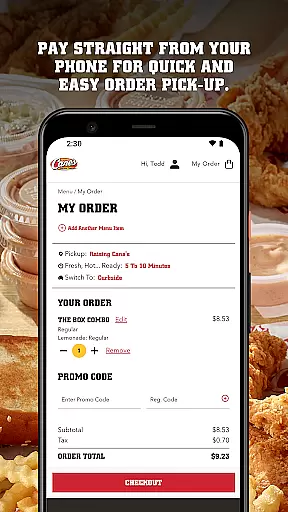
Another key feature is Pay Ahead, which enables secure and swift payments directly from your smartphone. This ensures a smooth pick-up experience without fumbling for cash or cards. Additionally, the Tasty Tracking system keeps you updated on your order status, guaranteeing your food is fresh and ready when you arrive.
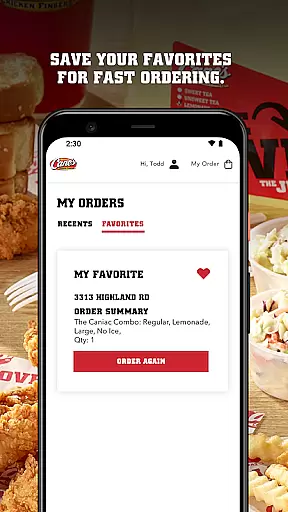
For those who frequently order the same items, Quick Reordering is a game-changer. By saving your favorites, the app makes future orders quick and effortless. These features collectively enhance user satisfaction by providing a seamless blend of speed, convenience, and reliability.
Locating your nearest Raising Cane's Chicken Fingers is effortless with the built-in store locator. This feature uses your current location to present you with the closest restaurants, ensuring minimal travel time for pickup orders.
The app provides essential details such as store hours, address, and contact information, allowing you to plan your visit efficiently. Whether you're at home or exploring a new area, finding a Raising Cane's has never been easier.
For those on the road, the store locator also supports navigation, guiding you directly to your chosen location. This seamless integration of functionality ensures that customers can enjoy their One Loveu00ae chicken finger meals without delay.
Raising Cane's app offers convenient delivery and pickup options tailored to fit your busy lifestyle. With the 'ORDER AHEAD' feature, you can skip the line by ordering your meal in advance, exactly how you like it.
Payments are streamlined through the 'PAY AHEAD' option, which allows you to pay directly from your phone. This means when you arrive to pick up your order, your freshly prepared meal is ready and waiting for you, saving precious time.
Additionally, the 'TASTY TRACKING' feature keeps you updated on the status of your order, ensuring that your food is fresh and hot upon arrival. These services combined make getting your favorite chicken fingers a quick and delightful experience.
User-friendly interface
Fast ordering process
Secure payment options
Fresh food guarantee
Quick reorder capability
Limited menu variety
Occasional glitches
Location restrictions
No delivery option
Requires internet

Easy and fast ordering, improved customization, and an enhanced guest experience
 4.20
4.20
Delivery. Pickup. Rewards.
4.70
Order from Gopuff and get your essentials delivered in as fast as 15 minutes
4.50
Simple recipes and kitchen tips for easy meal planning. Your digital cookbook.
4.60
Bringing a piece of Louisiana to your fingertips!
4.90
KFC-US Mobile App
3.30
Quickly order, pay, reload your Starbucks Card and earn free drinks or food.
4.80
Exclusive deals, mobile ordering & find your nearest BK® restaurant anytime
4.40
Not just food delivery. Shop for groceries from local supermarkets to your door.
4.60
Enjoy Exclusive Deals, Rewards, Gas Benefits, and 24/7 Food Delivery!
4.90
Monthly Perks. Fuel Discounts. App Exclusive Deals.
4.90
Save at the pump AND in store with deals on gas, snacks & drinks at Murphy USA.
4.80
Papa Johns Pizza, delivering an awesome pizza ordering experience for Android!
4.80
Good Fortune Awaits with Panda Rewards and the Panda Express® App.
4.70
Find the perfect restaurant for any occasion on OpenTable.
4.60
Food delivery from your favorite places. Order food, alcohol and more nearby
4.50
Order Beer, Snacks & More 24/7
4.20
Food Delivered to your door! Order from 1800+ Grocery & Retail Store Brands.
4.10
Skip the line, get delivery + exclusive treats
3.90


User Reviews