

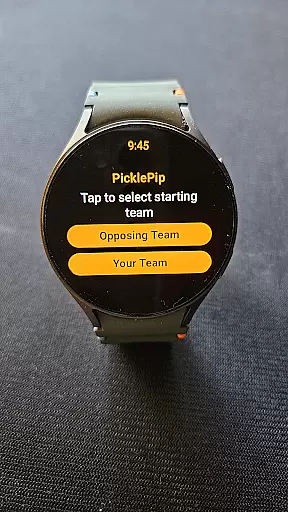
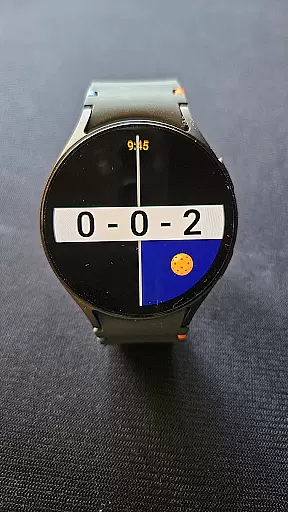
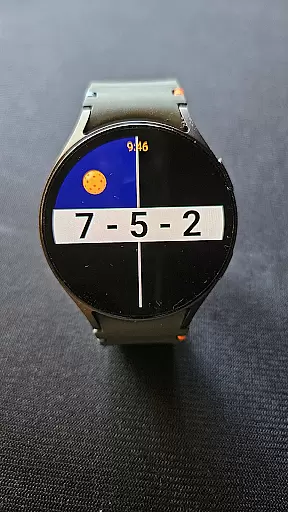
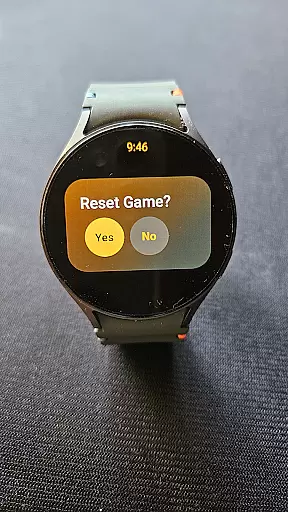
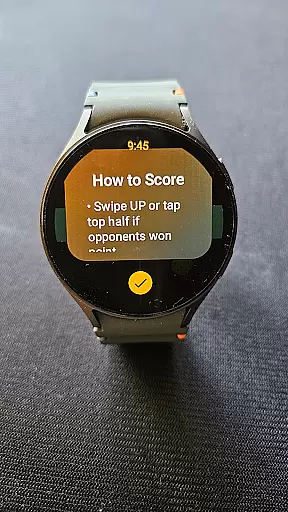
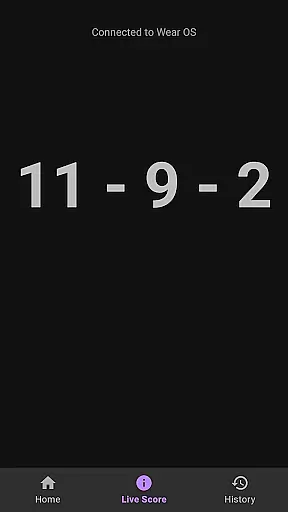
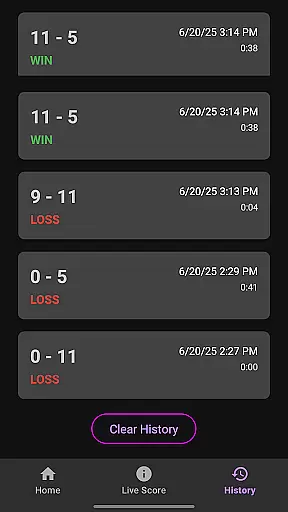

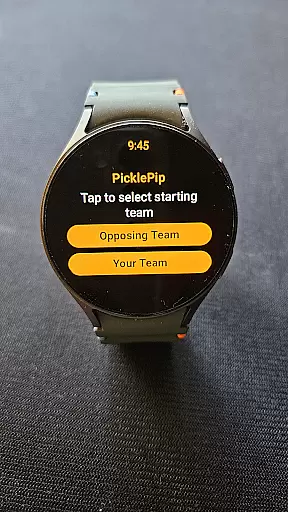
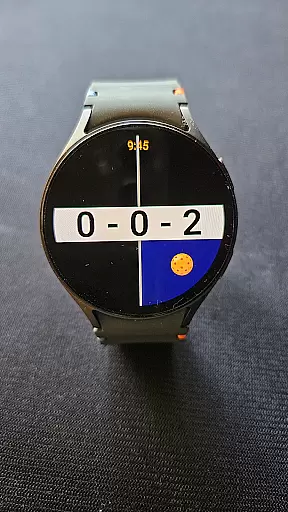
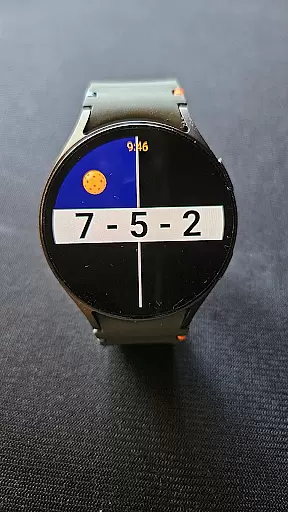
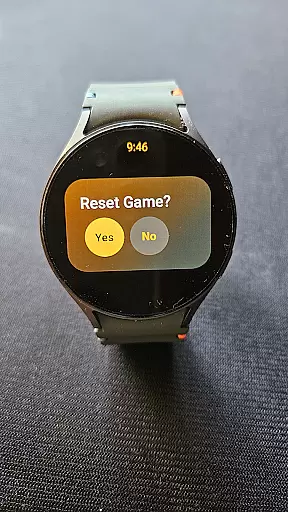
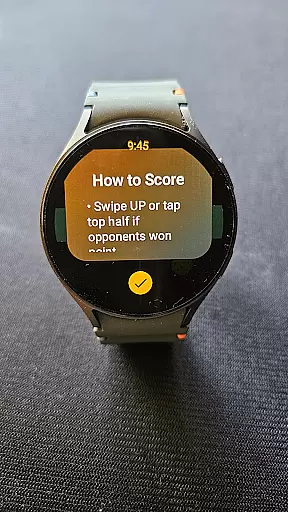
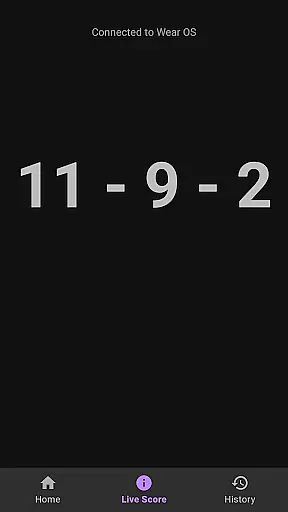
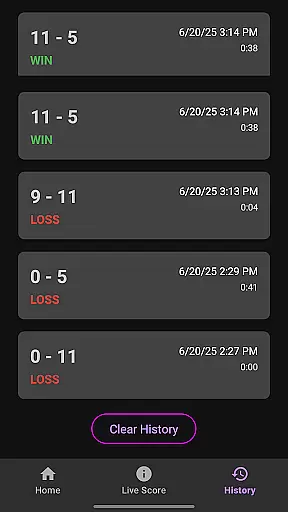

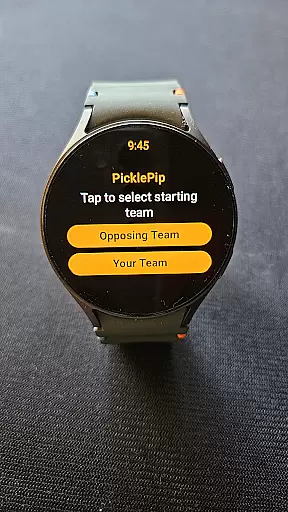
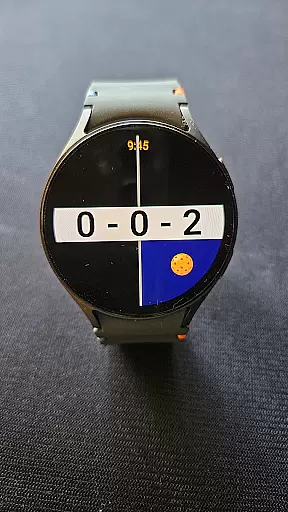
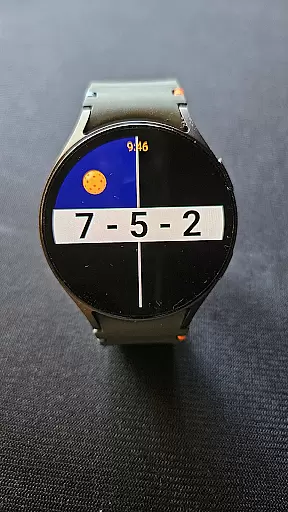
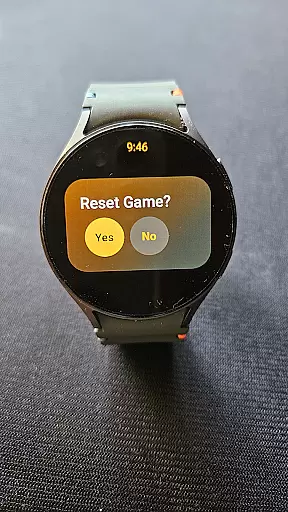
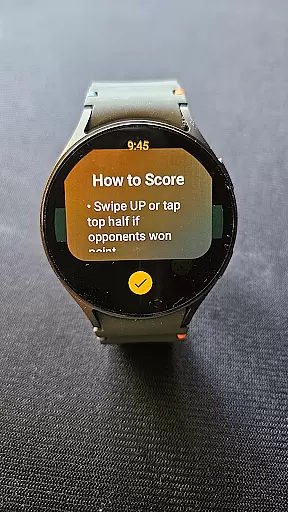
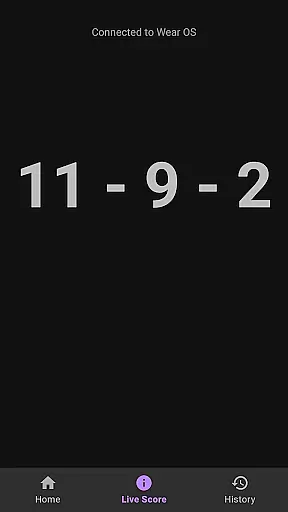


PicklePip is a specialized pickleball score tracking app designed for Wear OS 3 and higher. This innovative sports application eliminates scoring disputes by providing an intuitive interface to track scores directly on your smartwatch. Compatible with popular models like Samsung Galaxy Watch 4, Google Pixel Watches, and more, the app ensures you can focus on your game without interruptions.
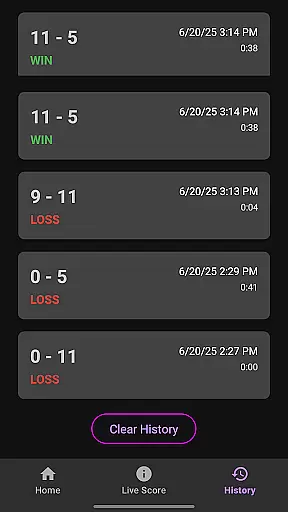
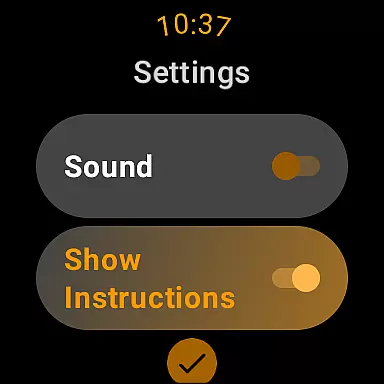
The app's core functionality lies in its simple scoring mechanism - tap or swipe to update scores, double-tap to undo, and long-press to reset. PicklePip goes beyond basic scoring by indicating serving positions and offering optional audio cues. It also supports live score viewing on connected Android phones and maintains a detailed game history for performance tracking.
Whether you're a casual player or competitive athlete, PicklePip enhances your pickleball experience by bringing accuracy and convenience to scorekeeping. Its specialized features make it particularly valuable for players who follow sideout scoring rules and want to maintain their focus during intense matches.
PicklePip distinguishes itself through several key features that enhance the pickleball scoring experience. The app's primary innovation is its optimized interface for Wear OS devices, allowing users to track scores through simple taps, swipes, and gestures directly on their smartwatch display. This hands-free approach keeps players engaged in the game while maintaining accurate scorekeeping.
A standout feature is the app's ability to indicate serving positions and read scores aloud, which helps maintain game flow and reduces disputes. The companion Android app extends functionality by enabling live score viewing on phones, making it easier for spectators to follow matches. Additionally, PicklePip's game history feature allows players to track their progress over time, providing valuable insights into their performance and improvement.
The app's compatibility with various Wear OS devices, including popular models from Samsung, Google, and OnePlus, demonstrates its versatility across different hardware platforms. These features collectively create a comprehensive solution for pickleball enthusiasts who demand precision and convenience in their scoring system.
PicklePip brings an unprecedented level of realism to pickleball score tracking, ensuring that players can focus on their game without the distraction of score disputes. The app's design mirrors the natural flow of a pickleball match, with intuitive controls that make scoring as simple as a tap or swipe.
By incorporating features such as visual indicators for serving and side selection, PicklePip accurately reflects the real-world mechanics of pickleball. This attention to detail enhances the authenticity of the gameplay experience, allowing users to seamlessly transition between physical play and digital scorekeeping.
The ability to undo the last point with a double-tap and reset scores with a long-press demonstrates the app's commitment to precision and user control. These functionalities ensure that the digital representation of the game remains true to the actual sport, providing an immersive and reliable scoring system.
Furthermore, the option to have scores read aloud adds an innovative layer of accessibility and engagement, making PicklePip not just a tool for tracking but also for enhancing the overall enjoyment of pickleball.
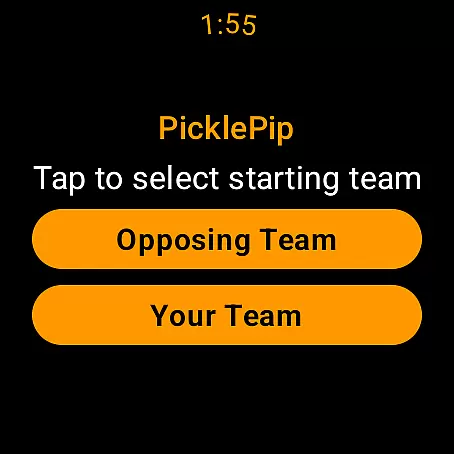
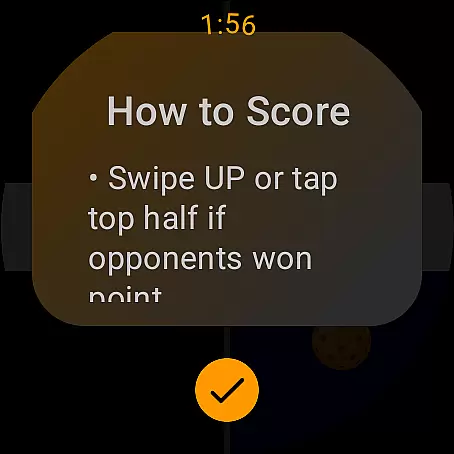
PicklePip revolutionizes the way players interact with their wearable devices during pickleball games by offering an incredibly intuitive control scheme. With dedicated actions for scoring, such as tapping the bottom half of the watch screen for your points and the top half for opponents', the app simplifies the process of keeping score.
In addition to taps, the app supports swiping gestures u2013 swipe down when your side scores and up for the opponentu2019s score u2013 which caters to different user preferences and ensures ease of use in various playing conditions. This dual approach to input methods showcases the app's adaptability and user-centric design.
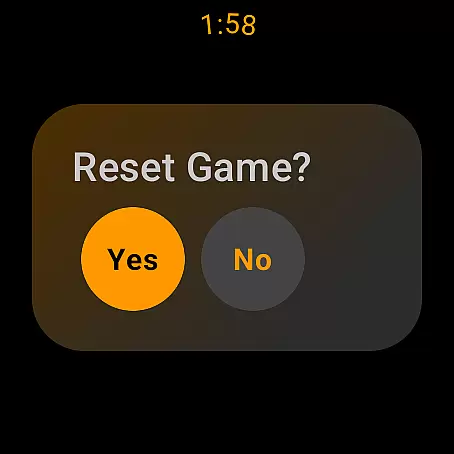
To further enhance usability, PicklePip includes advanced options like double-tapping to undo the last point and long-pressing to reset the game. These controls are thoughtfully designed to prevent accidental inputs while providing quick access to essential functions, thus maintaining the pace and spirit of the game.
Designed exclusively for Wear OS 3 and higher, this companion app optimizes the smartwatch interface for pickleball enthusiasts, ensuring that their experience is not only seamless but also enjoyable, letting them concentrate on their strategy and fun rather than getting bogged down by complex controls.
Intuitive interface
Real-time score updates
Voice announcement option
Game history tracking
Wide device compatibility
Limited to Wear OS
No rally scoring support
Phone required for setup
Premium price point
Learning curve for gestures

Extreme bike tricks at your fingertips!
 4.50
4.50
Join over 10,000,000 people in the only official PBA bowling game!
4.40
The King of Retro Soccer!
3.60
Ice Fishing Derby - It's the fun of ice fishing without the frostbite
4.40
Beat against 8 ball masters from around the world.
4.40
Establish a stable of talented boxers to take on the world.
4.80
Master your shots and climb the ranks in the ultimate golf game!
4.30
The Hudl app helps coaches and athletes win using video.
3.70
The NFHS Network delivers high school sporting events from across the country.
3.70
Soccer mini games! Play career mode: Score & be the next soccer superstar!
4.70
NBA-licensed Streetball Game
4.70
It’s time to play pool in the world’s No.1 arcade style Pool game on Android!
4.70
Play the hit multiplayer Carrom Disc Pool board game and become the best!
4.60
Coach a franchise of NFL PA licensed pro football players to gridiron glory
4.60
Play with friends and join millions of players in the king of bowling games!
4.60
Build your dream soccer team!
4.50
Score stunning goals and outsmart defenders on your path to football glory!
4.40
Extreme Downhill Freeriding
3.20
Webcam based exercise and learning game with rock climbing!
4.3


User Reviews