
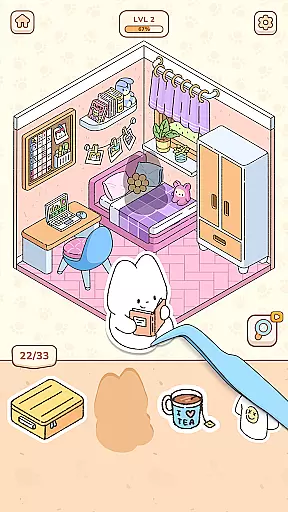
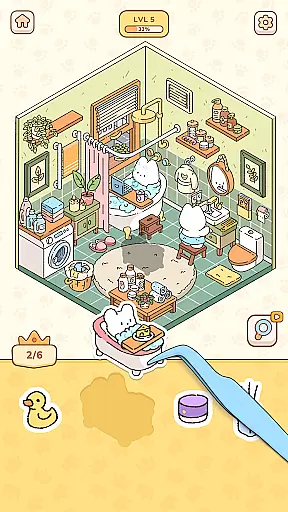
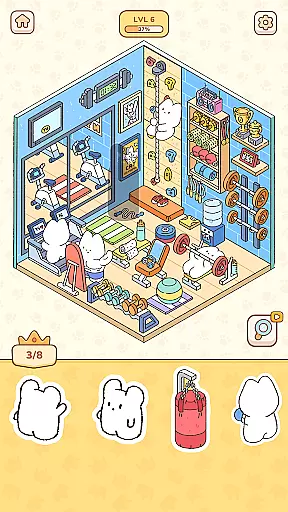
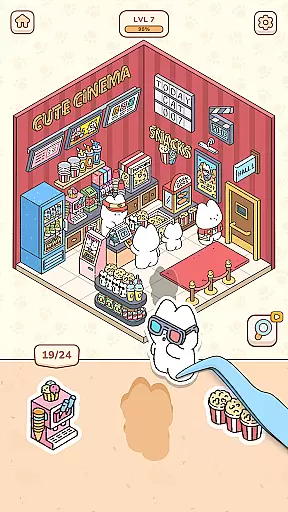
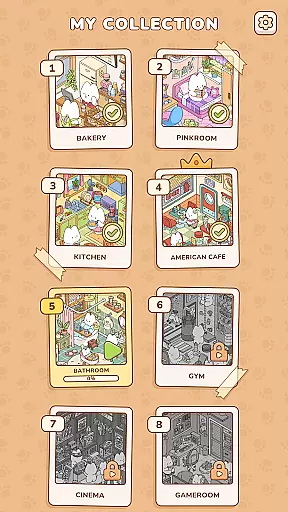
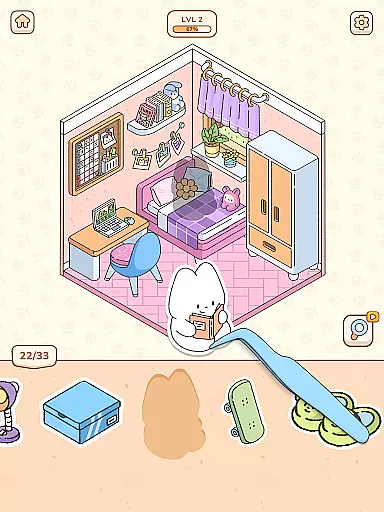
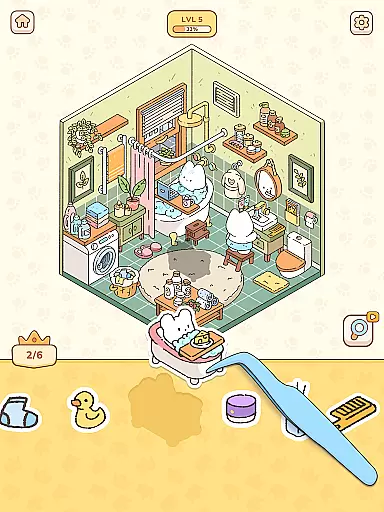
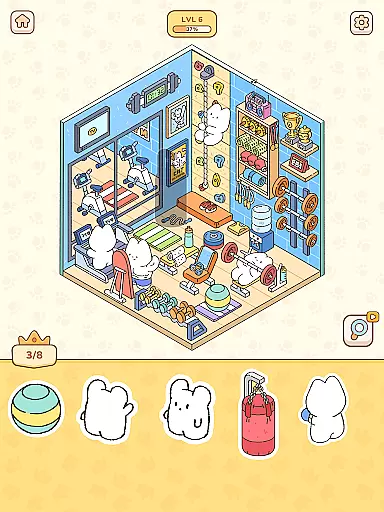
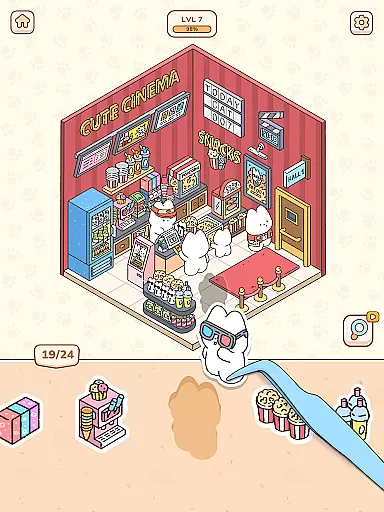
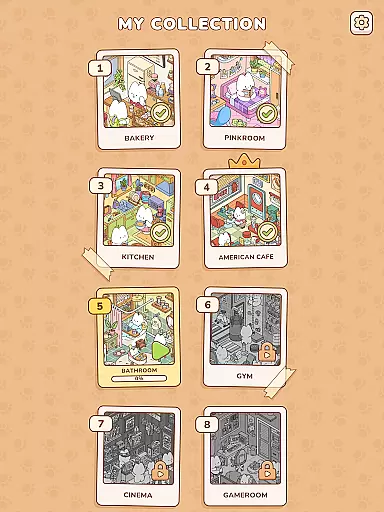
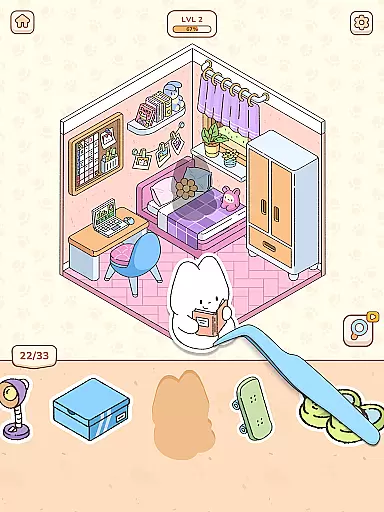
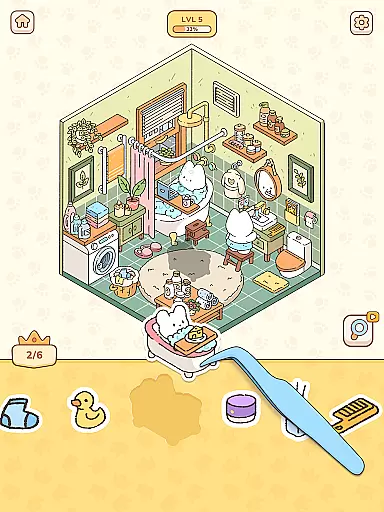
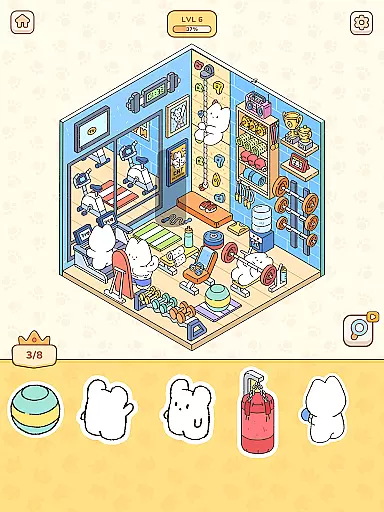
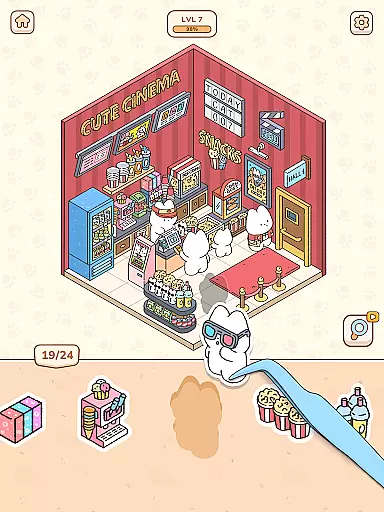
My Sticker Room - Decor Game offers a unique blend of sticker collection and home decoration simulation within a charmingly kawaii environment. Players engage in peeling and sticking virtual stickers featuring cute animal characters and decorative items onto various scenes. This simulation experience combines elements of creativity and relaxation, making it ideal for casual gaming sessions.
The game's appeal lies in its simplicity and therapeutic qualities. With intuitive touch controls, users of all ages can easily place stickers in designated spots, gradually transforming empty spaces into vibrant, personalized rooms. The satisfying progression system and delightful animations create an engaging experience that helps reduce stress while stimulating creativity.
This simulation game particularly resonates with those seeking a digital equivalent of traditional sticker books combined with home decor activities. Its application extends beyond mere entertainment, serving as a valuable tool for mental relaxation and creative expression. The game's structured yet flexible approach to room decoration provides players with a sense of accomplishment while maintaining a low-pressure environment.
My Sticker Room showcases several distinctive features that set it apart in the simulation genre. The game implements a progressive sticker placement system where players must strategically position various decorative elements across multiple levels. Each scene presents unique challenges and opportunities for creative expression, ranging from coffee shop arrangements to residential spaces.
A notable innovation is the game's adaptive difficulty system, which maintains player engagement without inducing stress. The simulation incorporates various environmental interactions between stickers and background elements, creating dynamic scenes that respond to user input. These interactions include animated character movements and contextual sound effects that enhance the overall immersion.
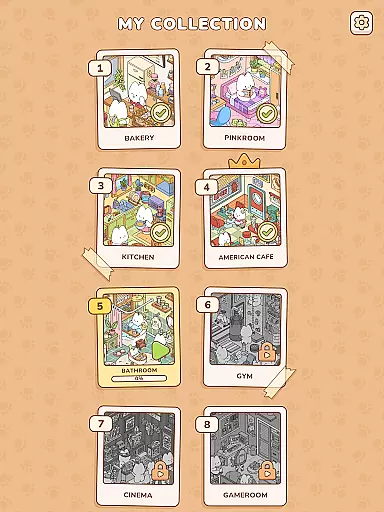
The technical implementation includes optimized touch controls for precise sticker placement and smooth animations that maintain visual consistency across different devices. The game also features a comprehensive library system that tracks completed pages and rewards players with new sticker packs. This combination of engaging mechanics and thoughtful design elements creates a compelling simulation experience that successfully balances entertainment value with relaxation benefits.
In My Sticker Room - Decor Game, the economic system is cleverly embedded within the gameplay mechanics. The game simulates a micro-economy where players earn in-game currency by completing sticker pages. This currency can then be used to unlock new levels or purchase exclusive stickers, creating a balanced ecosystem that encourages both progression and personalization.
The dynamic feedback mechanism is integral to the player's experience. As users place stickers correctly, they receive instant visual and auditory feedback, reinforcing positive behavior. This feature not only enhances engagement but also provides a sense of accomplishment after each successful action, making the gaming process more rewarding.
Players benefit from this well-structured economy through increased motivation and a clear sense of direction. The ability to earn and spend within the game creates an additional layer of strategy, allowing users to make meaningful choices about their progress and customization options.
This economic depth adds significant value to the overall gaming experience. By combining traditional sticker book elements with interactive economic principles, My Sticker Room offers a unique approach to casual gaming that keeps players invested in both short-term tasks and long-term goals.
Resource management in My Sticker Room - Decor Game manifests through the strategic allocation of stickers and decorative items. Players must carefully decide which stickers to use and where to place them, creating an engaging balance between available resources and creative expression.
The game maintains this balance by providing various types of stickers with different rarities and effects. Some are essential for completing basic room layouts, while others serve as premium decorations that enhance the visual appeal. This tiered system ensures that all players can progress while offering additional challenges for those seeking more sophisticated designs.
This resource management system benefits users by promoting thoughtful decision-making and planning skills. Players learn to prioritize their sticker usage, experiment with different combinations, and develop strategies for optimal room decoration, leading to a more satisfying and educational gaming experience.
The careful calibration of resources creates a compelling gameplay loop that keeps players engaged. By striking the right balance between accessibility and challenge, My Sticker Room successfully maintains player interest while fostering creativity and strategic thinking, demonstrating how resource management can enhance casual simulation games.
Easy-to-use interface
Relaxing gameplay
Cute graphics
Variety of scenes
Progressive difficulty
Limited customization
Frequent ads
Basic physics
Small library
Offline mode

 3.50
3.50
Build rockets, airplanes, and more and explore highly detailed 3D planets.
4.30
Make 'em move!
4.30
40+ original, licensed construction vehicles, over 60 jobs, USA setting.
3.90
Explore the open world and run your business empire in this real life simulator!
4.50
Experience the sometimes hectic life of a Freddy Fazbear's Pizzeria franchisee.
4.60
Become a viral rich tycoon with Lamar in this idle clicker, life influencer game
4.40
Gas station simulator. Play & earn money offline. Grow petrol station business!
4.40
Cause chaos as a mischievous kitty in this hilarious cat simulator!
4.50
Demon Castle Building Dungeon Management Simulation
4.90
Help your child, in a story-driven nurture game based on true events
4.80
Lead a Magical School and Cast Spells in an Incremental Game!
4.70
An Atmospheric Vehicle Adventure Game
4.60
The Ultimate Cosmic Destruction Simulator
4.60
The ultimate off-roading game!
4.60
Build your kingdom in this atmospheric micro strategy game.
4.20
Explore sandbox simulator featuring crafting and socializing in Portia
4.10
Explore open-world environments and hunt with a premium selection of firearms.
4.00
Play on ANY CITY in the world!
3.70


User Reviews