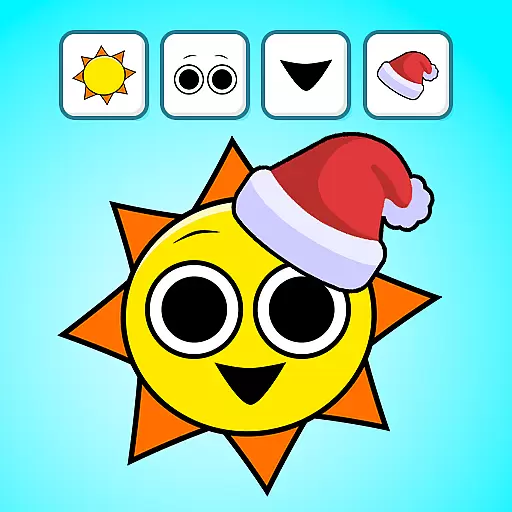
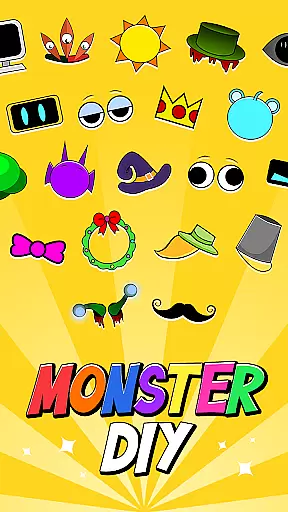
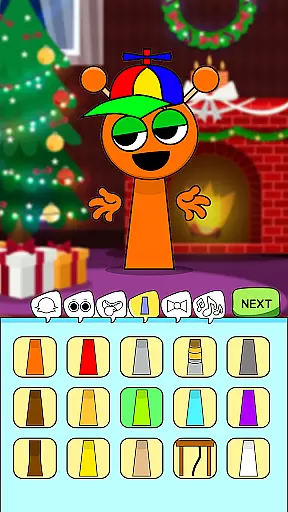
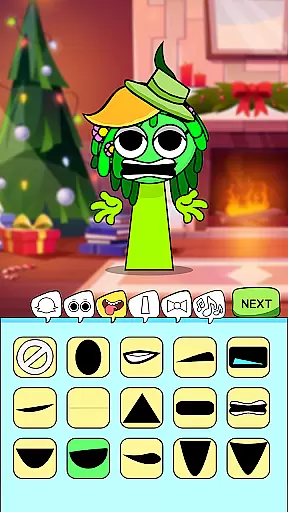
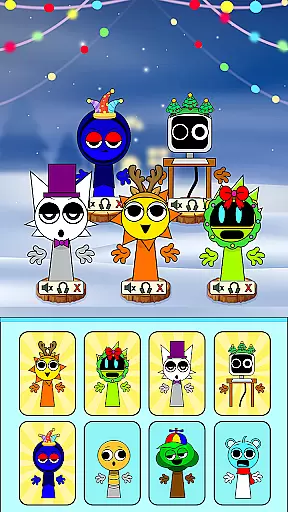
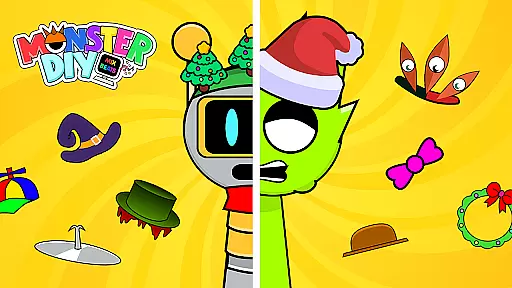
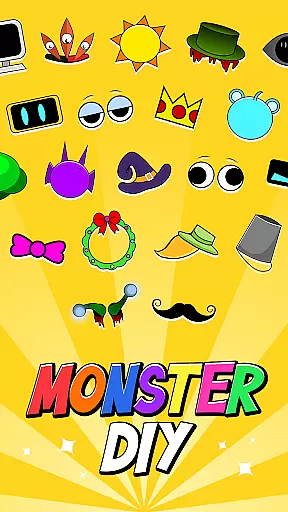
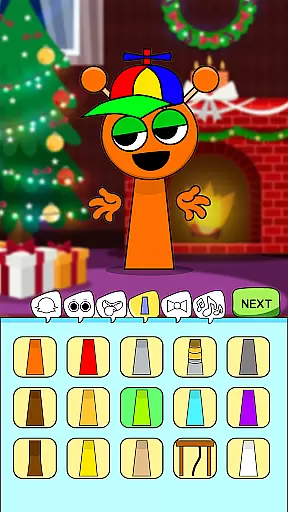
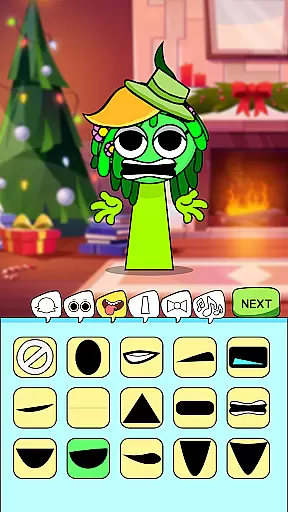
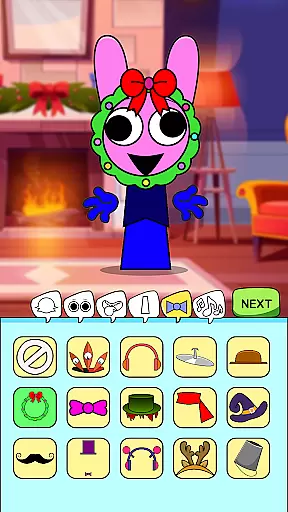
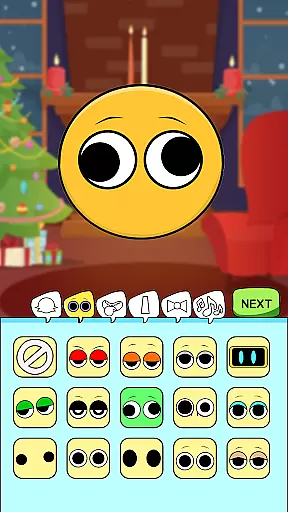
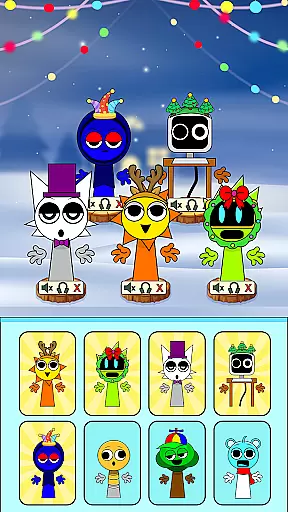
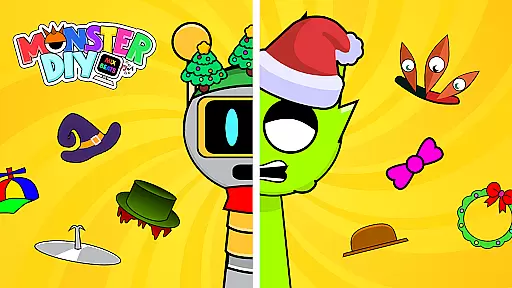
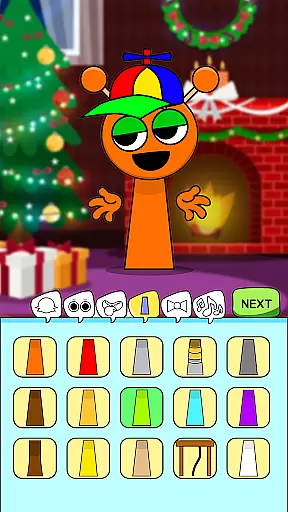
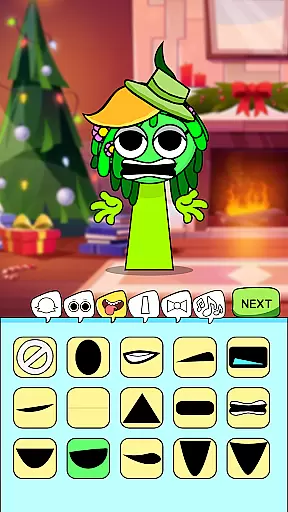
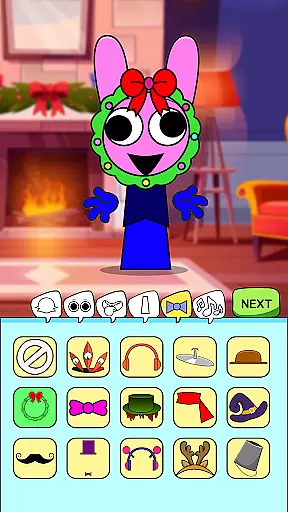
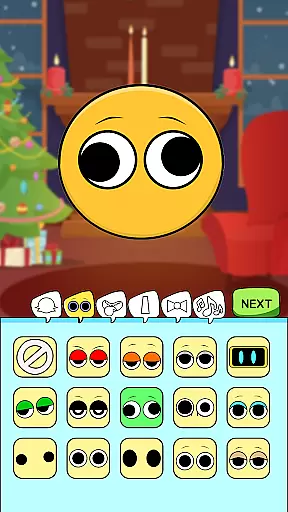
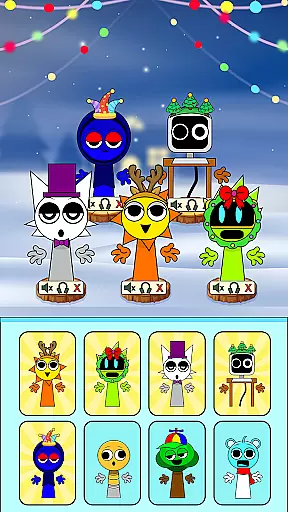
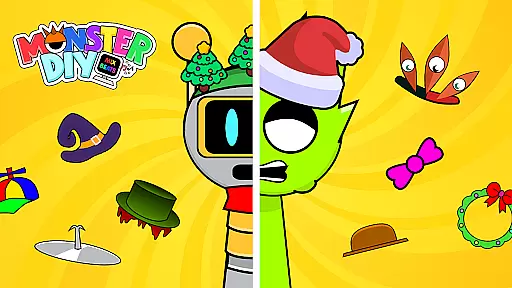
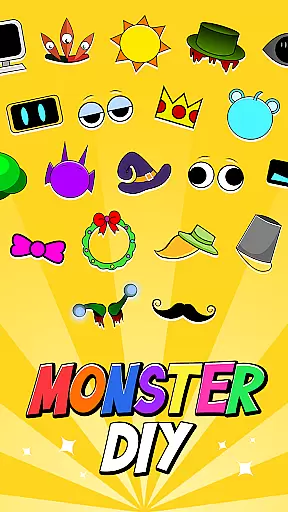
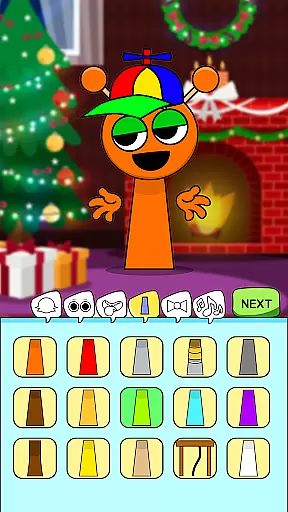
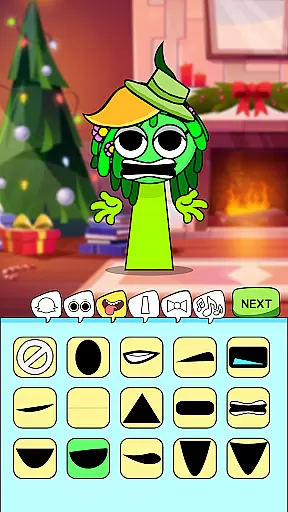
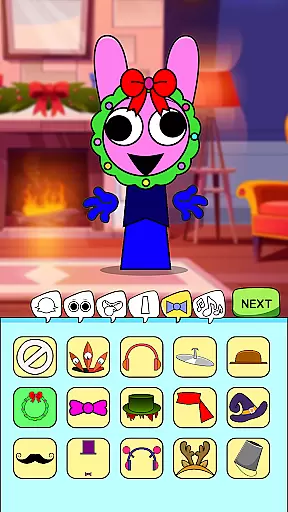
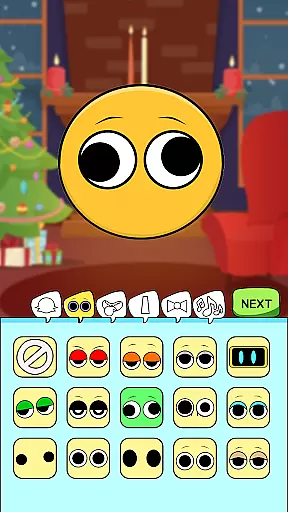
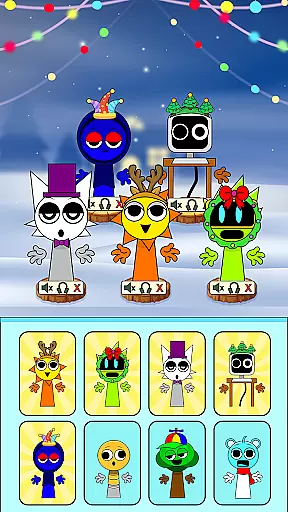
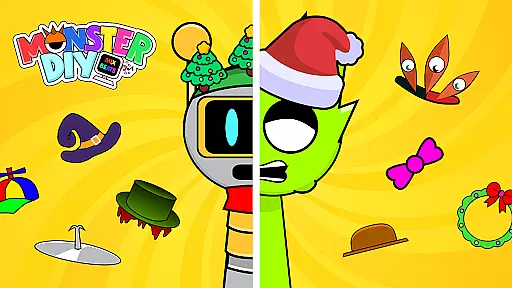
Monster DIY: Mix Beats is a creative music game that combines monster customization with beat mixing. Players can design unique monsters by choosing different body parts and pairing them with quirky sounds. The app offers a wide selection of customizable features, allowing users to create vibrant soundtracks while enjoying stunning graphics and catchy music.
This app is perfect for music lovers and monster enthusiasts who want to express their creativity through playful designs and custom beats. Whether you're building a spooky soundtrack or crafting a fun creature, Monster DIY: Mix Beats provides endless entertainment value.
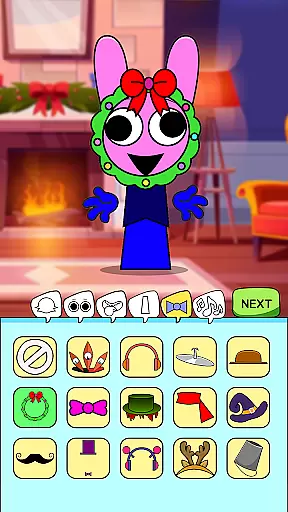
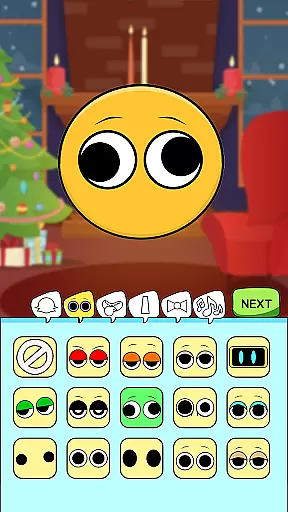
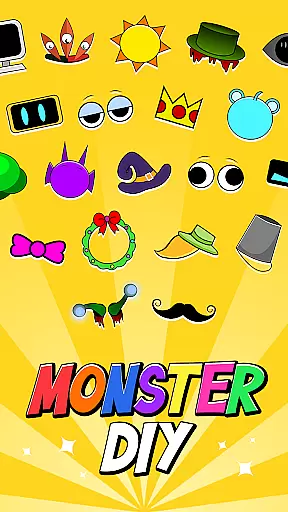
Monster DIY: Mix Beats stands out with its innovative combination of monster creation and music mixing. Users can choose from an extensive collection of monster parts, including eyes, hats, and mouths, to build their own unique creatures. Each part comes with customizable sounds, letting players mix and match audio tracks to create one-of-a-kind beats.
The app also features intuitive drag-and-drop controls, making it easy for anyone to craft professional-sounding tracks. With vibrant visuals, eerie tunes, and customizable sharing options, this app ensures a seamless experience for both casual gamers and dedicated music creators.
In Monster DIY Mix Beats, rhythm judgment precision is at the core of creating engaging musical tracks. The game allows users to mix and match various monster sounds with exact timing, ensuring that each beat aligns perfectly with the music.
Players can choose from a plethora of quirky and spooky sounds, each designed to fit seamlessly into the rhythmic structure of their compositions. This precise alignment is crucial for players who want to create professional-sounding beats.
The app's interface provides visual cues that assist in achieving accurate rhythm placement. These cues help users understand the timing of their beats, allowing them to adjust their creations until they achieve the desired rhythm.
With this level of precision, users can transform their imaginative ideas into tangible musical pieces, offering a rewarding experience that combines both creative and technical skills in music production.
Monster DIY Mix Beats boasts an extensive music library that caters to a wide range of musical tastes and preferences. Players have access to a diverse selection of quirky and eerie tunes, which serve as the foundation for their monster sound creations.
The quality of the music library is exceptional, featuring high-fidelity audio samples that bring each composition to life. Whether you're mixing upbeat melodies or crafting haunting soundscapes, the clarity and richness of the sounds ensure that every track is a true auditory delight.
Moreover, the game includes stunning graphics that complement its musical offerings. Vibrant visuals enhance the overall experience, making it not just about the music but also about immersing oneself in a colorful world of monsters and beats.
This combination of diverse music options and top-notch quality empowers users to experiment with different genres and styles, pushing the boundaries of their creativity while enjoying an aesthetically pleasing gaming environment.
Fun gameplay
Vibrant graphics
Creative freedom
Easy controls
Shareable content
Limited free options
In-app purchases
Ads present
Steep learning curve
Occasional bugs

Drum set app with various lessons to help you learn to play the drums like a pro
 4.40
4.40
Piano game with popular songs. Enjoy the fun of music games and K-pop games!
4.50
Play like a mini piano on Beat Tiles 2: Piano Master anytime&anywhere!
3.60
Ball jump tiles music game in 3D scene
4.10
Ride a sonic skateboard, slash beats, and master the rhythm!
4.40
Space Music Box!
3.40
Lowriders comeback 2 - Musical Game with dancing, hopping and freeride cruising
4.20
Bounce to the Beat! Tap, Dash & Feel the Music!
4.70
Tap to start and control the ball jump with beats in the hop-ball music game.
4.50
Immersive piano tiles rhythm game! Tap to the beats of Hip-Hop and EDM songs.
4.70
Tap and slide the tiles to experience the pop music game together
4.70
Play kpop music with favorite idols. Tap to the beat and unlock more kpop songs.
4.60
Guide two orbiting planets along a winding path by tapping perfectly in rhythm
4.60
"Tap to the beat and challenge your fingers with cute cats in PopCat Tiles!"
4.50
The original Piano Tiles game is back. Play fun music rhythm games at a party.
4.50
Paradise of parkour & rhythm game — Muse Dash!
4.50
Conduct an orchestra of musical Monsters from the hit game My Singing Monsters!
4.20
Create a kids' marching band with fun instruments and interactive music & rhythm
4.10
Customize lowriders, cruise online with friends, and trade in a vibrant city!
3.90


User Reviews