
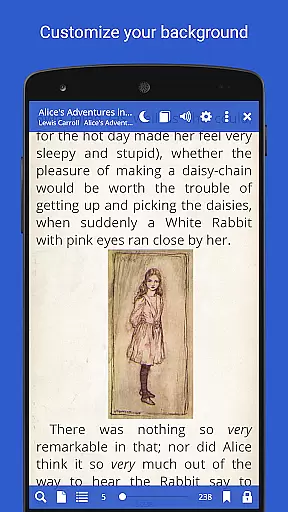
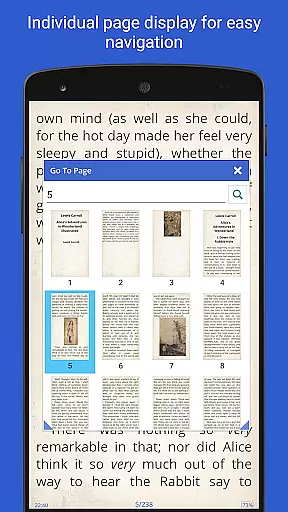
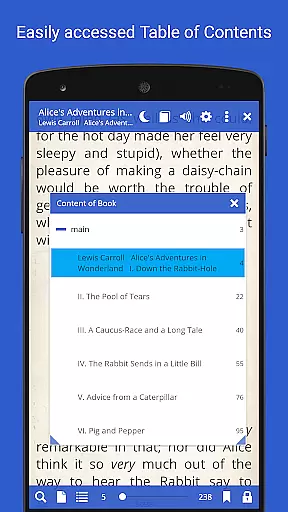
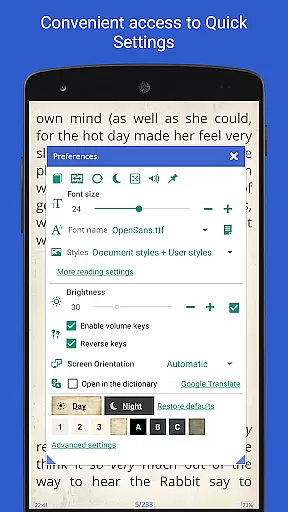
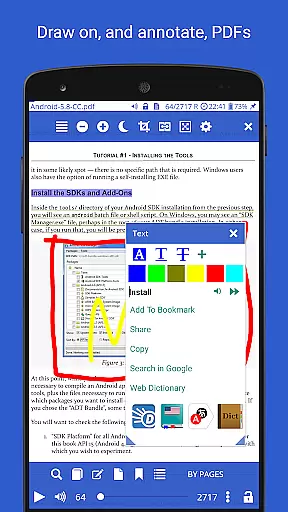
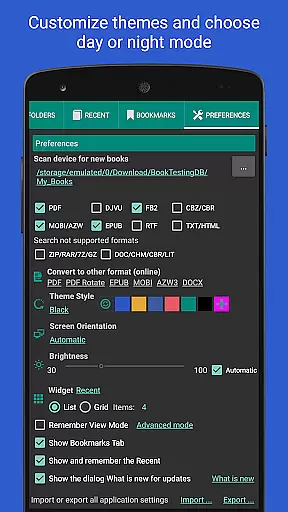
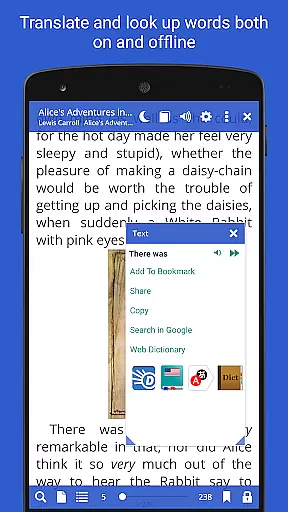
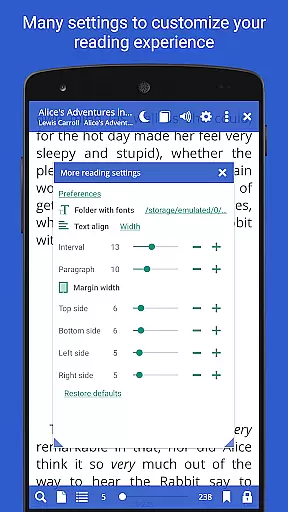
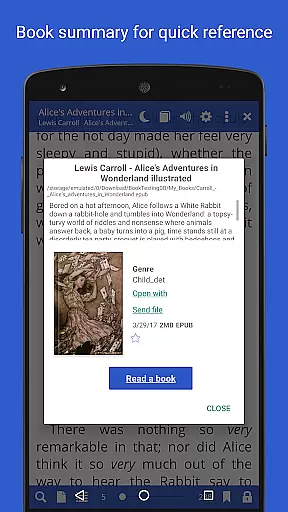
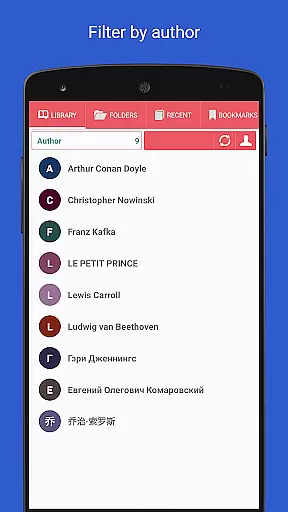
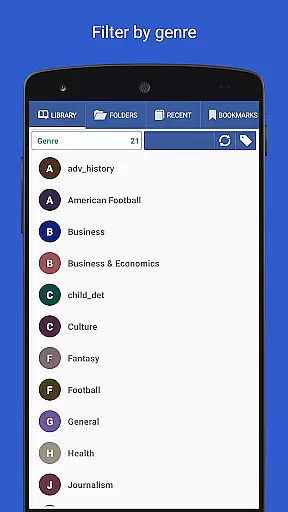
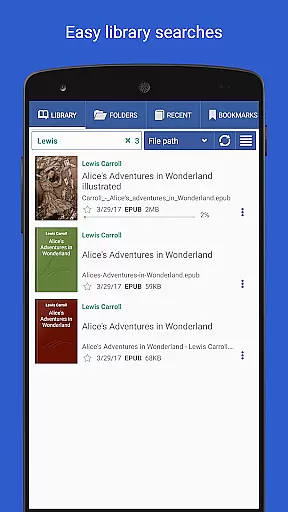
Librera PRO is a versatile and highly customizable e-reader app designed for book enthusiasts who require support for multiple document formats. This application supports an extensive range of file types including PDF, EPUB, MOBI, DjVu, and more, making it an ideal choice for users with diverse reading materials. Its user-friendly interface offers features such as Day and Night modes, bookmarks, annotations, and integration with online translators and offline dictionaries.
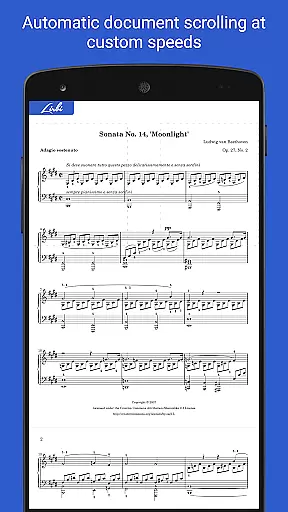
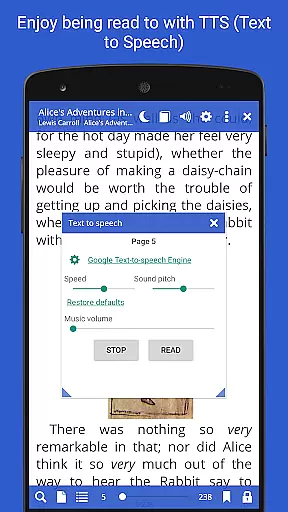
Beyond basic reading, Librera PRO enhances the experience with unique functionalities like the Musician's mode for auto-scrolling, read-aloud capabilities through TTS engines, and support for right-to-left languages. Users can create personalized libraries by specifying folders to scan and choosing preferred formats, while enjoying additional conveniences like vertical-scroll lock and custom CSS for improved readability. Whether for leisure or professional use, Librera PRO provides a seamless and enriched reading experience across various devices.
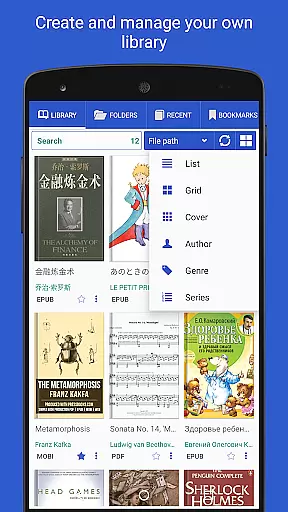
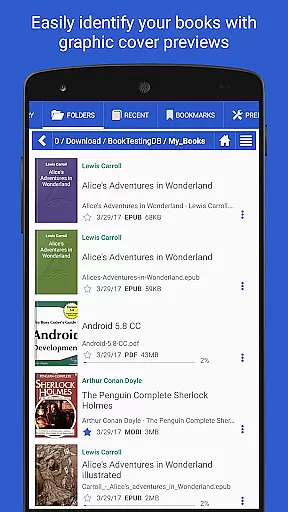
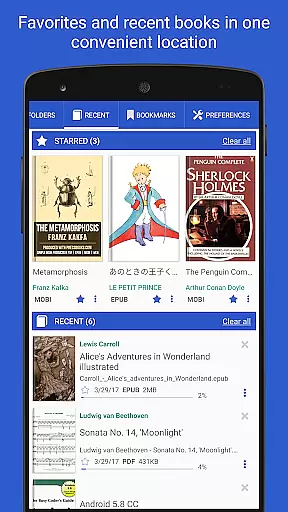
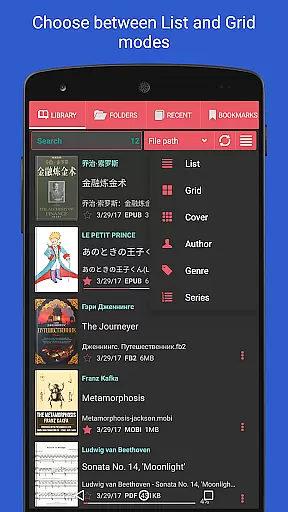
Librera PRO stands out with its comprehensive feature set tailored to meet the needs of avid readers and professionals alike. The app allows easy document discovery through auto-scanning of user-specified folders and an in-app file explorer that browses catalogs, disks, and folders. With dedicated Recent and Favorites folders, users can conveniently manage their reading lists, complete with progress percentage bars and quick access to essential commands.
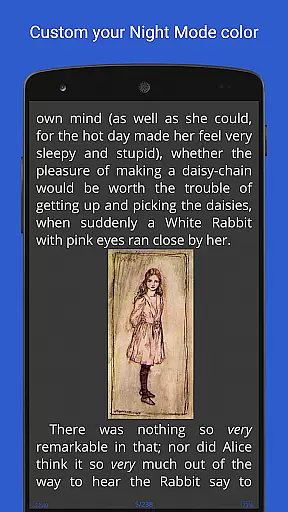
Among its standout features are support for fixed and movable bookmarks, annotations, and individually configurable Day and Night modes. The inclusion of RSVP reading and Musician's mode with adjustable scrolling speed caters to different reading preferences. Additionally, advanced search capabilities, online document format conversion, and syncing of reading progress across devices ensure users have a smooth and uninterrupted reading experience. Custom tags, grouping options, and integration with major offline dictionaries further enhance the app's utility, making it a top choice for managing extensive digital libraries.
Librera PRO offers an extensive e-book library that supports a wide array of document formats including PDF, EPUB, MOBI, and more. This ensures users have access to a vast collection of reading materials tailored to their preferences.
The app emphasizes copyright authenticity by enabling users to import and organize their legally acquired e-books efficiently. With features like auto-scan for user-specified folders and integration with online catalogs (OPDS), Librera PRO makes it simple to maintain a personal library of credible and legal content.
Additionally, the platform's support for archived books (.zip) and right-to-left languages demonstrates its commitment to delivering a diverse and authentic reading experience. Users can trust that their library is not only expansive but also compliant with copyright standards.
One of Librera PRO's standout features is its exceptional format compatibility, accommodating over ten different file types such as DOCX, TXT, RTF, AZW3, and CBR. This versatility allows readers to access various content without worrying about format restrictions.
The app goes beyond basic compatibility by offering advanced functionalities like text reflow, annotations in PDFs, and customizable CSS for an enhanced reading experience. These features ensure that regardless of the document type, users can enjoy a seamless and visually appealing presentation.
Moreover, Librera PRO provides options for vertical-scroll lock, configurable volume keys, and multiple display modes, making it adaptable to individual reading styles. Such comprehensive format support positions Librera PRO as a top choice for avid readers who require flexibility and quality in their digital libraries.
User-friendly interface
Extensive format support
Customizable reading modes
Advanced library management
Cross-device syncing
Paid PRO version required
Complex for beginners
Occasional performance lags
Limited free features
Ads in free version

Contains the 365 daily readings and everything other thing needed for catholics
 4.70
4.70
Crowd-sourced listing of businesses with anti-gun signs, and pro-2a alternatives
4.60
Knots 360 Pro ( 3D ) shows you animated 192 knots in 3D perspective
4.10
7 Languages, Google, Wiki, Vocabulary.com, Cambridge & Urban Dictionary!
4.50
Liturgy of the Hours totally off-line
4.80
8 Dr. Seuss short stories in 1 app!
4.70
Full text, sheet music, and recordings of the print edition
4.60
Discover, track, and share your reading with friends & our community of readers
4.60
A Comprehensive Restoration of Sacred Scripture
4.50
Flora of Virginia Project (www.floraofvirginia.org)
5.00
What’s that bird? Just answer 5 questions, snap a photo, or record its song!
4.90
Daily rosary and gospel reflections for catholic
4.90
The favorite Christmas story comes to life!
4.80
Discover Stars and Planets: Live Map Shows Current Constellations in Full Detail
4.70
Daily Devotional Widgets & Hourly Verses. Listen to Bible & Watch Holy Stories
4.70
Holy Bible with verses and audio for studying and prayer
4.30
Shop over 13 million new and used books at up to 80% off list price
4.20
Guide for dōTERRA® Products
3.60
Novels, audiobooks, ebooks & fanfiction. Read anytime, anywhere!
3.40


User Reviews