
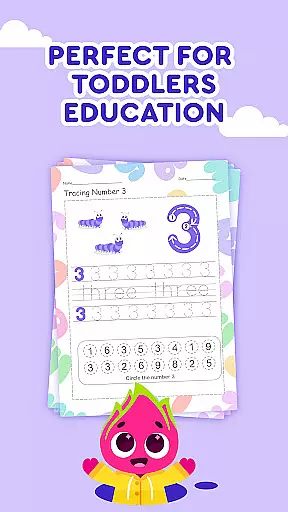
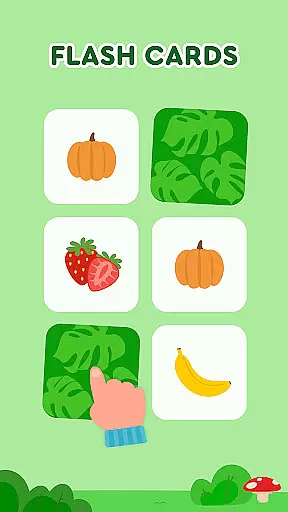

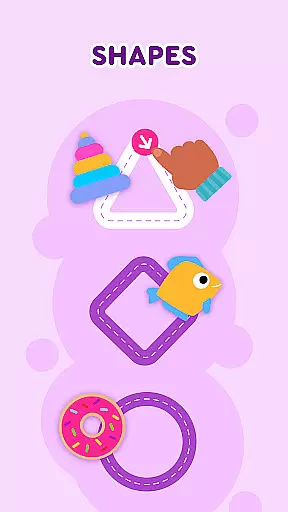
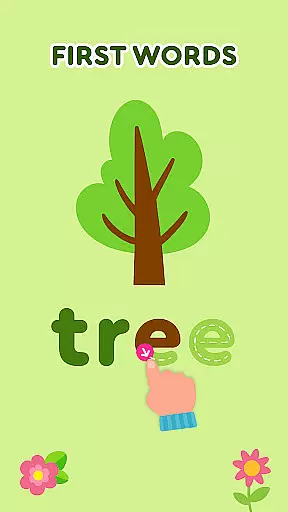
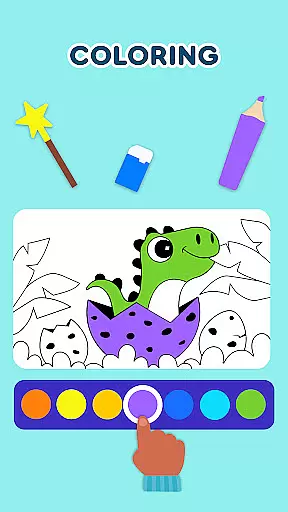
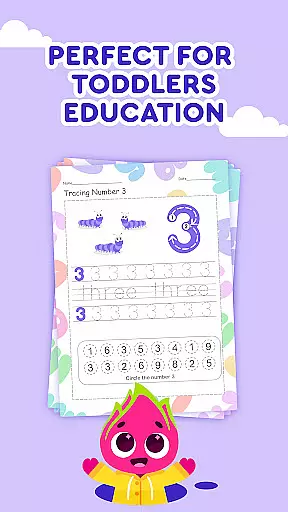
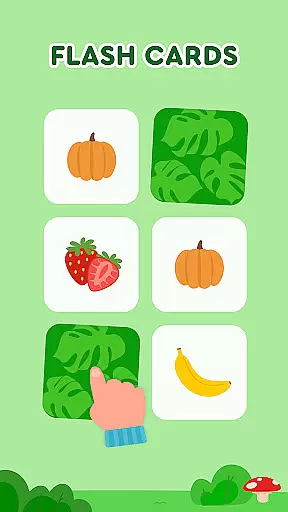

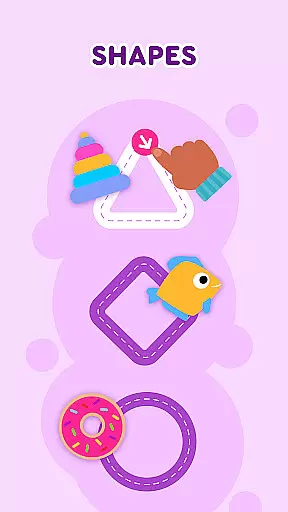

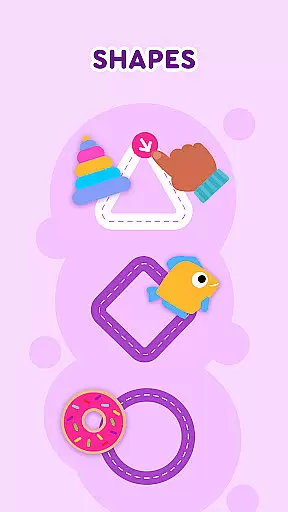
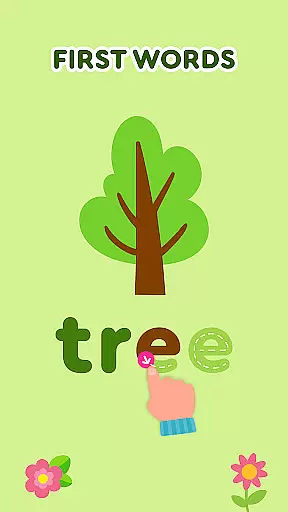
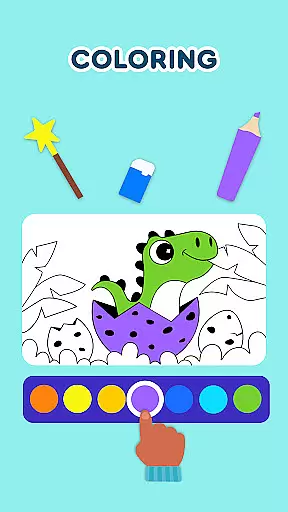
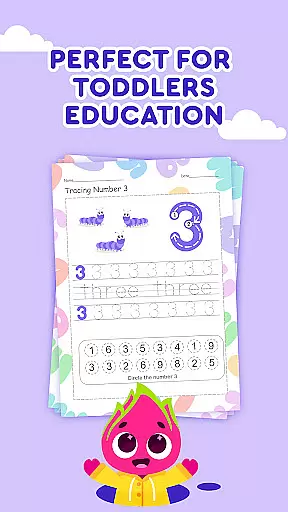
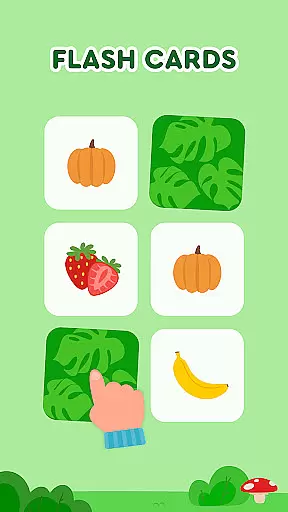

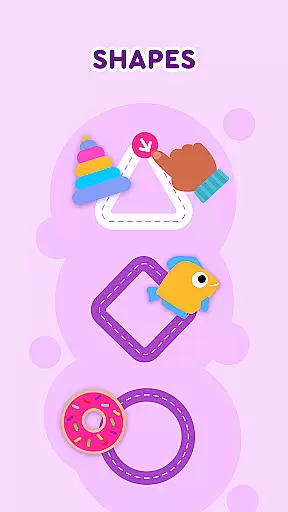
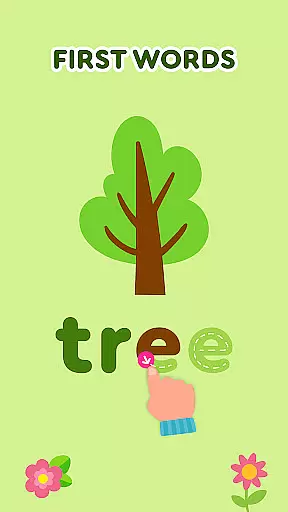
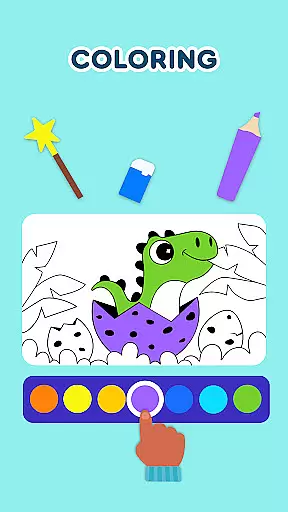
Keiki Learning Games for Kids is an educational app designed to make learning enjoyable for toddlers and preschoolers. The app offers a variety of interactive games that cover essential early learning topics such as ABCs, numbers, colors, shapes, and more. With content developed by child education experts, it ensures both fun and educational value.
The app features different learning modules including letter recognition, phonics training, writing practice, memory games, and puzzles. These activities are crafted to enhance cognitive development, fine motor skills, and basic academic knowledge in young children. Whether at home or on the go, Keiki provides a safe and ad-free environment for kids to learn and grow.
Parents can utilize this app as a comprehensive learning tool that keeps their children engaged while developing crucial skills. From singing along with educational songs to solving jigsaw puzzles, Keiki Learning Games for Kids makes screen time productive and beneficial for early childhood education.
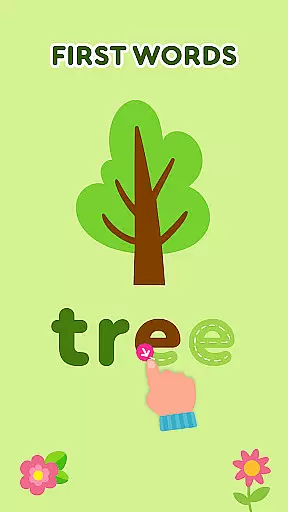
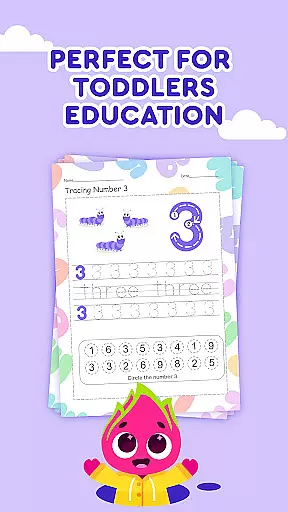
Keiki Learning Games for Kids stands out with its diverse range of educational activities tailored for young learners. One notable feature is the collection of ABC puzzle games that help toddlers recognize letters and understand basic phonics through interactive play. Additionally, the app includes tracing activities for both uppercase and lowercase letters, promoting early writing skills.
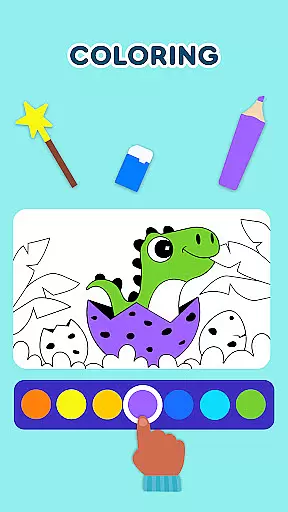
Beyond alphabets, the app offers numeric learning through counting games and number puzzles. Children can also enjoy themed activities like harvesting fruits and vegetables, cooking games, and color-matching challenges. Each game is designed to improve specific skills such as memory, attention, and problem-solving abilities.
Another remarkable aspect is the inclusion of funny songs and cartoons that create an entertaining atmosphere while teaching important concepts. With adjustable difficulty levels and a safe, ad-free interface, Keiki ensures personalized and secure learning experiences for every child.
In the realm of educational gaming, content authority and curriculum alignment are paramount for ensuring that learning is both effective and credible. Keiki Learning games for Kids takes this responsibility seriously by developing its suite of ABC games, toddler puzzles, and math games under the guidance of child education experts. This guarantees that every interaction a child has with the app is not only engaging but also rooted in educational theory and practice.
The application offers a broad spectrum of activities designed to align with early childhood educational standards. From tracing ABC letters to understanding the concept of numbers and colors, each game is crafted to match the developmental milestones expected in preschool curricula. The app's dedication to curriculum alignment ensures that while children enjoy the playful aspects of singing along to educational songs or playing memory card games, they are simultaneously reinforcing knowledge that will serve as a foundation for their academic journey.
Parents and educators can be confident in the app's ability to provide a safe and enriching environment that mirrors the learning objectives found in traditional educational settings. With features such as phonics training, shape recognition, and color learning, Keiki Learning games for Kids stands out as a paragon of how digital platforms can support and enhance early childhood education through authoritative content and careful adherence to curriculum guidelines.
Gamification in learning has revolutionized the way children absorb new information, transforming education into an interactive and enjoyable experience. Keiki Learning games for Kids excels in integrating gamified elements with educational content, creating an ecosystem where play and learning coexist harmoniously. By incorporating fun songs, cartoon characters like Didi, and interactive puzzles, the app captivates young minds and keeps them engaged in their educational journey.
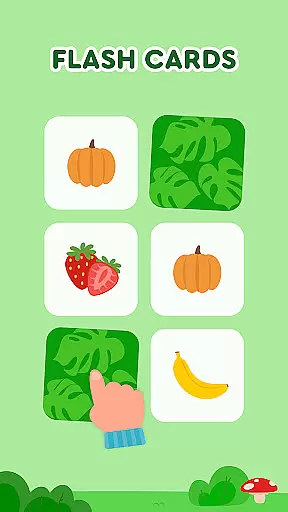
Each feature within the app, from cooking games to harvesting fruits and vegetables, is meticulously designed to teach valuable lessons while maintaining the excitement of gameplay. For instance, as children catch ingredients in the cooking section, they learn about different foods and kitchen safety, all within a simulated environment that feels more like play than study. Similarly, the memory cards segment challenges kids' recall abilities, subtly enhancing cognitive skills through repetition and recognition tasks disguised as entertaining quests.
This seamless blend of gaming and learning ensures that toddlers and preschoolers develop essential skills such as letter recognition, basic math, and color identification without ever feeling overwhelmed or disinterested. Keiki Learning games for Kids demonstrates how gamification can lead to meaningful learning outcomes, making it an exemplary model of educational innovation tailored specifically for the formative years of childhood development.
User-friendly interface
Educational content
Variety of games
Ad-free environment
Expert-developed curriculum
Limited advanced content
Requires frequent updates
Basic graphics quality
In-app purchases available
Occasional bugs reported

Stack the States® 2 makes learning US geography fun!
 4.50
4.50
Join the pirate math adventure!
3.60
Play the fun princess party game for kids with Cocobi the little dinosaurs.
4.10
Glow Doodle! Baby Coloring & Drawing games for toddlers: Color and Learn! NoAds!
4.40
Featuring the Numberblocks
3.60
CASHFLOW - The Investing Game
4.00
Find the hidden Numberblocks, add them together and see what happens.
3.50
Enjoy coloring with wide variety of 1000+ coloring games for kids & drawing game
4.50
A fan of cute games? Try animal games & take care of fluffy virtual pets!
4.20
Toddler Learning Games, Learn: Colors, Shapes, Puzzles, ABC ... ►NoAds!◄
4.50
Kids letter tracing technique, which is the first step in learning how to write.
4.30
Find Carmen - Play the classic detective game, stop VILE and find Carmen
4.10
Daycare full of baby games! Take care of cute toddlers & play fun mini-games!
3.90
Spark your little ones’ imagination!
3.80
Educational game for children about emergency and other service vehicles
3.80
Woof! The very first official Hey Duggee app for CBeebies' new favourite show.
3.70
Create, Style, Repeat!
3.70
Companion app for Cozmo, the educational toy robot who’s got a mind of his own.
3.30
A logic puzzle game for 1 - 3 players
4.2


User Reviews