
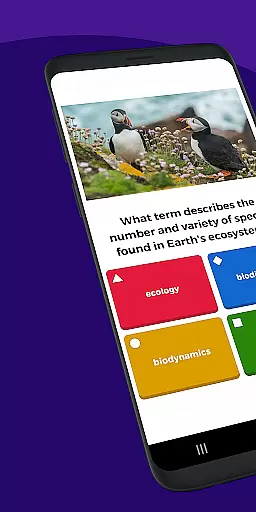

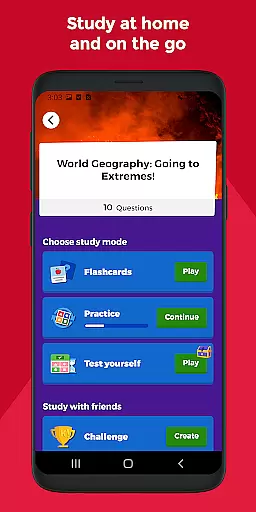
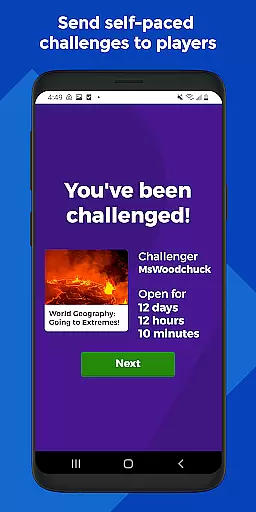
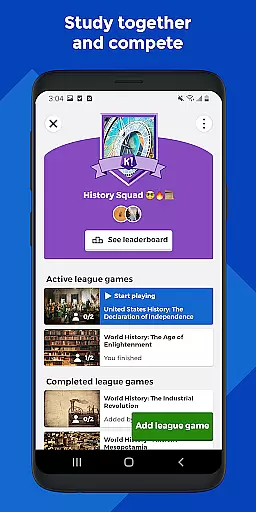

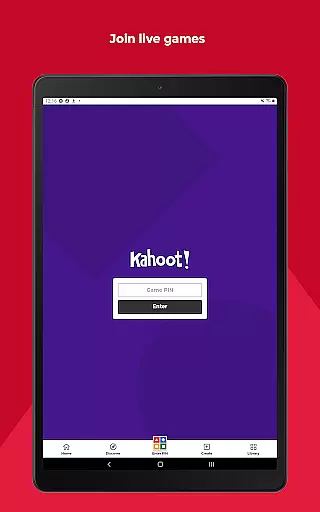
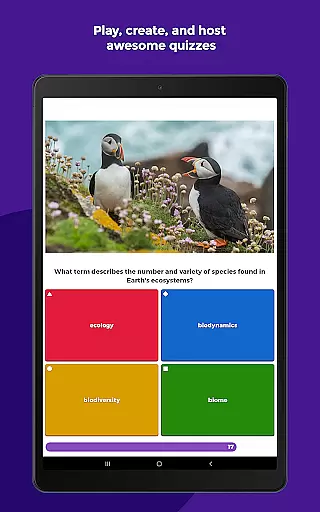
Kahoot! is an interactive learning platform that allows users to play and create engaging quizzes, known as kahoots. It caters to a wide audience including students, teachers, families, and company employees. The app supports multiple languages such as English, Spanish, French, German, Italian, Brazilian Portuguese, and Norwegian, making it accessible globally.
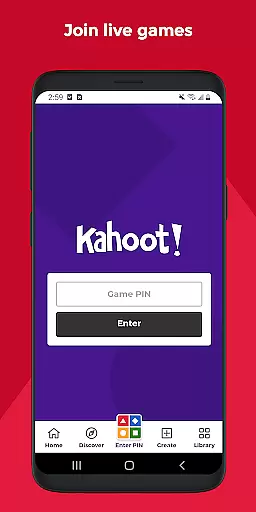
With Kahoot!, students can study using unlimited free flashcards, join live kahoots in class or virtually, and complete self-paced challenges. Teachers can search for ready-to-play kahoots, create their own quizzes quickly, and assess learning outcomes with detailed reports. Families and friends can host live games, engage kids at home, and send challenges to each other. Company employees can use Kahoot! for e-learning, presentations, and events, encouraging audience participation through polls and word cloud questions.
The app offers both free and premium features. While basic functionalities are available for free, advanced options like an image library and specialized question types require a paid subscription. This makes Kahoot! versatile for educational and professional environments alike.
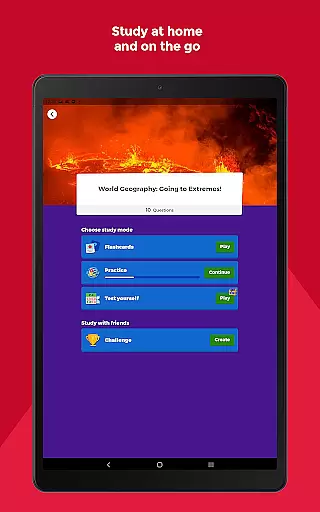
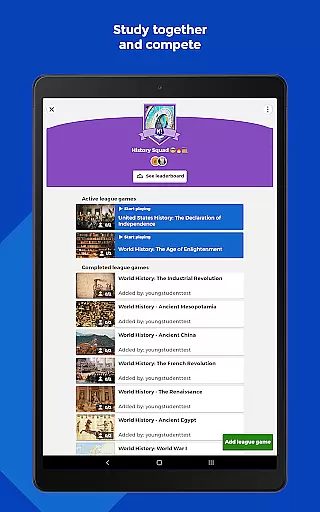
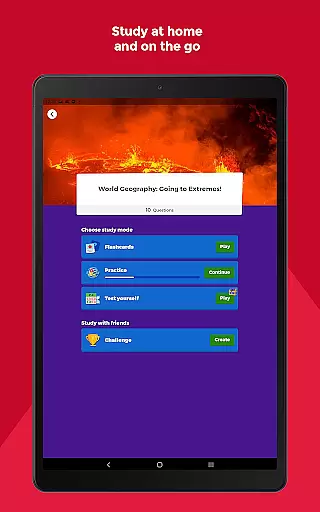
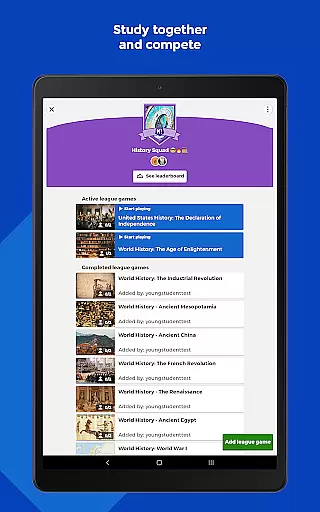
Kahoot! boasts a variety of features designed to enhance the learning experience. Students benefit from unlimited free flashcards and various smart study modes, enabling them to study effectively at home or on the go. They can also compete with friends in study leagues and challenge others with custom-made kahoots, adding a competitive yet fun element to learning.
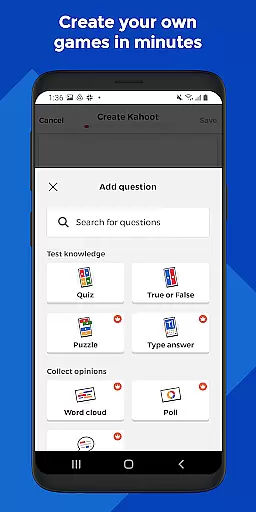
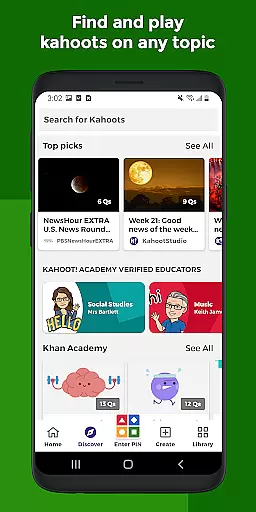
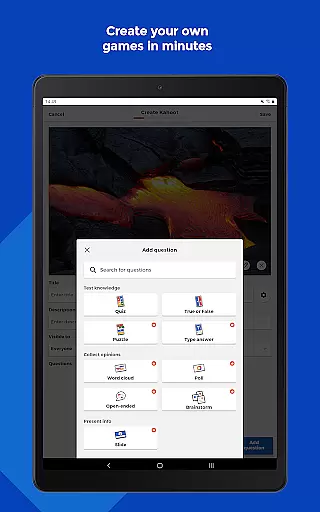
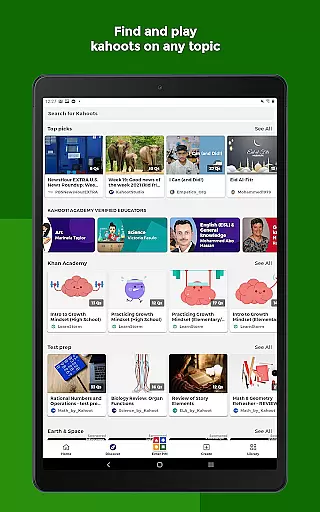
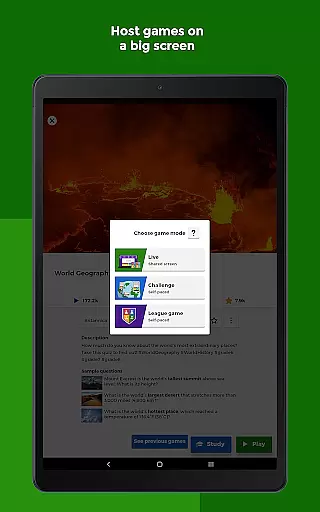
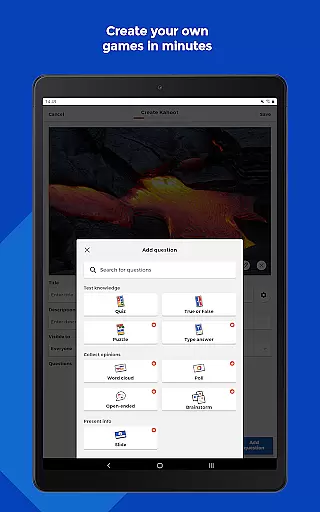
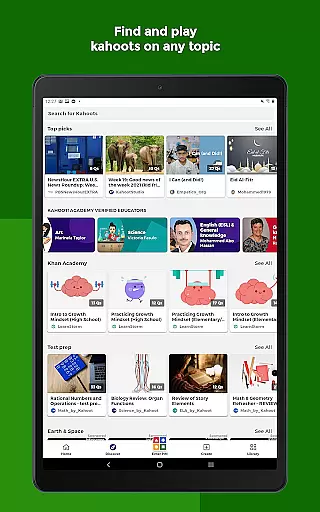
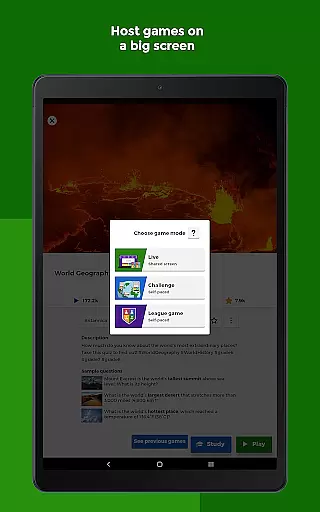
For educators, Kahoot! provides tools to search among millions of pre-made quizzes, create or edit their own quizzes swiftly, and combine different question types to boost engagement. Teachers can host live quizzes in class or assign self-paced challenges for review, assessing student progress with comprehensive reports. Families and friends can find kahoots on any topic suitable for all ages, host live sessions via screen sharing, and even craft personalized quizzes with diverse question formats and image effects.
In professional settings, Kahoot! facilitates e-learning, presentations, and events by allowing employees to create quizzes and encourage audience interaction through polls and word clouds. Live hosting options extend to virtual meetings, while self-paced challenges support ongoing education. Advanced features, available through a paid subscription, include access to an extensive image library and sophisticated question types like puzzles, open-ended questions, and slides.
In the realm of educational tools, content accuracy and authority are paramount. Kahoot! Play & Create Quizzes ensures that all its quizzes and learning materials are meticulously crafted and reviewed by educators and subject matter experts. This guarantees that students, teachers, and lifelong learners receive information that is not only engaging but also factually correct and aligned with educational standards.
The app provides access to millions of ready-to-play kahoots across various subjects, each designed to reinforce learning objectives and outcomes. Teachers can trust the content available on Kahoot! for classroom use, knowing it meets high standards of educational value and relevance. With support in multiple languages including English, Spanish, and French, Kahoot! maintains its commitment to authoritative global education resources.
For company employees, Kahoot! offers reliable content for e-learning and professional development sessions. The platform's dedication to accuracy extends to corporate training modules, ensuring businesses can depend on Kahoot! for accurate knowledge transfer and skill-building exercises. By prioritizing content integrity, Kahoot! empowers users worldwide to learn confidently and effectively.
Kahoot! Play & Create Quizzes stands out in the Education category by offering personalized learning paths tailored to individual needs. Students benefit from unlimited free flashcards and smart study modes that adapt to their unique learning styles. These adaptive features enable learners to progress at their own pace, focusing on areas where they need the most improvement while reinforcing already acquired knowledge.
Teachers using Kahoot! can assign self-paced challenges and assess learning outcomes through detailed reports. This allows them to tailor instruction based on individual student performance, creating a truly customized educational experience. Additionally, the ability to combine different question types increases engagement and caters to diverse learning preferences within a single classroom environment.
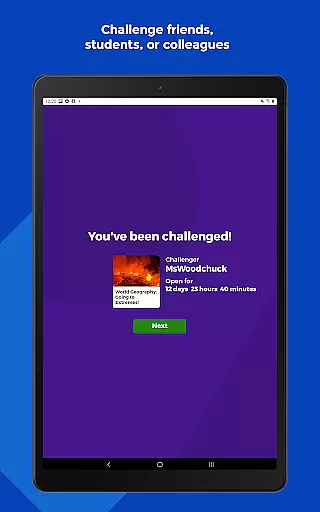
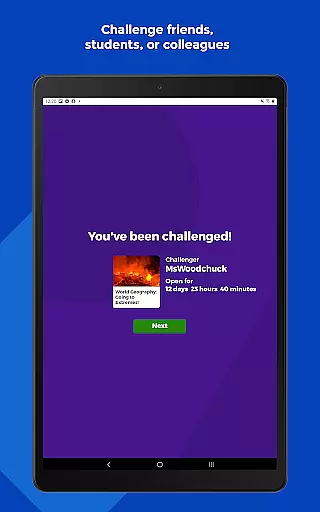
For families and friends, Kahoot! makes it easy to challenge one another with custom-created quizzes or selected ones from an extensive library. This personalization aspect fosters friendly competition and collaborative learning opportunities outside traditional settings. Whether studying at home or on-the-go, Kahoot!'s adaptive features ensure every user's journey is uniquely theirs, promoting deeper understanding and retention of new concepts.
User-friendly interface
Multi-language support
Versatile quiz creation
Engaging study modes
Detailed progress reports
Premium features locked
Limited offline functionality
Requires stable internet
Advanced tools costly
Basic design aesthetics

Watch and Play Elmo's World!
 4.00
4.00
Grazing Risk Monitoring Service
4.3
FAR/AIM, FAR for Flight Crew and FAR for Aviation Maintenance Technicians
3.80
Learn Words Daily in Just Minutes - Boost Your Language Skills Fast!
4.60
2026 DVSA Driving Theory Test revision with Hazard Perception + Highway Code
4.60
Your best partner for learning Japanese words. Based on a best-selling textbook.
2.90
Astronomy Guide To Night Sky
4.30
Professional Award-Winning Astronomy Star Map App With Telescope Control
4.40
Memorize anything efficiently with AnkiDroid! Many pre-built decks available.
4.80
Explore myths and gods across cultures with in-depth insights and stories.
5.00
A realistic sky map to observe stars, planets, satellites and constellations!
4.80
Engage in learning science and math with the award-winning PhET simulations!
4.70
Build math skills in: addition, subtraction, multiplication and division.
4.10
Skelly is a fully poseable, anatomically correct reference skeleton for artists.
4.10
Learn to make peaceful contact with extraterrestrial civilizations
4.10
Break Language Barriers with AI—Learn Language Anytime, Anywhere!
4.00
An aviator’s preparation, study and test tool for FAA Knowledge Exams.
4.00
Listen, request and record pronunciations in more than 450 languages. Everywhere
3.90
A must-have app for mastering Japanese verb/adjective conjugations.
3.60
Honest Duolingo review—energy system problems, hidden costs, what works for language learning, and whether the free version is still viable.



User Reviews