
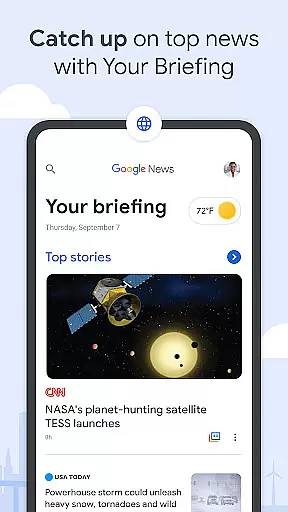
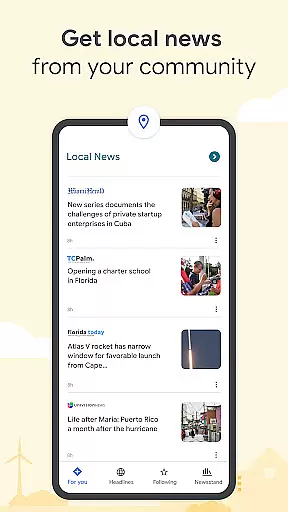

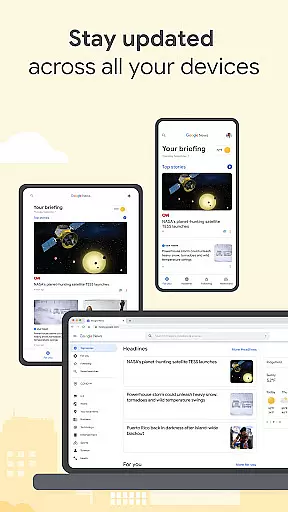
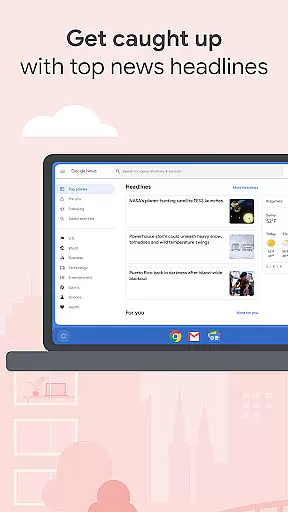
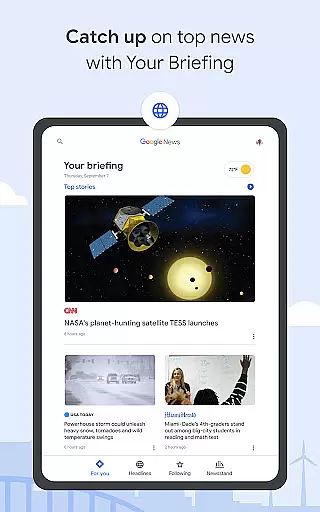



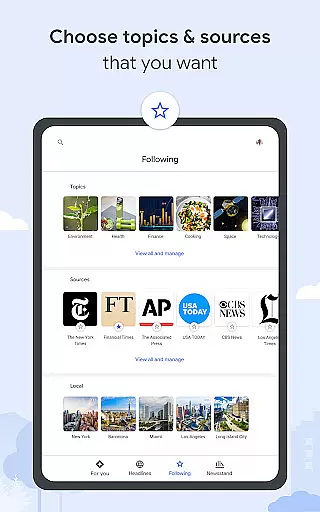
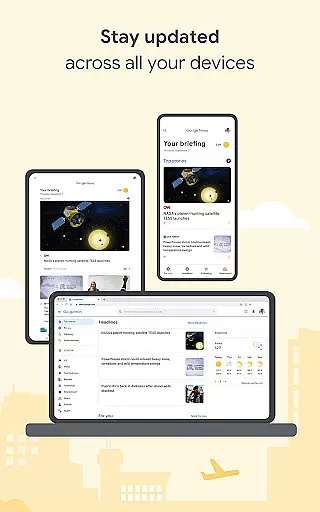

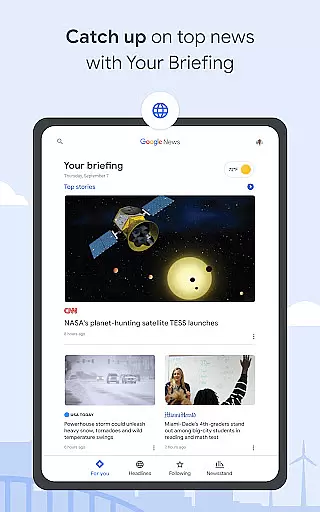


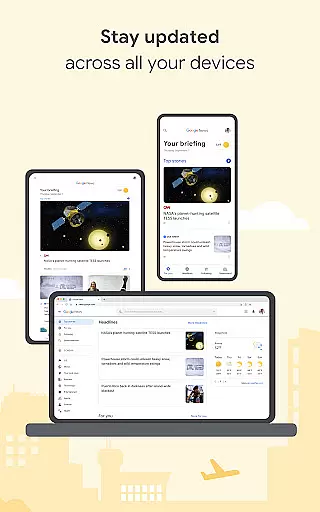

Google News is a sophisticated news aggregator that organizes and highlights global events, ensuring users stay informed about the stories most relevant to them. The app's core feature is its personalized briefing that updates throughout the day, bringing top headlines from local, national, and international sources. Additionally, it offers localized news content tailored to user-defined locations, making it an essential tool for staying connected to your community.
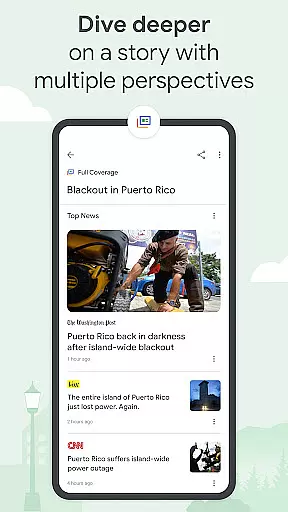
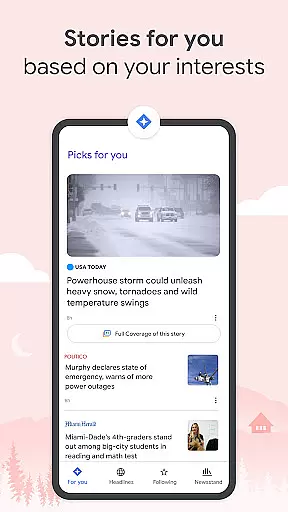
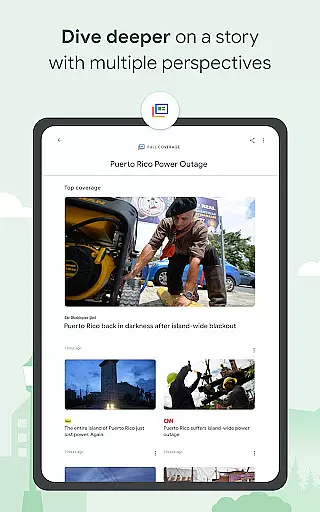
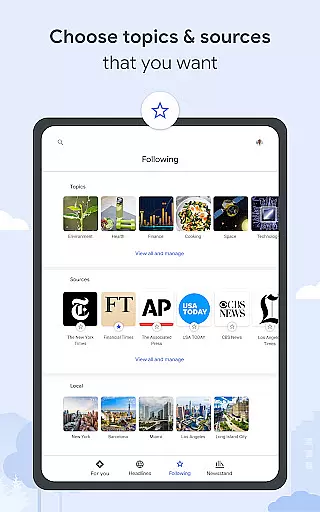
Beyond basic news aggregation, Google News provides Full Coverage, which allows users to explore multiple perspectives on a single story. This feature ensures comprehensive understanding by surfacing diverse viewpoints from various outlets. With Stories For You, users can further customize their experience by following specific topics and sources. Designed for seamless use across devices, Google News adjusts to different connection strengths and even supports offline reading, making it versatile for any situation.
Google News stands out with its robust set of features designed to enhance user engagement and information accessibility. One of its key features is Your Briefing, which dynamically updates to provide top headlines and personalized news tailored to individual interests. This ensures users are always informed about what matters most to them without sifting through irrelevant content.
Another significant feature is Local News, allowing users to explore stories from their community or any customized location. This hyper-local focus brings news closer to home. Additionally, the Full Coverage functionality aggregates all online content about a story, presenting multiple perspectives from different media outlets. Stories For You further personalizes the experience by letting users follow preferred topics and sources. Lastly, Google News optimizes data usage and supports offline access, ensuring smooth performance regardless of connectivity issues.
In today's digital age, the credibility and diversity of news sources are more important than ever. Google News recognizes this and aggregates content from a wide array of reputable outlets. This ensures that users are not only exposed to information from credible sources but also receive a balanced view by accessing stories covered by international, national, and local publishers.
Google News employs a rigorous process to evaluate and select its sources. It prioritizes established news organizations with a strong track record for journalistic integrity. By doing so, it provides users with access to high-quality journalism while filtering out unreliable or biased content. This commitment to source credibility means users can trust the information they find on the platform.
Beyond just credibility, Google News champions diversity in news coverage. The app goes beyond mainstream headlines to include perspectives from independent journalists and niche publications. This approach allows users to explore stories through multiple lenses, gaining a richer understanding of global events. Whether you're interested in politics, technology, or culture, Google News offers diverse viewpoints that cater to varied interests.
The benefit to users is clear: by delivering news from a broad spectrum of trusted sources, Google News empowers readers to form well-rounded opinions. Instead of relying on a single outlet, users can compare how different publications report on the same event. This feature not only enhances media literacy but also encourages critical thinking about the news we consume daily.
Accuracy in news reporting is crucial, and Google News takes this responsibility seriously by implementing robust fact-checking measures. The platform uses advanced algorithms combined with human oversight to verify the authenticity of articles before presenting them to users. This dual-layered approach helps maintain high standards of content accuracy across the app.
One key aspect of Google News' fact-checking process involves partnerships with independent fact-checkers. These organizations specialize in verifying claims made in news articles, ensuring that misinformation doesn't spread through the platform. When questionable content is detected, it's either removed or clearly labeled as unverified, giving users transparency about what they're reading.
Moreover, Google News continuously updates its fact-checking protocols to adapt to evolving challenges in digital media. As new forms of misinformation emerge, the platform refines its detection methods to stay ahead. This commitment to ongoing improvement demonstrates Google News' dedication to providing reliable information to its users.
For readers, this rigorous approach to content accuracy translates into peace of mind. They can engage with current events knowing that each article has undergone thorough scrutiny. Whether scanning headlines or diving deep into complex issues, users benefit from having access to verified, trustworthy information that forms the foundation of informed discussions and decisions.
Personalized news feed
Multiple perspectives
Local news coverage
Offline access
Data optimization
Limited customization
Occasional redundancy
Ads in free version
Complex interface
Regional restrictions

Daily last -minute news alerts for local headlines
 4.60
4.60
Movies, music, games & much more apps for Chromecast, Google Cast and Android TV
4.50
Never miss Local news, Breaking news and weather forecast from your neighborhood
4.50
Discover Taiwan Through News, Entertainment & Culture
4.50
World News On Finance, Business, Economics, Stock Market & Investment Portfolio
4.00
SAN | Unbiased News. Straight Facts.™
4.70
Quora is a place to share knowledge and better understand the world
4.20
400+ News Channels. Local, Live & World Coverage. All the News in Just One Click
4.30
Live radar, daily & hourly weather forecast, latest local & international news.
4.50
Never miss a beat! Get local & US breaking news on your phone, ultra-fast.
4.50
Breaking News, Politics & Award-Winning Journalism
4.40
Stay informed on the day’s breaking news, live updates, and headlines with CNN.
4.40
Get the latest news anytime, anywhere
4.10
Discover community from instant updates, trending stories, and local coverage!
4.10
Local NYC news and weather alerts. Watch NBC 4 New York live 24/7.
4.00
Stream Local News, Weather & Entertainment, with 1000s of Movies & TV Shows
3.80
Listen to Live Police and Fire Radio! Stay informed by Police Scanner
3.80
Watch the CBS News 24/7 live stream for breaking news & in-depth reporting.
3.20
Get the latest in politics, breaking news, world events, finance and health.
3.10


User Reviews